Creator & professional planning
Personal branding photo ideas with a job to do
PublicSelf editorial · Published
A useful brand-photo set gives you several ways to show up while remaining recognizable. Plan where each picture will appear before choosing outfits or collecting dozens of variations.
Use this guide to build a small shot list for a website, profile and creator content. The professional examples are AI-generated style illustrations, not client campaigns or a guarantee of audience growth.
Read the guide ↓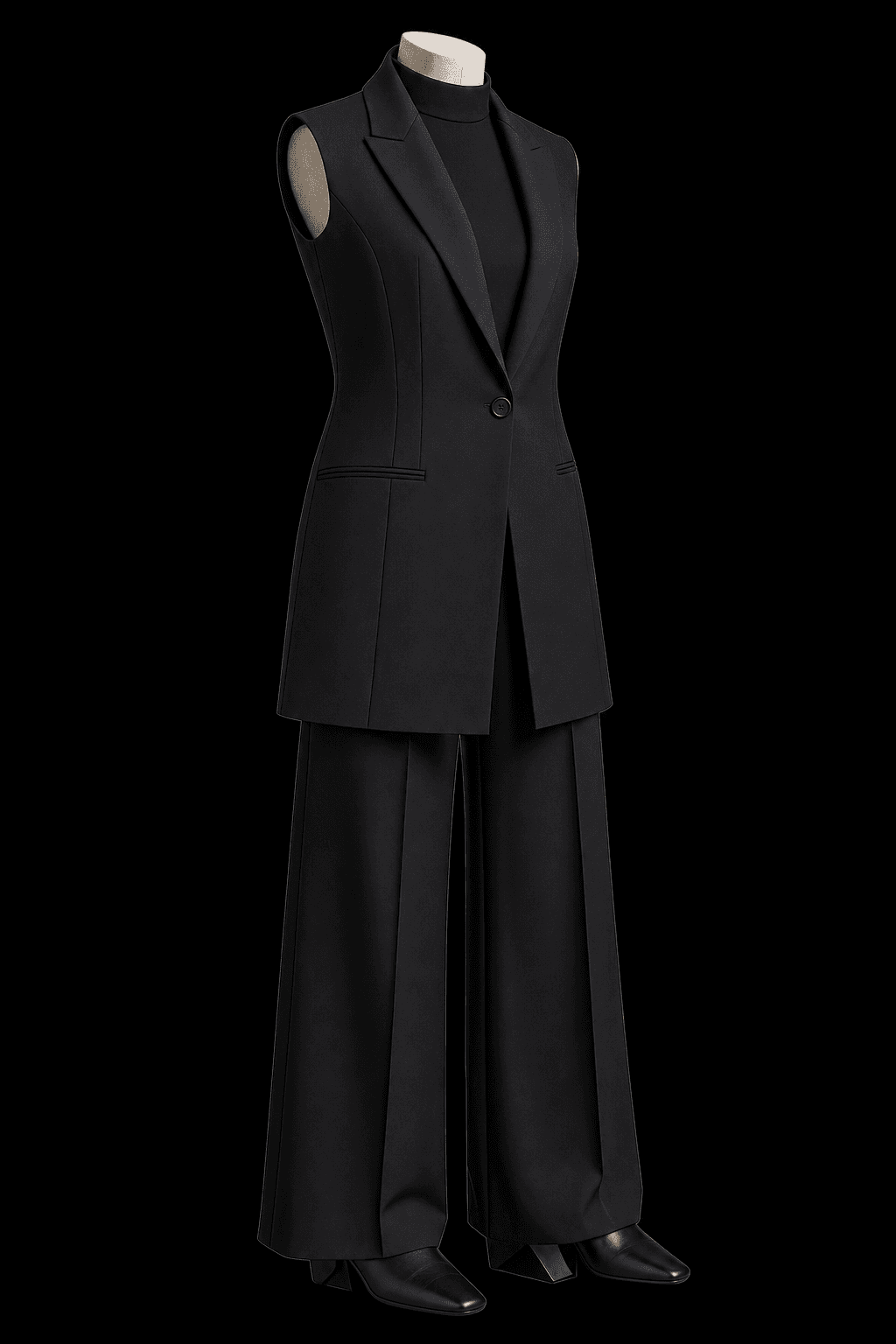
Give each photograph a destination
Write down the places that need a picture this month. A small avatar needs a clear face; a website heading may need space for text; a media-kit portrait needs to work beside a short biography. A dramatic full-length image cannot automatically do all three jobs.
Start with the five placements below and delete any that you will not use. The aim is a useful set, not a quota. You can make several crops from one suitable source, but inspect them rather than assuming every composition survives.
| Placement | Image idea | Review at delivery |
|---|---|---|
| Profile / avatar | Recognizable head-and-shoulders portrait. | Preview the circle and the small display size. |
| Website introduction | Portrait with quiet space beside you. | Check the real headline placement on mobile and desktop. |
| About page | A relaxed waist-up or full-length image. | Keep the person more prominent than the setting. |
| Creator post or cover | A pose and expression with a clear editorial purpose. | Check the crop and leave space for intended text. |
| Media kit / speaker bio | A simple professional portrait. | Read the recipient’s image requirements before exporting. |
Keep a visual thread across the set
Choose a small number of decisions to repeat: an outfit family, a restrained palette, a background mood or the way the light falls. You do not have to wear identical clothes in every picture. A change should have a purpose rather than make the set look like five unrelated people.
Separate recognition from polish. Compare face, hair, glasses and expression across the images. An AI Set offers connected variations, but you still need to select the frames that look like you. Save the strongest reference image and use it when reviewing later additions.
A familiar portrait
Start with a straightforward face-led picture. It gives you a reference for the more expressive images that follow.
A wider story
Use clothing and setting to add context when the destination benefits from it. Label imagined or AI-created scenes appropriately.
A useful variation
Change expression, camera distance or pose while holding the other choices steady. You can then judge what that change actually adds.
Plan the avatar before the expressive full frame
The same style example below can read very differently as a full image, a portrait or a tight crop. Start with the version people will see most often, then make wider supporting images.
A creator portrait can be polished without becoming an invented identity. If your audience expects photography from an actual shoot or event, make the AI origin clear. Do not let a generated microphone, stage or office imply a real appearance that did not happen.
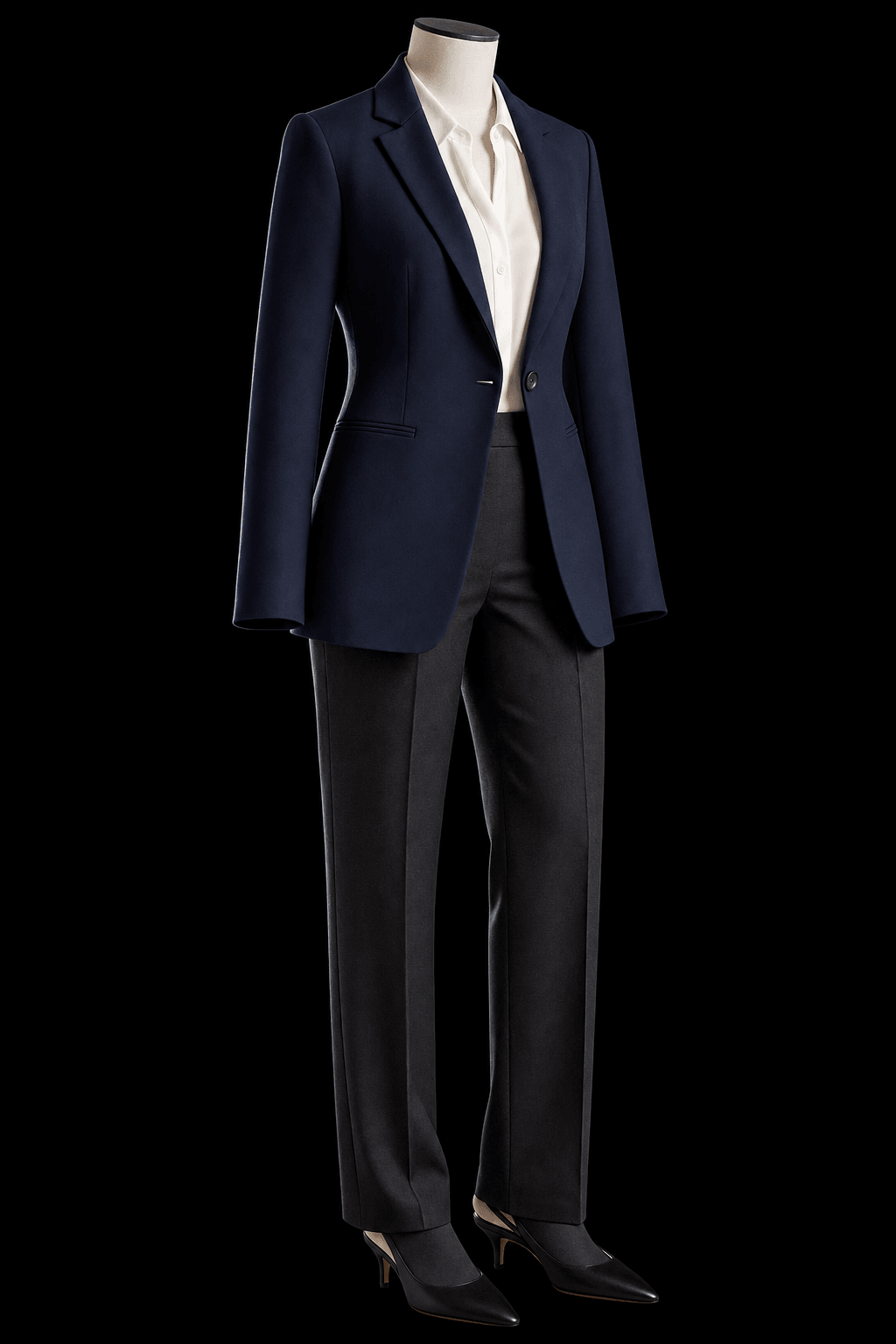
Keep room above the hair and enough shoulder shape. Check recognition at the final size.
Write a reusable four-line shoot brief
A short brief prevents visual drift. Write one sentence about the audience, one about the destinations, one about the visual choices and one about what must remain recognizable. For example: “Professional creator; profile and website; calm light, navy and cream; current hair, glasses and natural expression.”
In PublicSelf, choose a Look and a photographic setup, then adjust pose, expression, light, scene and framing. Change one major choice at a time while comparing results. For a set, review both each frame and the group: a strong individual image can still clash with the rest.
- Audience: who will see the pictures?
- Destinations: which placements need files?
- Visual choices: which colours, clothes and light recur?
- Recognition: which current details must remain consistent?
Turn the selection into usable files
Create a folder by destination rather than by generation date. Keep the original selected image, then save the crop used on each platform. Open the finished website or document after uploading; interface masks and mobile layouts can change what remains visible.
PublicSelf starts with 10 free credits. A picture costs 2 credits and the premium engine 9; inspect the total before a Shot or Set. Heart the selected images or download them, because unsaved generations are cleared after a couple of days. A consistent photo set supports presentation; it does not establish a growth or sales result.
- Reject unclear hands, accessories and lettering.
- Preview the profile circle.
- Test website text against the image on mobile.
- Name the files by intended use.
- Keep the selected originals and review the set when your appearance changes.
A small set is ready when…
- Every image has a real destination.
- The person remains recognizable across the set.
- Clothing, light and colour feel related.
- Avatar and website crops both work.
- Imagined scenes are not presented as actual events.
- The chosen files are downloaded or saved.
Questions about choosing your photos
How many personal branding photos do I need?
Start with the placements you actually use. A profile portrait, website image and a few supporting frames can be more useful than a large collection without destinations.
Is this an AI influencer generator?
This guide plans photos of a real person for their own brand. It does not create a publishing bot, a video character or an automated influencer business.
Should every image use the same outfit?
No. Repeat enough visual choices to make the set coherent, while changing clothing when the intended use calls for it. Recognition and purpose matter more than identical styling.
Can a single image supply every crop?
Sometimes, but inspect each version. A full-length picture can make the face too small, and a tight portrait may not leave space for a website headline.
Sources and further reading
- Influex — Personal Brand Photoshoot Planning Guide
A reference for planning shot types and intended placements. Our checklist and AI-specific selection workflow are PublicSelf’s own.