What is an AI outfit visualizer?▼
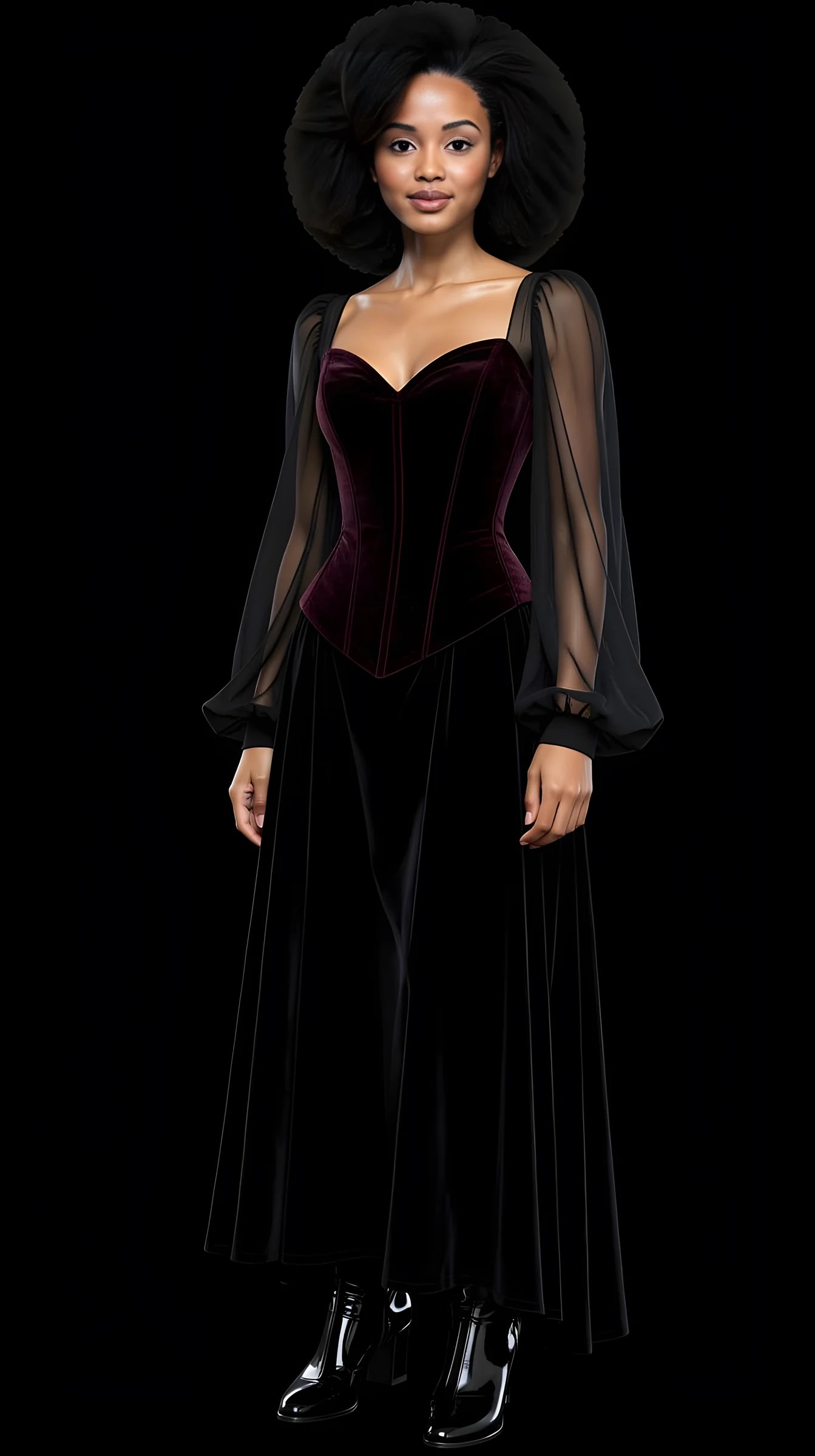
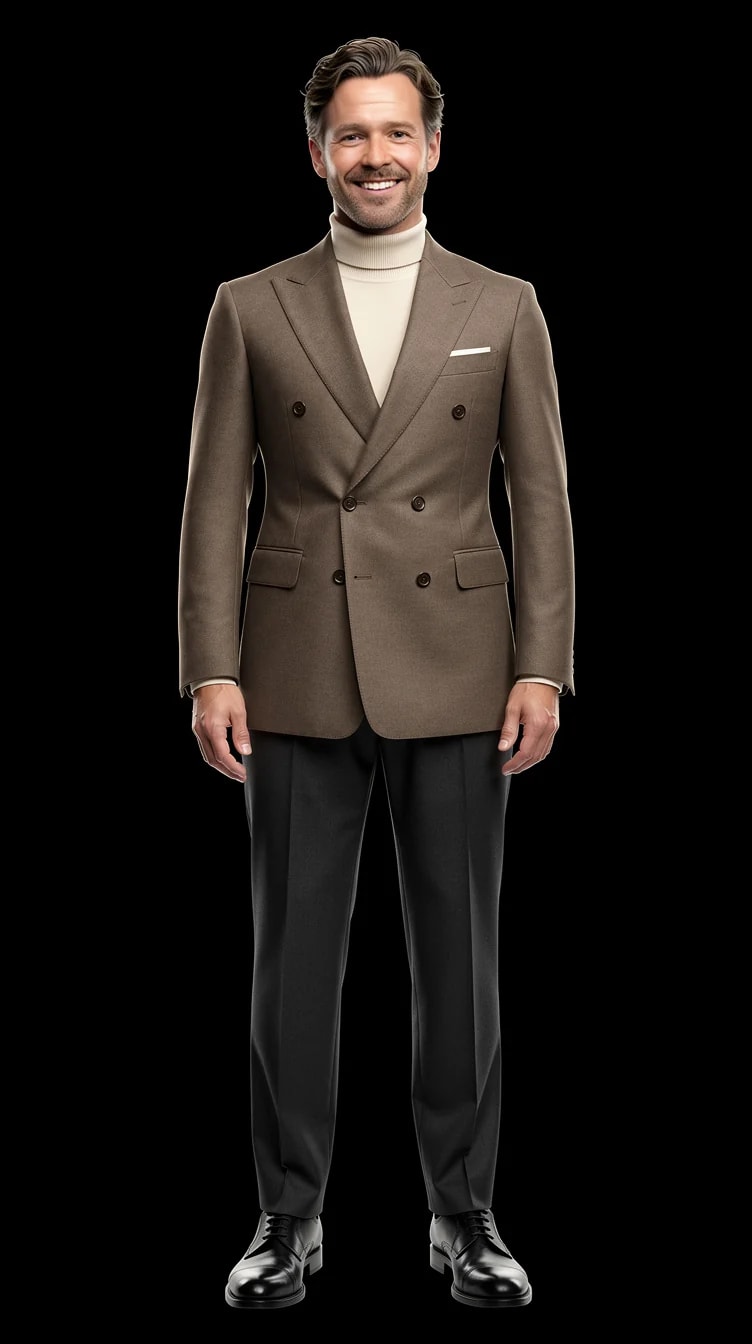
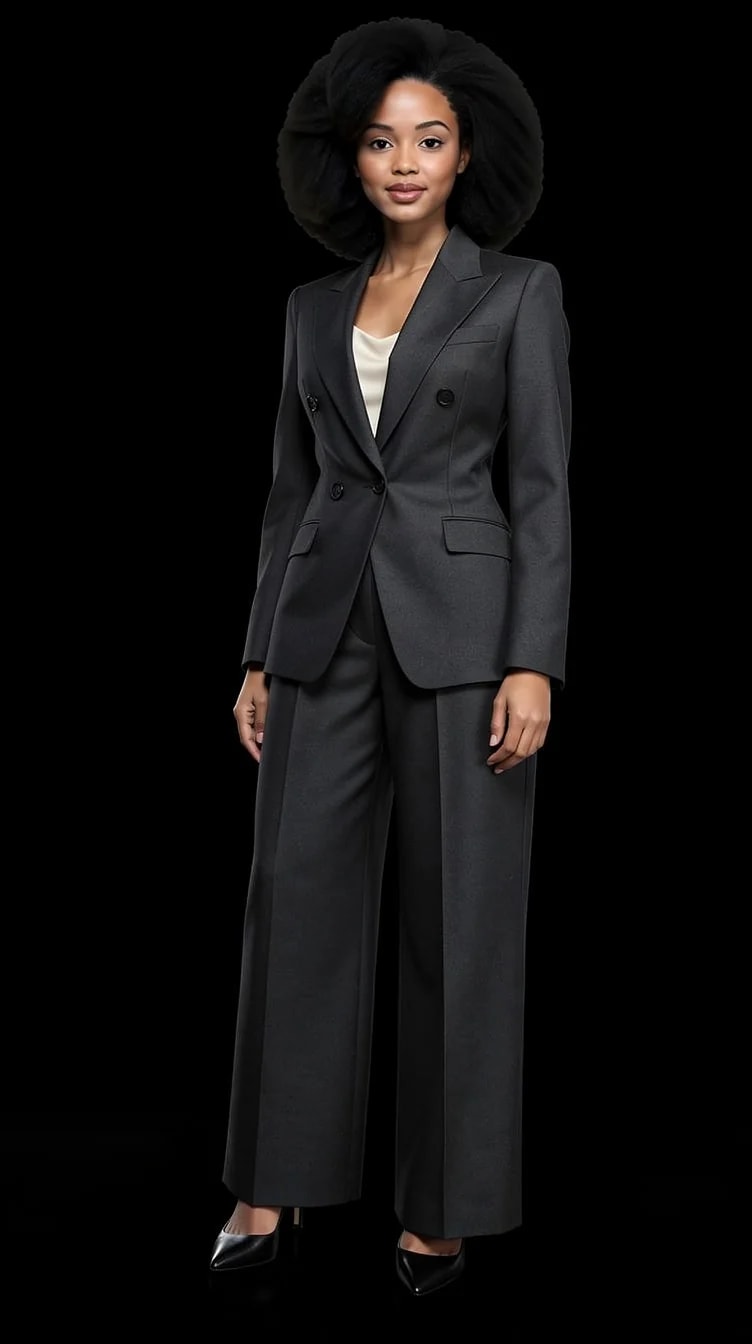
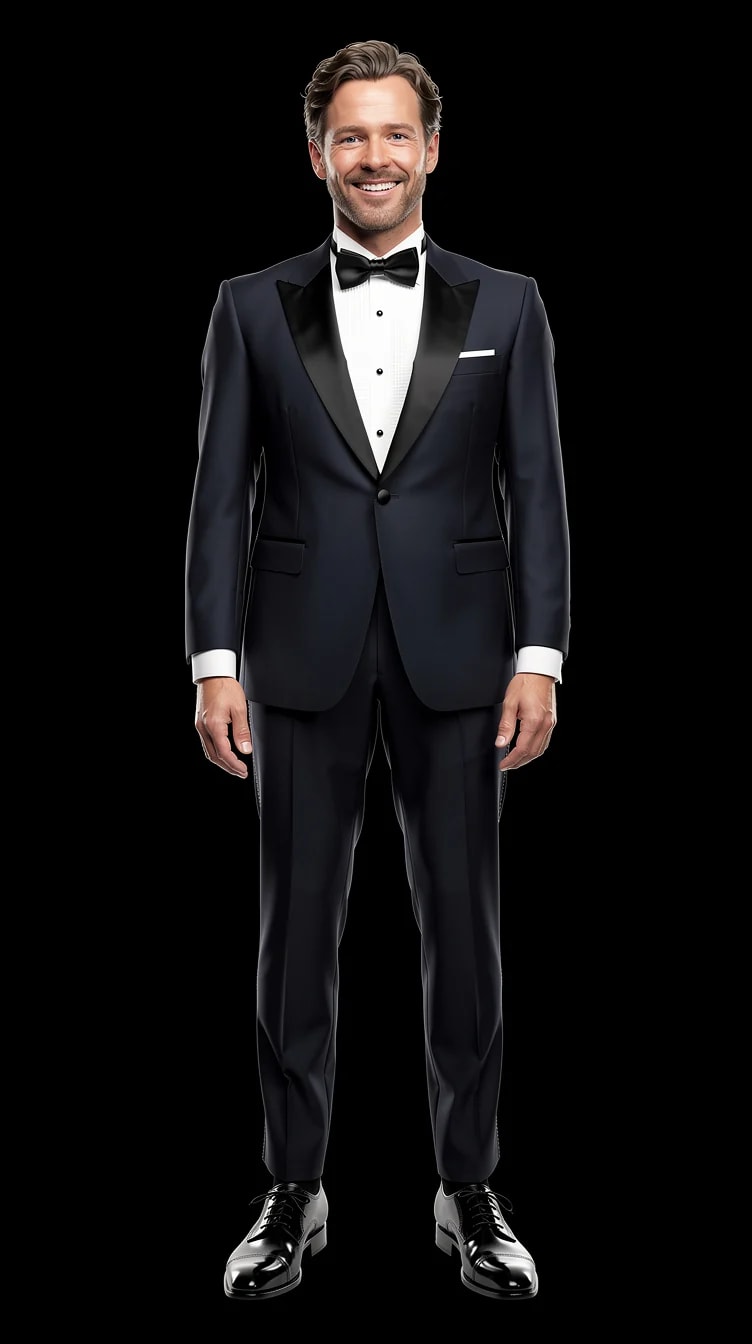
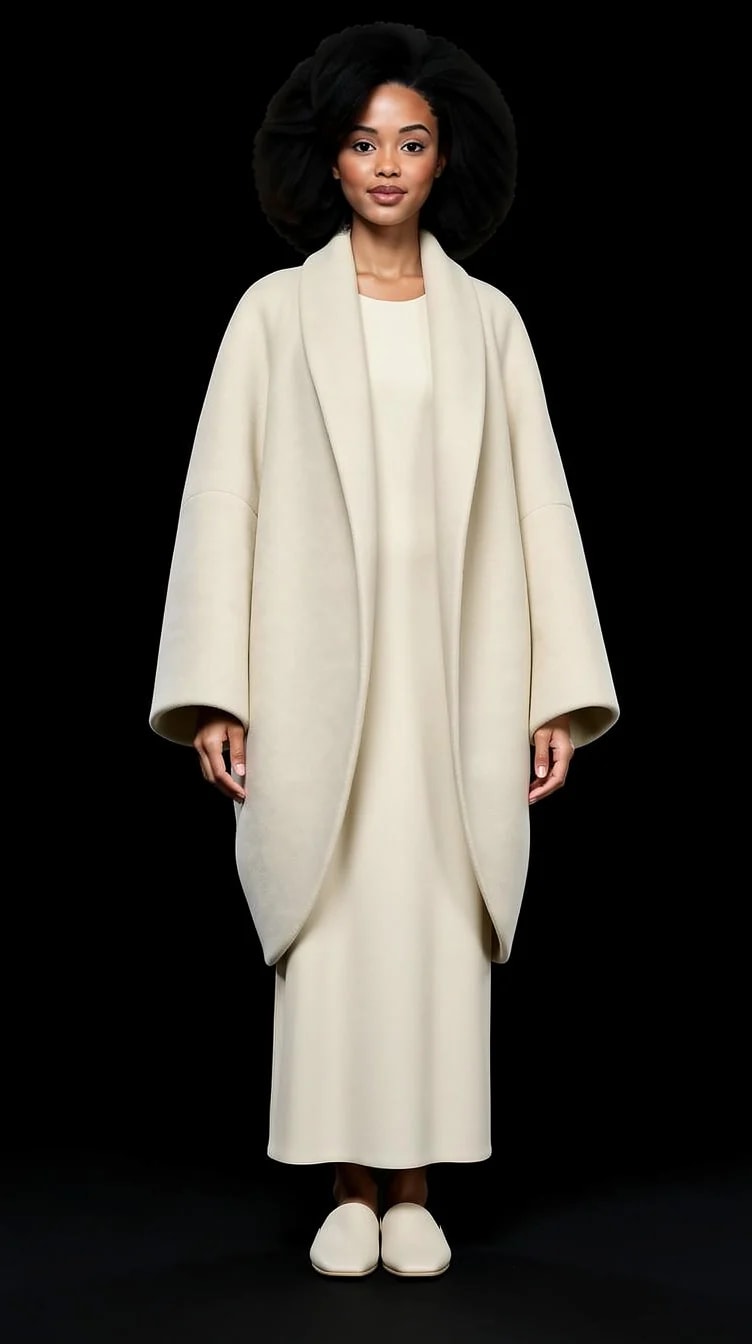
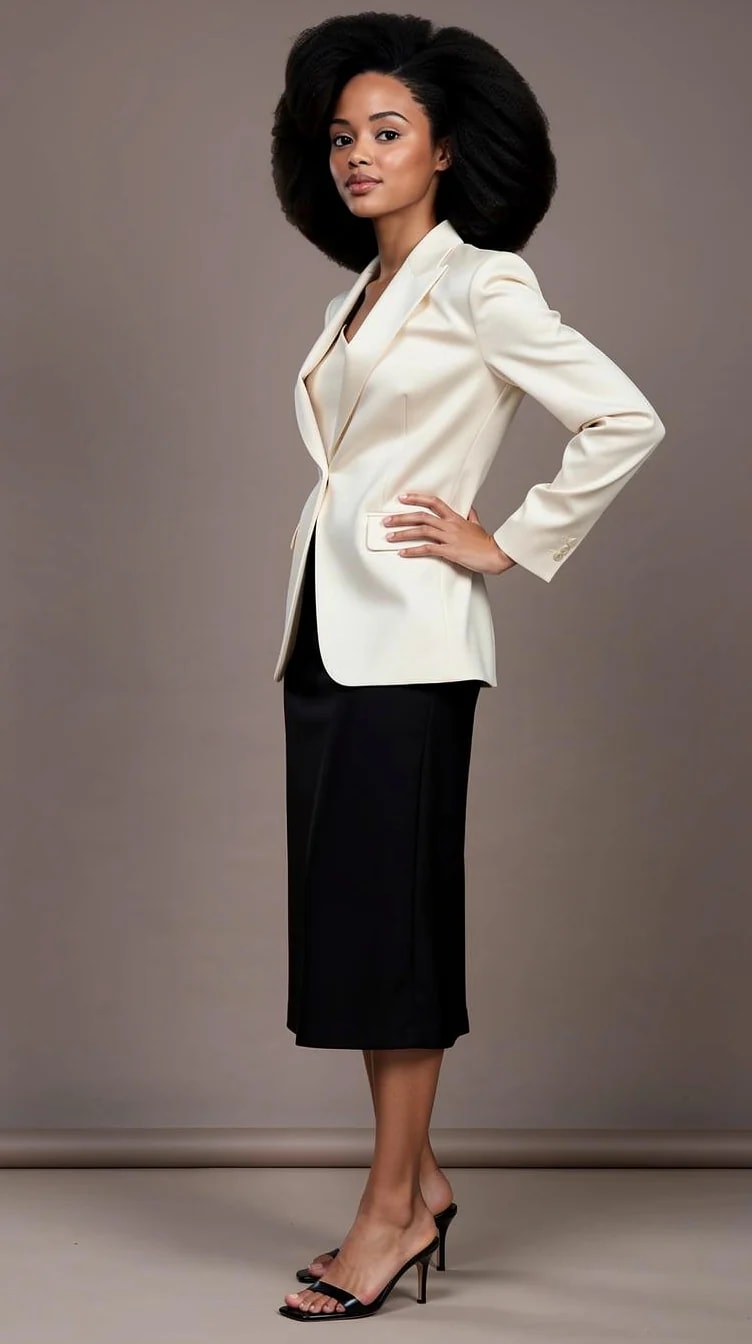
A tool that shows you a complete outfit on a person rather than on a hanger. This one puts it on you: you choose a styled look, the studio generates a photo of you wearing it. Spelled outfit visualiser outside the US — same thing.
How do I visualize an outfit on myself?▼
Upload two reference photos, pick a look from the catalog, adjust the colors or scene if you want to, then generate. The face stays yours across everything you generate, so what changes in the picture is the outfit and not the person wearing it.
Does it use my own photo?▼
Yes — that is the whole point. You need two: one full-length picture, head to toe, and one clear face close-up with no heavy filter. A third from another angle helps. If you only have the full-length shot, the studio can crop a face reference out of it.
Can I see myself in a specific garment I already own?▼
Yes, with one clear photo of it. A jacket on a hanger, a pair of shoes against a plain floor, a bag on a table — upload it, keep it on a shelf, and mix it into any look. One well-lit piece is the reliable path today; splitting a whole outfit photo into separate pieces is still rolling out.
Can I change the colors of an outfit?▼
Yes — recolor a look without losing its cut and styling, or add and swap individual garments. It is often the fastest way to find out whether the shape was right and only the shade was wrong.
Can I visualize an outfit from a photo I found online?▼
Yes. Use the picture as the brief and PublicSelf builds the look around it on you. It takes the direction — the silhouette, the palette, the mood — not a pixel-perfect copy of the garment.
How many outfits can I generate?▼
As many as you have credits for; each generated picture costs credits, and you get free ones at signup. There is no cap on how many looks you can browse or build before you generate one.
Will it tell me if the clothes fit?▼
No, and honestly no photo tool can. PublicSelf is for visualizing style on yourself, not simulating the sizing of specific products.
How accurate does the clothing look?▼
Good enough that you can judge a silhouette, a color and a general direction. Fine detail is where every current image model struggles — hands, jewellery, thin straps and delicate fabric texture are the usual weak spots, and simpler outfits render more reliably than heavily layered ones.
Are there men's and women's outfits?▼
Yes, independently curated collections for both, across business, elegant, casual and experimental styles.
Do I have to write a prompt?▼
No. You choose a curated look and adjust visual controls — that is the entire workflow. Nobody has to describe a lapel in a text box.
Is this the same as seeing yourself in different outfits?▼
Same studio, different starting point. This page is the tool: pick a look, then turn the dials — colors, items, scene, light. If you would rather browse finished outfits and see which ones suit you, the "see yourself in different outfits" page below is the front door for that.
What do the 10 free credits buy?▼
10 free credits to start. A picture costs 2 credits and the premium engine 9. Review the total before generating a Shot or Set.
How should I judge a generated portrait?▼
Compare the face, hair and details with your reference photos at full size and at the intended crop. Use a result only if it remains recognizable and fits its purpose. Likeness can vary; no usable-result count is guaranteed.