Transparent PNG
Real alpha, not a white box pretending to be transparent. Hair edges and glasses included.
Finish
Two finishing steps on any picture you keep. Remove the background to a transparent PNG with real alpha, so the cutout drops onto your own website, slide or poster. Upscale to 4K, so the file survives a print, a billboard mock-up or a conference screen.
10 free credits to start. A picture costs 2 credits and the premium engine 9. Review the total before generating a Shot or Set.
What you can create
Generation gives you the picture. Finishing makes it usable where it has to go.
Real alpha, not a white box pretending to be transparent. Hair edges and glasses included.
A cutout over your own colour, your own gradient, your own layout.
Place yourself on the slide, not a rectangle of someone's studio.
Upscaled from the generated picture, so a print or a large screen does not show the pixels.
Enough resolution for a square post or a vertical story without the picture going soft.
This site has a PNG inspector that reads the alpha channel of any file on your device, nothing uploaded.
How it works
Both finishes run on a picture you already have in your gallery.
01
Upload a few photos, pick a Look, shoot. Keep the frame you like.
02
Open the picture's actions and choose Remove background. The studio shows the price and returns a PNG with alpha.
03
Choose Upscale on the same picture. Download the large file, or download the cutout, or both.
Examples
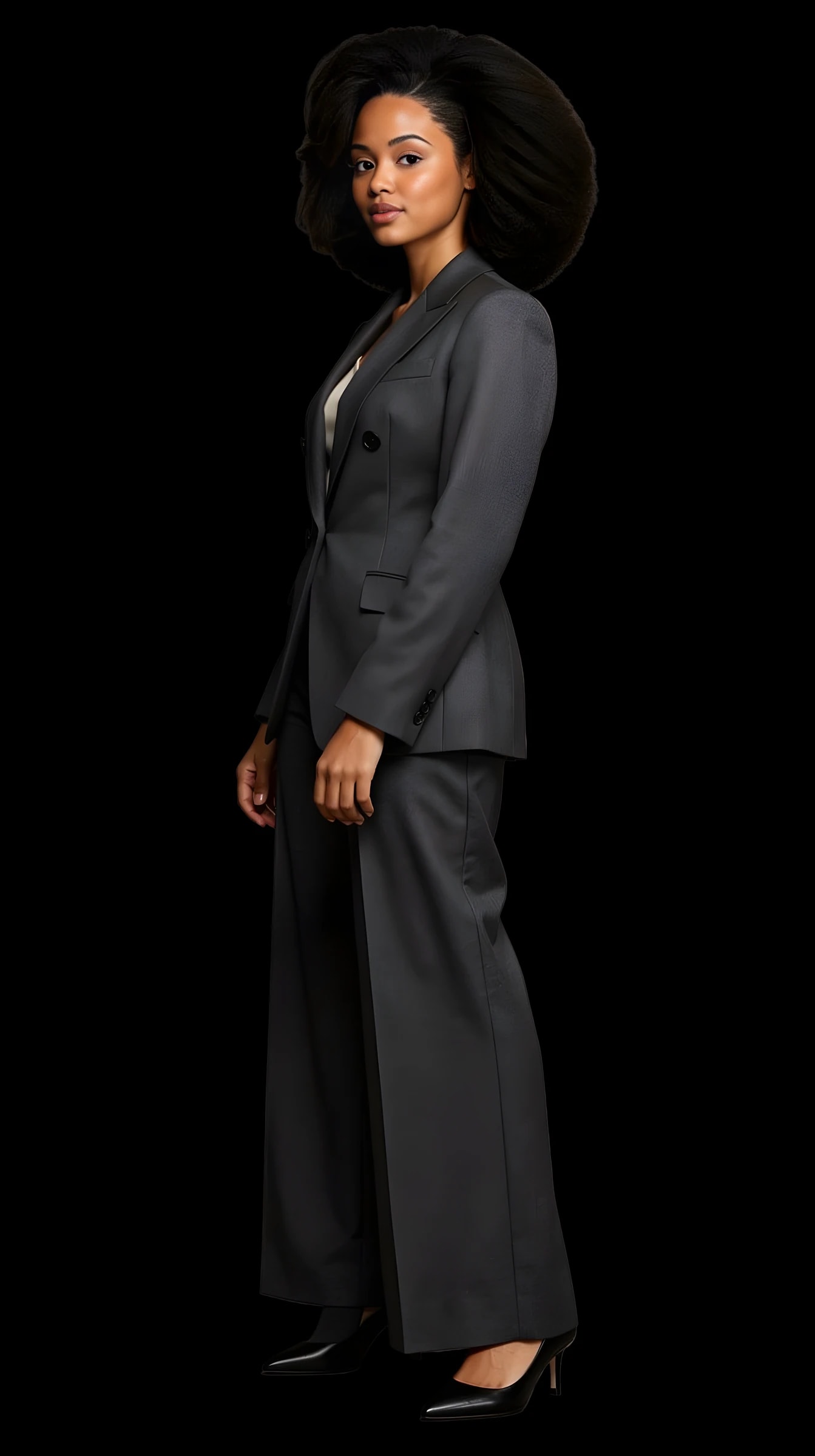
The demo avatar with the background removed, on a checkerboard, and the same picture upscaled to 4K. Made in the studio with the real pipeline.
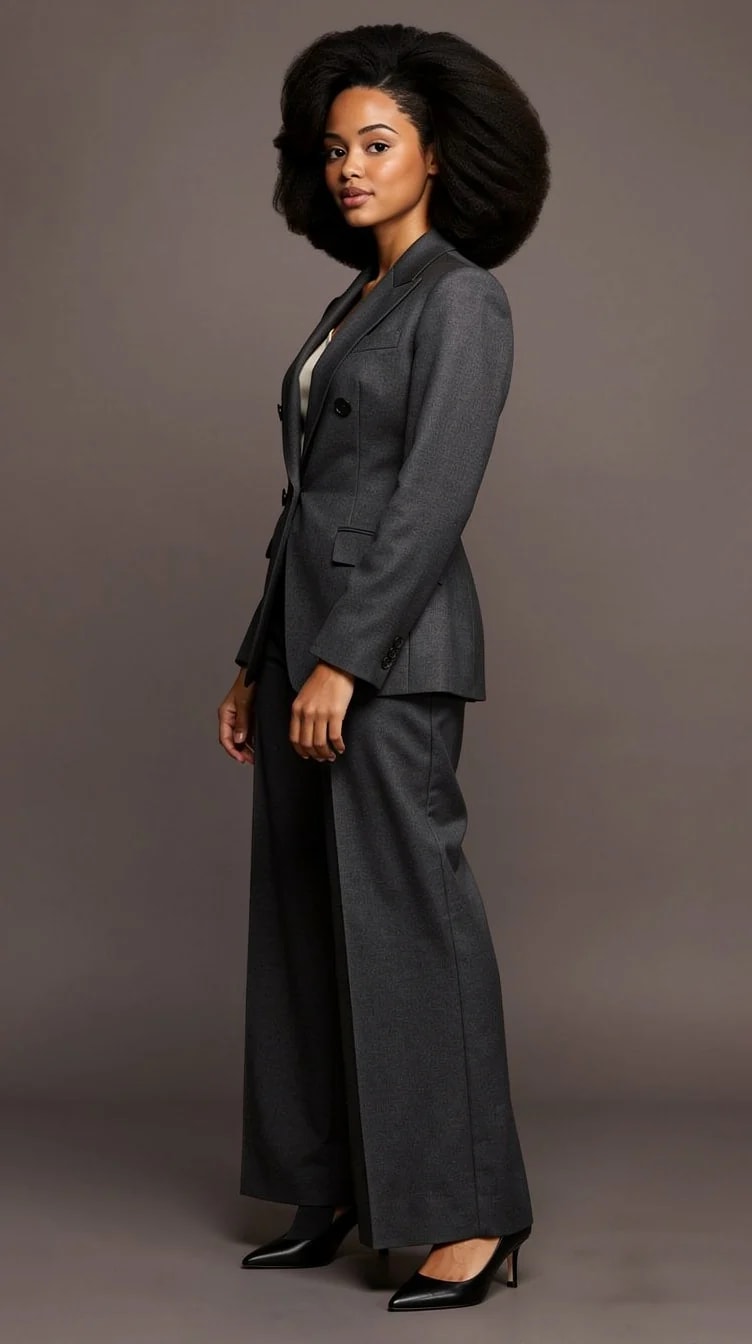
The same picture before the removal, on its studio backdrop.
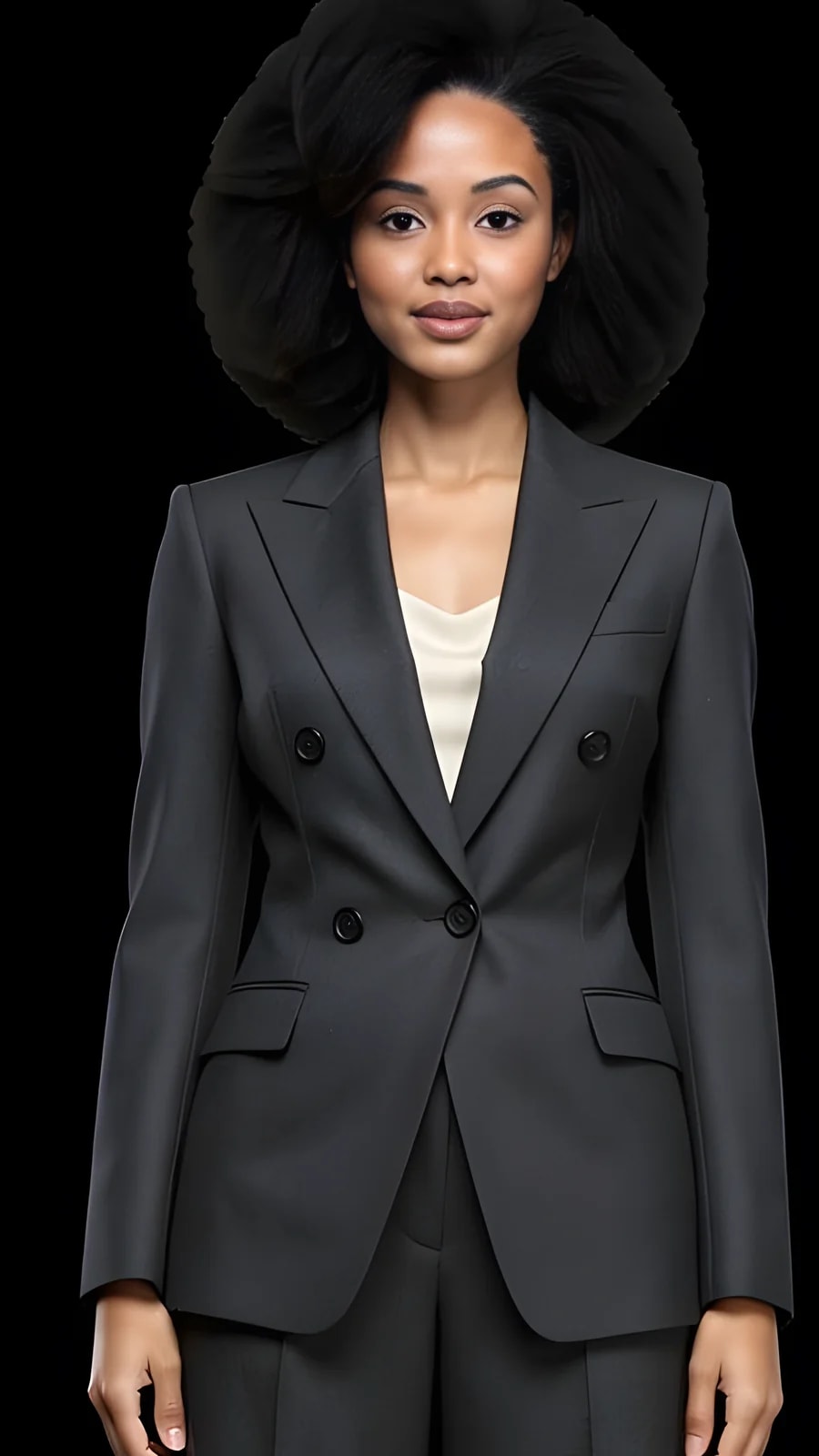
A crop of the upscaled file at full size.
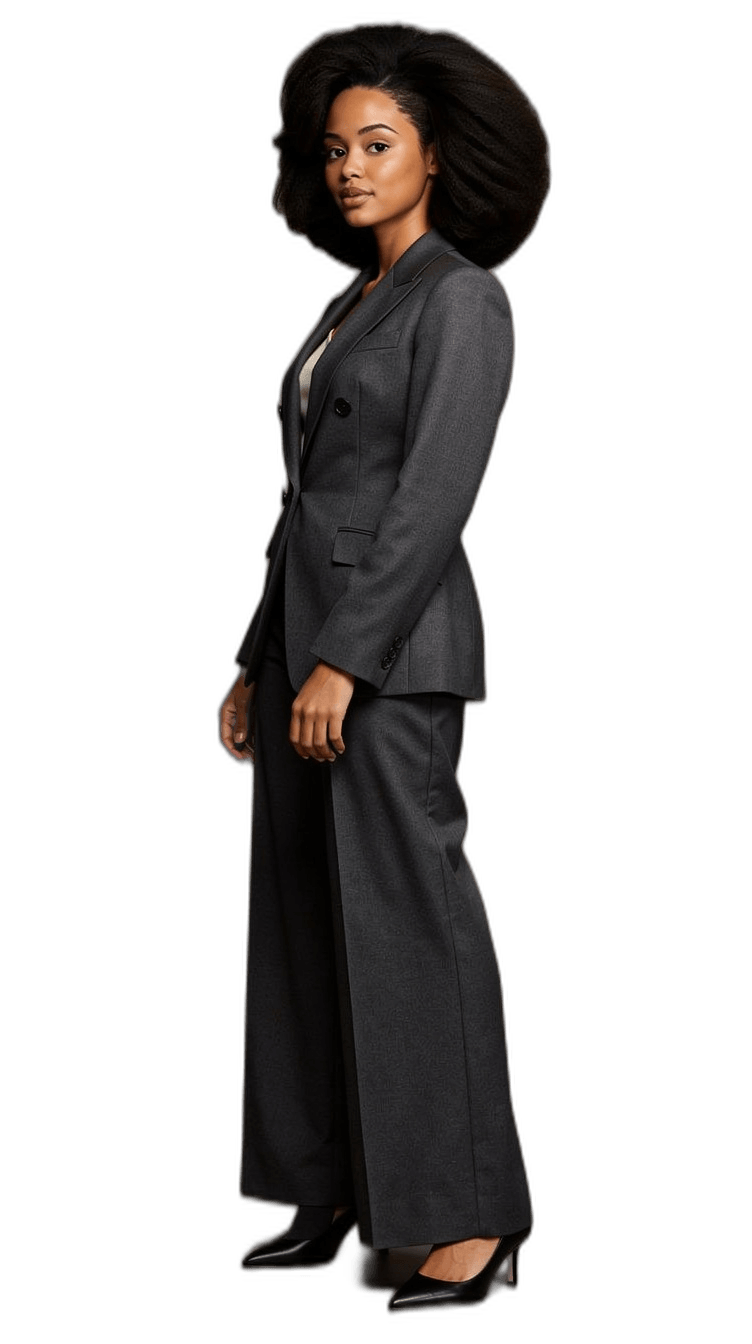
Background removed, real alpha.
What you can check
A checkerboard in a preview proves nothing. A real alpha channel does.
Fully transparent where the background was.
Soft edges on hair and fabric, not a hard cut.
The subject, untouched.
Generated size, or 4K after upscaling.
Checkerboard, dark, light, colour: see the cutout on each.
The inspector on this site reads the file in your browser.
Yes. The file carries an alpha channel; soft edges on hair are partially transparent rather than cut hard. Verify any PNG with the inspector on this site: it reads the pixels on your device and tells you how many are transparent, partial and opaque.
Around 3840 pixels on the long edge, upscaled from the generated picture. Good for print at normal viewing distance, a conference screen, or a large banner.
Removing a background costs 1 credit and upscaling costs 1 credit, each separately from generating the picture (2 credits; premium 9). The studio shows the price before you confirm. New accounts start with 10 free credits.
The studio's removal runs on pictures generated there. For a file you already have, the PNG inspector on this site can check its transparency, but it does not edit it.
They do not touch the face. Background removal cuts around you; upscaling enlarges the picture you kept.
10 free credits to start. A picture costs 2 credits and the premium engine 9. Review the total before generating a Shot or Set.
Compare the face, hair and details with your reference photos at full size and at the intended crop. Use a result only if it remains recognizable and fits its purpose. Likeness can vary; no usable-result count is guaranteed.
Try it on your own photos
Upload a few photos, keep a picture, finish it. 10 free credits, no card needed.