
Self-visualization
Visualize yourself in a new look
There are versions of you that you have never seen — bolder, softer, stranger, sharper. PublicSelf is a dress-up box for your own image: find out what you would look like in a different style, look at it properly, and keep the ones that feel true.
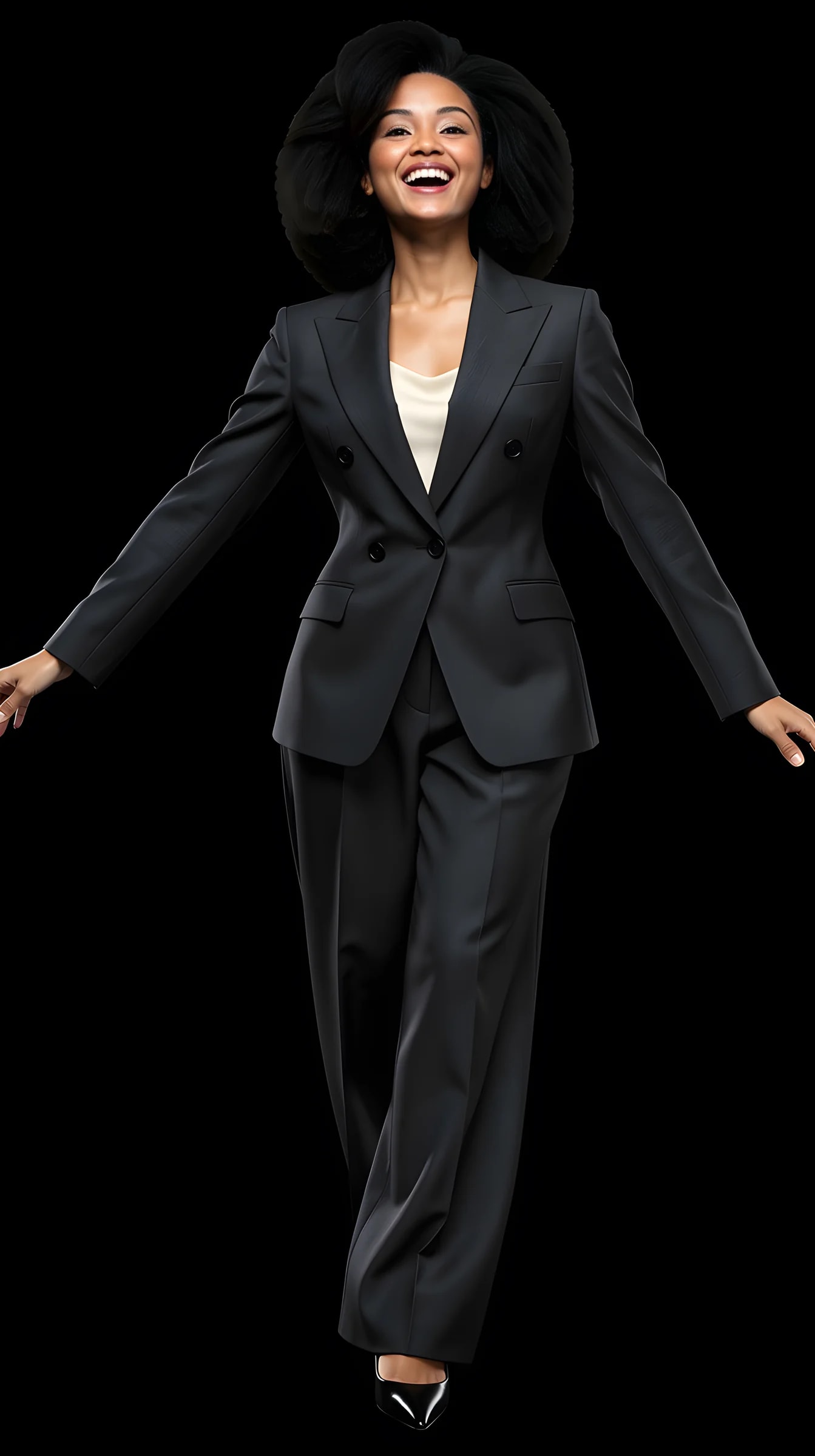
Transformations
Explore photographic directions
Style examples show photographic directions, not a before/after test of one person's likeness. Compare a source and result only where both are labelled.

Sharper

Softer

Bolder

Another scene

Another era


Why this works
Seeing beats imagining.
You can't decide how a version of yourself feels by picturing it in your head. You have to look at it. That's the entire idea behind self-visualization — and why a picture answers "what would I look like?" in a way that no amount of imagining does.
Play is the method
Dress-up stopped being childish the moment it became this cheap. Trying twenty looks costs less than buying one.
Low stakes, real information
Every generated look answers a real question — does this suit me? — without a haircut, a purchase or a regret.
It stays you
Your face and identity persist through every transformation. The point isn't becoming someone else; it's seeing more of yourself.
Keep the true ones
Most looks are just play. Some feel unexpectedly right — those you download, and sometimes act on.
What you can create
Every version you're curious about.
A new look can be an outfit, an aesthetic, a scene or all three at once.
Style transformations
Clothes and wardrobe directions you've never walked into a shop for.
Aesthetic shifts
Whole visual worlds — minimal, dramatic, vintage, editorial — with you inside them.
Scene changes
You in places and moments no camera has caught you in.
Still unmistakably you
However far the styling travels, the identity is held fixed. A new look on your own face answers a question; a new look on a stranger's face answers nothing.
Whole looks, chosen not described
Each direction is a complete curated look — clothes, scene and light picked to belong together — browsed off a shelf rather than typed into a prompt box.
The keepers come back
Most looks are play and you'll bin them. The two or three that land are saved, and you can shoot them again in a different scene whenever you want.
How it works
From curiosity to image.
Five steps, no prompts.
01
Upload a couple of photos
One full-length picture and one clear face close-up. Ordinary phone photos are enough to bring your identity in.
02
Pick a direction
Curated outfits, aesthetics and scenes — choose whichever version of yourself you're curious about.
03
Push it further
Adjust the outfit, scene, lighting and mood until it's the version you meant.
04
Generate
A single Shot or a Set of the same new you.
05
Keep what feels true
Download the looks worth keeping. Discard the rest without ceremony.
What you can change
Everything except who you are.
Identity stays fixed. Style, scene and mood are all in play.
Outfit & style
Complete looks from conservative to experimental.
Aesthetic
The visual world the image lives in.
Scene
Any setting, real-feeling or cinematic.
Lighting & mood
From soft daylight to dramatic silhouette.
Pose & expression
How this version of you carries themselves.
Before & after
Generate from your photo and compare directly.
Self-visualization questions
How can I see what I would look like in a different style?
Upload two photos of yourself, pick a direction from the catalog, and generate. You get a picture of you in that style rather than a description of it — which is the only version of the answer that actually settles anything.
Does it use my own photo?
Yes. Two references: one full-length photo, head to toe, and one clear face close-up with no heavy filter. A third from another angle sometimes helps. Ordinary phone pictures are fine.
What's the difference between this and a filter?
A filter decorates one photo. PublicSelf generates new images of you — different clothes, scene and light — with your identity held consistent.
Will it still look like me?
That's the point: the look changes, you don't. Identity consistency is the core of the product — though it isn't a deterministic face lock. Clearer references hold better, and when a generation drifts, run it again.
How different can the looks get?
As far as you want to push — new outfits, new aesthetics, new scenes, or all three at once. The wilder directions are where most of the fun lives, and they cost the same as the safe ones.
Can I see myself in different clothes specifically?
Yes. Complete curated outfits are the backbone of the catalog, sorted by style and occasion, and you can recolor them or swap individual garments before you generate.
How many looks can I try?
Browsing costs nothing. Each picture you generate costs credits, and you get free ones at signup — enough to see several versions of yourself before deciding whether to carry on.
How realistic do the new looks come out?
Realistic enough that the images read as photographs, and everything on this page is unretouched output. Hands, jewellery, thin straps and fine fabric detail are the honest weak spots, and dramatic looks tend to need a couple of attempts.
Is this the same as your visualization photos for goals?
Related but distinct. This page is about style play; visualizations are future-you images for goals and vision boards — see the visualizations page linked below.
Do I need to describe what I want in words?
No. You browse curated directions and adjust visual controls — no prompt writing.
Can I compare before and after?
Yes — transformations can be viewed against your original photo, slider-style.
Do the looks I like stay saved?
The look does, once you keep it — tap the heart and it stays in the studio, ready to run again in another scene. Generated pictures you don't keep or download clear after a couple of days.
Try it
Meet a few more of you.
The wardrobe is infinite, the stakes are zero, and some of the strangers in the mirror turn out to be keepers.