Can I build a wardrobe from a photo of clothes?▼
Yes. Upload a clear photo of a piece — jacket, shoes, accessory — and keep it on a shelf. Then mix it into a Look and shoot.
How do I see myself wearing clothes from a picture?▼
Add your two reference photos, upload the garment picture, drop the piece into a look, and generate. What comes back is you in those clothes, in a scene you chose.
What kind of clothing photo works best?▼
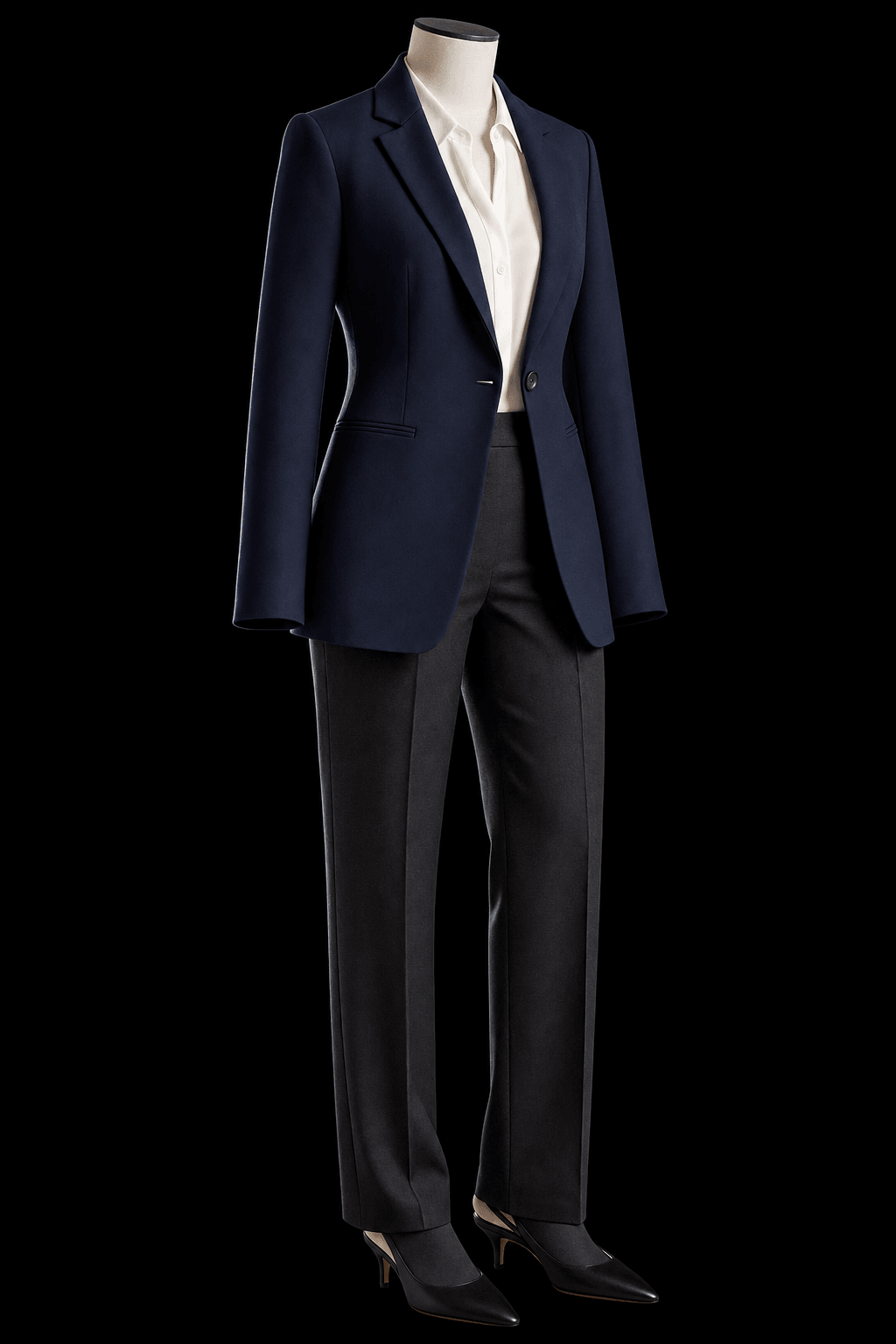
One garment, front-on, well lit, on a plain background. A product shot from a shop listing is close to ideal. A crowded full-body street photo in bad light is the weakest possible start.
Can I split a full outfit photo into pieces?▼
That is rolling out. A single clear piece is the reliable path today. A busy full-body street photo is a weaker start.
Will it look exactly like the real garment?▼
No. This is visualization and play, not a size or shop preview. Clear, simple photos stay closer, and fine detail — hardware, jewellery, thin straps, delicate fabric — is where any current image model gets loose.
Do the pieces stay?▼
Uploaded items stay in your account until you delete them. Generated pictures need a heart, or they clear after a couple of days. Download what you want to own.
How many pieces can I keep?▼
Keeping items and building looks costs nothing — only generating a picture spends credits, and you get free ones at signup. In practice three pieces you actually remix beat a hundred uploads you never open.
Can I use the piece in more than one shoot?▼
Yes. That is the point. Keep it once. Remix it into new Looks.
Does this work for men and women?▼
Yes. The shelves are the same: outer, upper, lower, shoes, accessory.
Can I see my own shoes on me?▼
Yes. Upload a clear photo of the pair — both shoes, well lit, toes in frame. Keep them on the shoe shelf. Use a full-length crop so they stay in the picture. Same path as a jacket or a bag. We are not a shoe shop.
Is this a shopping tool?▼
No. You are directing pictures of yourself, not buying the garment.