Sets

Create a full AI photoshoot set

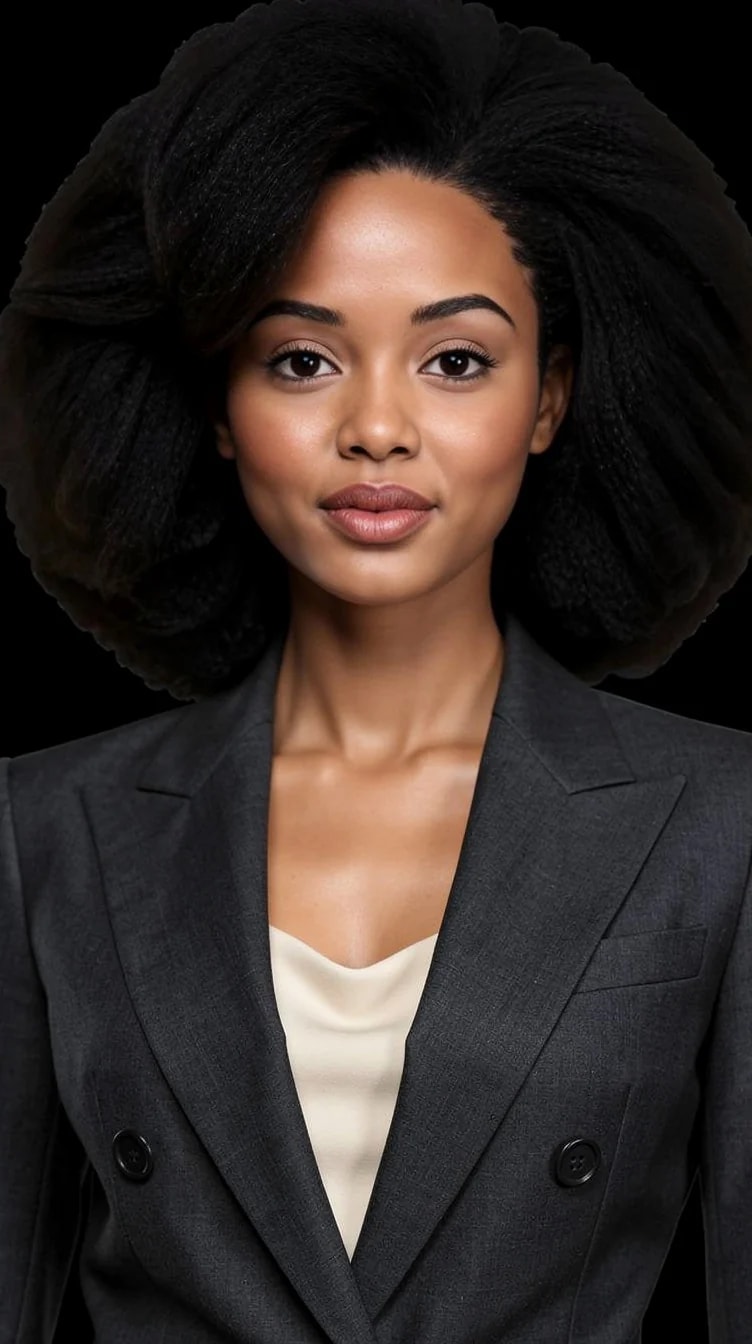
One idea, several connected pictures of yourself — varied poses, framing and crops that read as a single session in the same clothes. This is the part single-image generators cannot do.

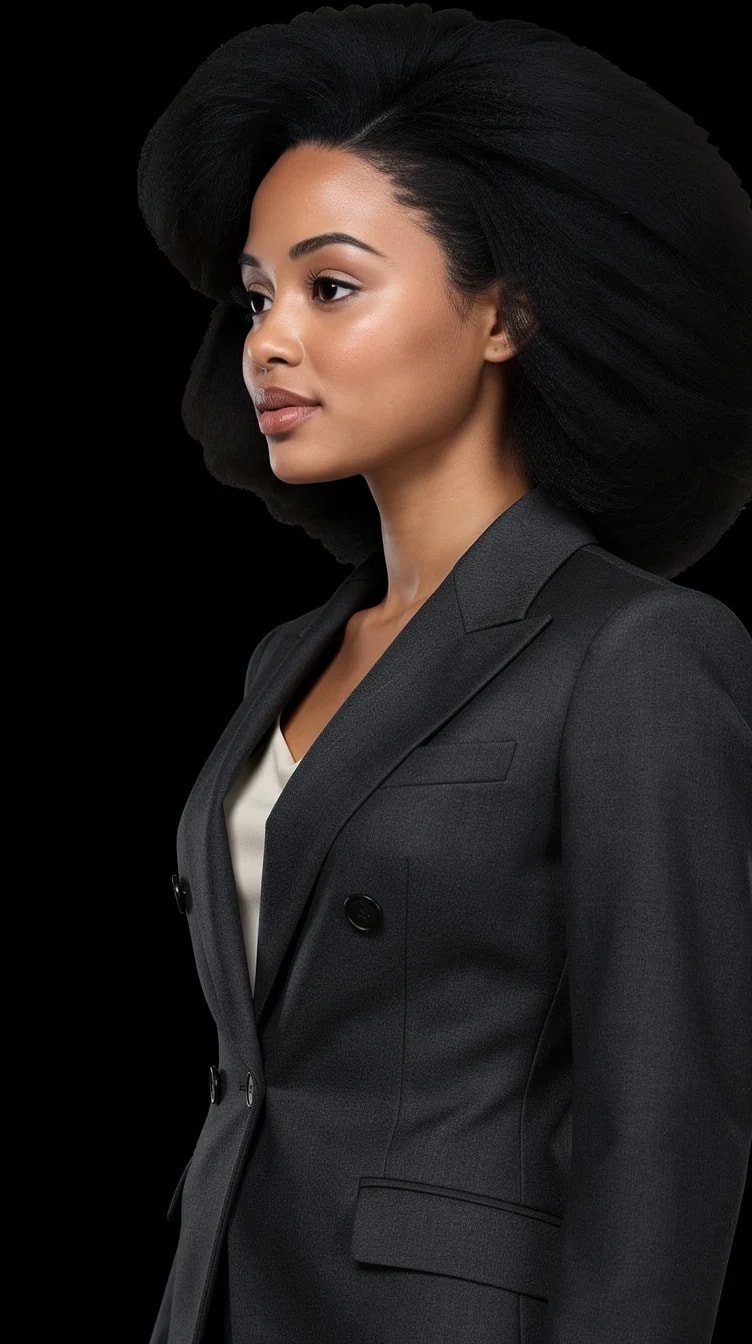
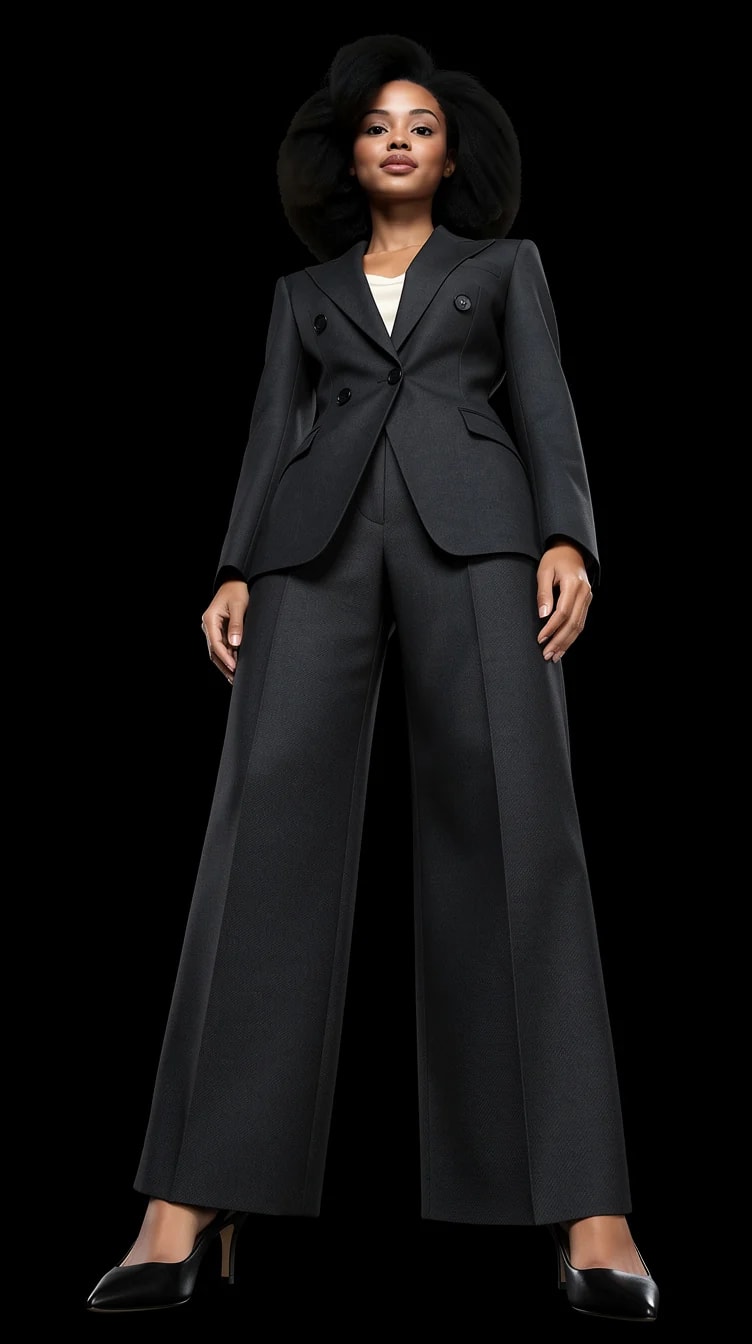
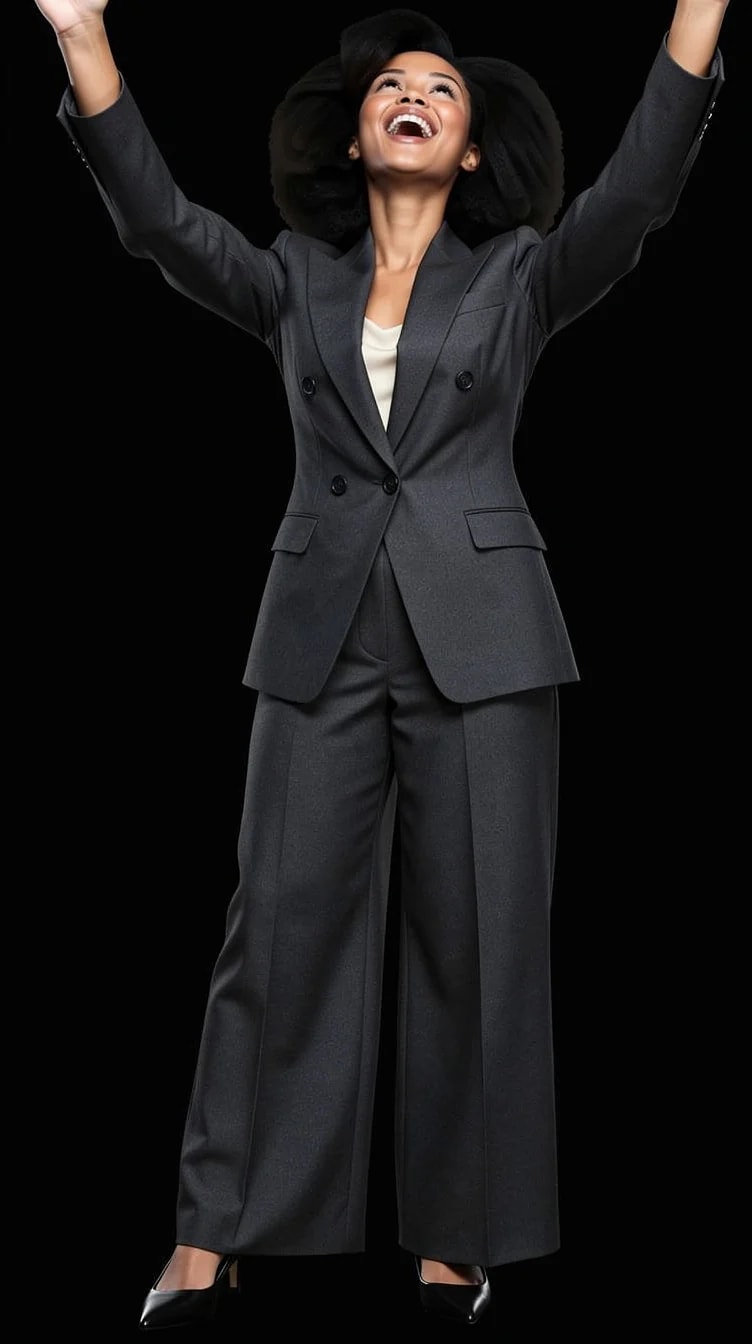
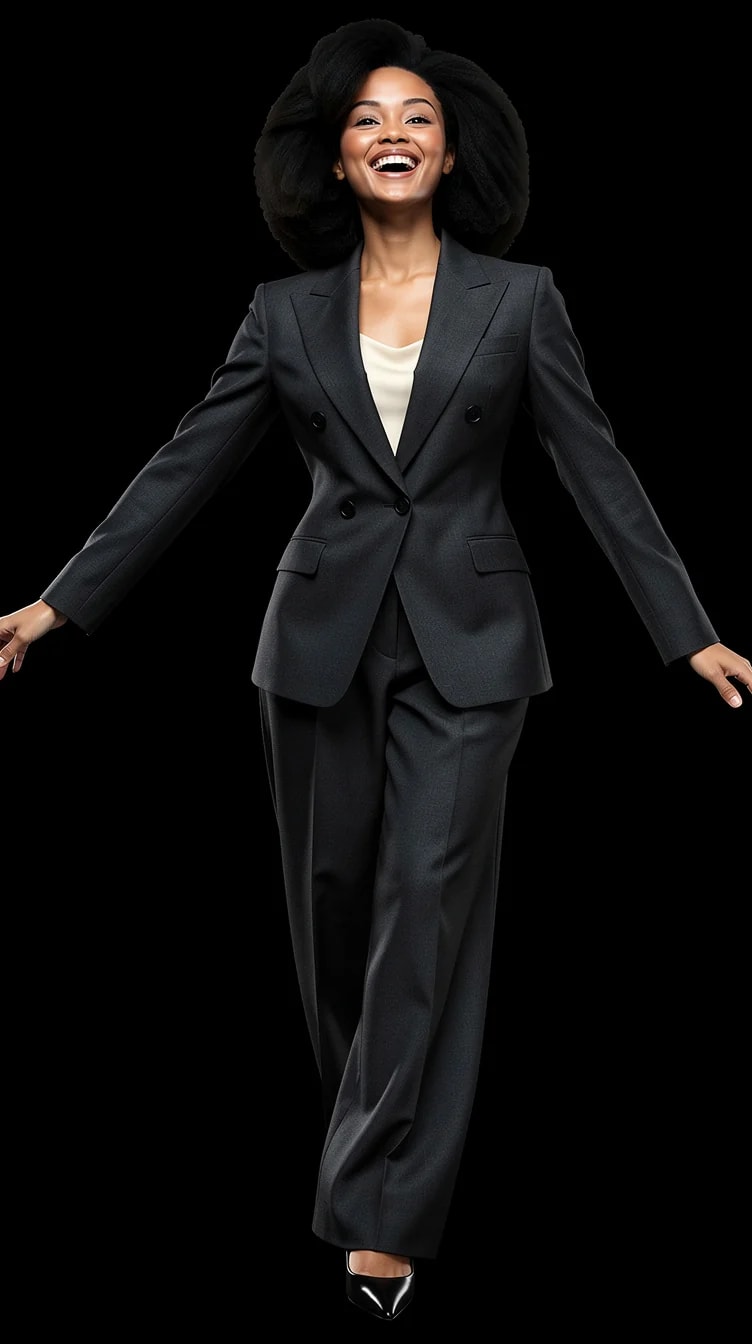
A connected set of AI photoshoot images generated with PublicSelf

What you can create

A session, not a one-off.

Real photo shoots produce a roll, not a frame. Sets bring that back: multiple images of you that clearly belong together.

Connected photo series

Same outfit, scene and light across the set — different poses, angles and crops.

Variations of one look

The same concept explored: close crop, full length, profile, in motion.

A consistent visual identity

Enough matching images to fill a profile, a website or a week of posts coherently.

The same person in every frame

Identity is the constant the whole set is built around. That is what turns a pile of separate pictures into something that reads as one afternoon with a photographer.

One complete outfit, held steady

The clothes are a styled look rather than a garment swapped per image, so the wardrobe does not quietly change between frame two and frame five.

A set you can shoot again

The look behind the set is saved. Run it again in another scene and you get a second session that still matches the first.

How it works

One idea in, a session out.

Five steps, no prompt writing.

  1. 01

    Choose one concept

    A curated outfit and scene — the thread that holds the set together.

  2. 02

    Apply your identity

    One full-length photo and one face close-up; the same you in every frame.

  3. 03

    Set the variation

    Decide what changes across the set: poses, framing, expressions, crops.

  4. 04

    Generate the Set

    Connected images generated as one session, not stitched-together singles.

  5. 05

    Keep the roll

    Download the frames you like — or the whole set.

Examples

One concept across the frames.

A set holds outfit, scene and light constant while pose, angle and crop move — that consistency is the product.

The wide frame

The wide frame

Full length, scene visible.

The portrait

The portrait

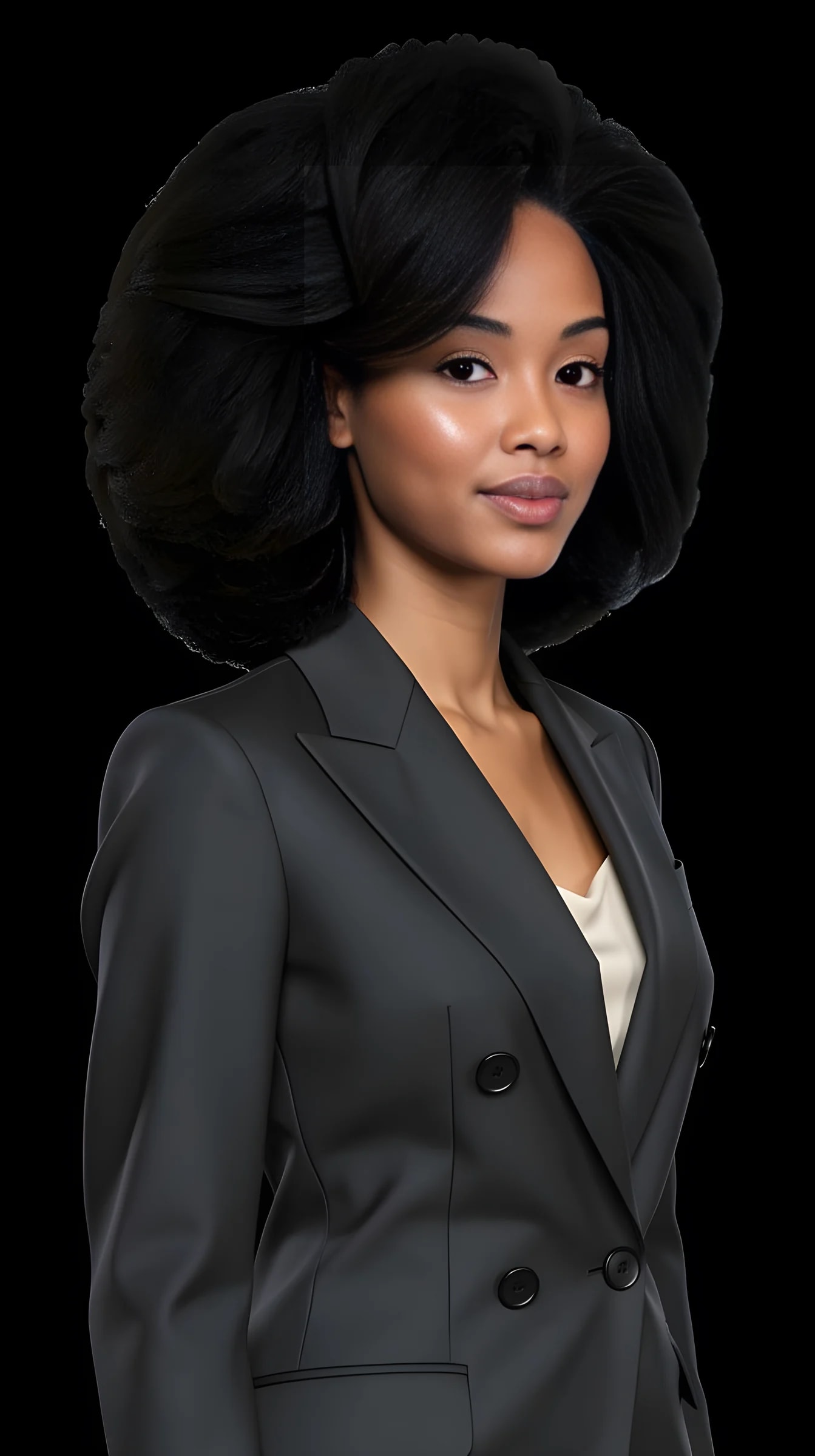
Close crop, same light.

The profile

The profile

Same concept, new angle.

In motion

In motion

Caught mid-movement.

The detail

The detail

Tighter crop, texture forward.

The closer

The closer

The frame you'd post first.

A connected set of AI photoshoot images generated with PublicSelf

What you can change

Vary the frames. Keep the thread.

A good set changes enough to stay interesting and keeps enough to stay coherent. You control both sides.

Poses

Several per set — composed, candid, in motion.

Framing & crop

Close portrait to full length across the series.

Expression

Vary the mood frame to frame.

Camera angle

Eye level, low, three-quarter — like a real session.

The constant

Outfit, scene and lighting hold steady — that's what makes it a set.

Identity

You, consistent in every frame. Non-negotiable.

Why sets matter

Coherence is the tell.

One great image could come from anywhere. Six images that hold together read as a real shoot — and that's what makes them usable as a body of work.

Profiles need more than one photo

A profile, website or feed built from one generator image and five phone photos looks exactly like that. A set gives every surface the same visual standard.

Consistency is the hard part

Generating one good image is easy now. Holding identity, outfit, scene and light steady across a series is the part that takes a real system.

Photoshoot set questions

How do I generate multiple AI photos of myself at once?

Pick one concept — an outfit and a scene — and generate a Set instead of a single Shot. The studio produces several connected frames from that one idea rather than making you start over for each picture.

How is a Set different from generating several single images?

A Set is generated as one session: outfit, scene, lighting and identity hold constant while pose, angle and crop vary. Singles generated separately drift.

How many images are in a set?

Several connected frames per concept — enough to read as a session and give you real choice. A set costs more credits than one picture, because it is more pictures.

What photos of myself do I need to upload?

Two: one full-length photo, head to toe, and one clear face close-up with no heavy filter. A third from another angle sometimes helps. Ordinary phone pictures are fine.

Can I control what varies across the set?

Yes — poses, framing, expressions and crops are the moving parts; the concept is the constant.

Can I choose the outfit for the whole set?

Yes, and it stays the same throughout. Pick a complete curated look, recolor it or swap a garment, then shoot the set — the clothes are part of the thread that makes the frames belong together.

Does my identity stay consistent across all frames?

That is the whole point of shooting a set rather than singles, and it is the core of the product. It is not a deterministic face lock — the odd frame lands less like you than the others, which is exactly why a set gives you several to choose from.

Can I make a set from my own outfit idea?

Yes. Start from a curated concept or use a reference photo as the brief, then generate the set from it. You can also drop in a photo of a garment you own and build the set around that.

How realistic are the pictures?

Realistic enough to use across a profile or a site, and the examples here are unretouched. The honest weak spots are the same as everywhere in this field: hands, jewellery, thin straps and fine fabric. Expect to keep most of a set and discard a frame or two.

Can I use a set for a profile or a website?

That is one of the main reasons people generate one — a profile built from one good picture and five phone snaps looks exactly like that. Some platforms have their own rules about AI imagery, and a picture that looks nothing like you helps nobody, so pick the frames that read as you.

How long do the images stay available?

Generated pictures clear after a couple of days unless you keep them — tap the heart to leave one in the studio, or download it. Download the frames you care about as soon as you have a set you like.

Do I need to write prompts?

No. Concept selection and visual controls are the whole workflow.
Try it

Think in sessions, not singles.

Pick one concept you'd actually book a photographer for — and generate the whole roll instead.