AI photoshoot generator from your own photos
AI photos of yourself. Any outfit, any angle, any background.
Upload a few photos once. Pick a Look or build your own. Then shoot yourself wearing it from any angle, on any background, in any pose, and keep the ones that make you grin.
Start creating
Take a look inside10 free credits, no card needed
01 · Your photo
01 · Your photo
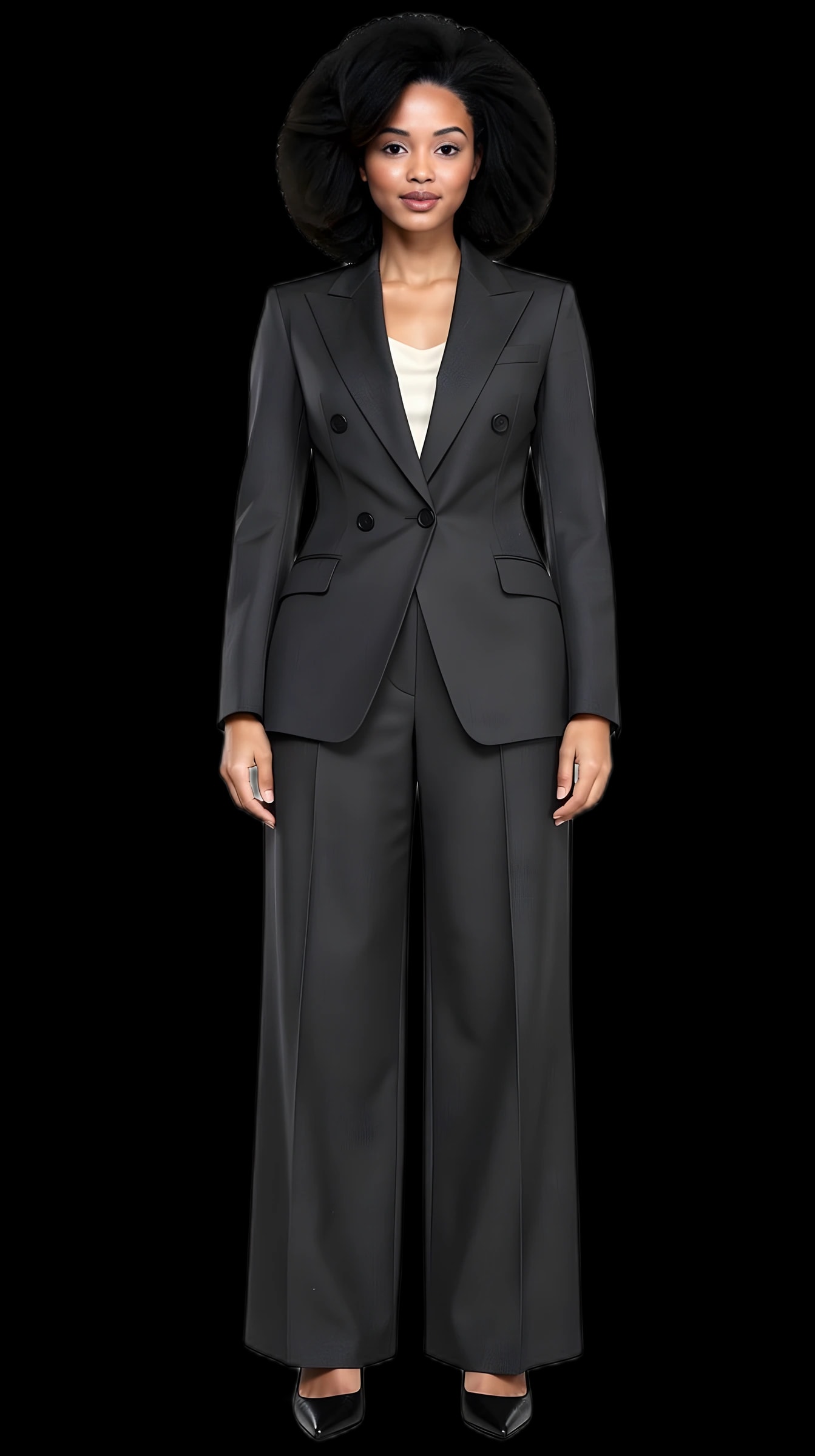
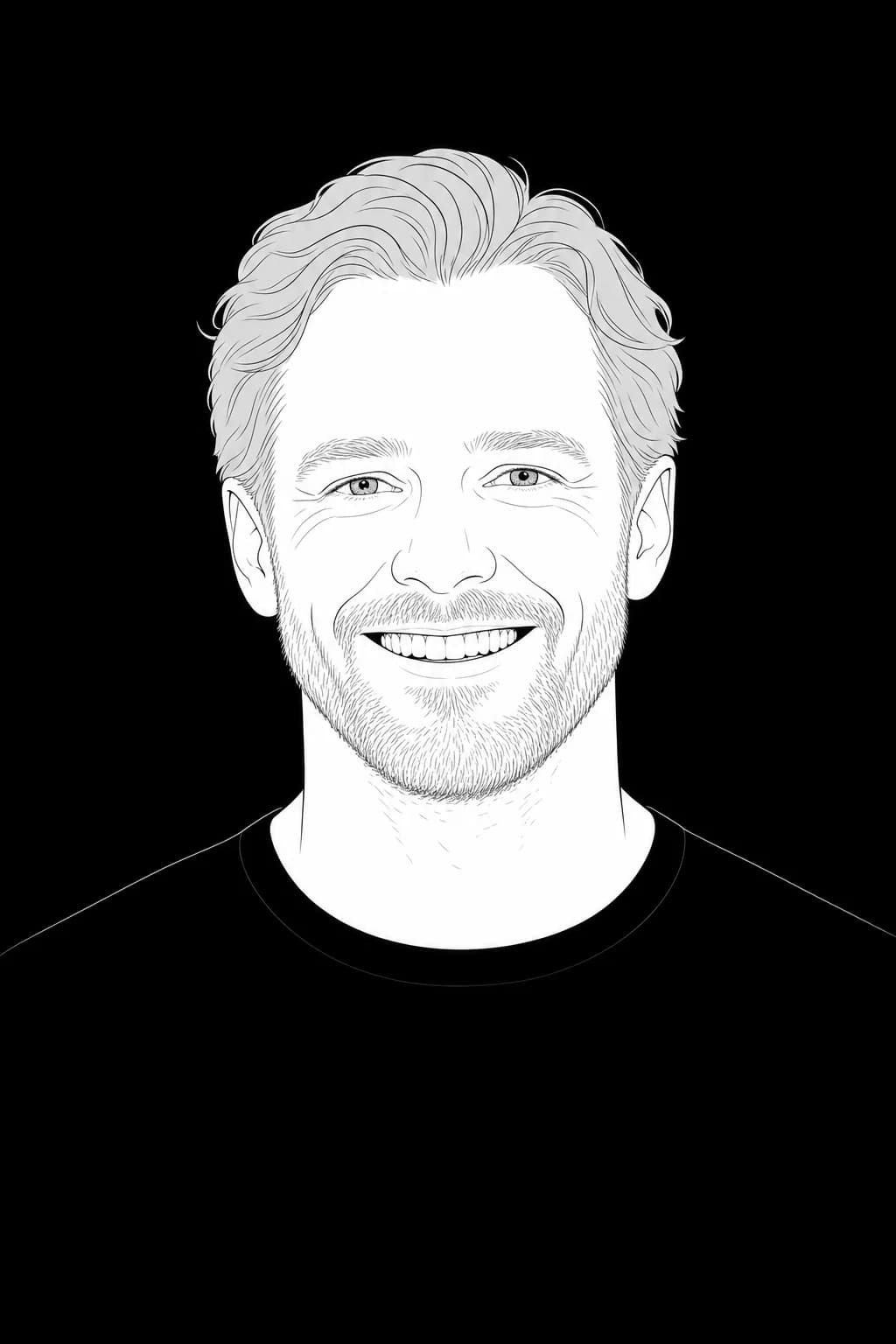
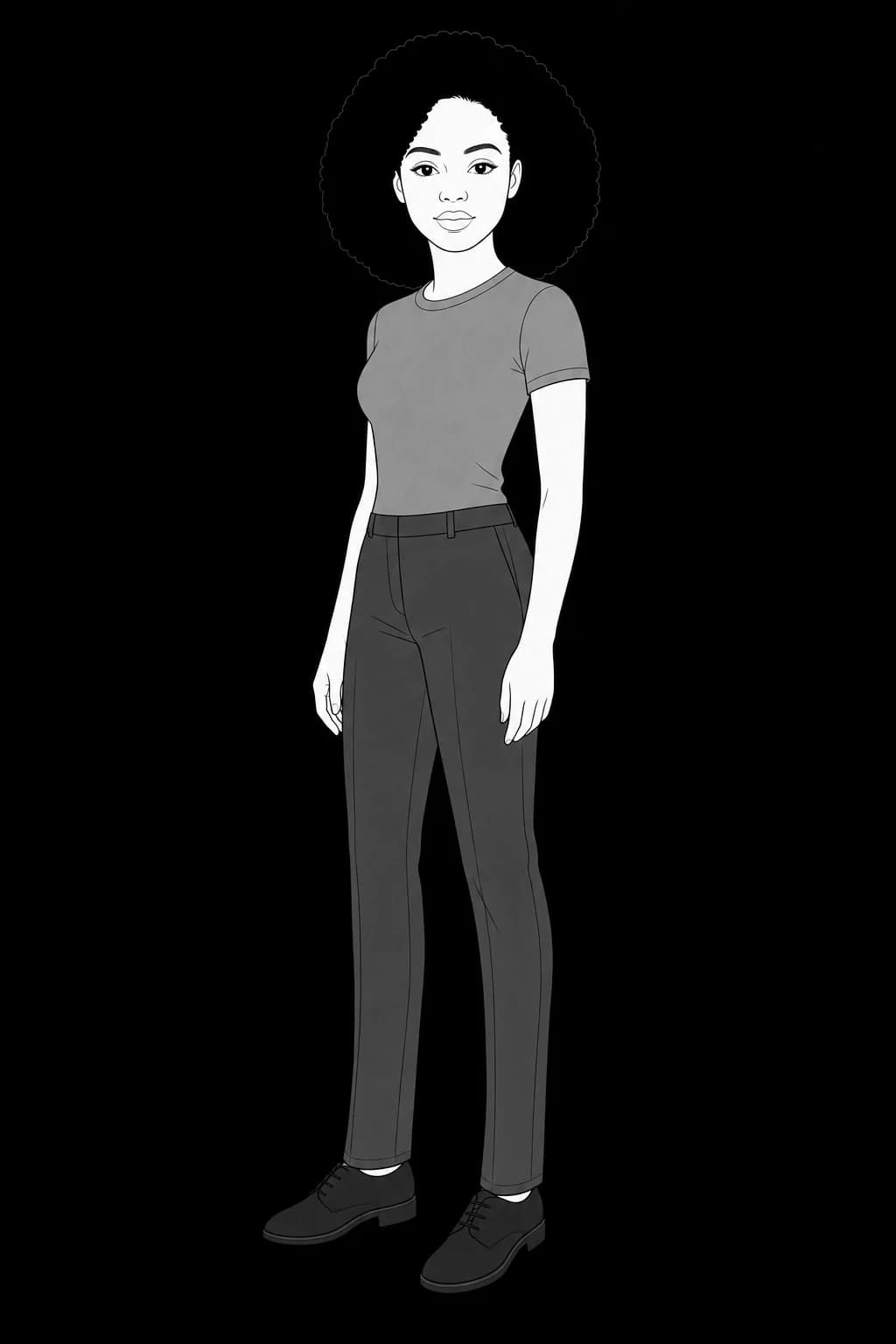
Your photo becomes your identity
A few ordinary photos, uploaded once. The studio keeps your face and body the same in every picture after that.
- Her photo
- His photo
- Her second photo
02 · Pick or create a Look
Pick a Look from the collection, or create your own
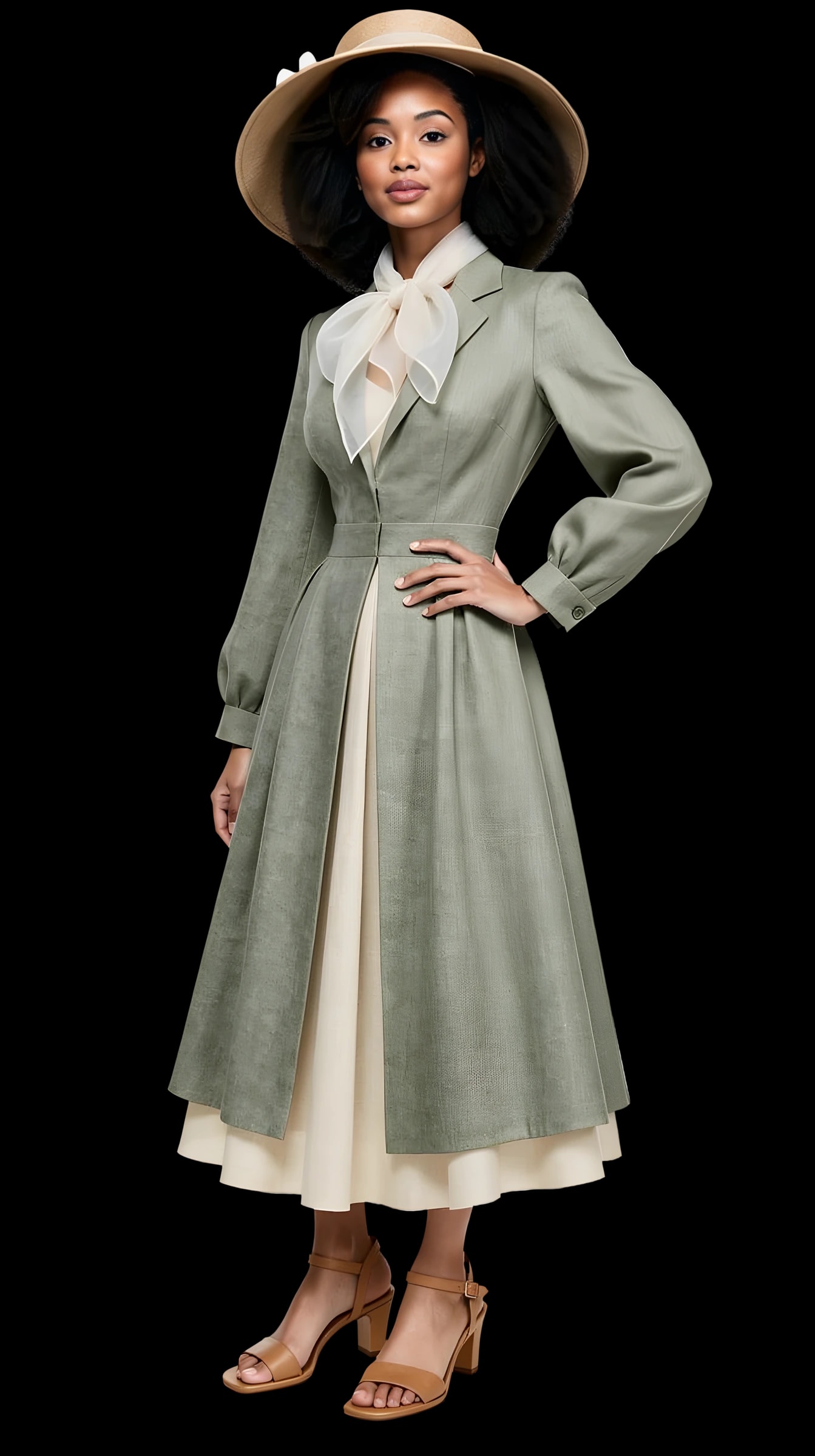
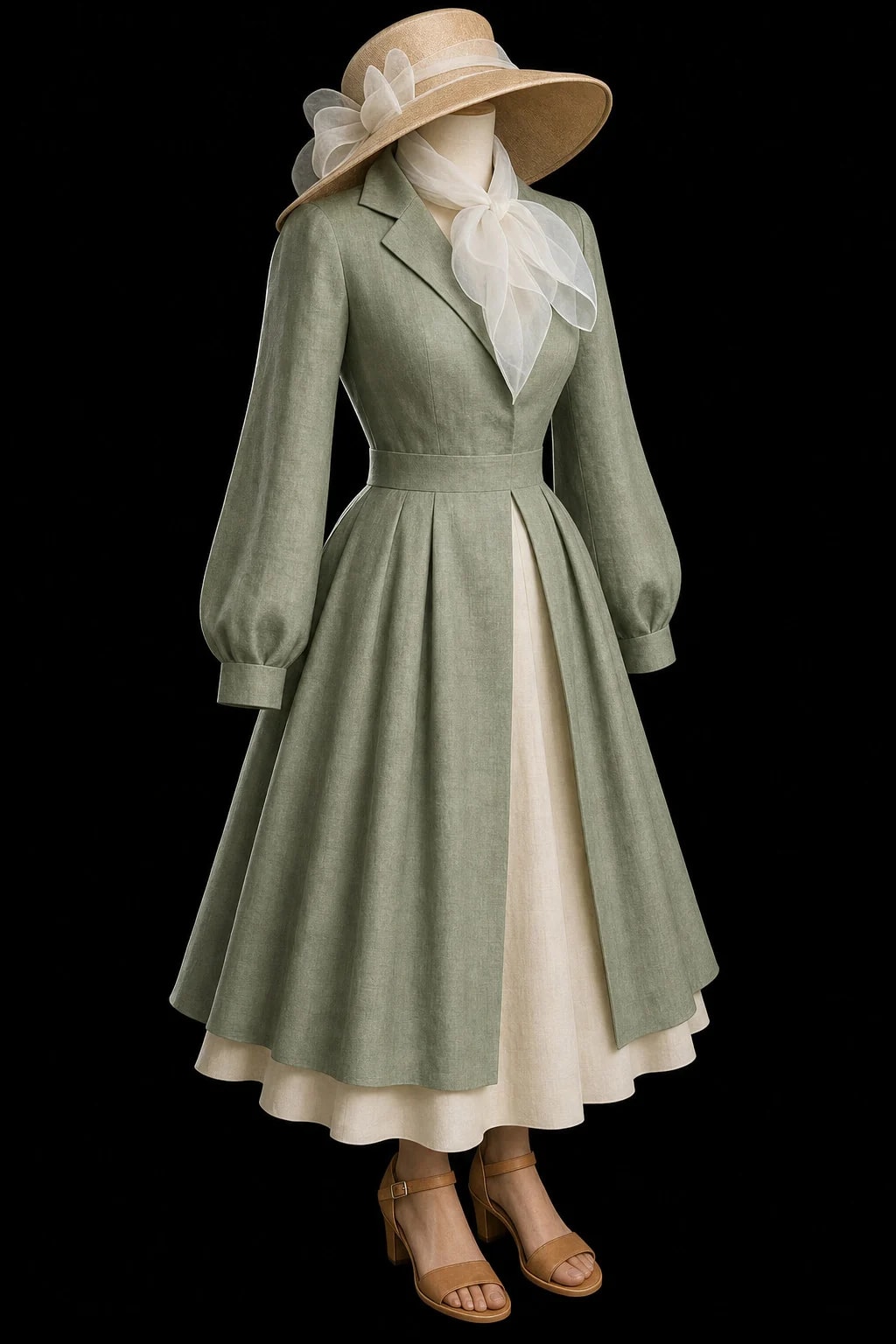
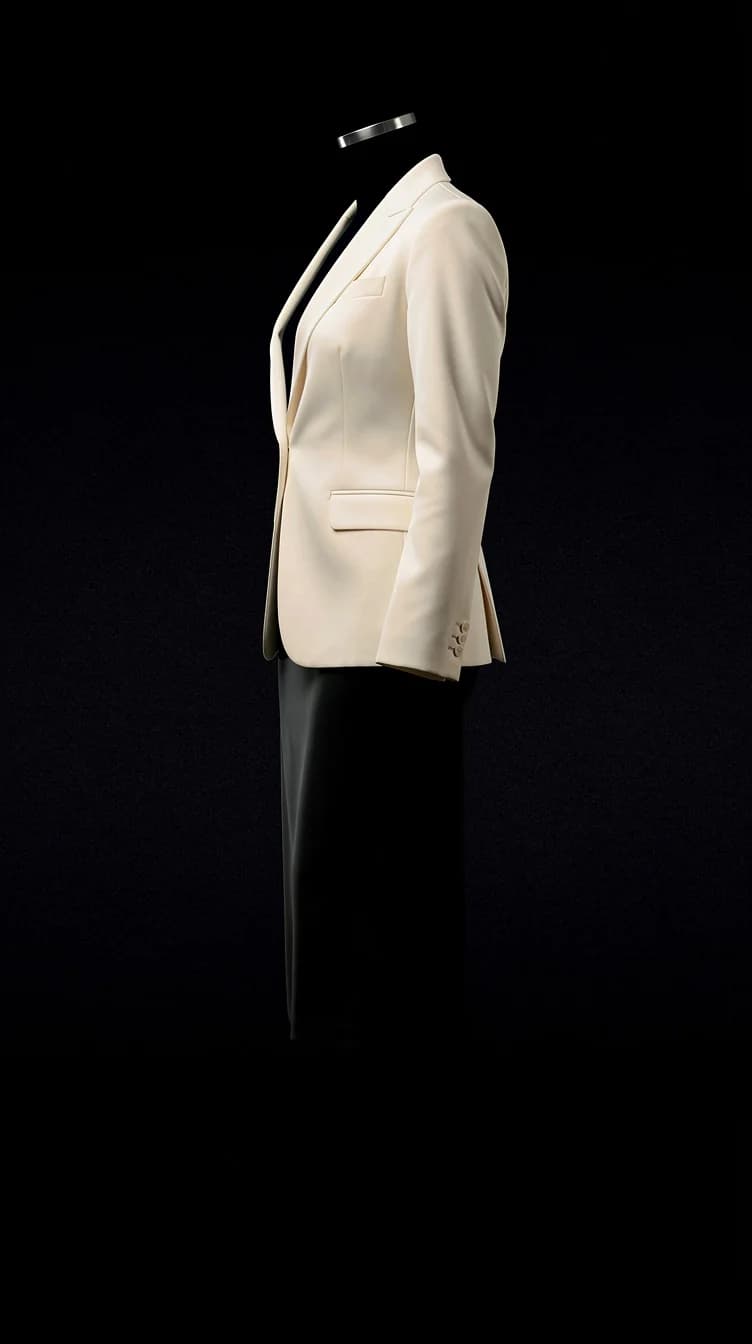
A complete outfit with nobody in it: from the collection, from three pieces you own, or from a photo you liked.
Read about this feature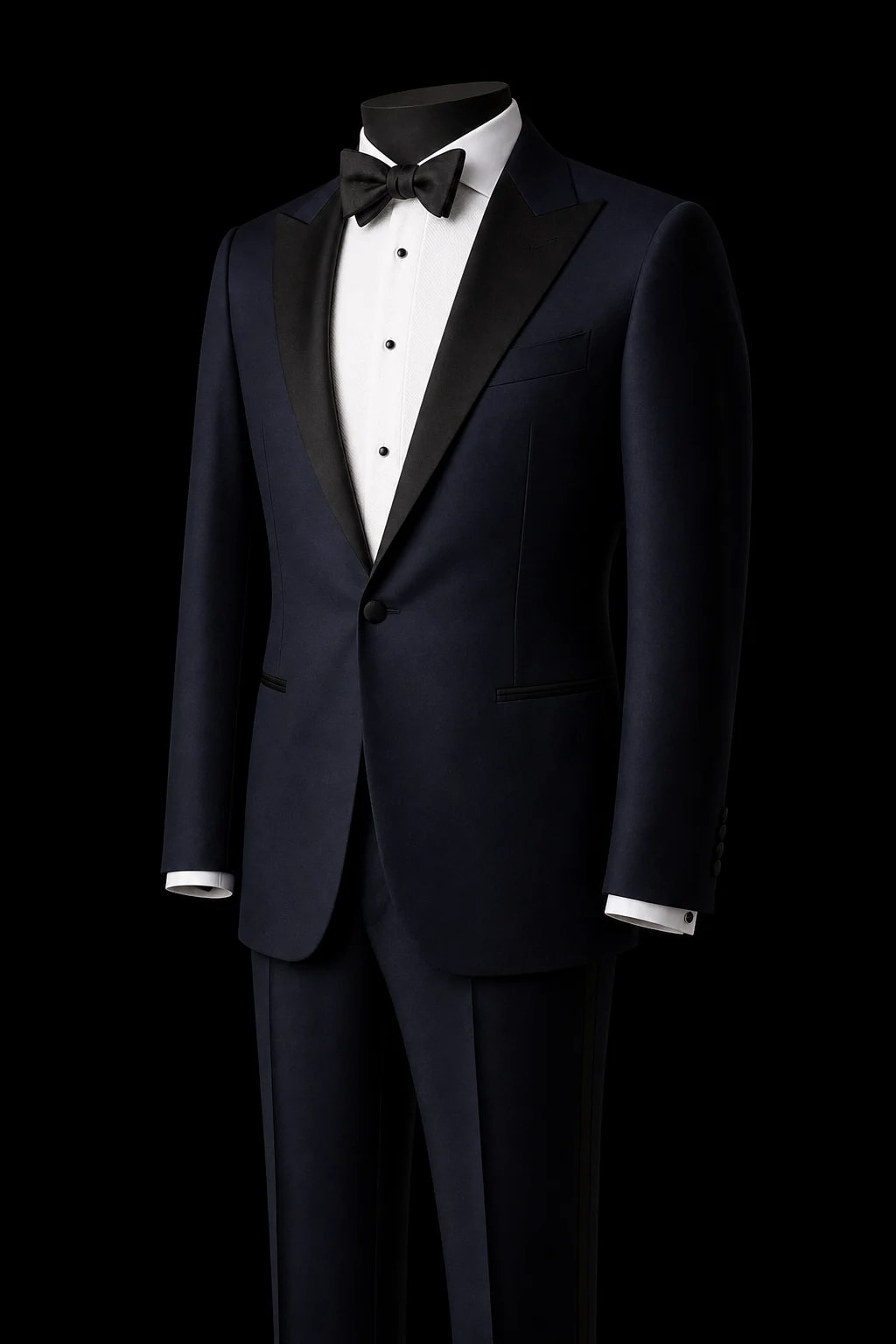
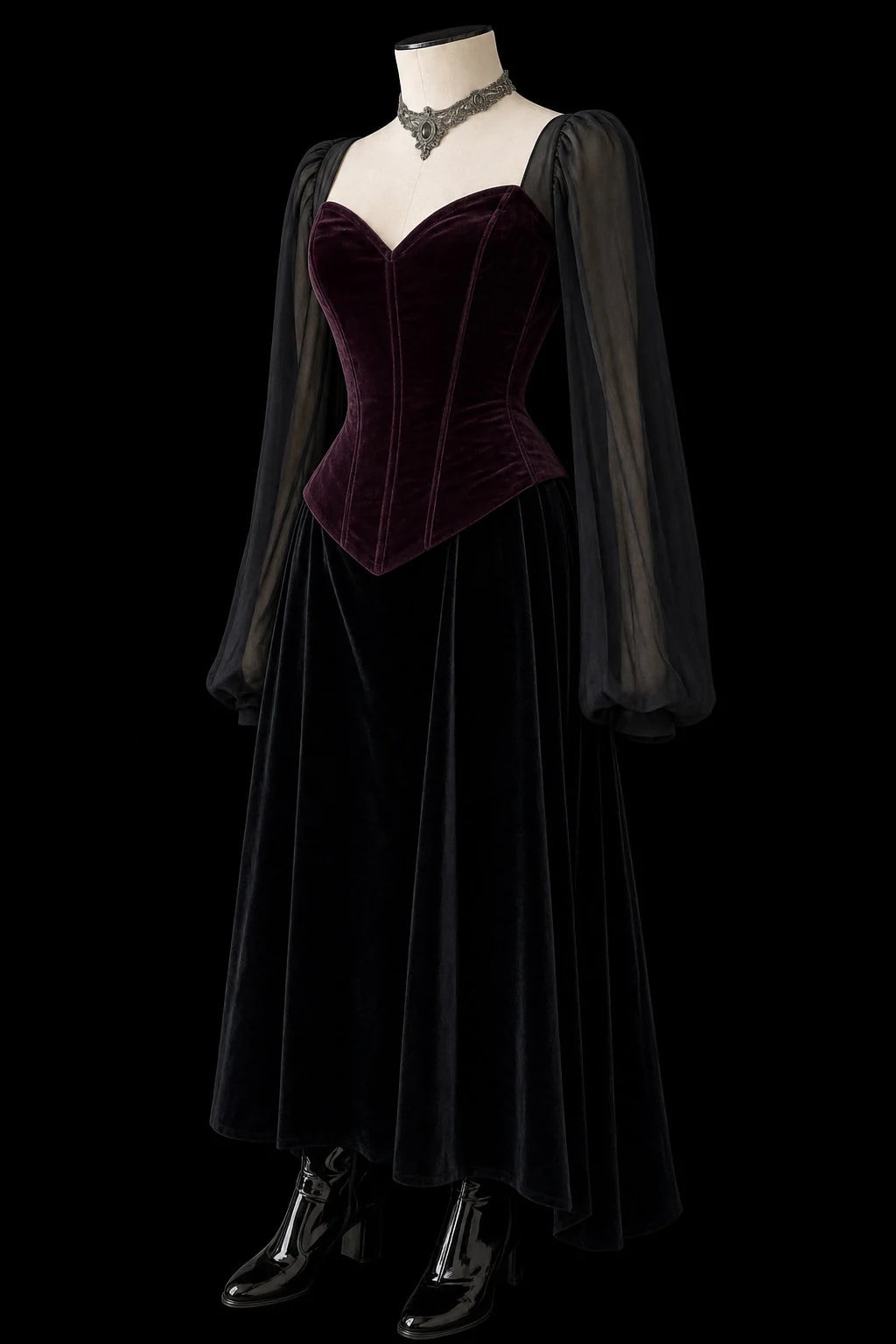
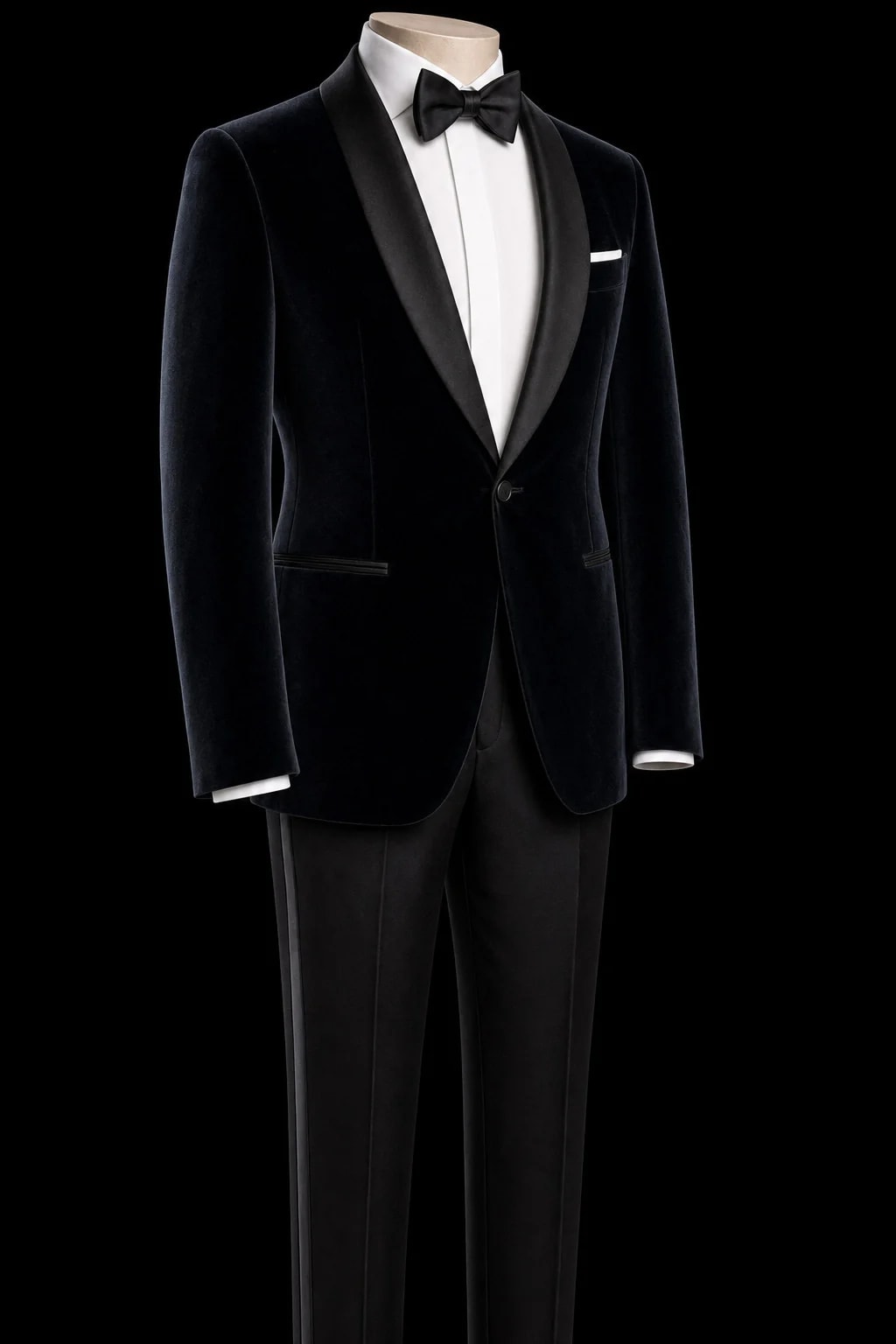
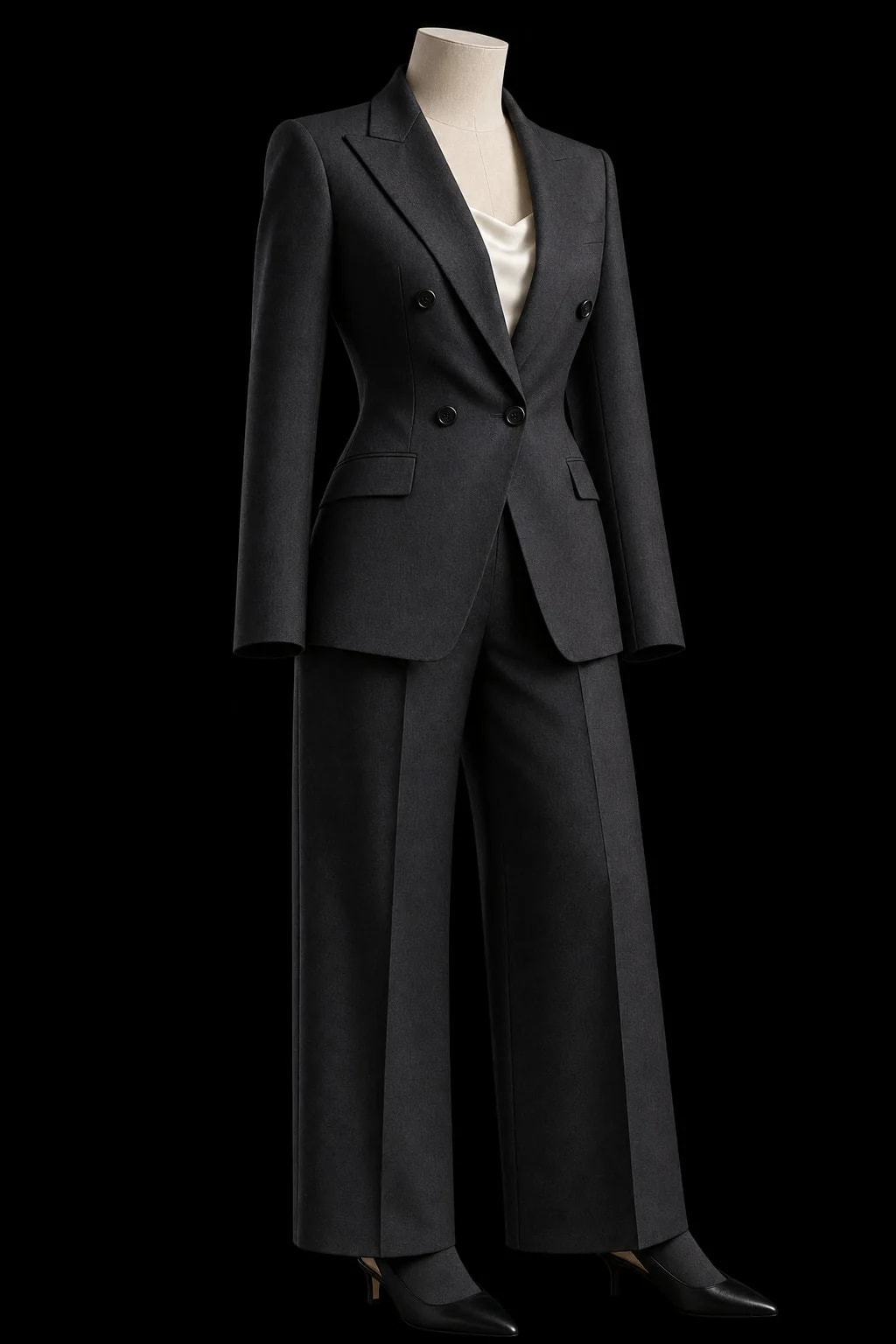
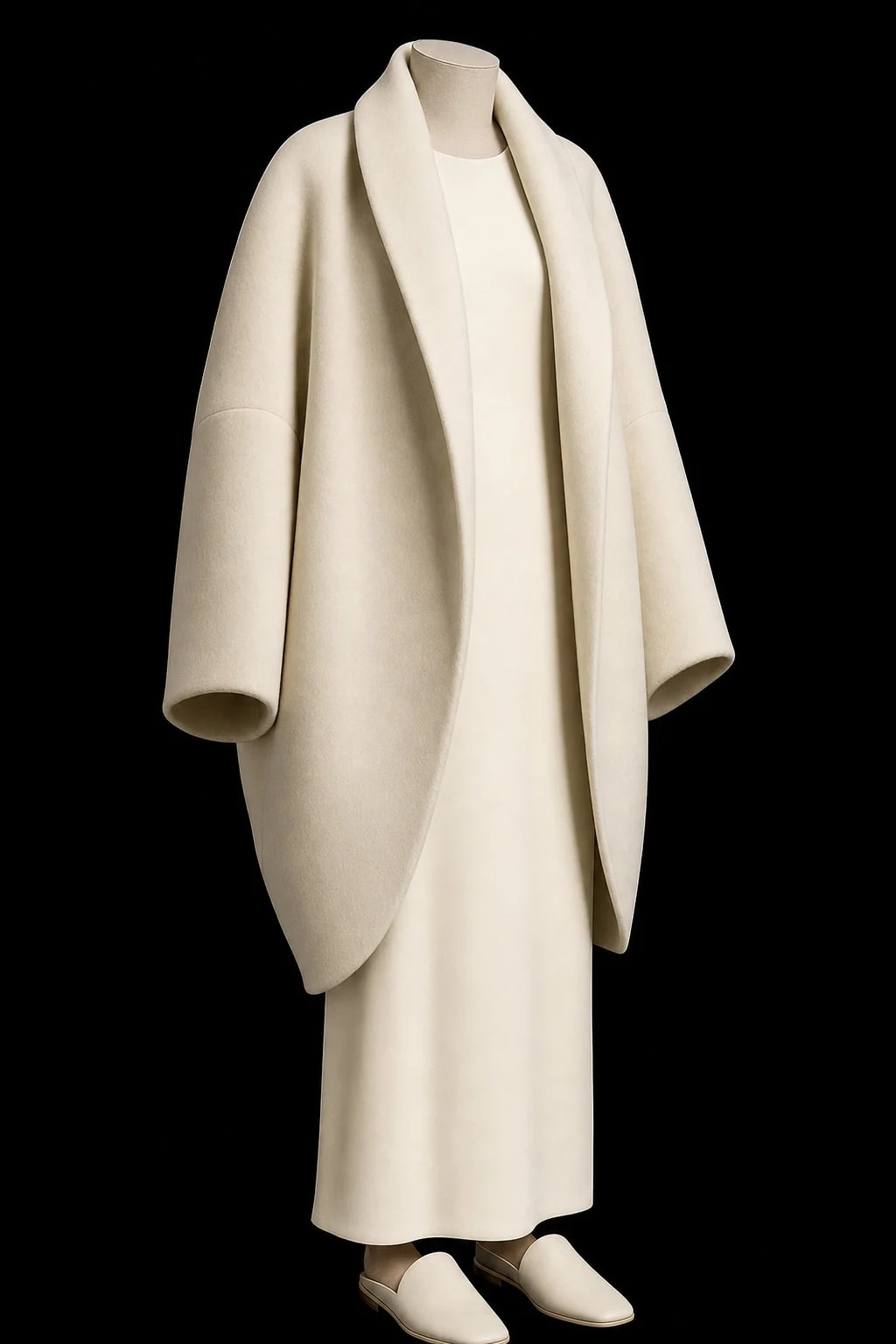


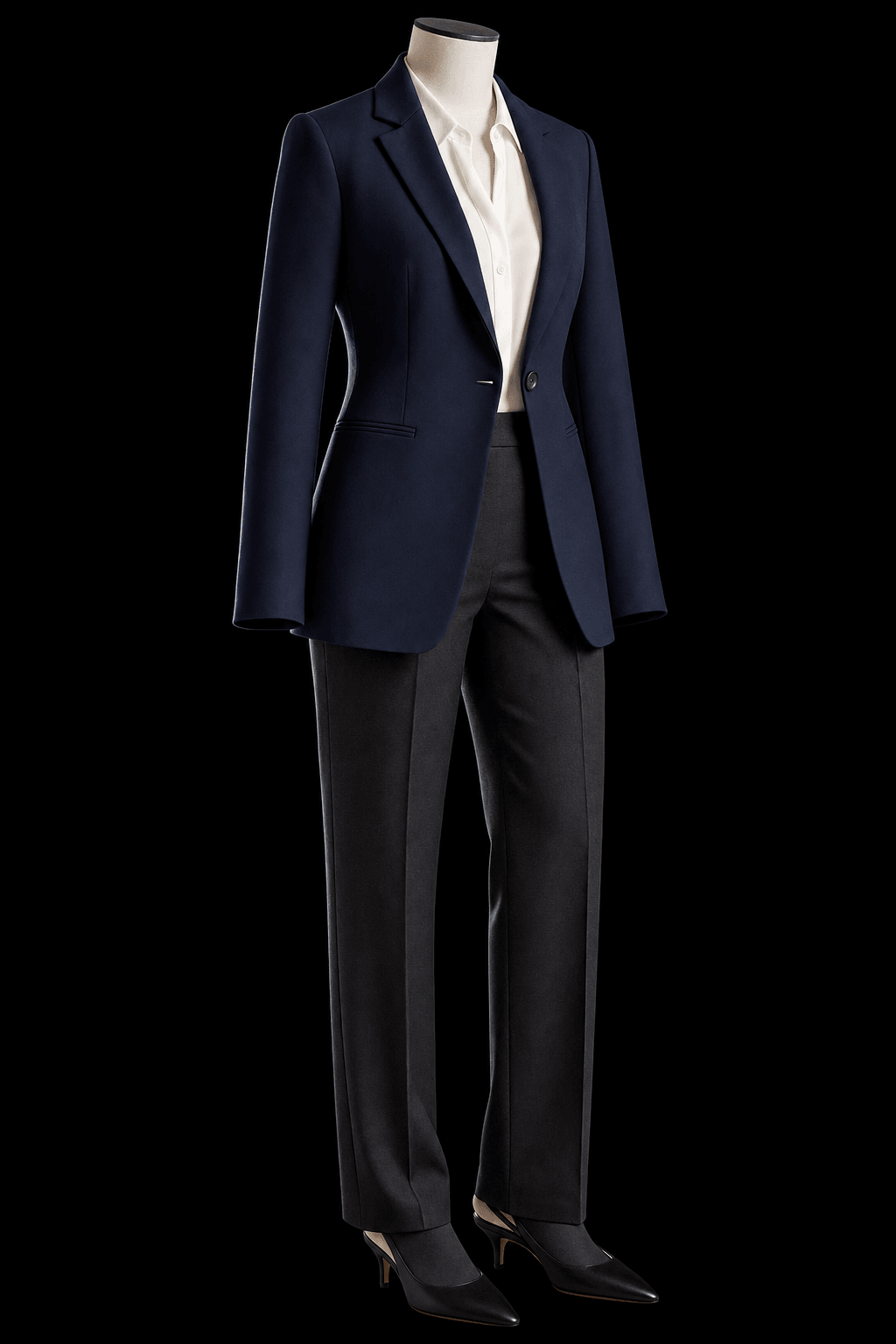
The collection: nobody in it yet
02 · Your own pieces
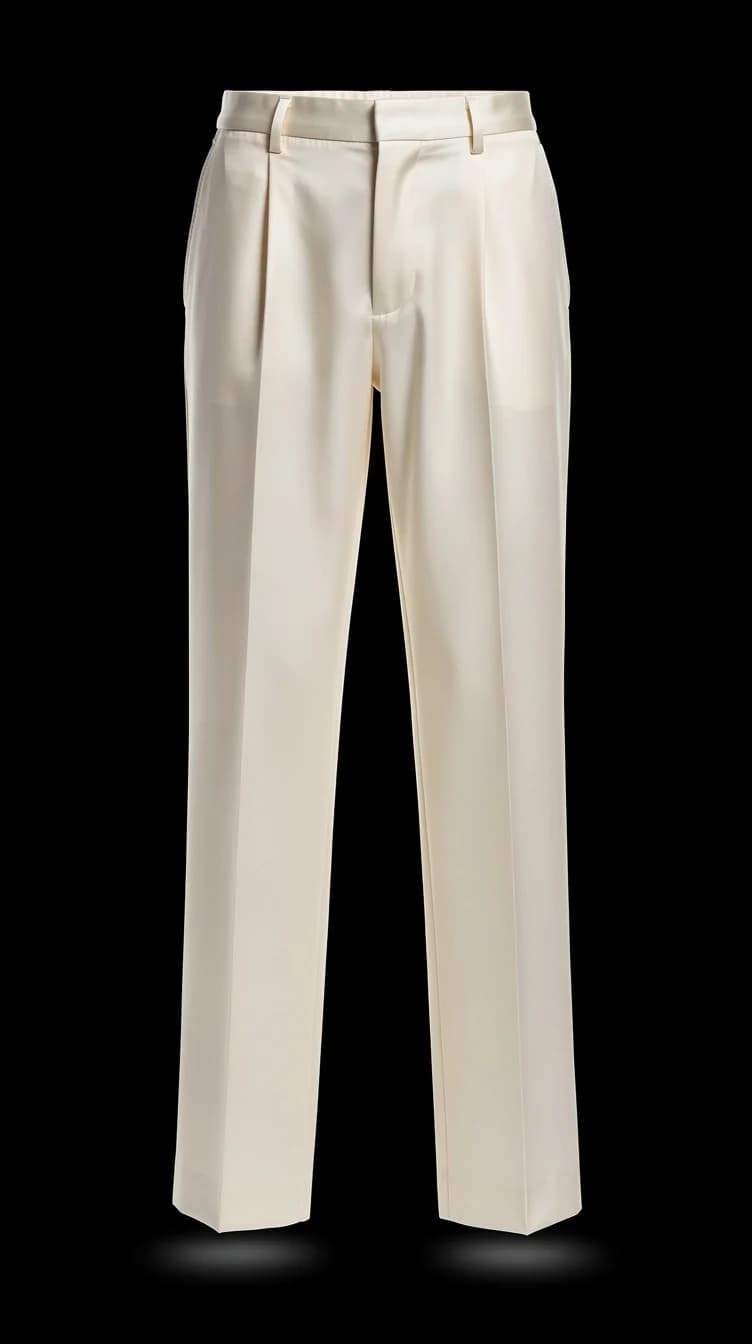
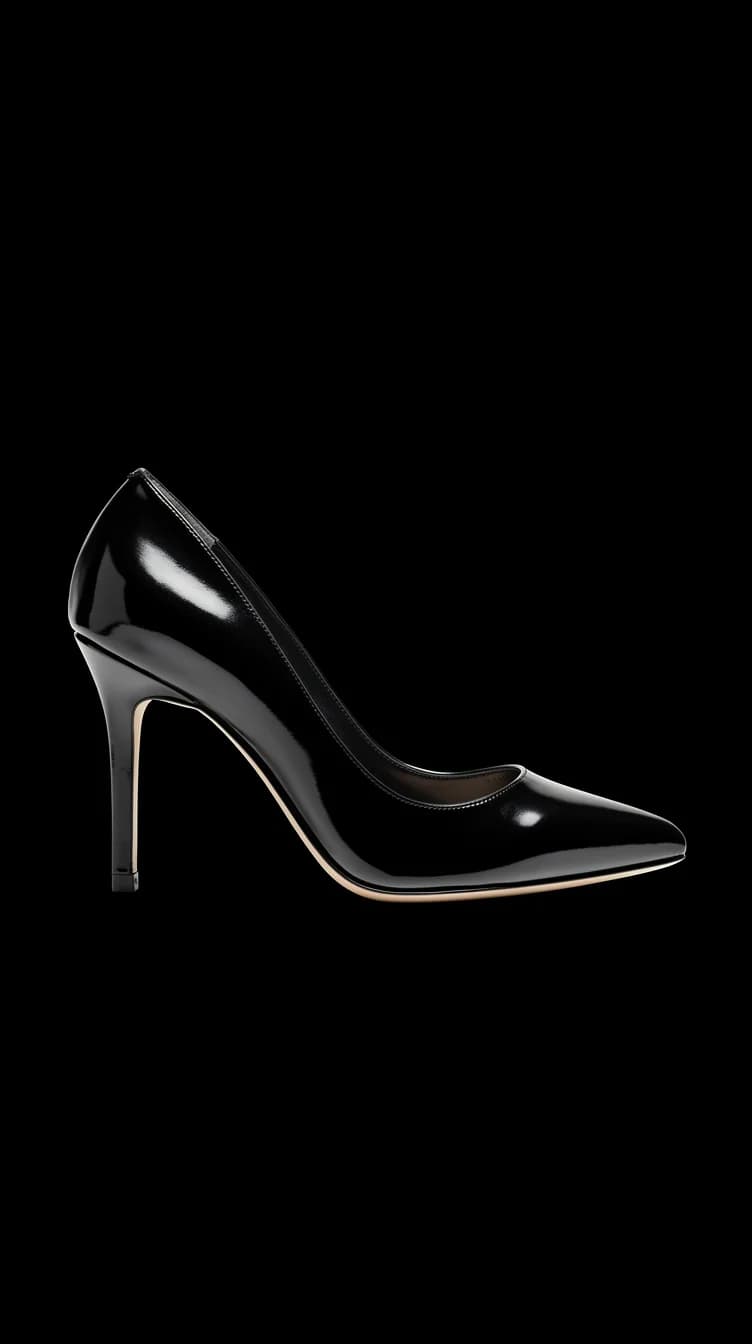
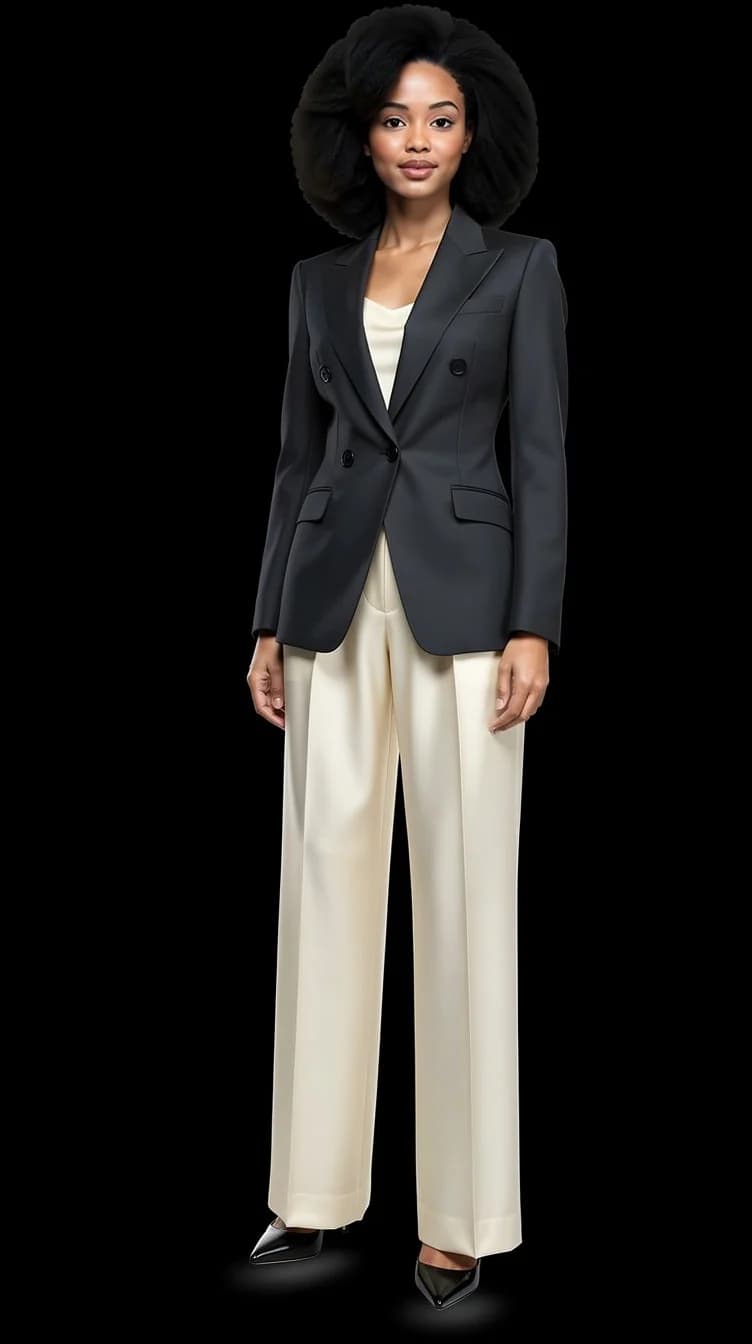
Build a Look from three pieces you own
A top, trousers, shoes: one photo of each, kept in your account, worn together in one picture.
Open the wardrobe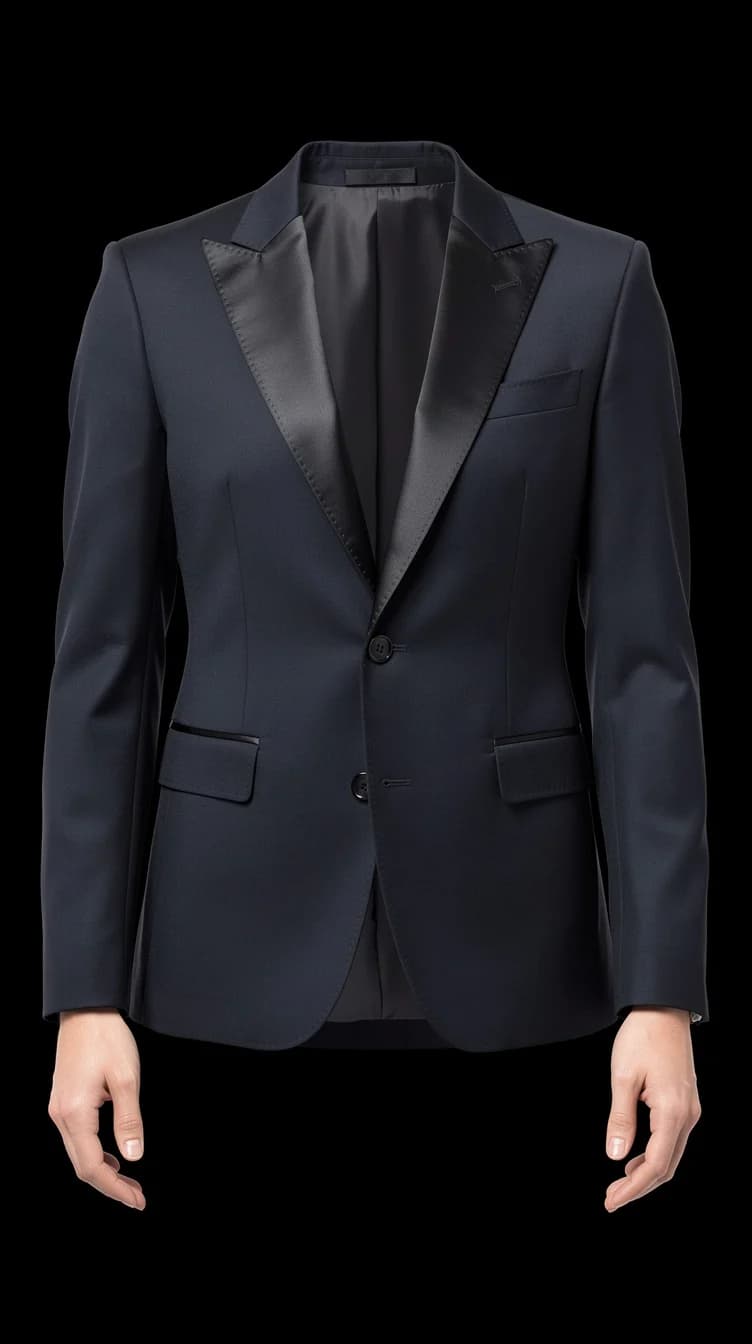
02 · From a photo you liked
Make a Look from any photo you found
Copy a picture from a page, paste it into the Look box, and the studio turns it into a Look with nobody in it. Then you wear it.
Read about this feature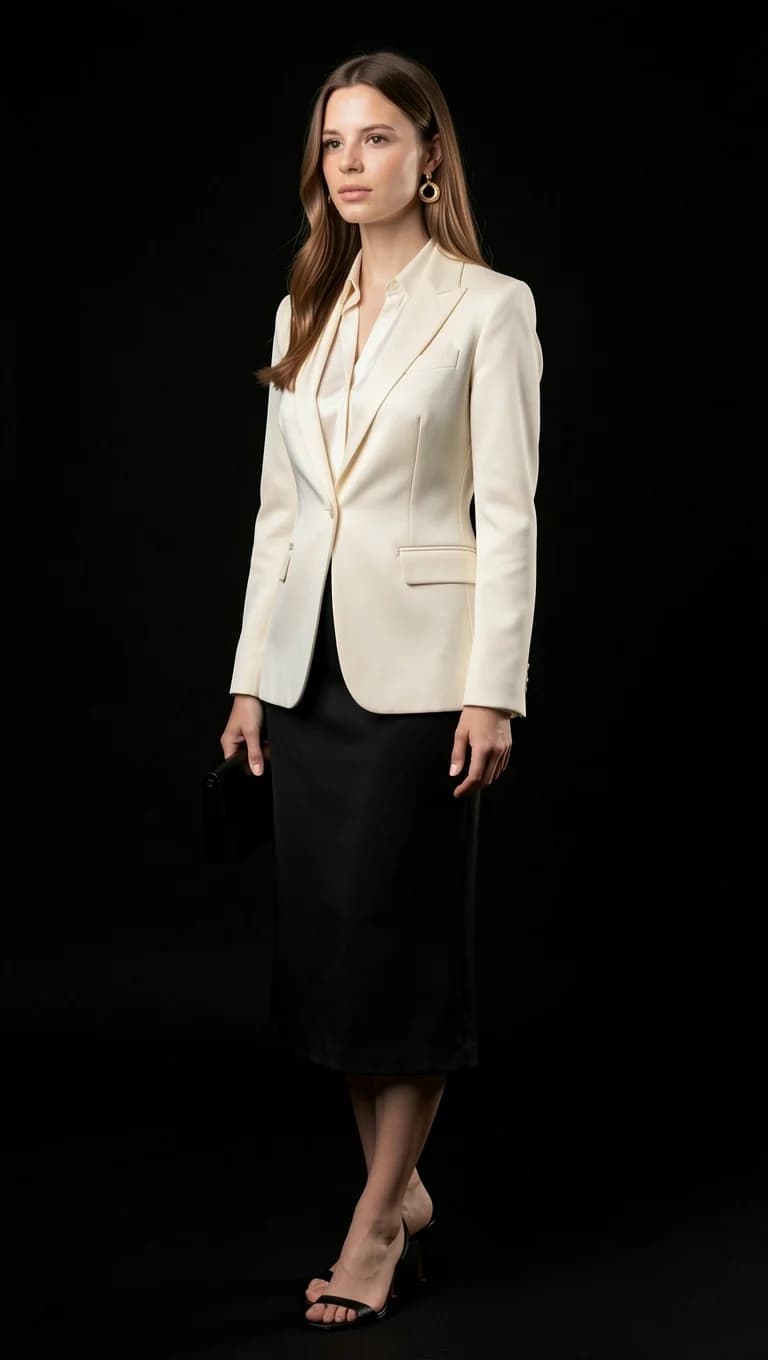
03 · You, wearing it
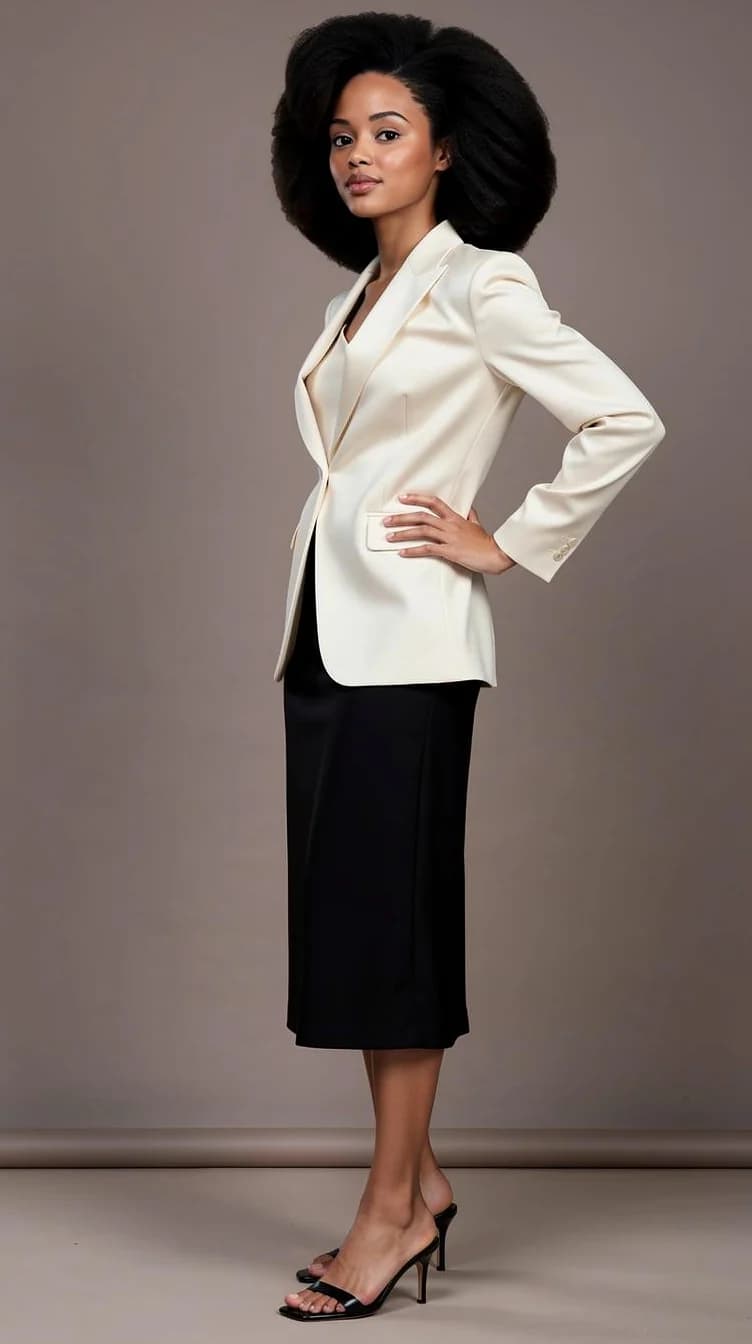
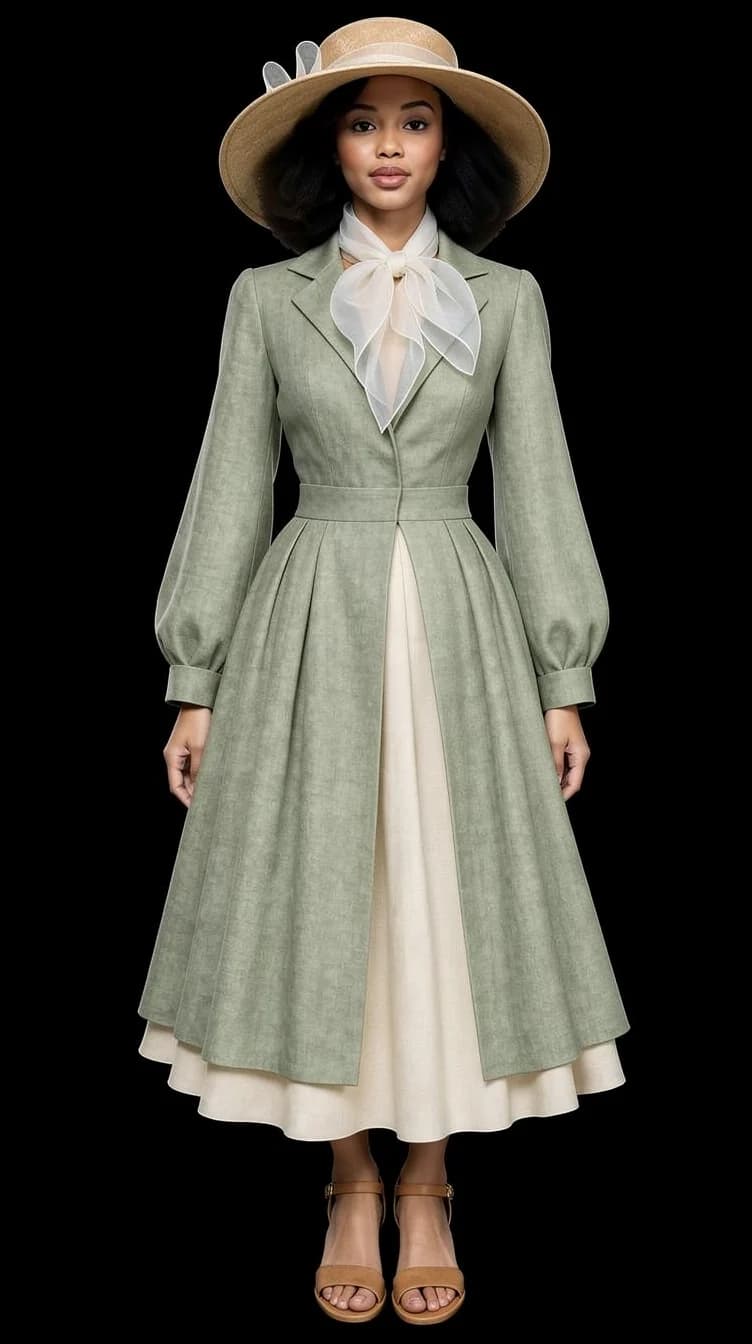
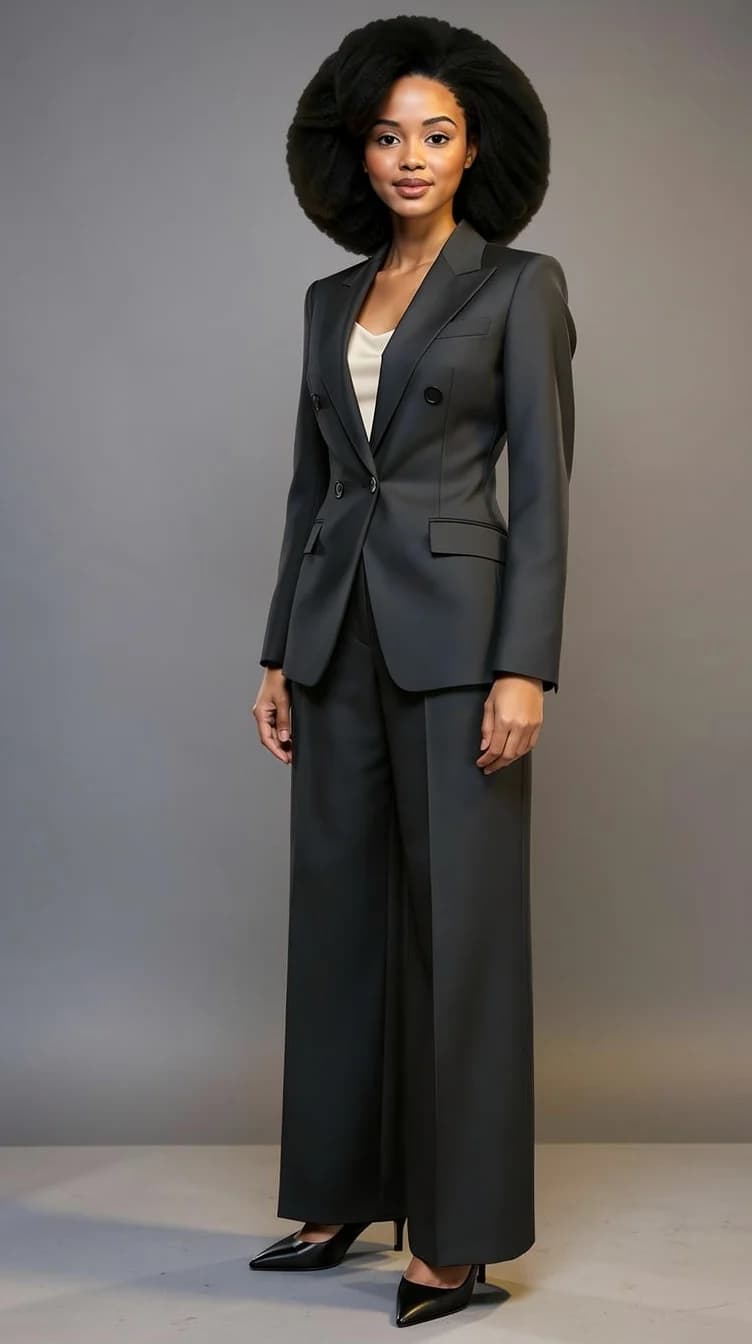
See yourself wearing it: the AI studio portrait
Your face, the Look you picked, one studio portrait. Nothing to prompt.
Read about this feature- Her, studio portrait
- Him, black tie
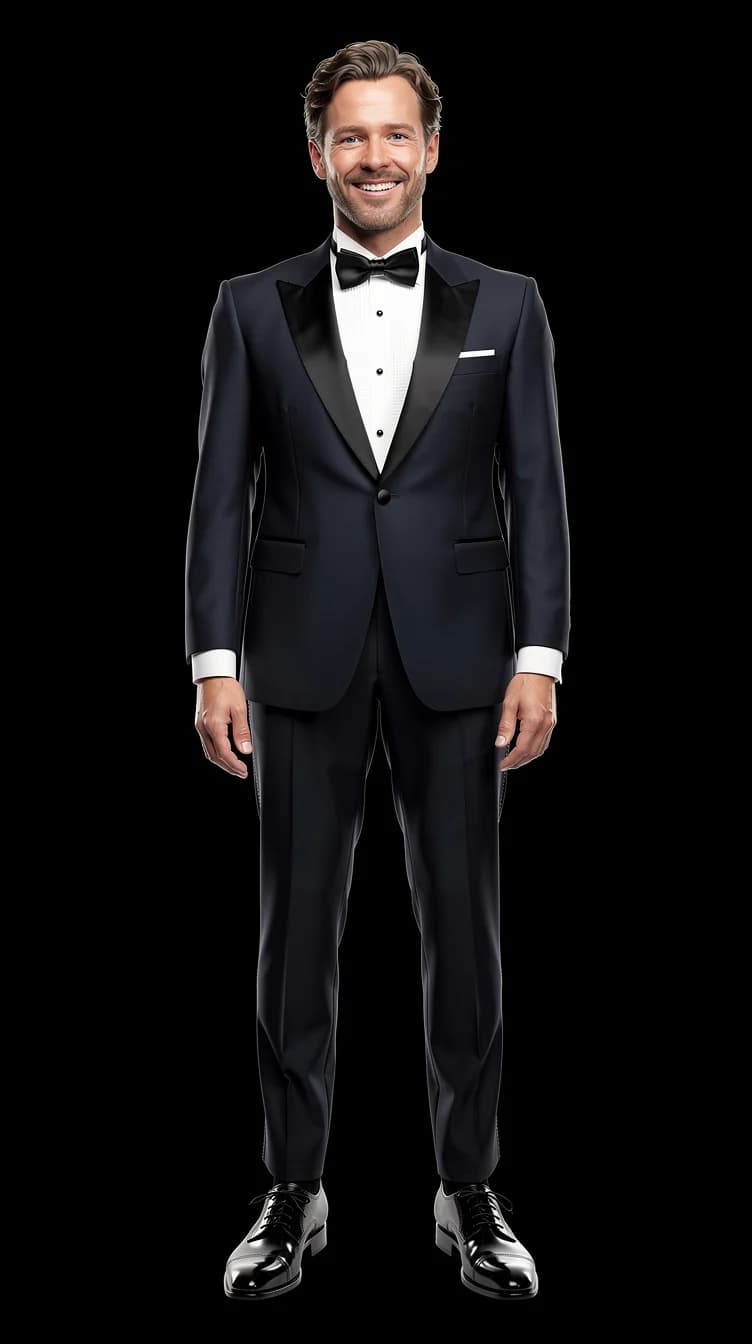
- Her, a second Look
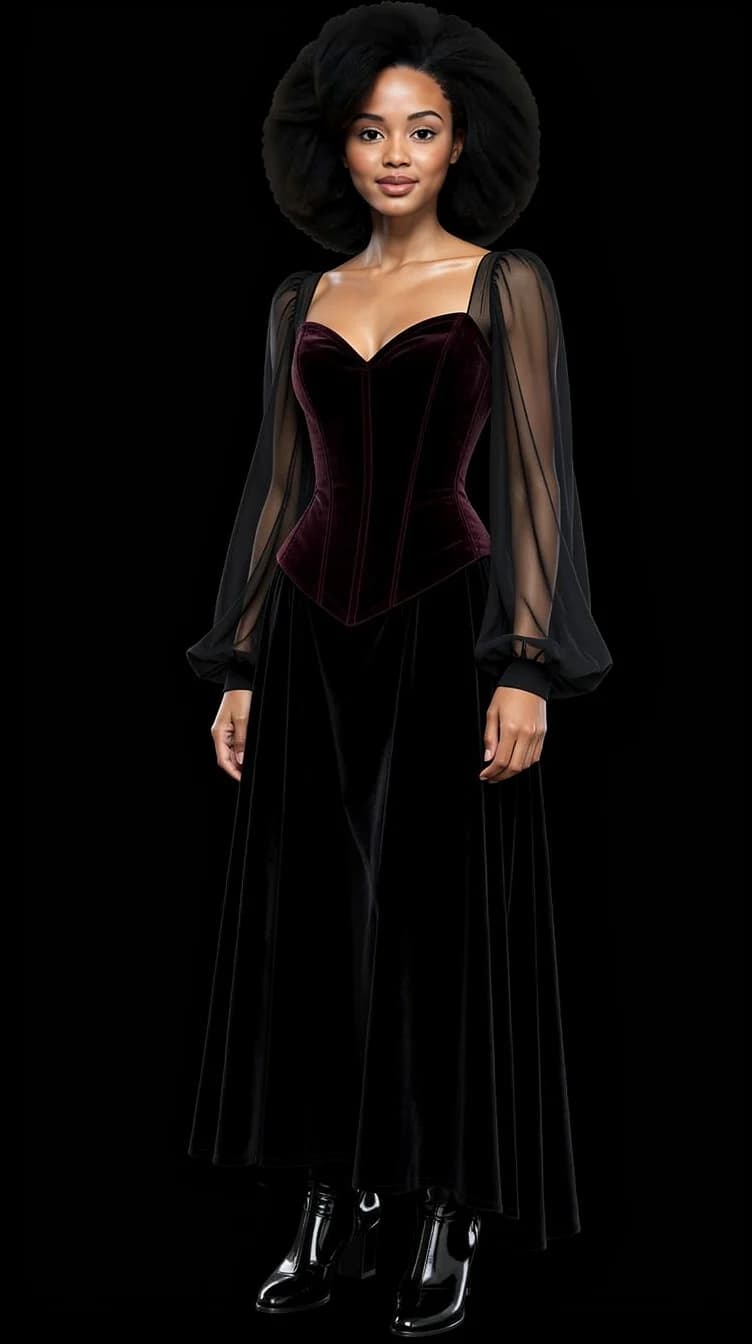
04 · Any angle
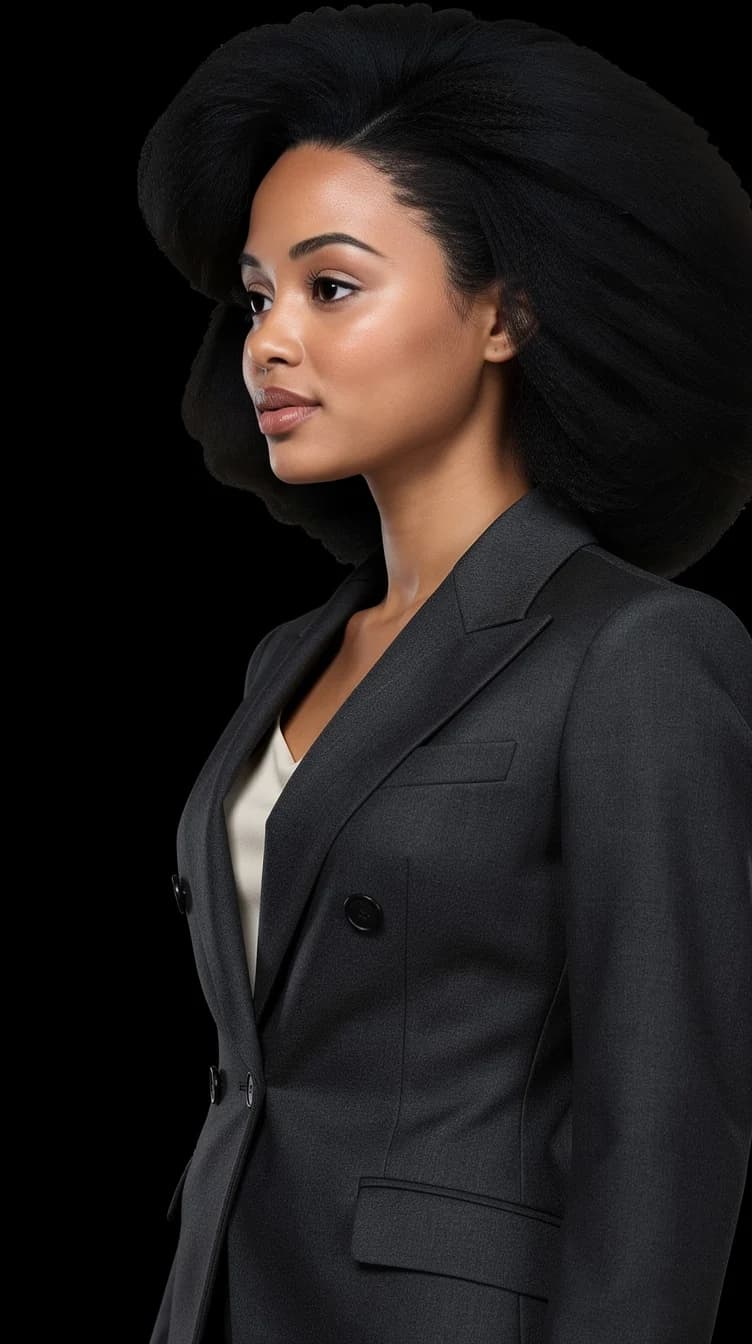
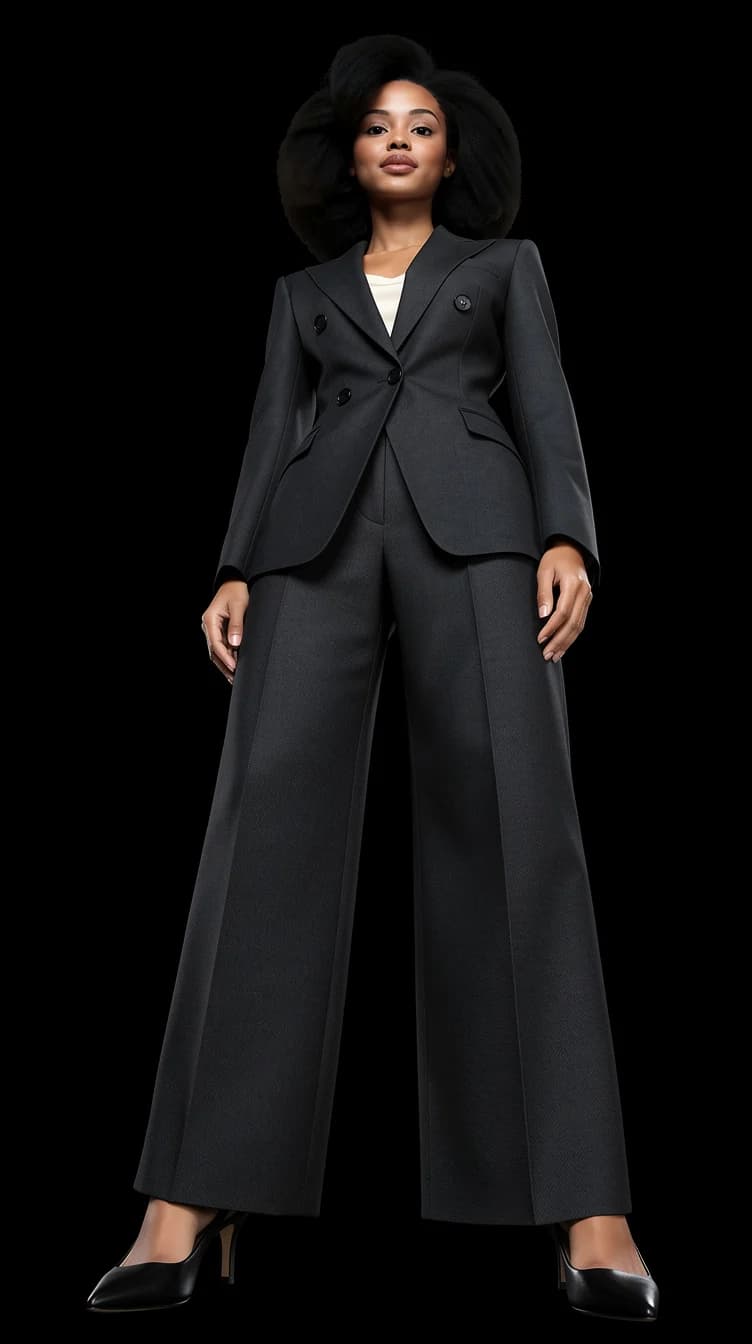
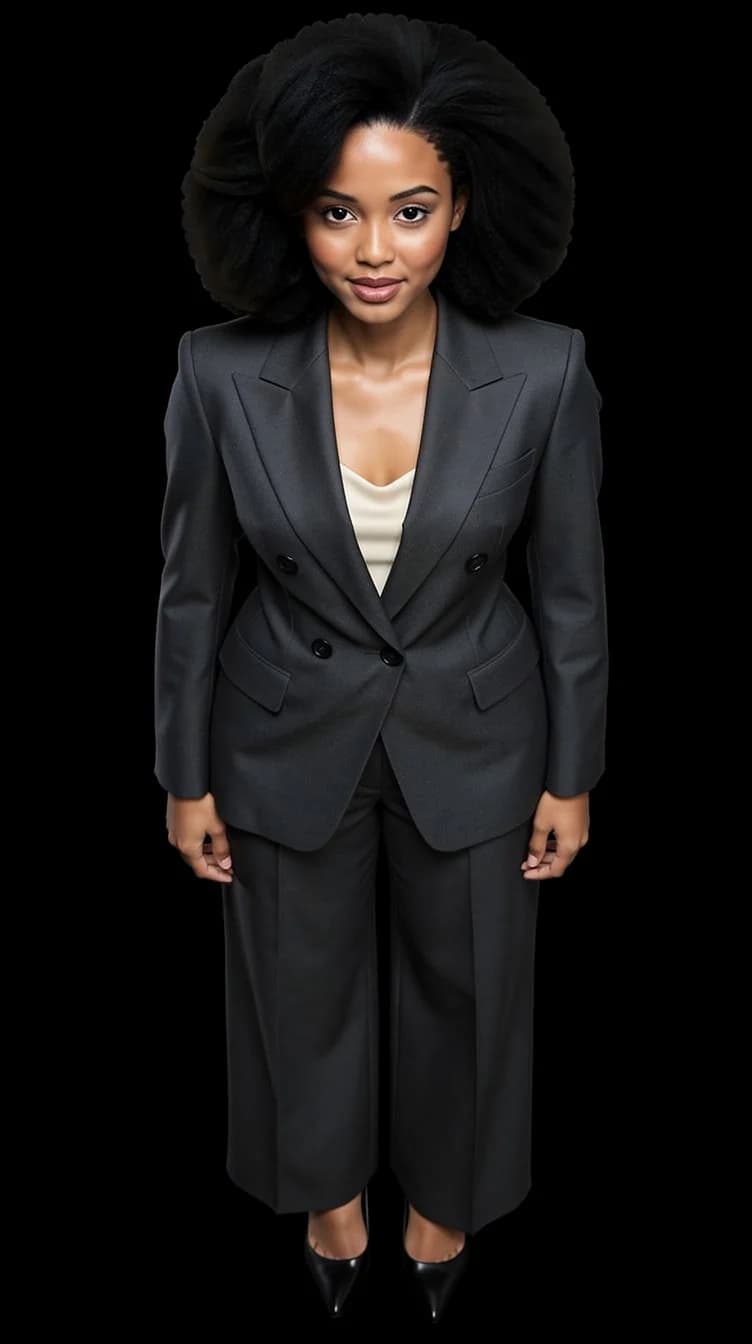
Change the camera angle: front, three-quarter, profile, low, high
The same portrait from five camera positions. Pick the one that flatters.
Read about this feature- Front
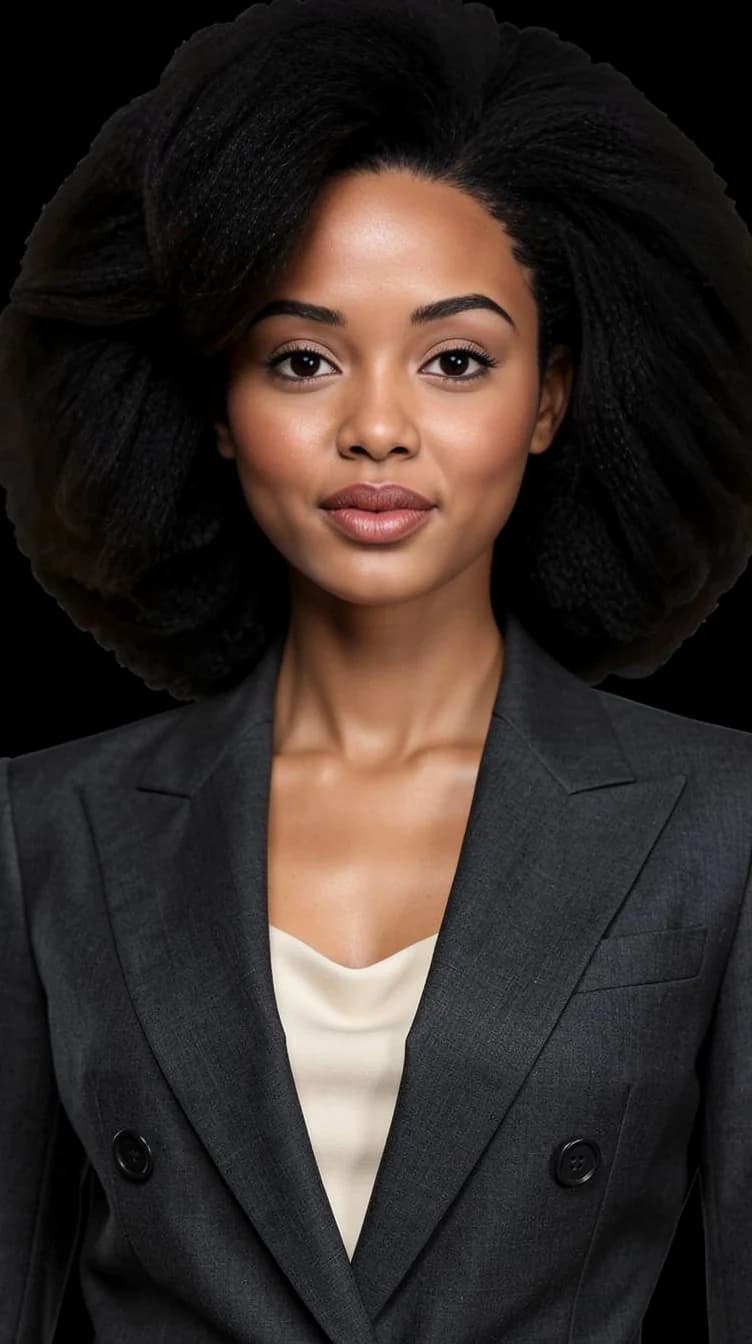
- Three-quarter
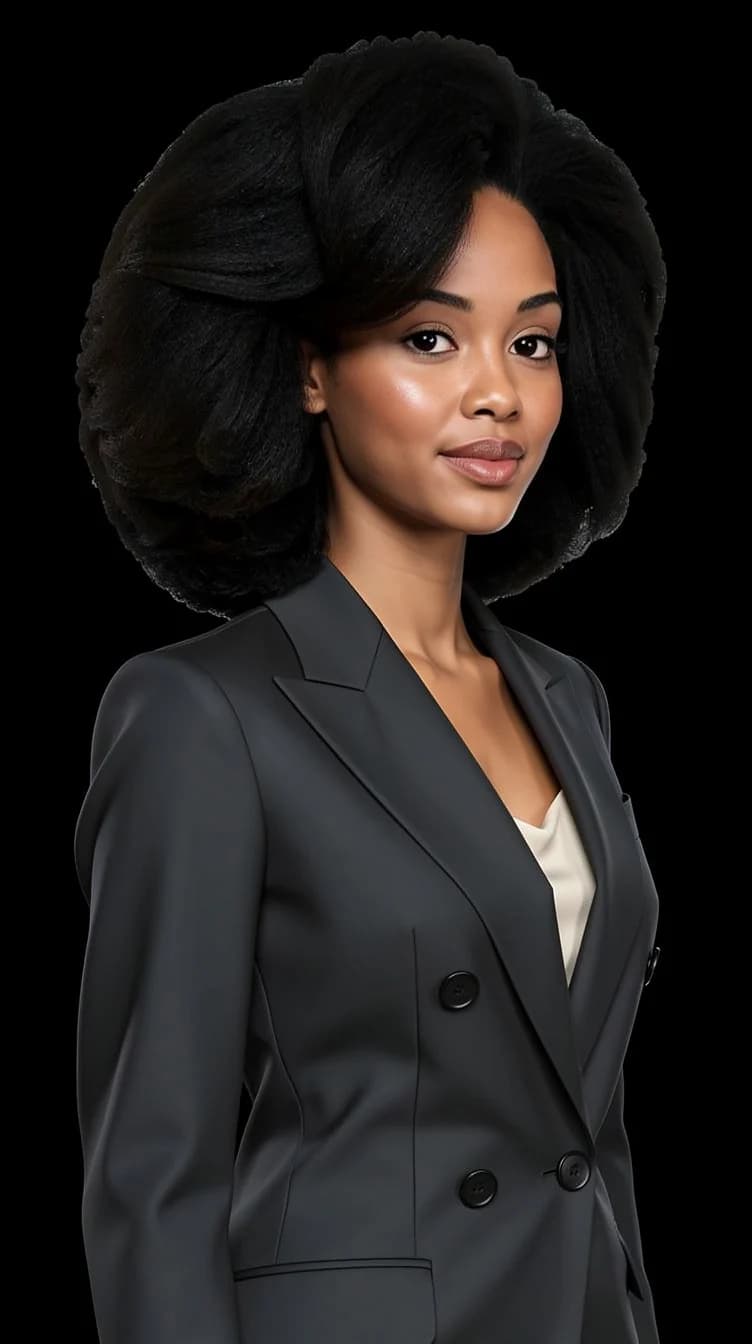
- Profile
- From below
- From above
05 · Any background
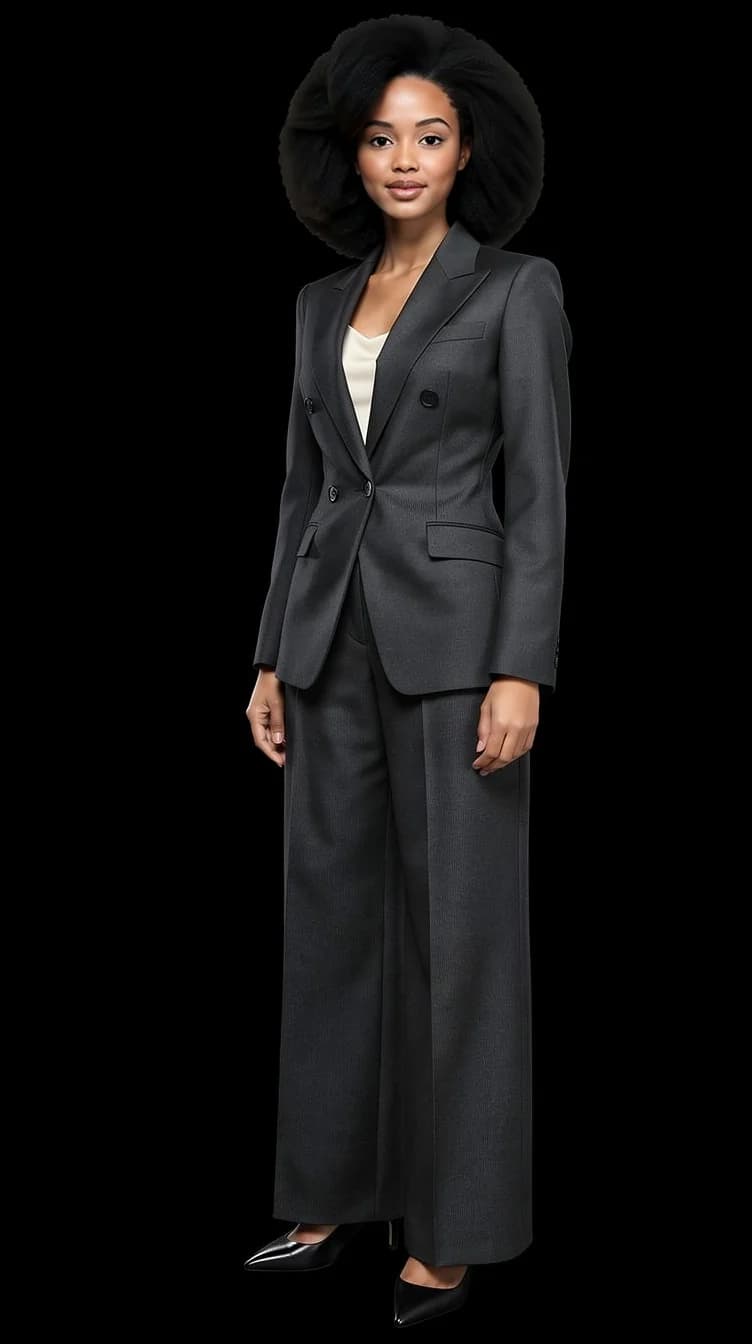
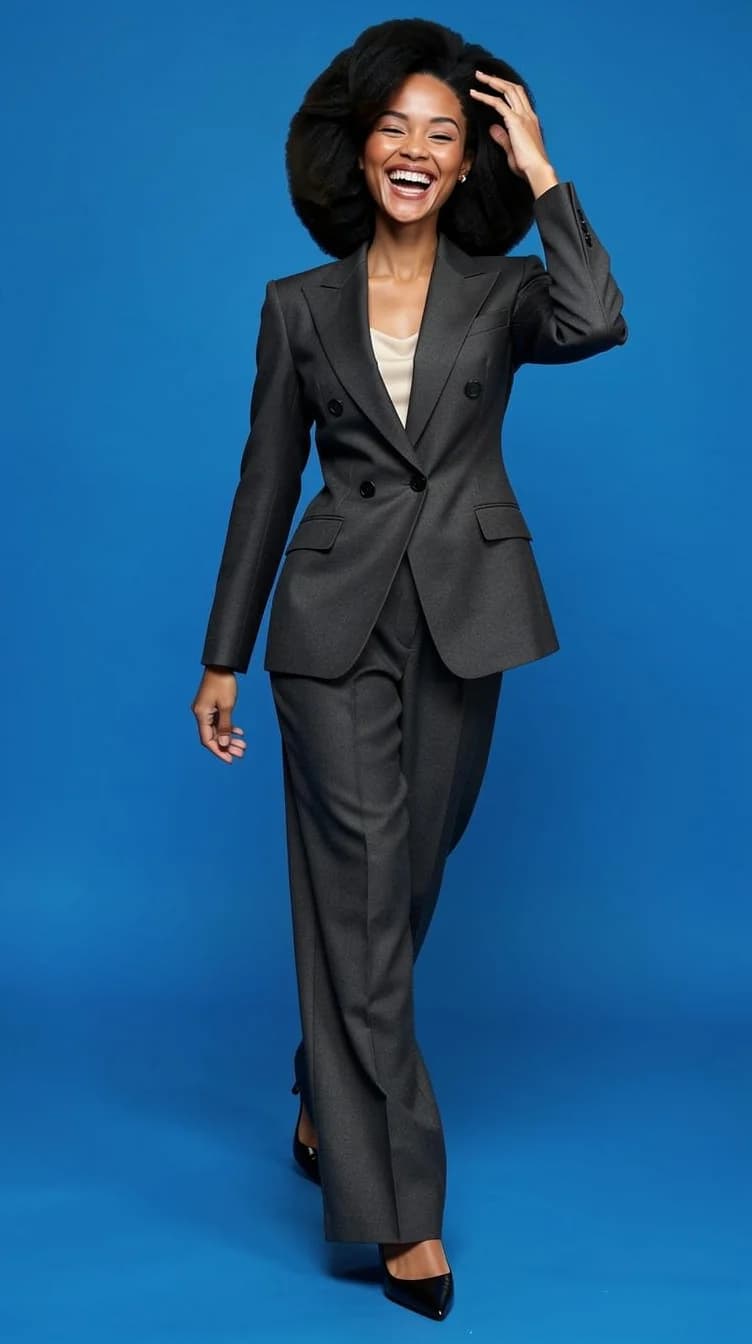
Change the photo background: black, white, gray, blue, studio, concrete
Six backdrops, one identity. Studio paper or a real wall, without a studio.
Read about this feature- Black
- White
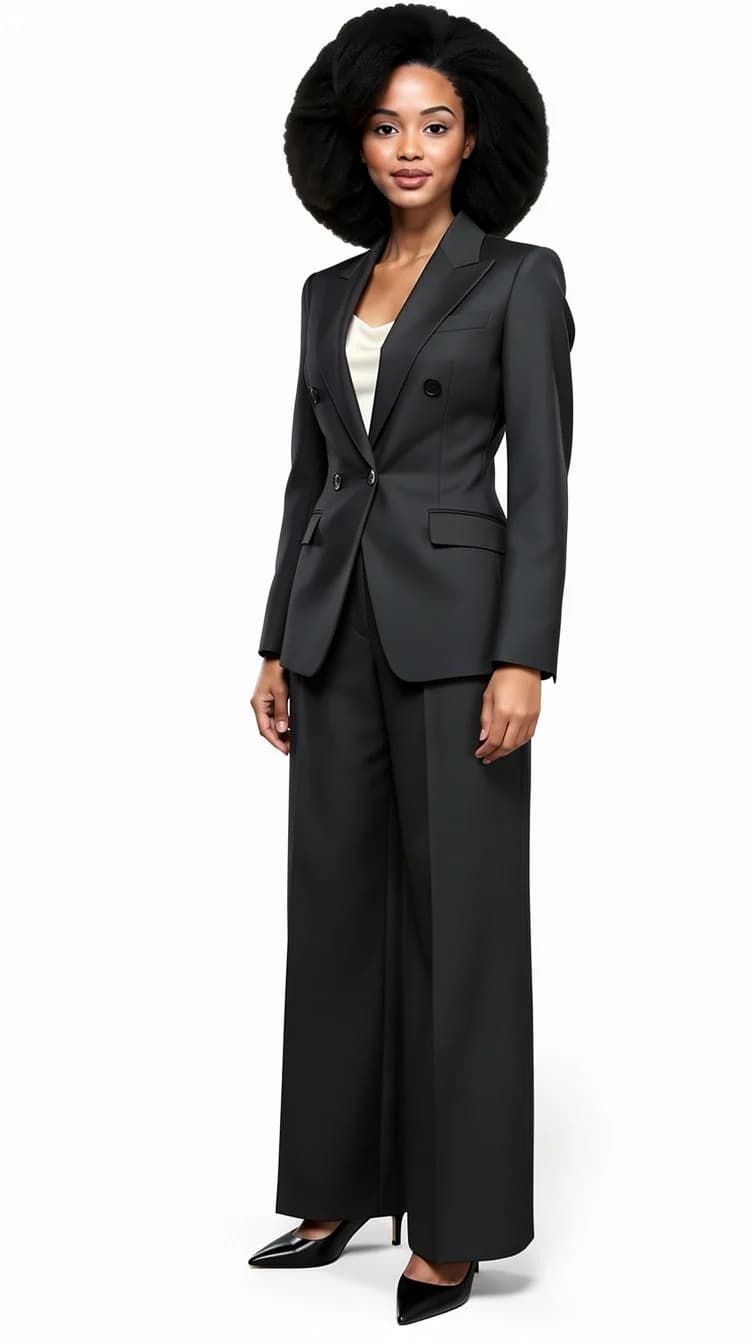
- Gray
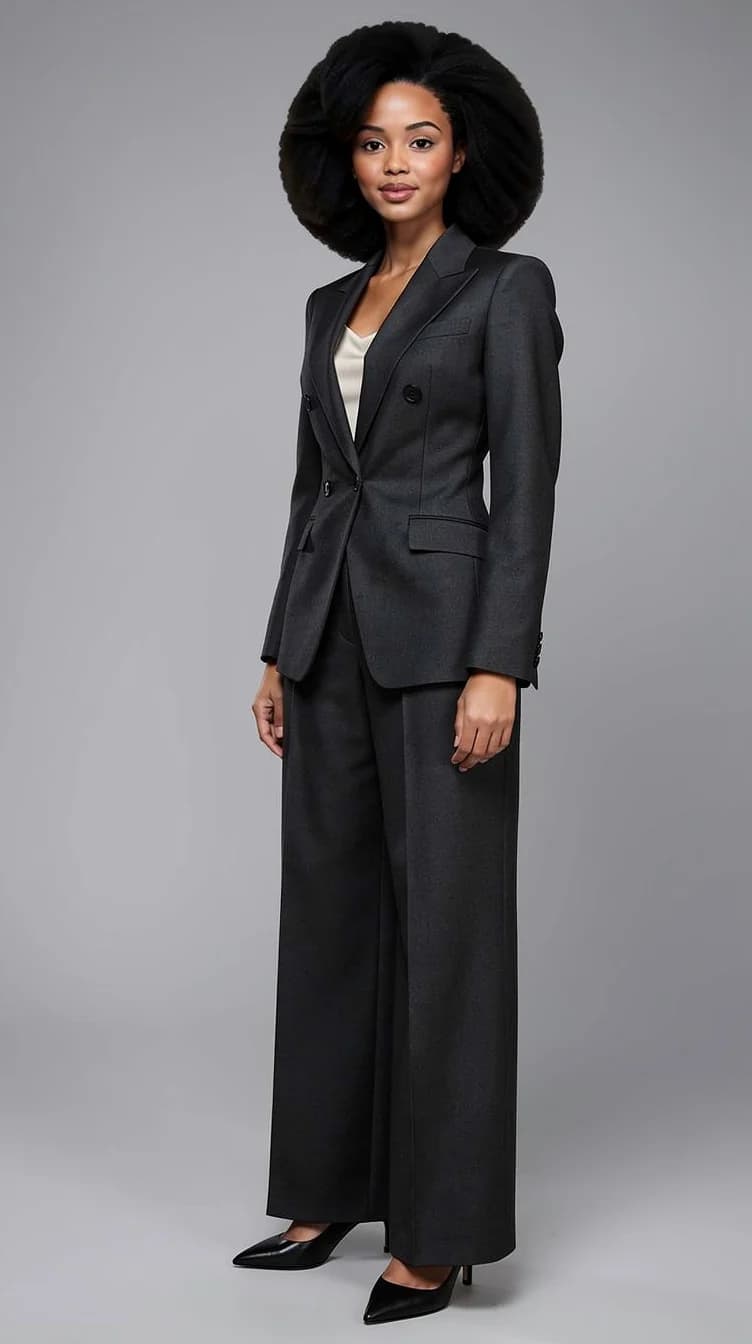
- Blue
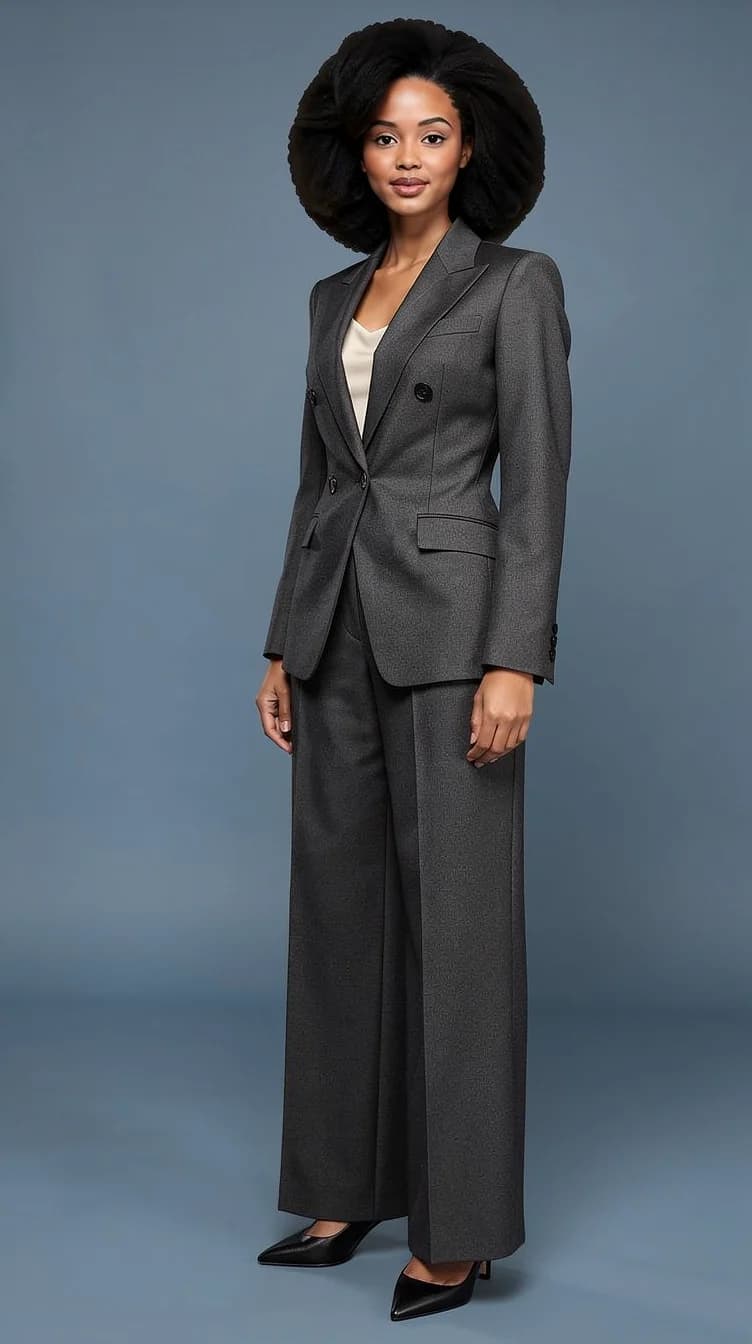
- Light studio
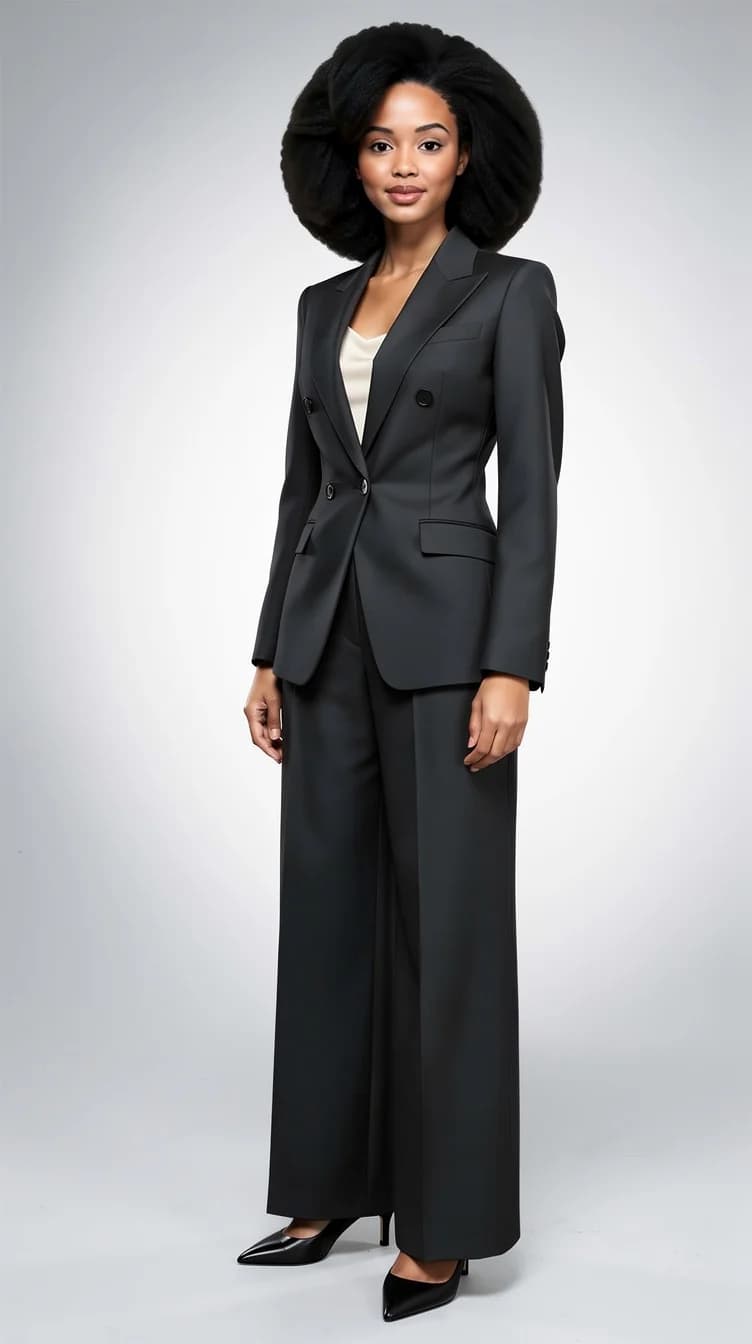
- Concrete
06 · Add an item
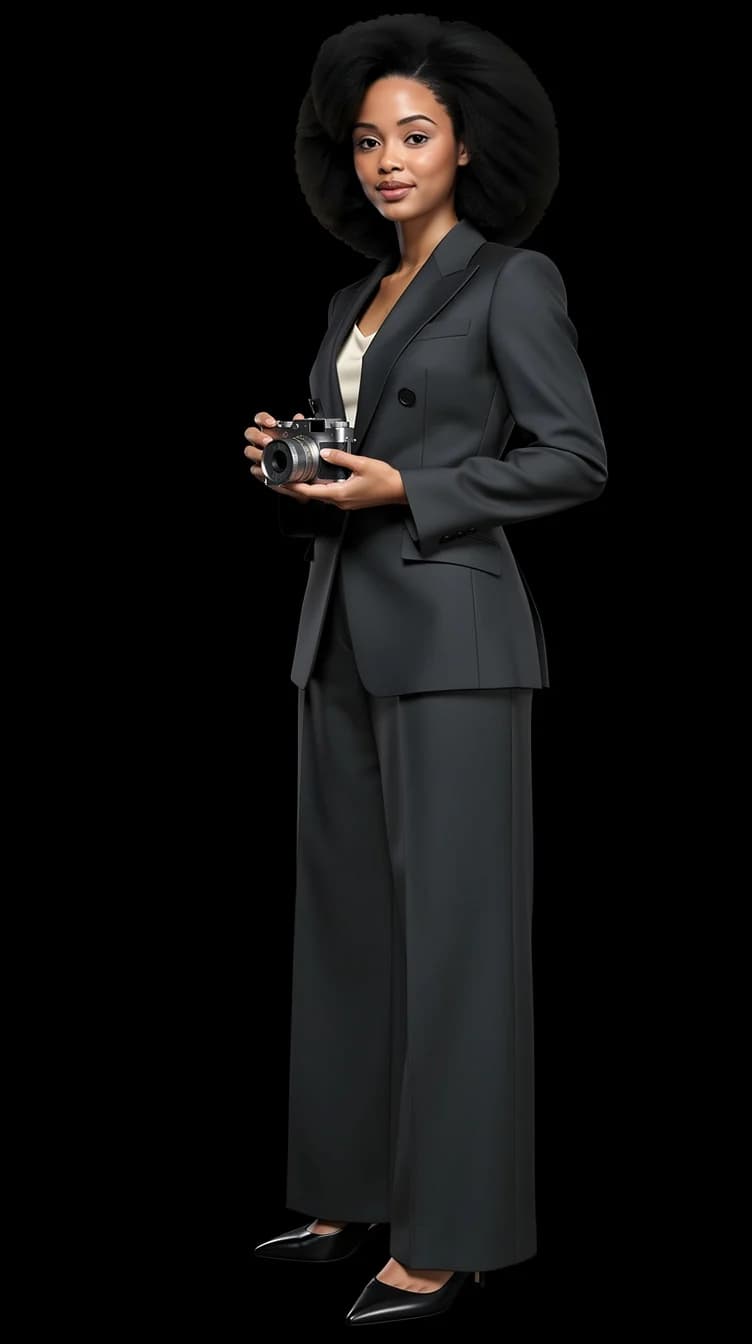
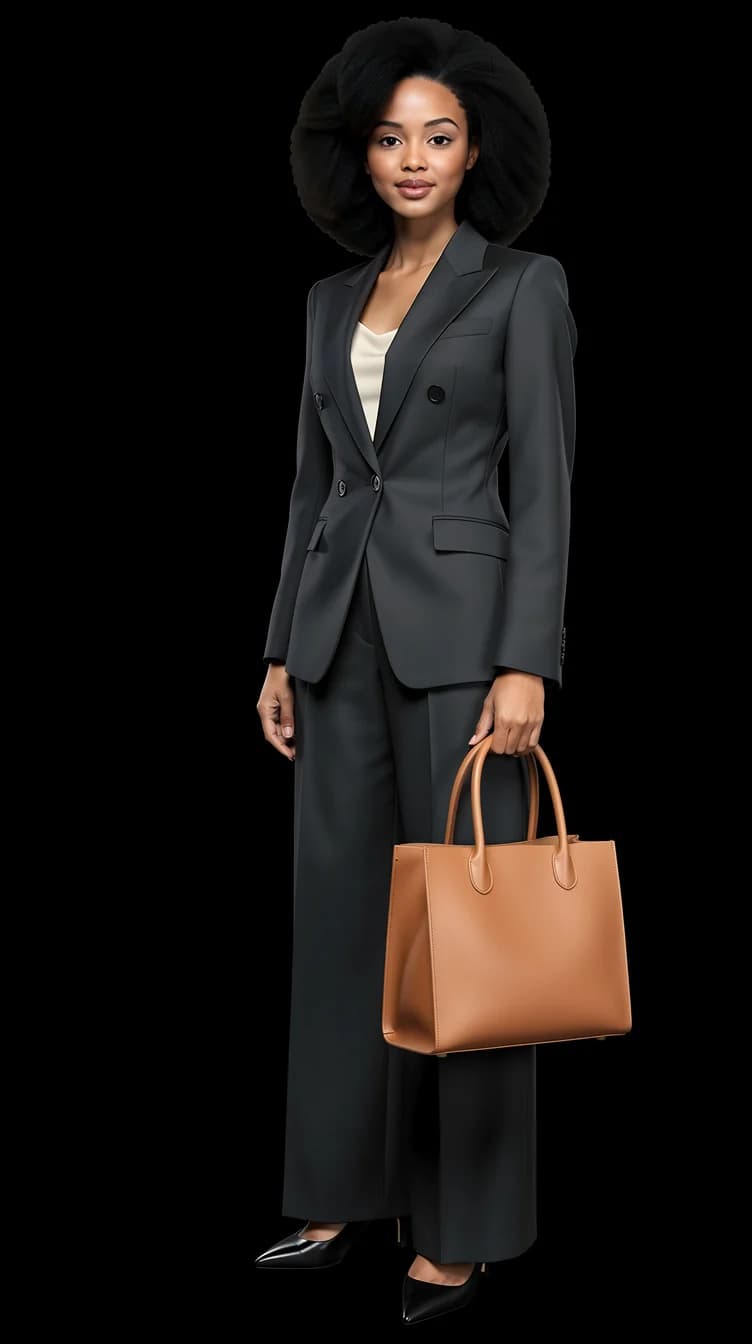
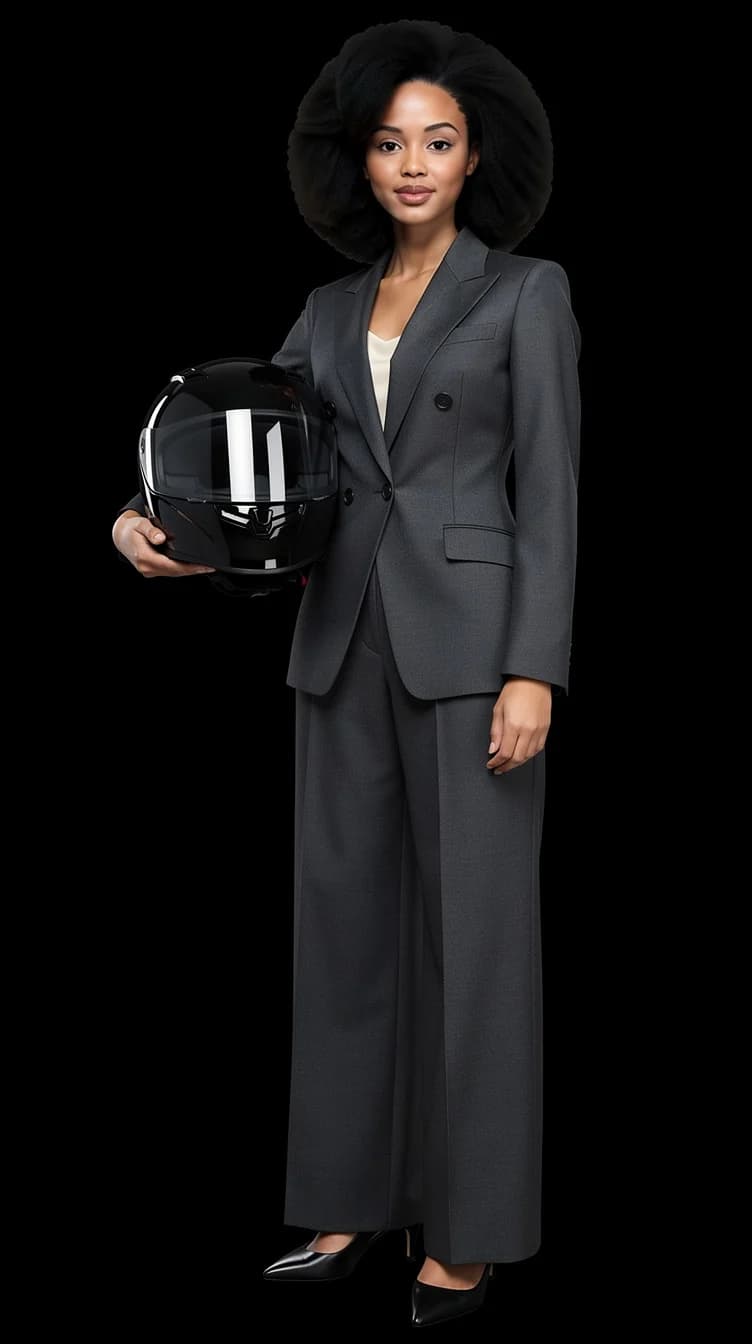
Add a prop or your own product to the picture
A camera in hand, a leather bag, a helmet, or the product you sell. One photo of the item is enough.
Read about this feature- Camera in hand
- Leather bag
- Helmet
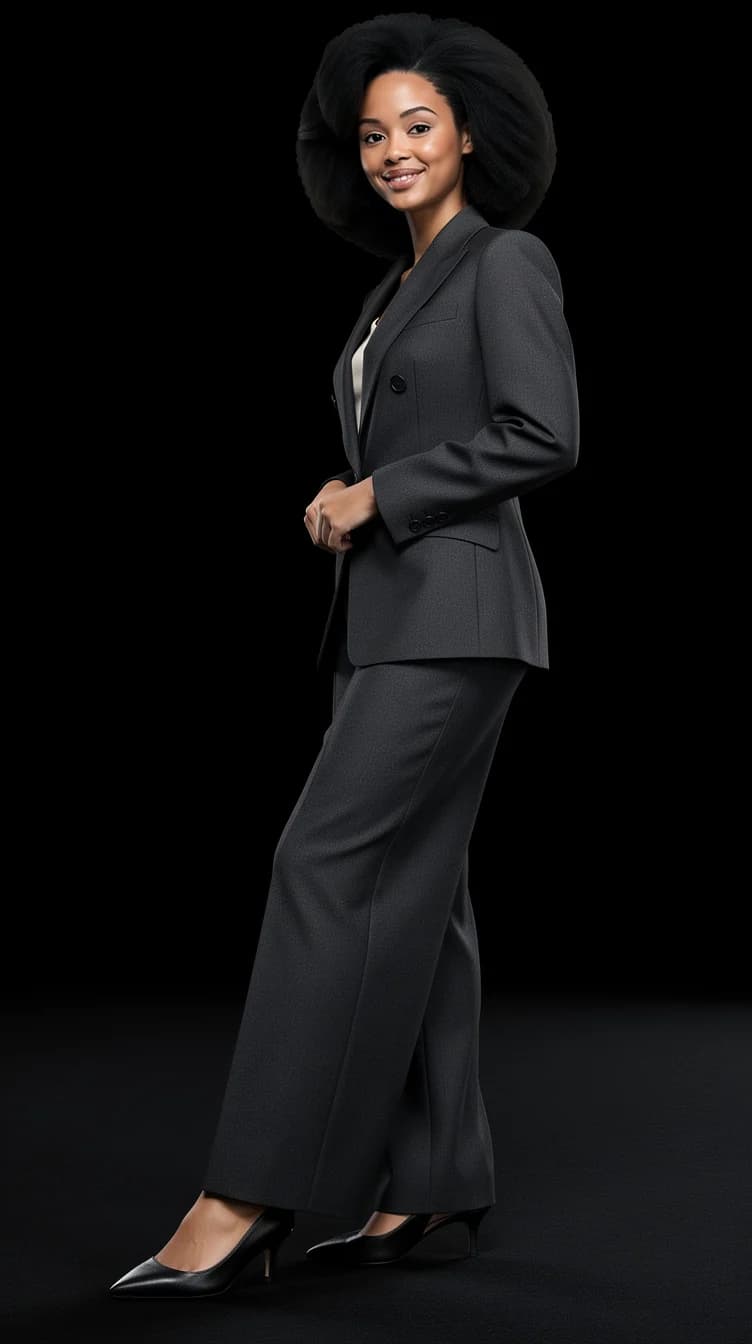
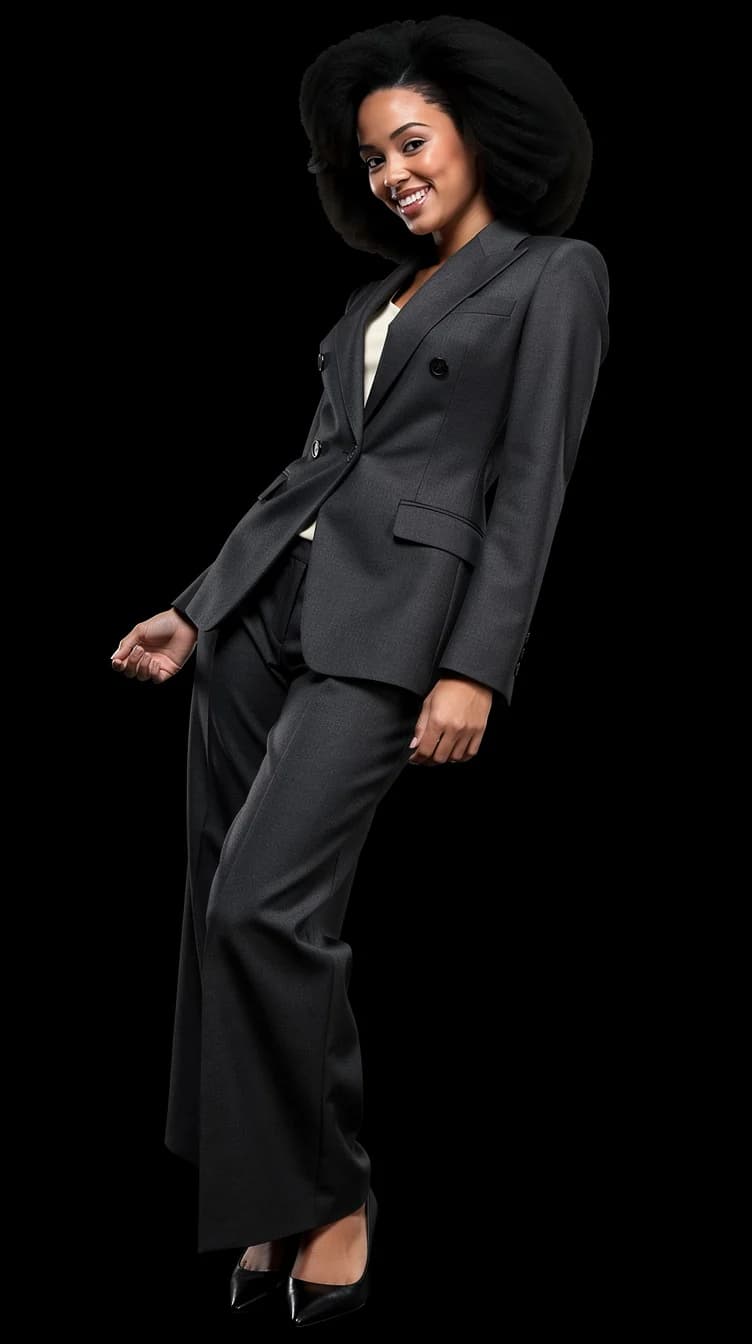
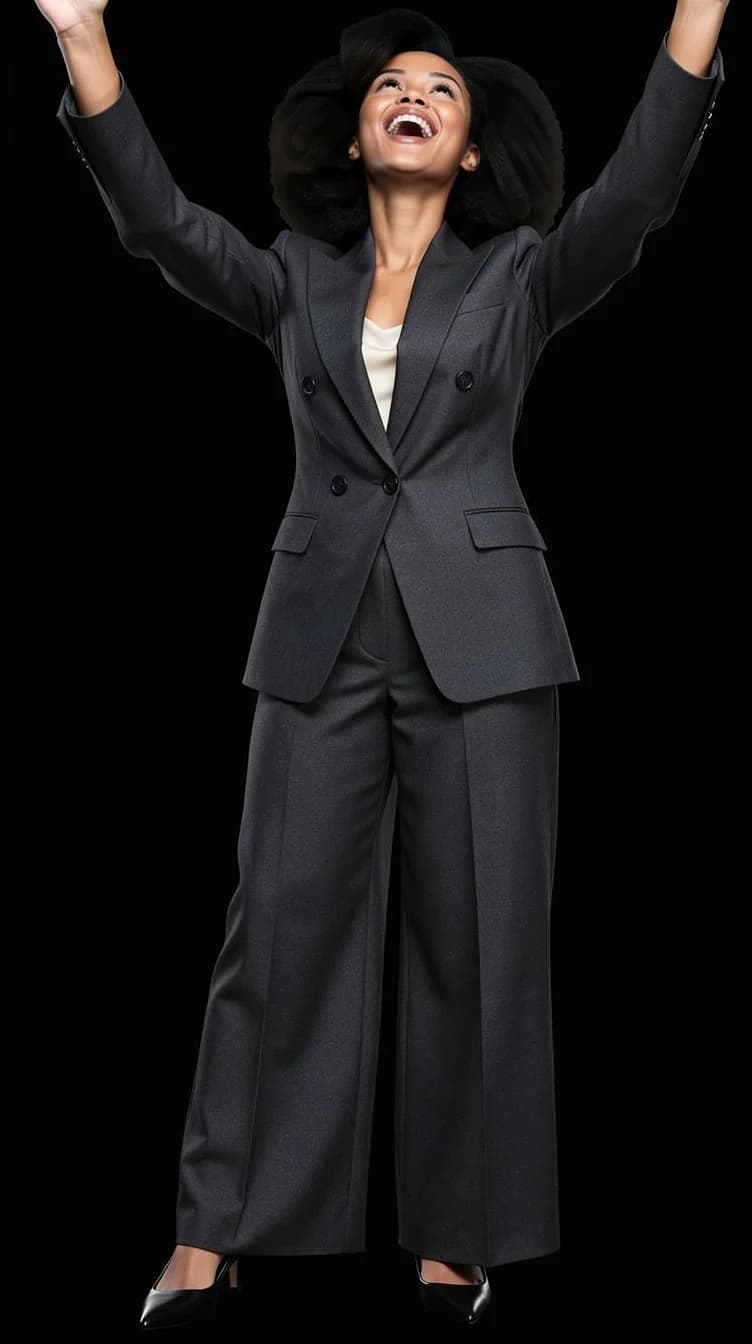
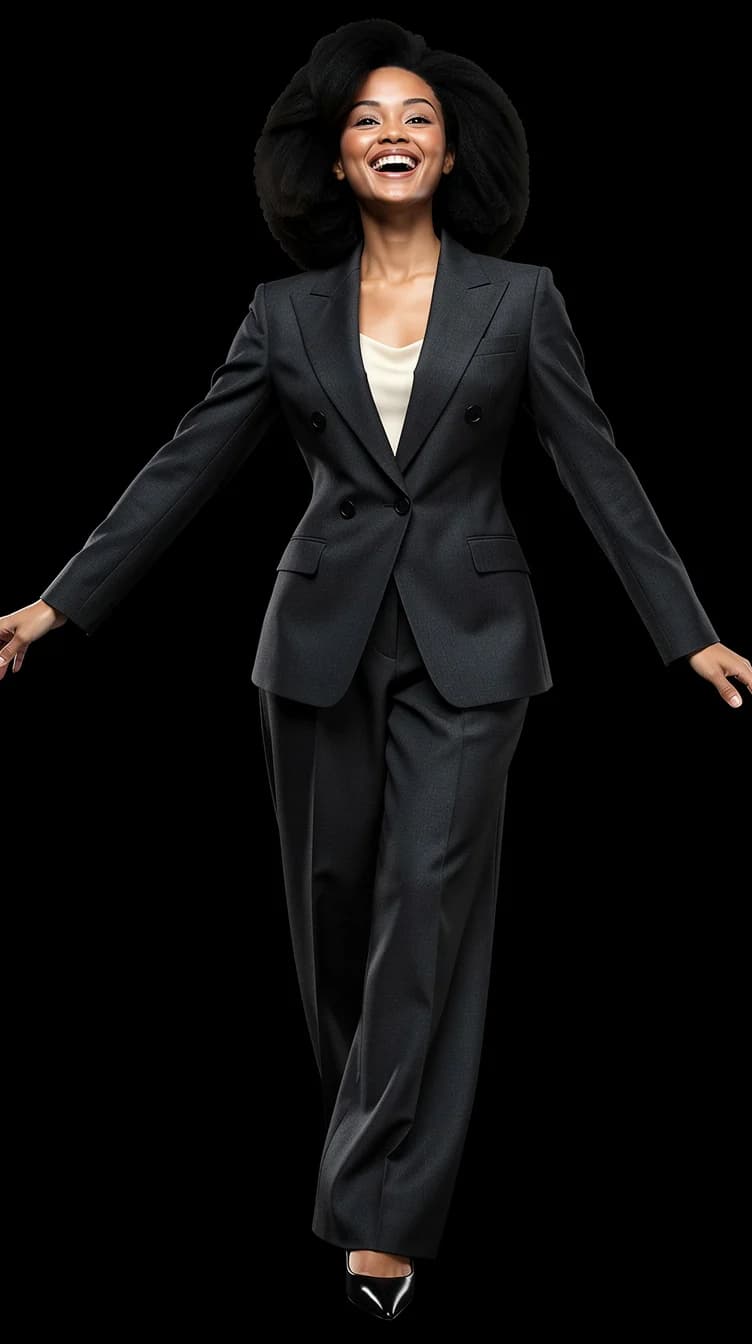
07 · Any pose
Change the pose from the pose library
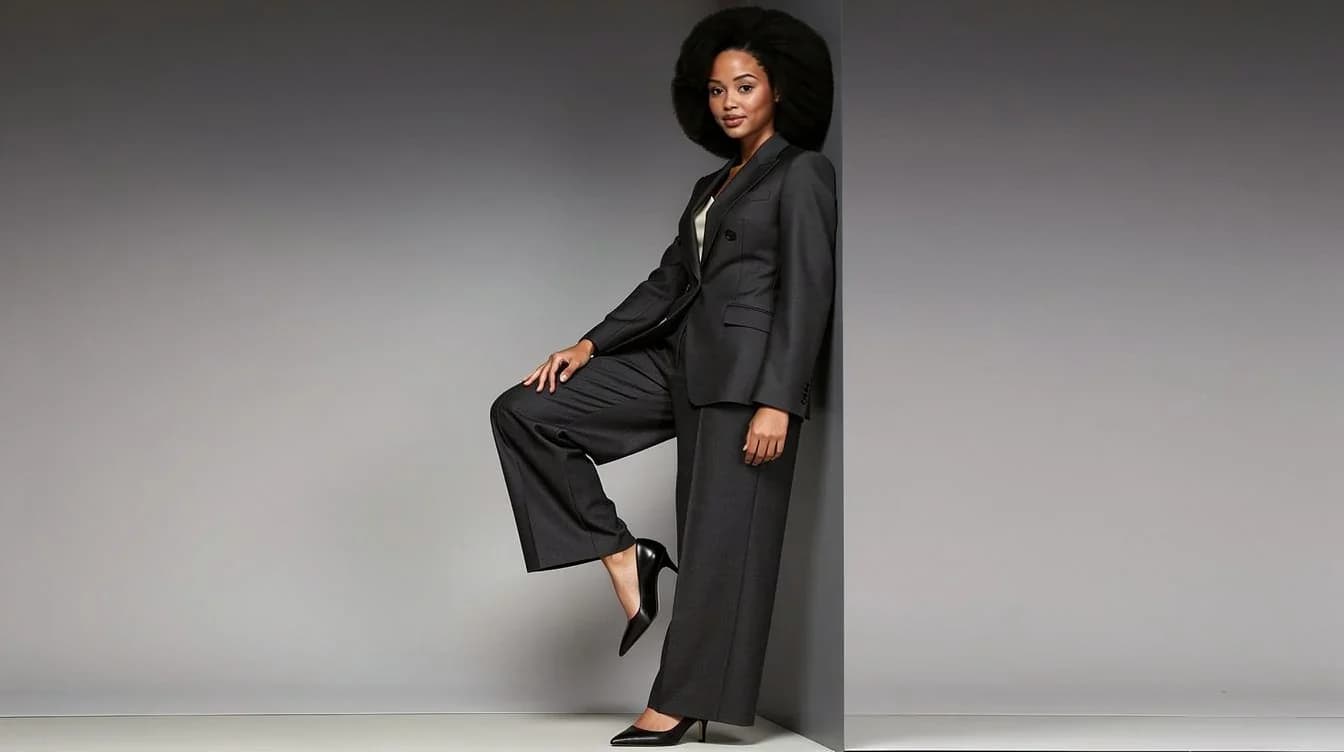
Catwalk pivot, Smooth Criminal lean, arms up, spin-stop. The pose changes; you stay you.
Read about this feature- Catwalk pivot
- Smooth Criminal lean
- Celebration, arms up
- Spin-stop, arms wide
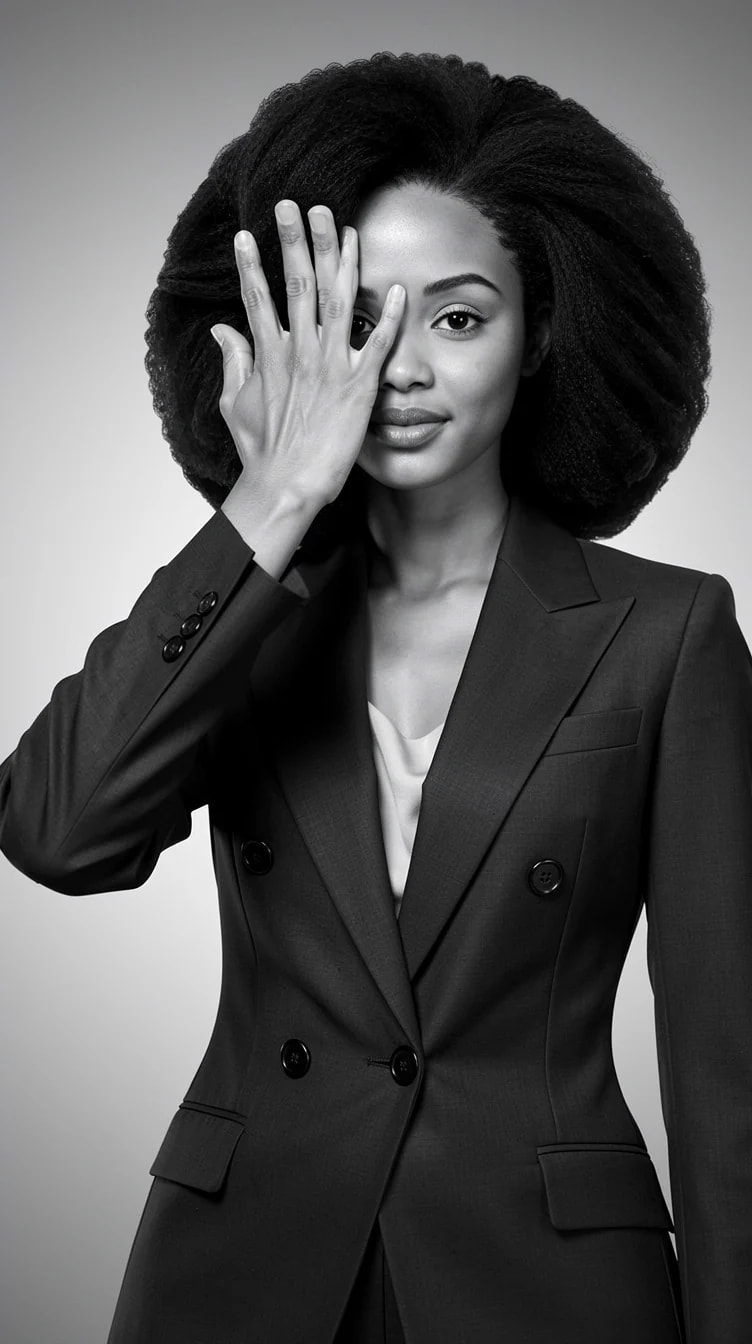
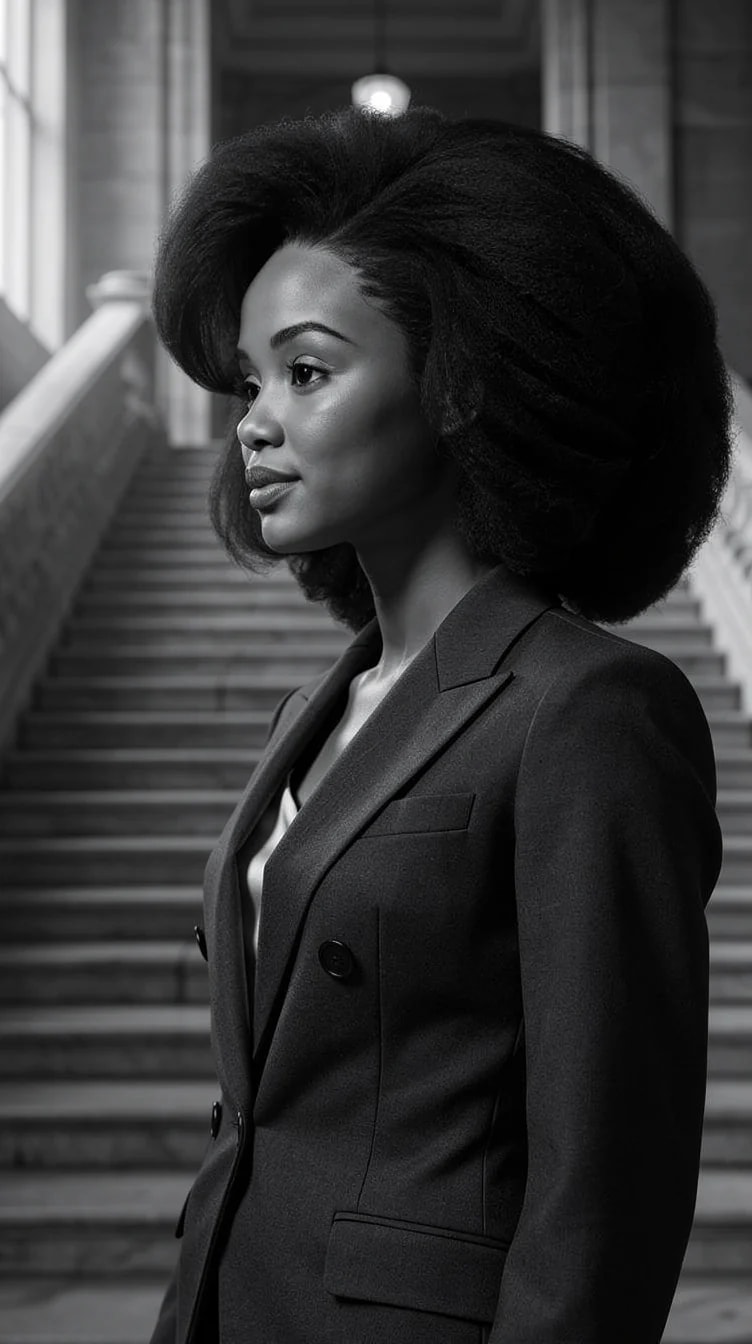
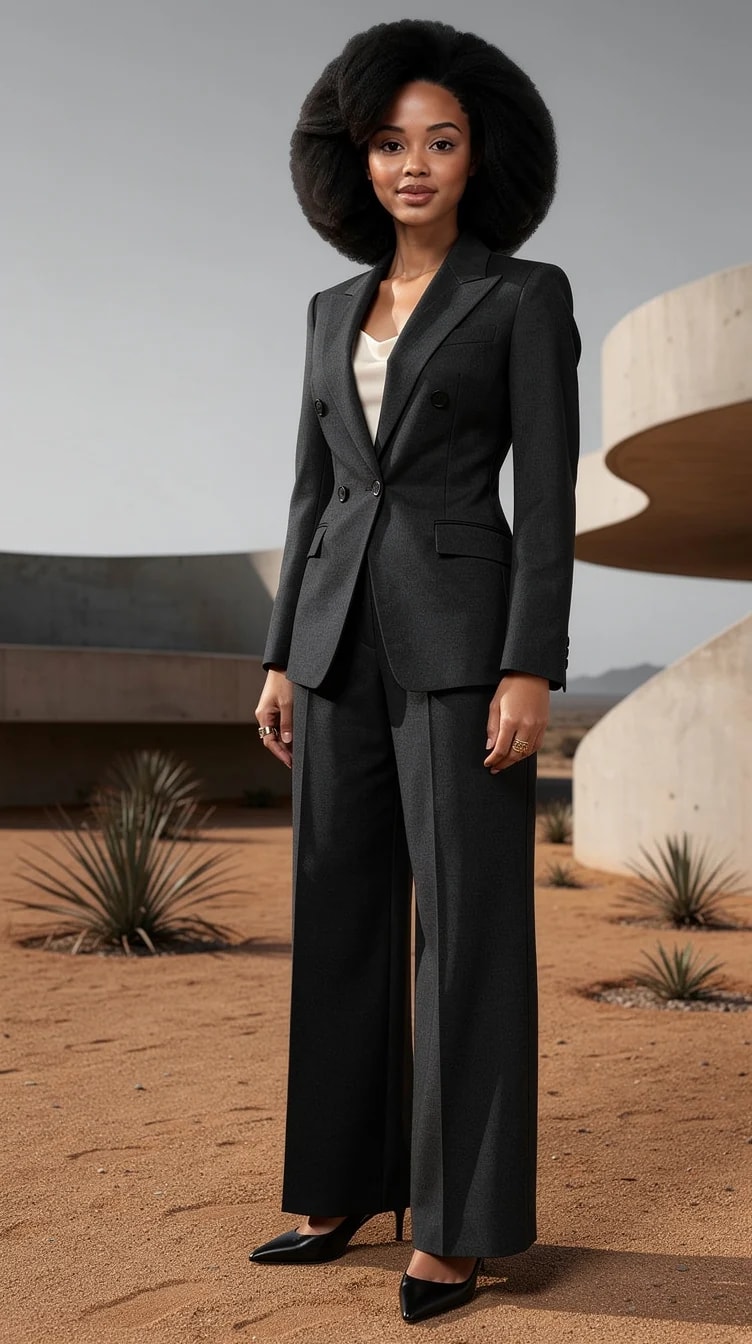
08 · Before → your set
Before and after: your original photo, then your finished set
One everyday photo in. A connected set of pictures out, same face every time.
Read about this feature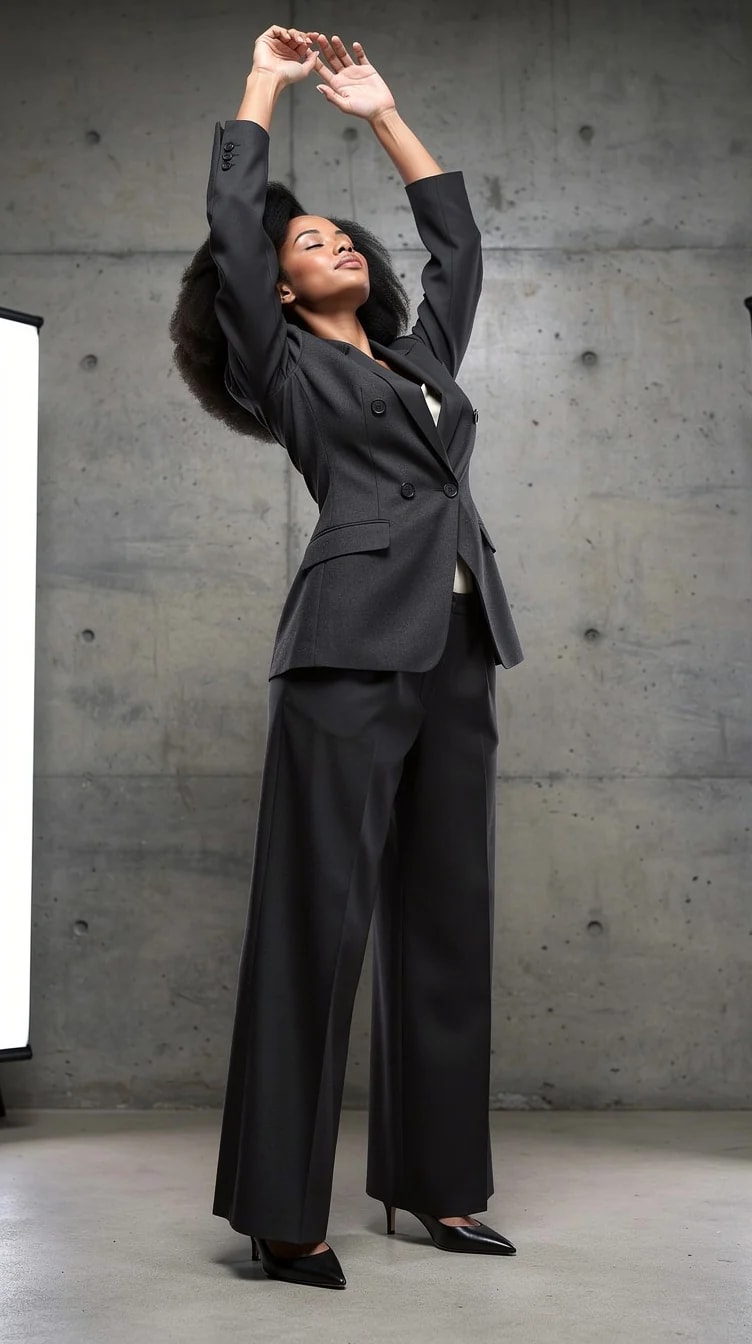
09 · Finish
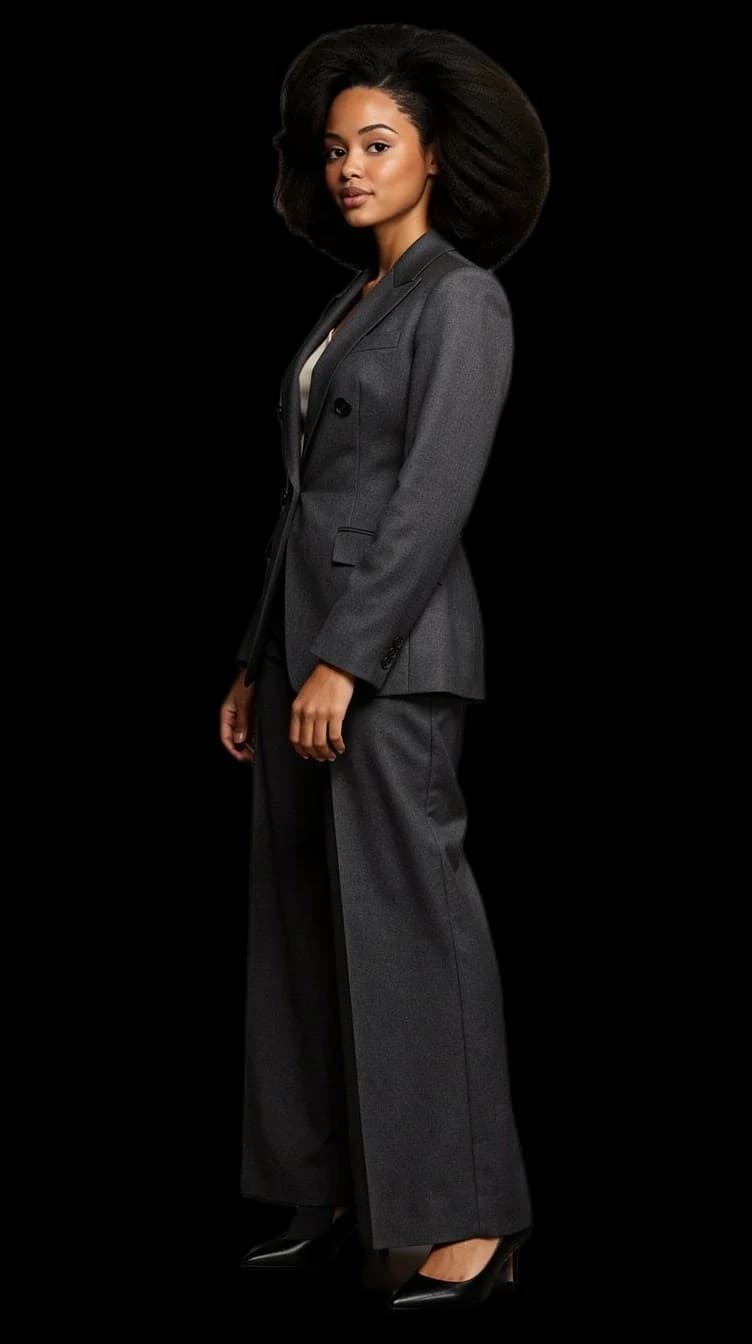
Finish: remove the background to a transparent PNG, upscale to 4K
A clean cutout for any layout, and a 4K file that survives a print.
Read about this feature- Background removed
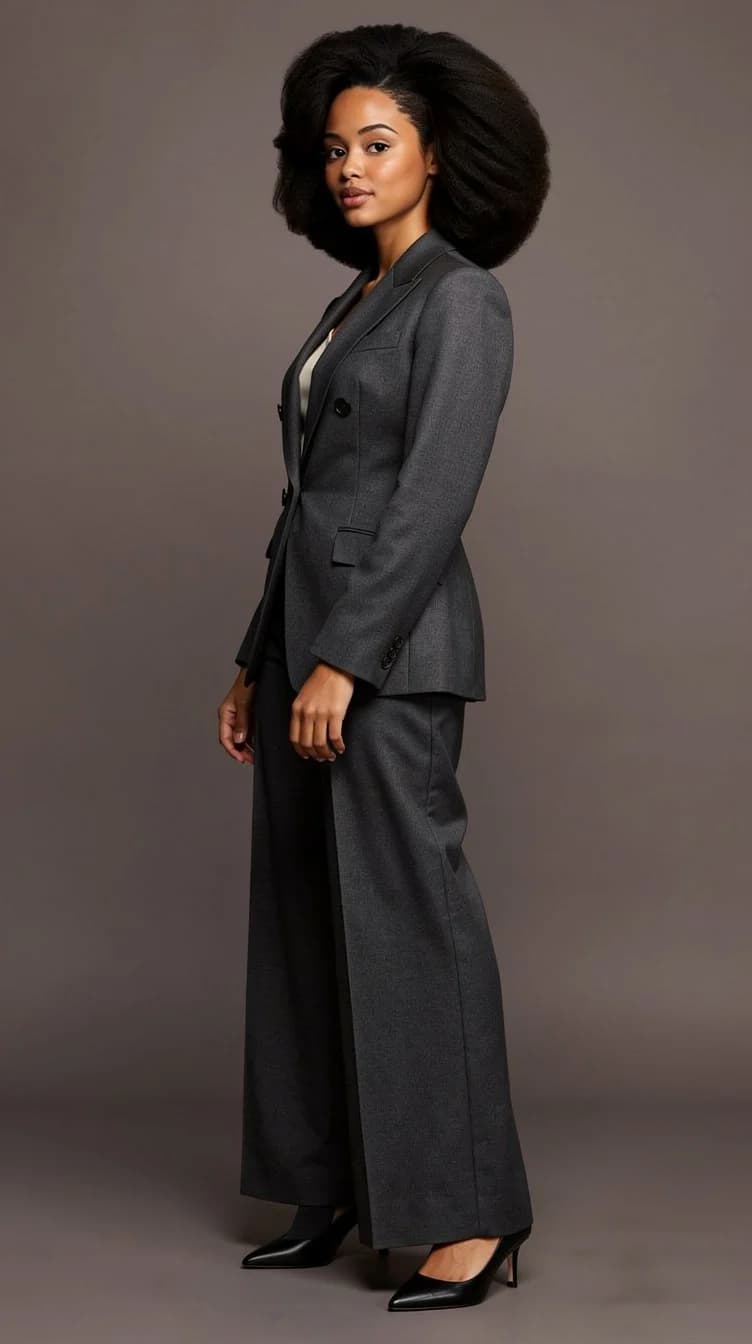
- The photo, on location
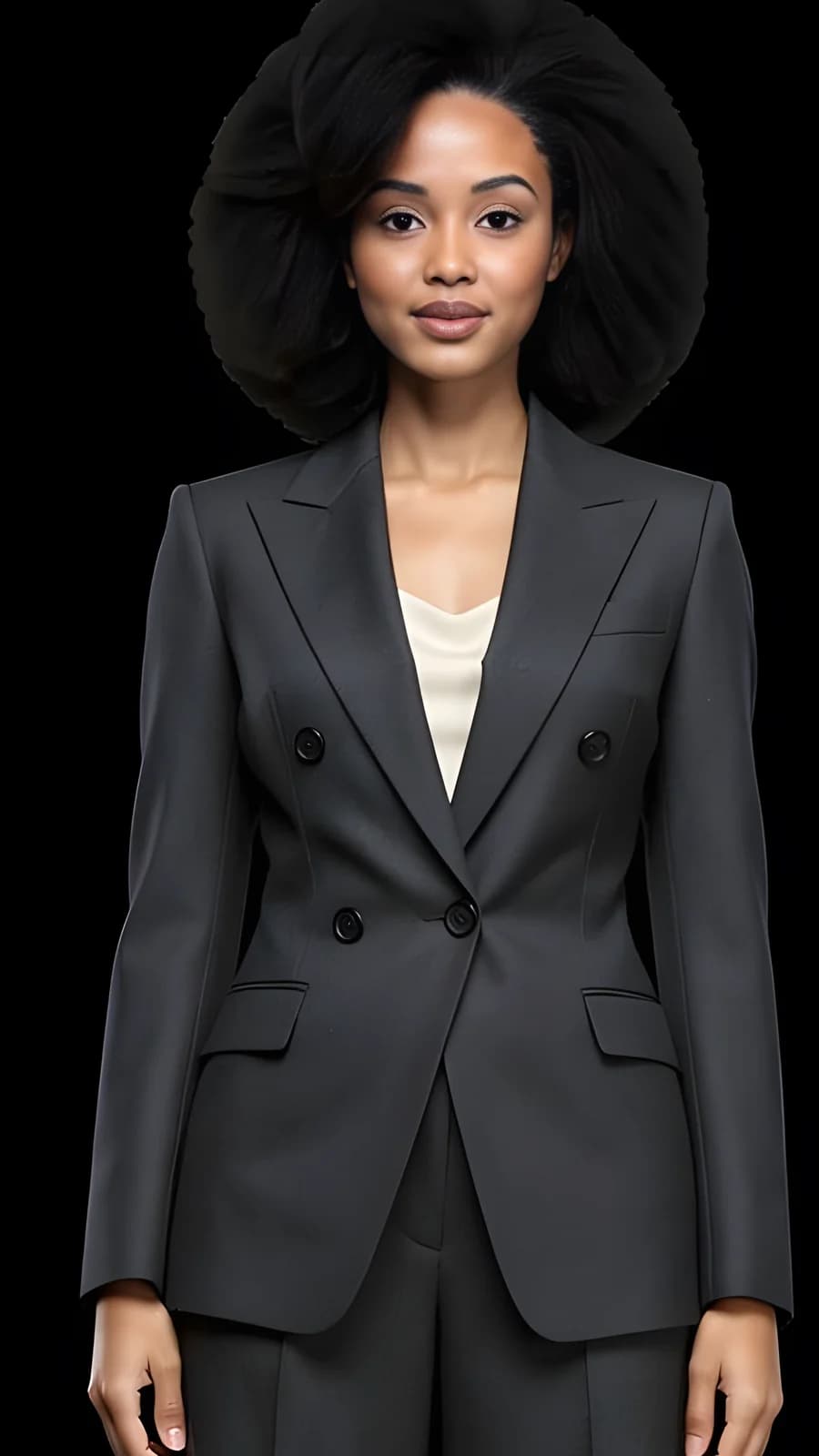
- 4K detail, 100%
10 · Use it
Use it: your profile, your site, your feed, or just for the fun of it
Download what you want to keep, heart what should stay in the studio. Then go and be somebody.
Read about this feature- Profile picture
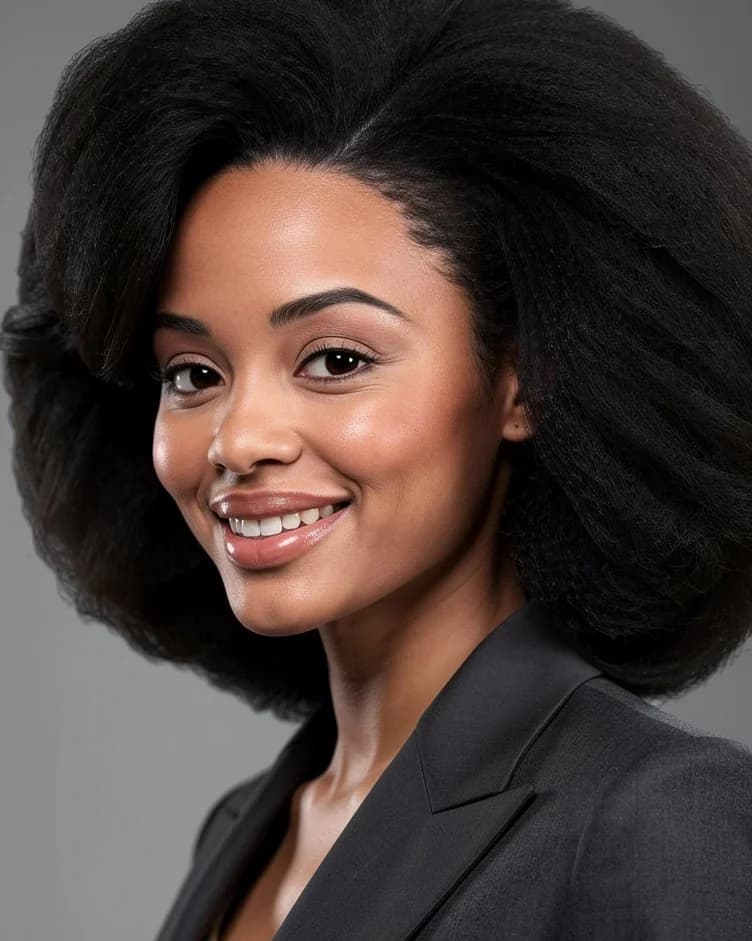
- Website header
- Story
- Just for fun
Future self
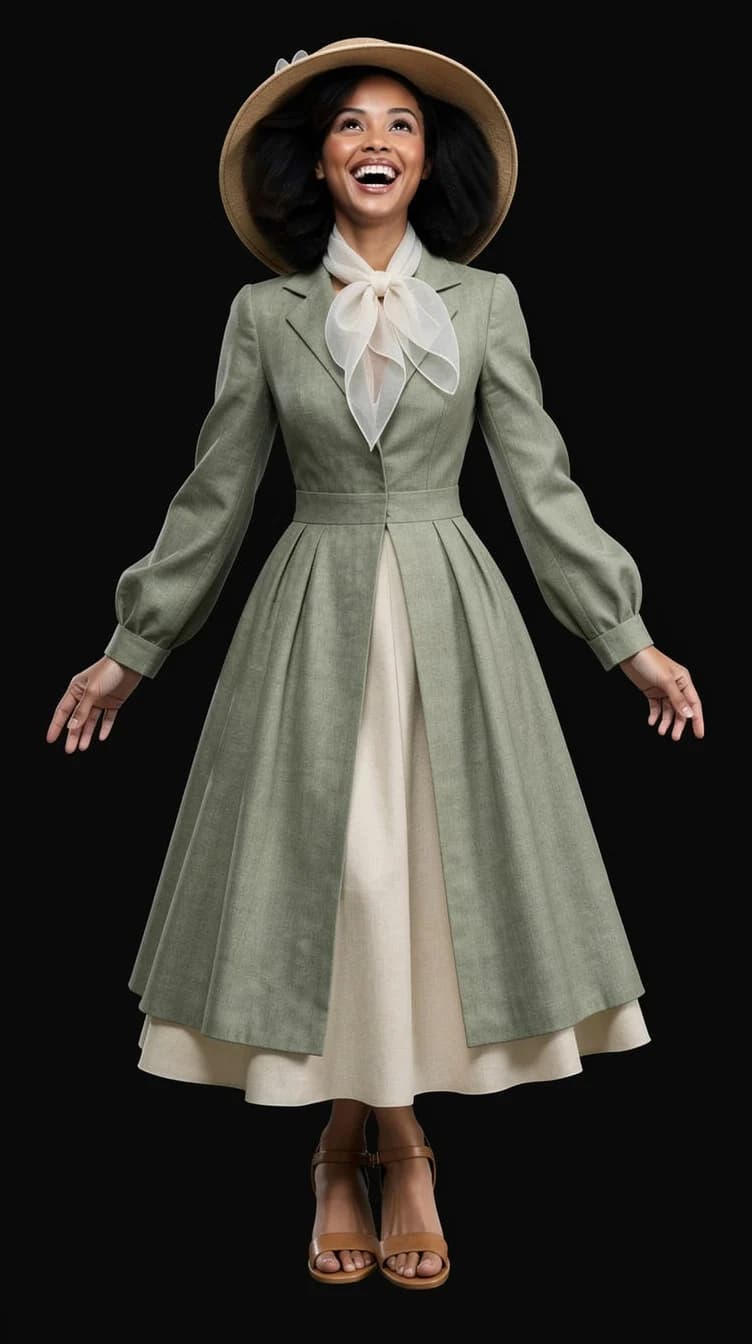
See the life you keep imagining.
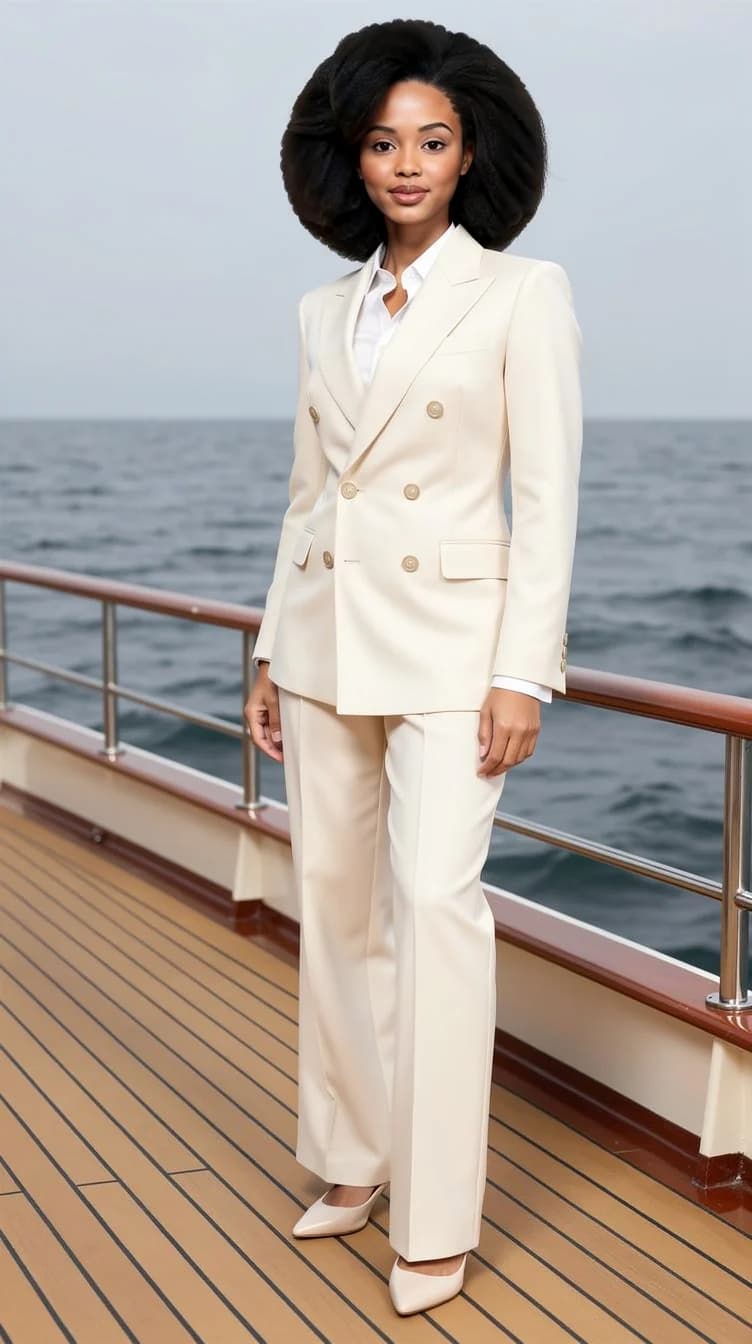
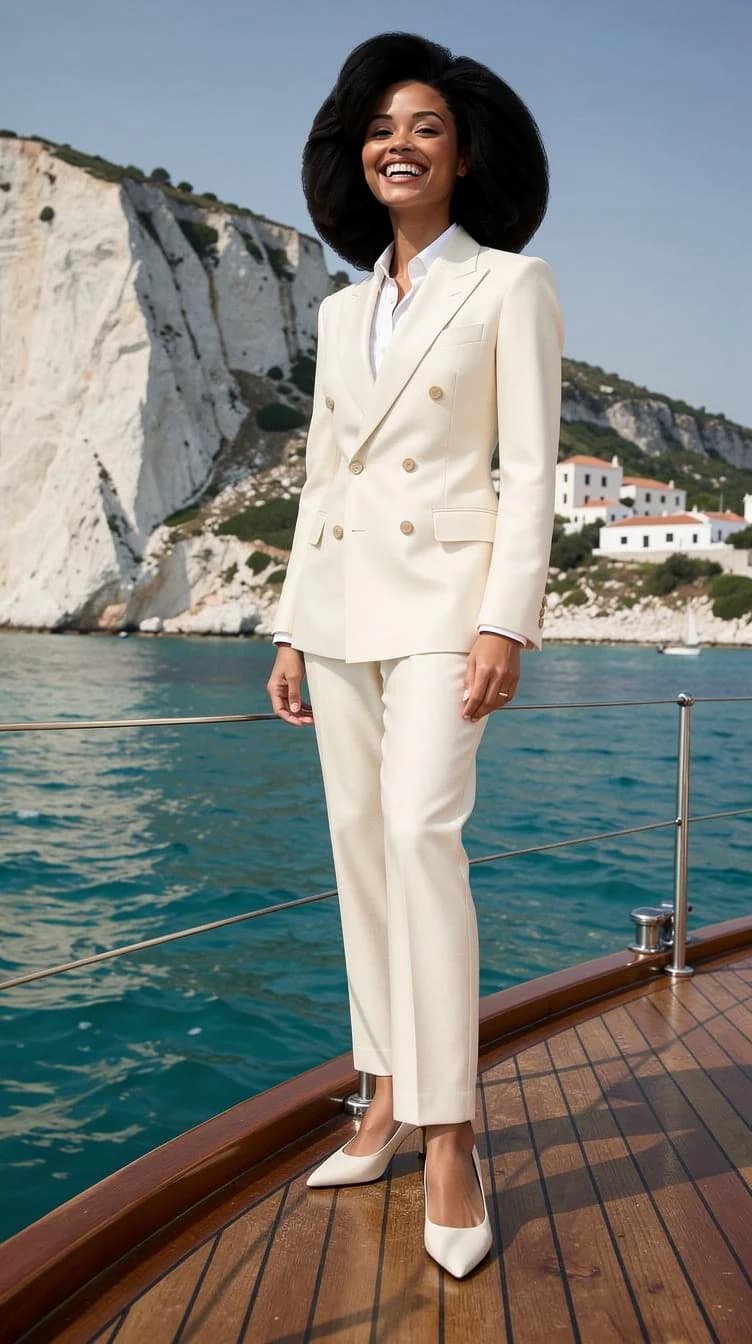
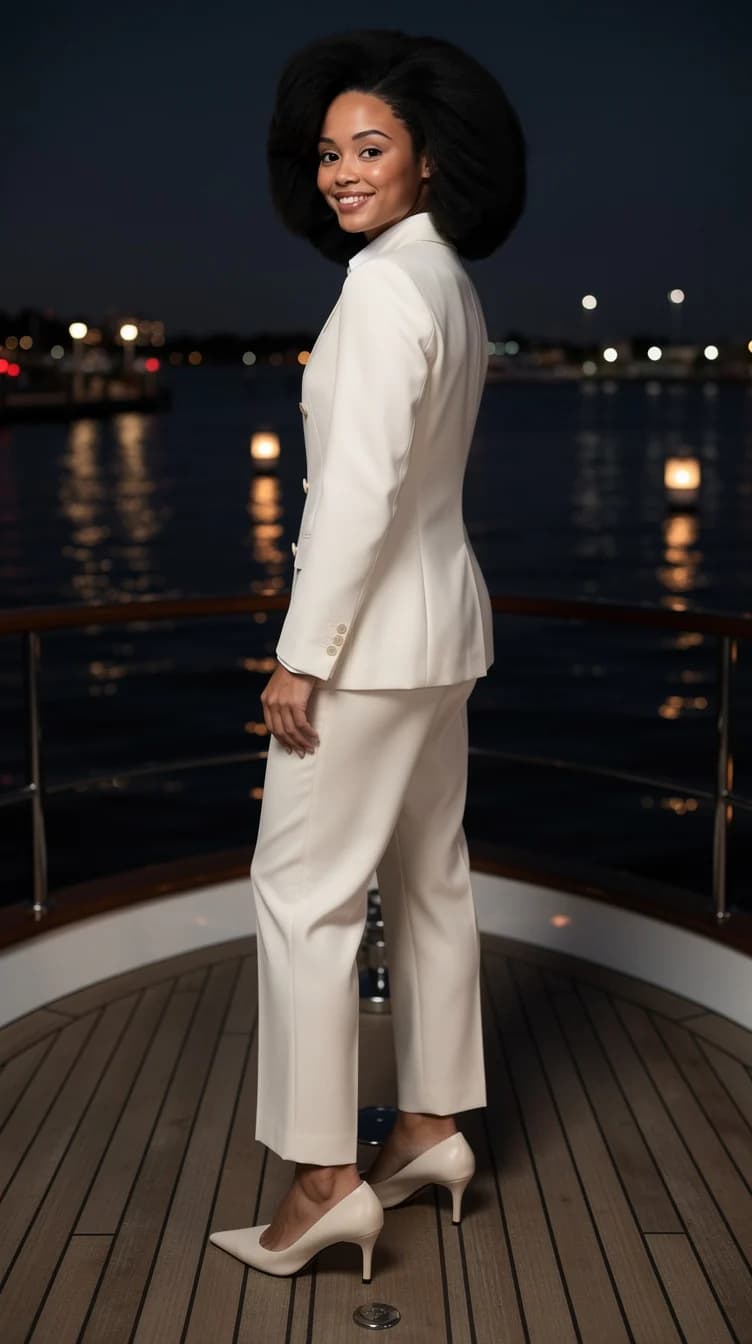
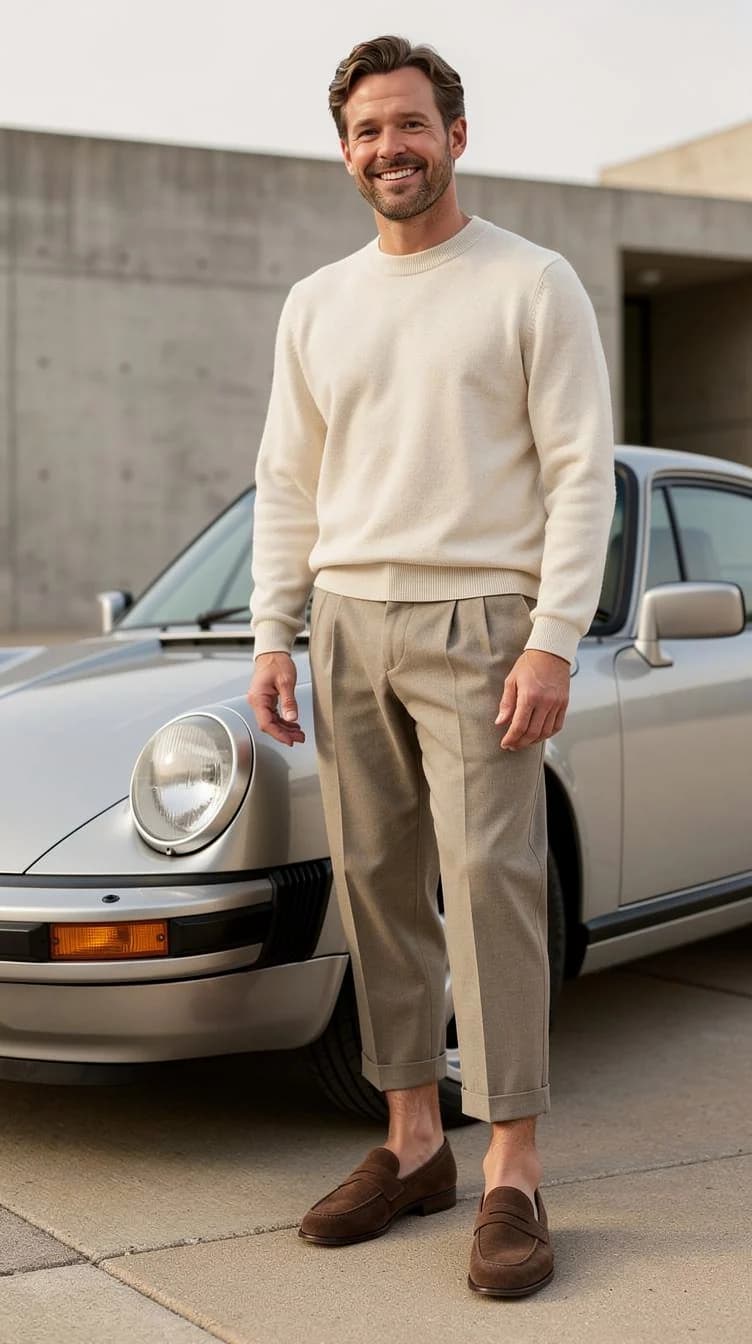
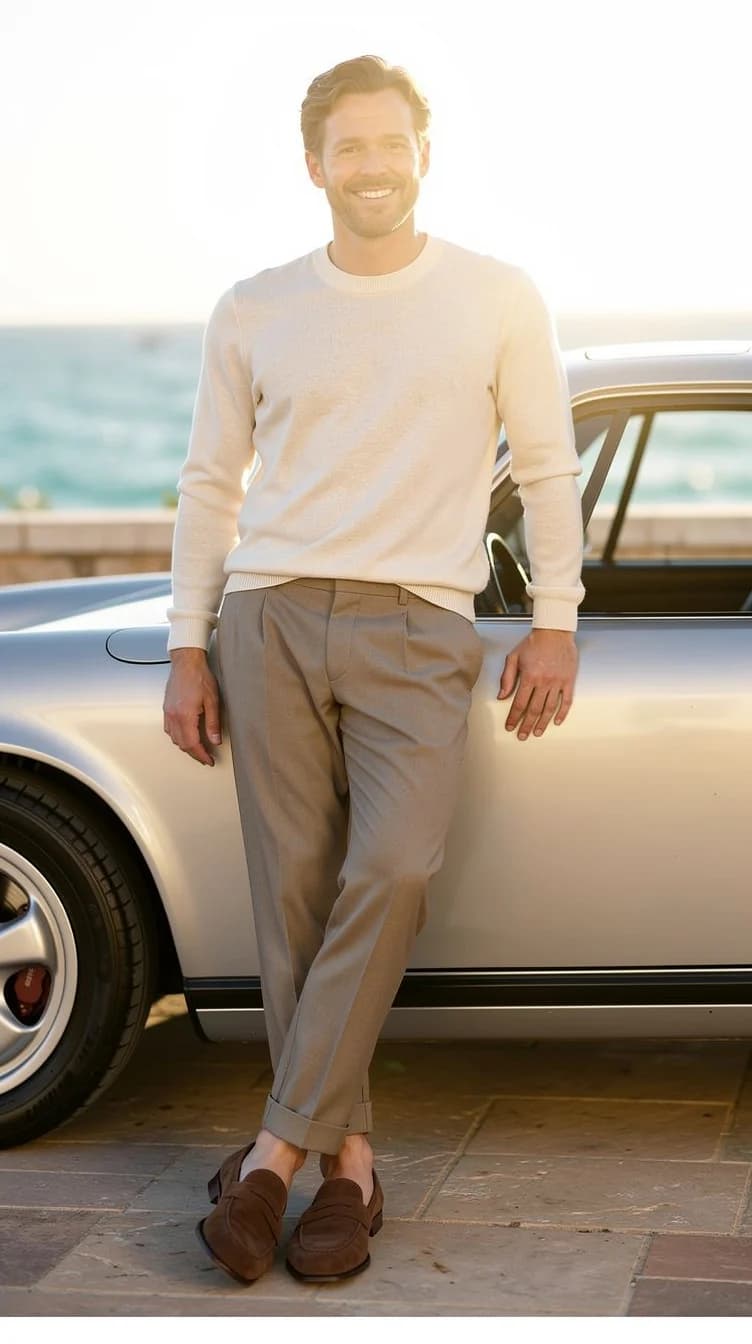
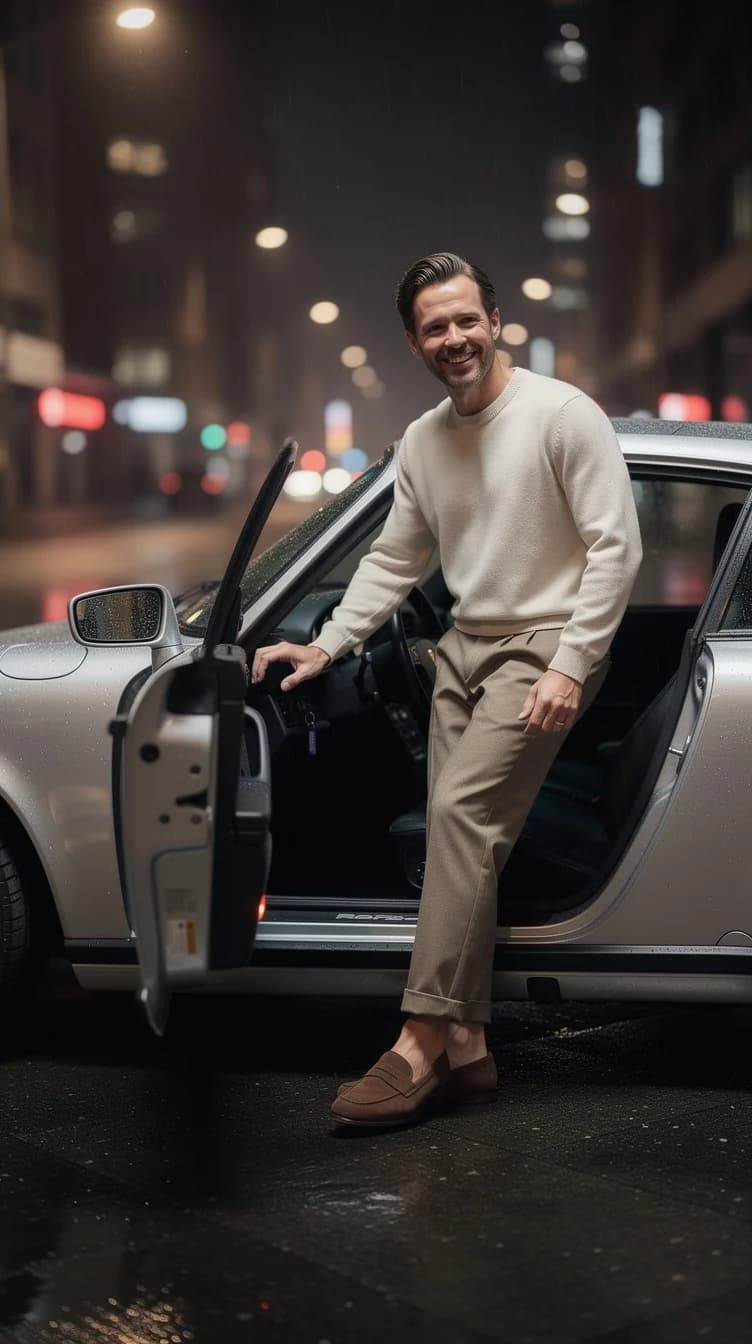
Not a new outfit, a whole new setting. Put your own face into the place, the role or the moment you think about. A goal, a fantasy, a joke, or simply a picture you like looking at.
Credits
What the money buys.
Looking inside is free and needs no account. A free account starts you with 10 credits. After that you buy credits when you want them. No subscription.
A picture costs 2 credits. Premium: 9.
Starter
$15
100 credits
Around 50 pictures at the standard setting. Enough for the portrait you need and a few ideas you did not plan.
Buy credits in the studioStudio
$79
600 credits
Around 300 pictures. Room for full sets, more Looks, the premium engine, and the occasional beautiful accident.
Buy credits in the studioFAQ
What does a picture cost?
A picture costs 2 credits. The premium engine costs 9. Looking inside is free and needs no account. A free account starts you with 10 credits. After that you buy a pack — $15 for 100 credits or $79 for 600 — no subscription.
Who is this for?
First of all, people who want to have fun with their own image: see the version of yourself you keep imagining, try a look you would never wear, put your face into a life you have not lived yet. Artists, creatives, people building a profile, sometimes businesses — anyone who would rather play in a managed studio than learn to write prompts.
What happens to my photos?
Download anything you want to keep — that file is yours. In the studio, tap the heart to leave a picture or a Look there until you remove it. Everything else is cleared after a couple of days. Identity photos and wardrobe pieces stay in your account until you delete them, or delete the account.