Professional photo guide
Choosing a CV photo for an application in Switzerland
PublicSelf editorial · Published
A useful application photo makes you easy to recognize and sits comfortably beside your experience. Start with the employer’s instructions, then decide whether your current picture is good enough or whether you need a new one.
This guide helps you evaluate a picture before you put it in a CV. The examples are AI-generated style illustrations; they show framing decisions, not a real applicant’s before-and-after transformation.
Read the guide ↓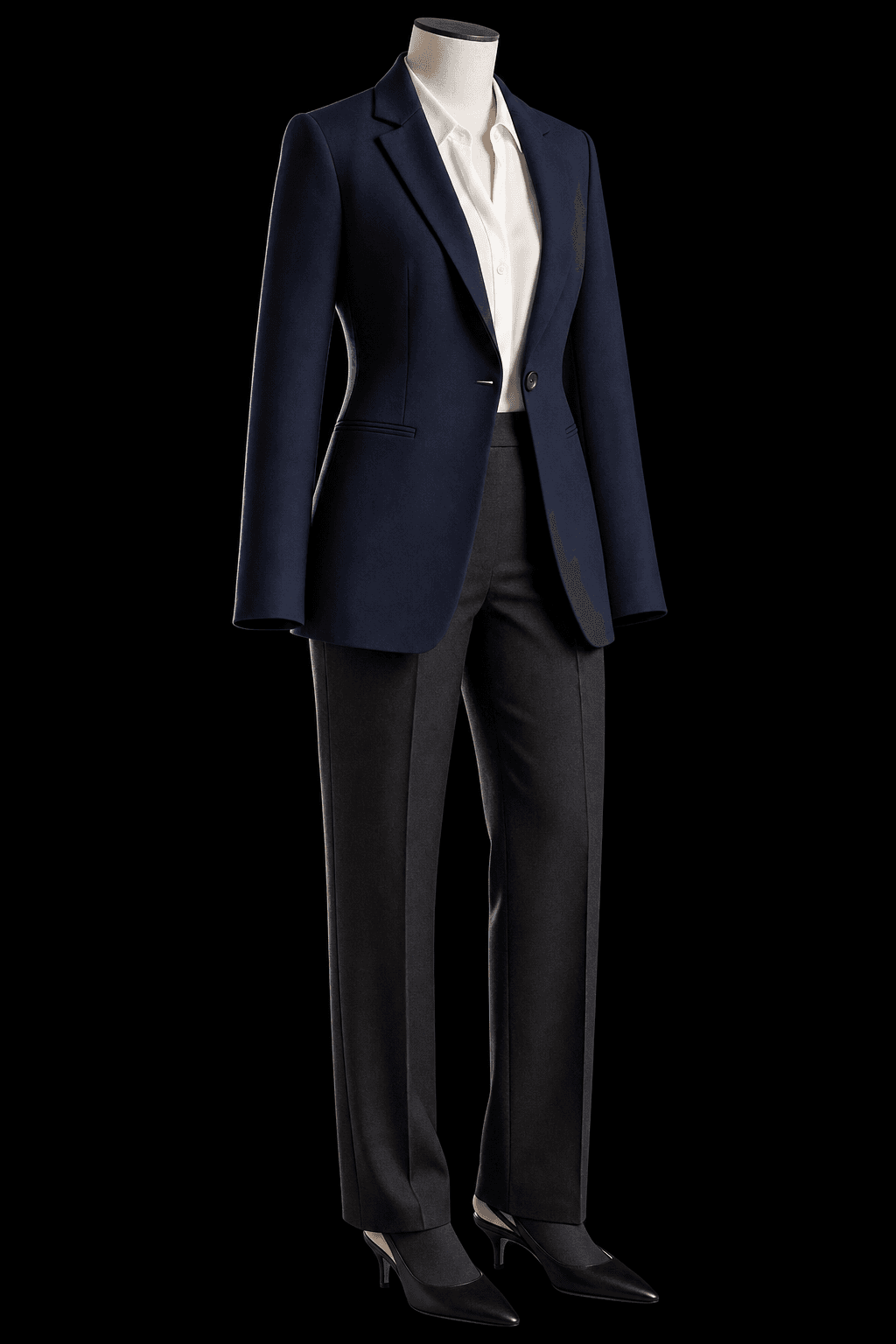
Start with the application, not a universal photo rule
If you are applying from outside Switzerland, avoid treating every Swiss employer as having the same expectations. Read the vacancy and submission instructions. When a photo is discouraged, leave it out; when the instructions are unclear, make a considered choice for that application.
Think about the setting in which a recruiter will see the image: a small corner of a PDF, a company portal or a profile page. The same full-length portrait can work on a personal website and become almost unreadable in a CV. Choose the destination before choosing the crop.
Choose clothing and a background that leave room for your face
Use clothing you would feel comfortable wearing to a conversation about this role. A jacket can work, but so can a clean knit or shirt. Check the company’s public presentation for context instead of putting on an unfamiliar costume.
Compare the image at its intended size. Bright patterns, hard contrast and a busy room can become more noticeable than your expression. A quiet background gives you more flexibility when the CV design is dense. Professional does not have to mean severe.
Clothing
Choose a neckline and colour that separate from the background. Inspect collars, buttons and shoulders before keeping an AI result.
Light
Look for readable eyes and an even face. Heavy shadow may be a deliberate style choice, but decide whether it helps this application.
Expression
Select an expression you recognize from ordinary conversation. A calm face or small smile can be useful; exaggerated intensity changes the message.
Compare the full portrait with a CV-sized crop
Switch between the views below. They use the same example image, so you can see how framing changes its usefulness without changing the person or outfit.
A head-and-shoulders crop is a practical starting point. Leave breathing room above the hair and keep enough shoulder shape to make the portrait readable. The tight view illustrates why cropping harder is not always better. This example looks slightly away from the camera; consider a more direct gaze for your own application.
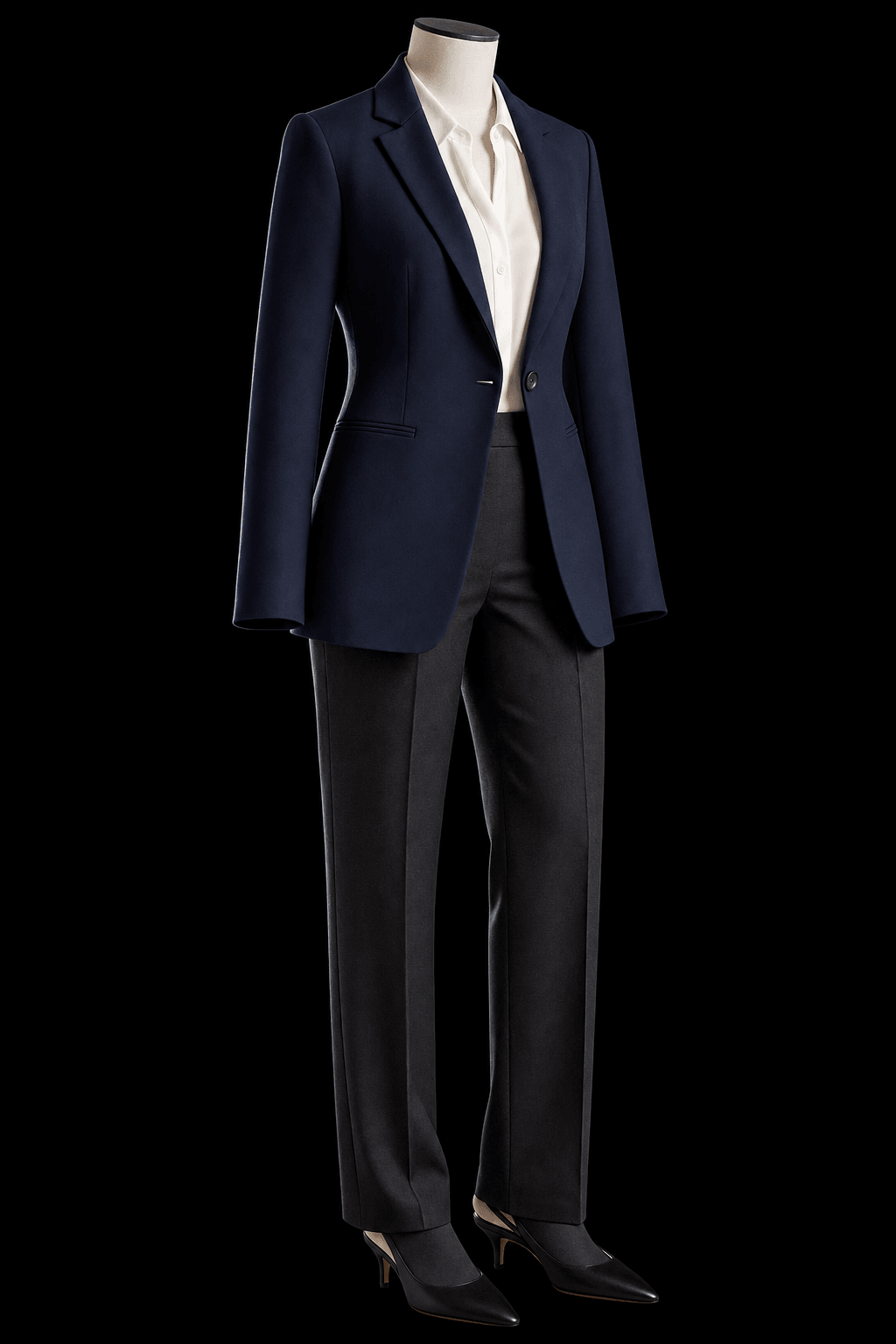
Keep room above the hair and enough shoulder shape. Check recognition at the final size.
Check resemblance before polish
Keep your reference photo next to the result. A technically attractive picture can still be a poor choice if your face, hair, glasses or expression no longer look familiar.
For an AI portrait, inspect the eyes, hairline, skin texture and visible accessories first, then the clothing and background. Reject changes that make the image misleading. Do not use a generated photograph as evidence of a workplace, qualification or event you did not attend.
- Would a colleague recognize you immediately?
- Do glasses, hairstyle and facial features match how you currently look?
- Are the collar, hands and accessories plausible?
- Is the face still clear when the CV is displayed at normal reading size?
Choose the route that solves the actual problem
You may not need to generate anything. If the current picture already looks like you and only needs a better crop, keep it and fix the framing. If the light or camera angle is the problem, a new photograph can be easier than trying to repair it.
| Route | Useful when | Check before using |
|---|---|---|
| Existing photo | Your face and expression already work. | Crop, background distractions and image quality. |
| New phone photo | You can arrange calm light and ask someone to take it. | Camera height, sharp eyes and a simple setting. |
| Photographer | You want someone to direct the session and review options with you. | Ask for CV and profile crops, and confirm permitted uses. |
| AI portrait | You want to explore clothing, light or scenes from personal references. | Compare resemblance and inspect every selected result. |
Prepare references and keep the finished file
For PublicSelf, have a clear face close-up and a head-to-toe photo ready. Avoid heavy filters, hidden features and strong motion blur. Choose a restrained Look, then adjust the scene, expression and framing in the studio.
A free account starts with 10 credits. A picture costs 2 credits and the premium engine 9; check the displayed total before generating a Shot or Set. Download the images you want to keep or heart them in the studio. Unsaved generated images are cleared after a couple of days.
- Compare a small selection rather than generating endlessly.
- Place the chosen image in the actual CV layout.
- Open the exported PDF and check it at normal size.
- Keep the original image file as well as the CV.
- Follow any file-size or format instructions from the employer.
Before you send the application
- The employer’s instructions are respected.
- The picture looks like you today.
- The clothing and setting fit this application.
- Your face is readable in the exported CV.
- No AI artefacts or misleading details remain.
- The image file is saved outside the generation session.
Questions about choosing your photos
Is a passport-photo crop required for a CV?
Do not assume passport rules apply to an application portrait. Use the employer’s requirements and the actual CV layout. Leave enough room around your face to make the image readable.
Should I use the same photo for LinkedIn and my CV?
You can use the same source picture when it suits both contexts, but check each crop. A circular profile preview and a rectangular CV placement can cut different parts of the head and shoulders.
Can I use an AI-generated CV photo?
Evaluate the result carefully and follow the employer’s instructions. It should remain recognizable and avoid invented credentials or misleading settings. A generated image does not guarantee an interview.
What if my existing photo is already good?
Keep it. Compare its crop and clarity before commissioning or generating a replacement. A small framing adjustment may solve the problem.
Sources and further reading
- jobs.ch — Bewerbungsfoto für den Lebenslauf
Practical Swiss application-photo guidance. Employer instructions take priority.
- UNIL — Trouver un emploi, p. 27
The university guide treats adding a photo as a choice, with presentation advice.