Front
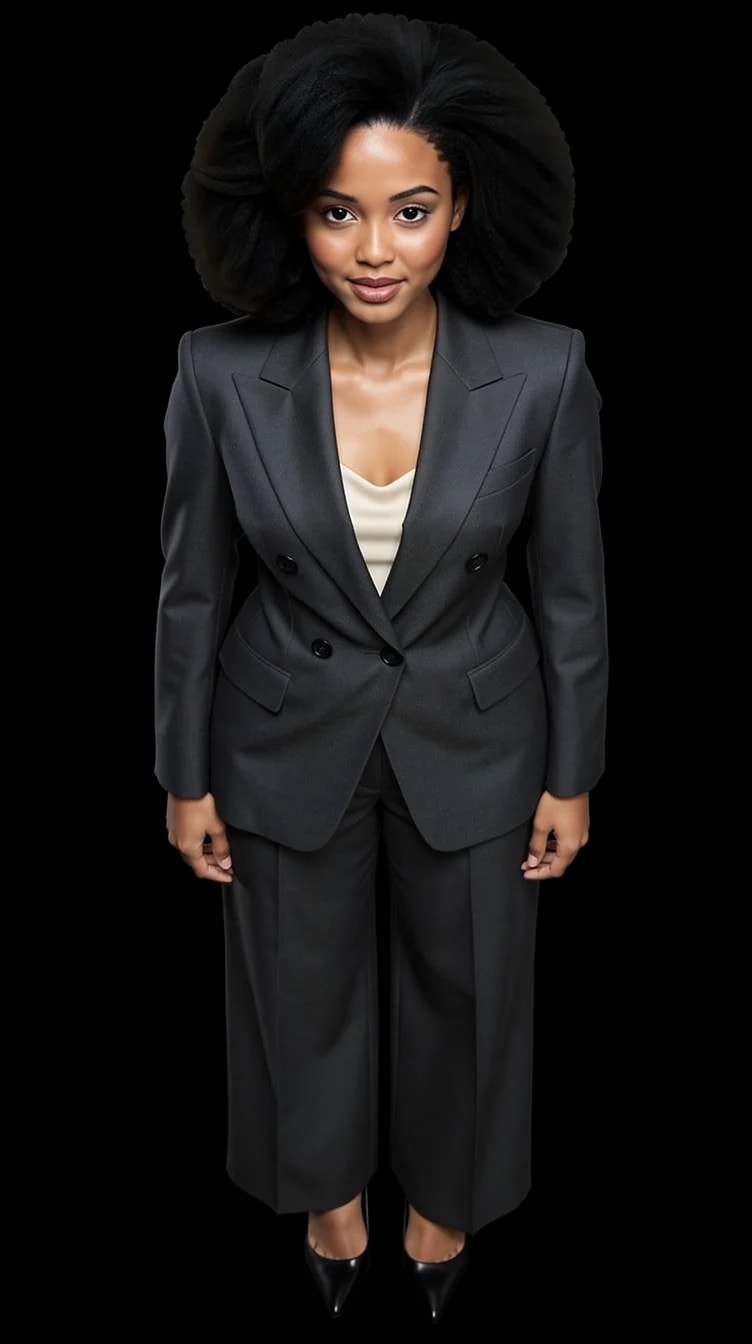
Straight on, eye level. The honest portrait for a CV, a team page, a profile picture.
Camera angle
The same portrait of you from five camera positions. Upload a few photos once, pick a Look, then choose where the camera stands: straight on, three-quarter, in profile, low enough to add height, high enough to soften. Your face and the outfit stay the same; only the angle moves.
10 free credits to start. A picture costs 2 credits and the premium engine 9. Review the total before generating a Shot or Set.
What you can create
A camera angle changes what a face says. A low angle adds presence, a high angle softens, a profile shows the line of the jaw. Pick the one that flatters instead of guessing.
Straight on, eye level. The honest portrait for a CV, a team page, a profile picture.
Turned slightly away from the camera, the angle most portrait photographers default to because it gives the face depth.
Side on. A strong, graphic picture for a website header or an about page.
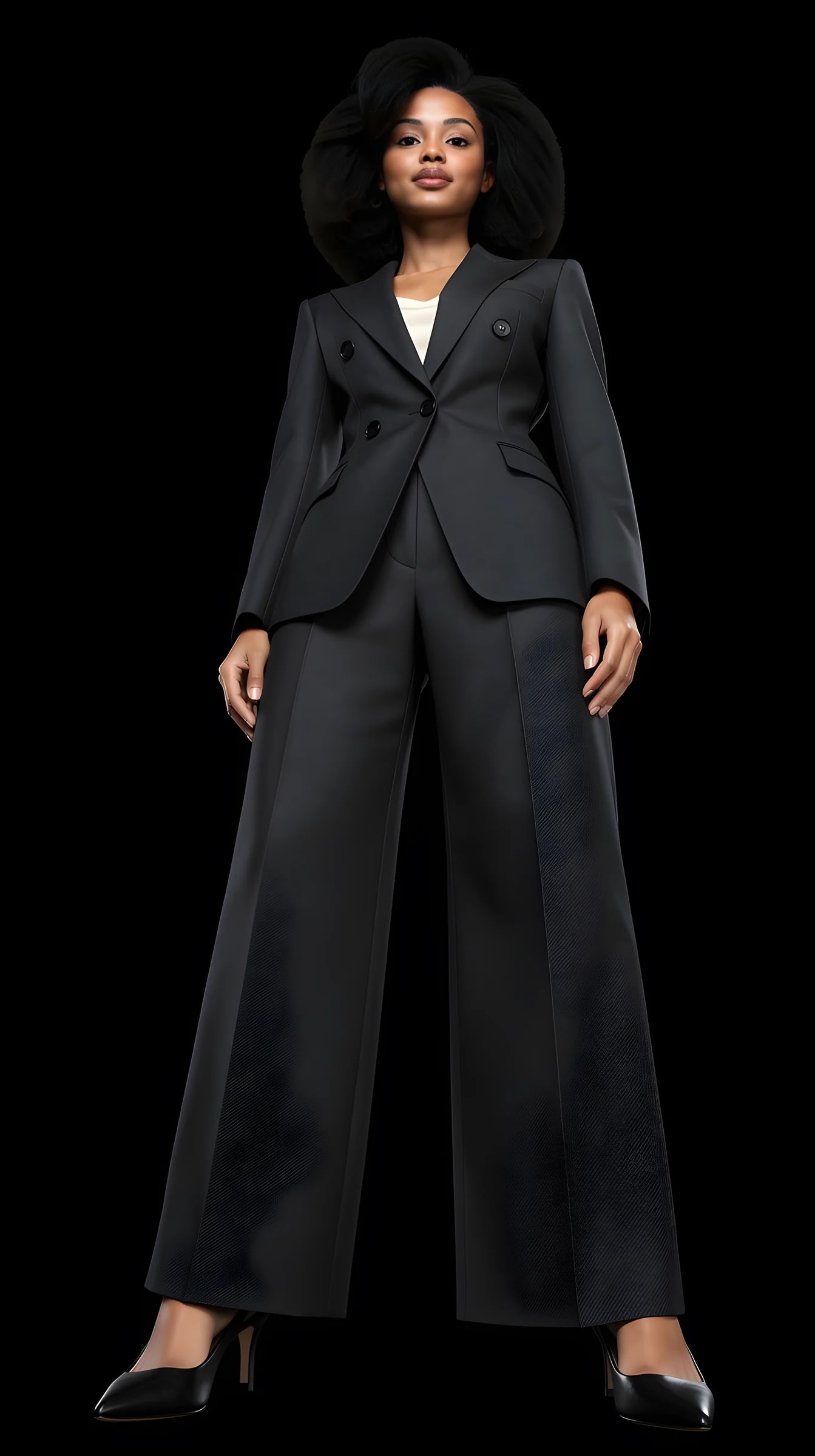
The camera low, looking up: more height, more presence. The founder-on-stage angle.
The camera high, looking down: softer, friendlier, a little more candid.
Generate all five from one Look and keep the ones that work. The identity is the same in every frame.
How it works
Angle is a camera setting in the studio, not a sentence you have to write.
01
One head-to-toe photo and one clear face close-up carry your identity into every picture.
02
Choose an outfit from the collection, build one from your own pieces, or start from a photo you liked.
03
Open Camera in the studio, pick front, three-quarter, profile, low or high, and generate. Change the angle and go again.
Examples
The demo avatar from front, three-quarter, profile, below and above, in the same Look. Made in the studio with the real pipeline.
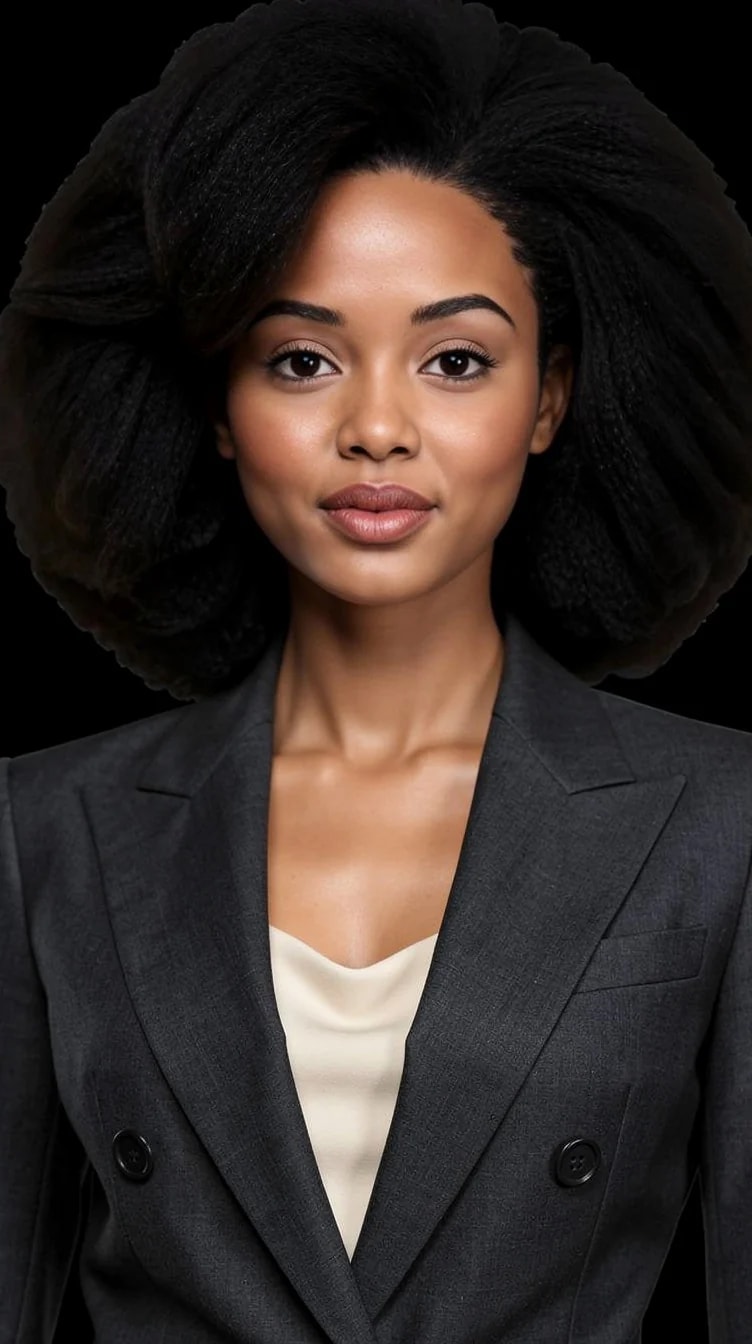
Eye level, straight on.
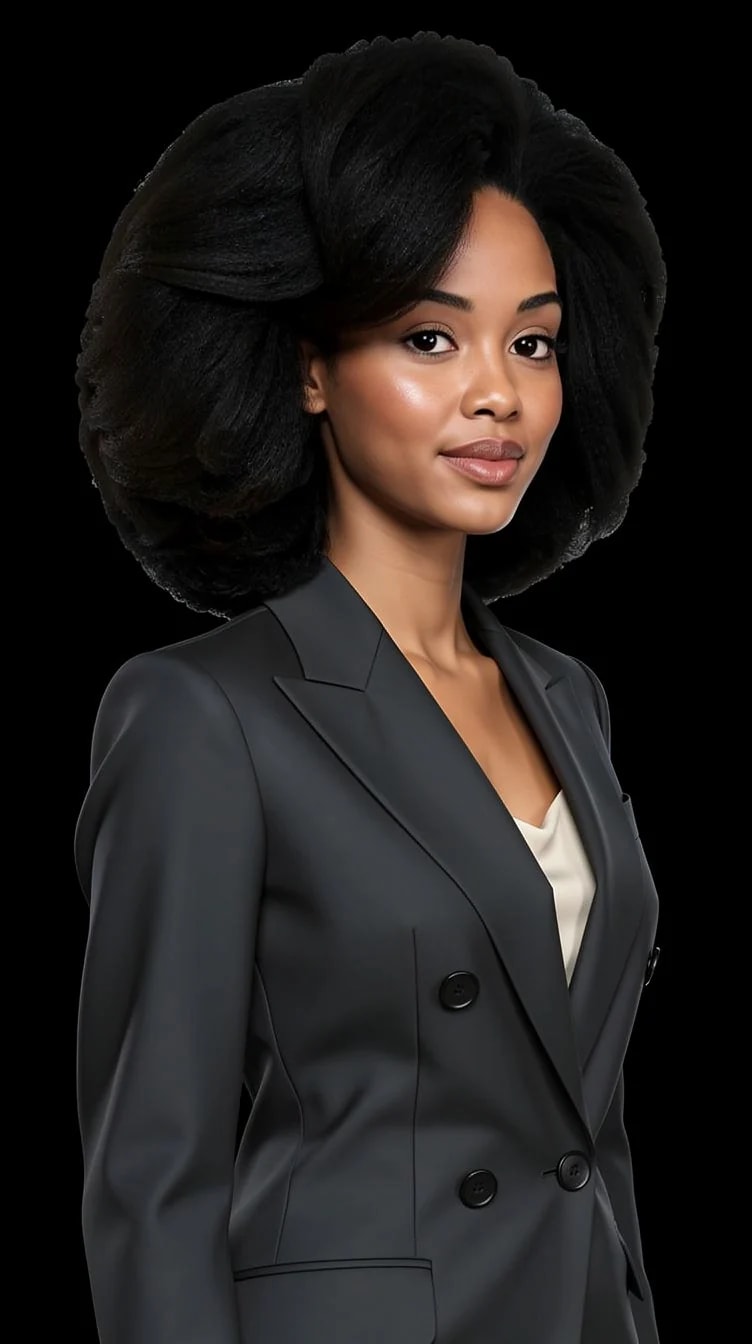
Turned slightly from the camera.
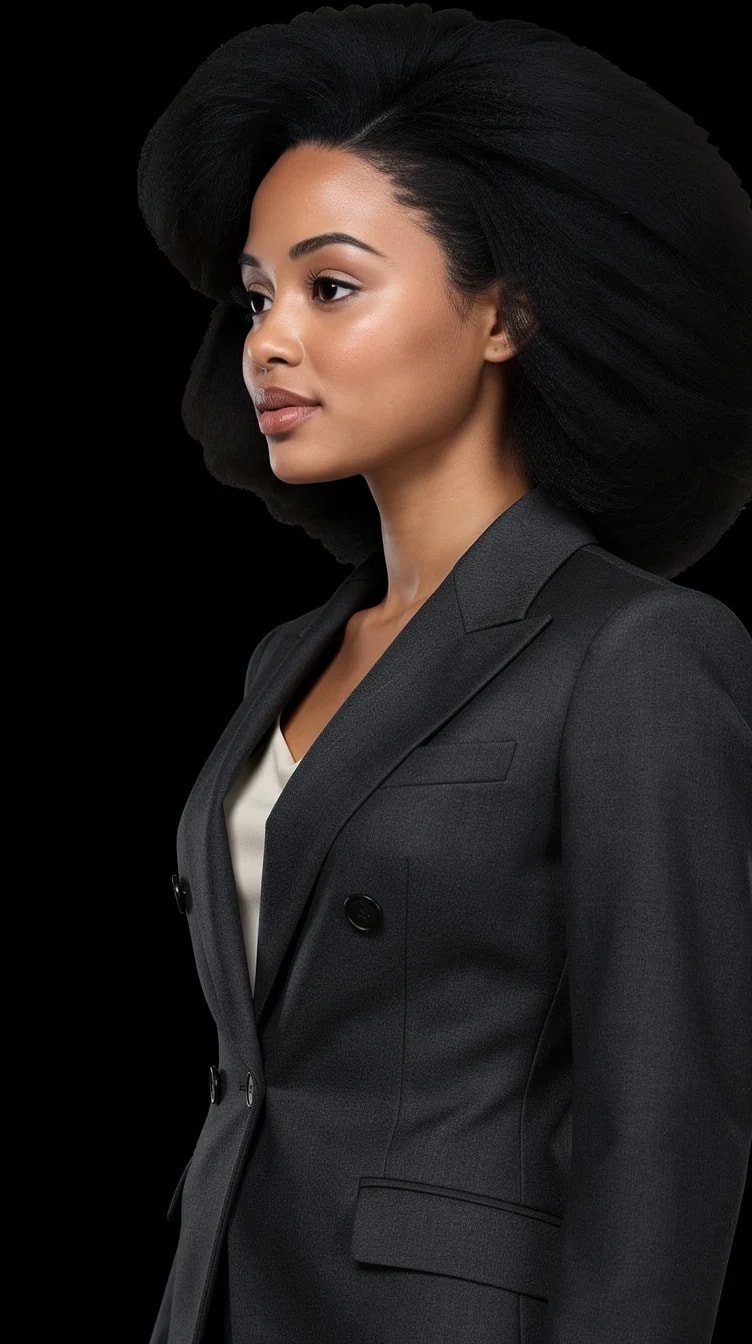
Side on.
High camera, looking down.
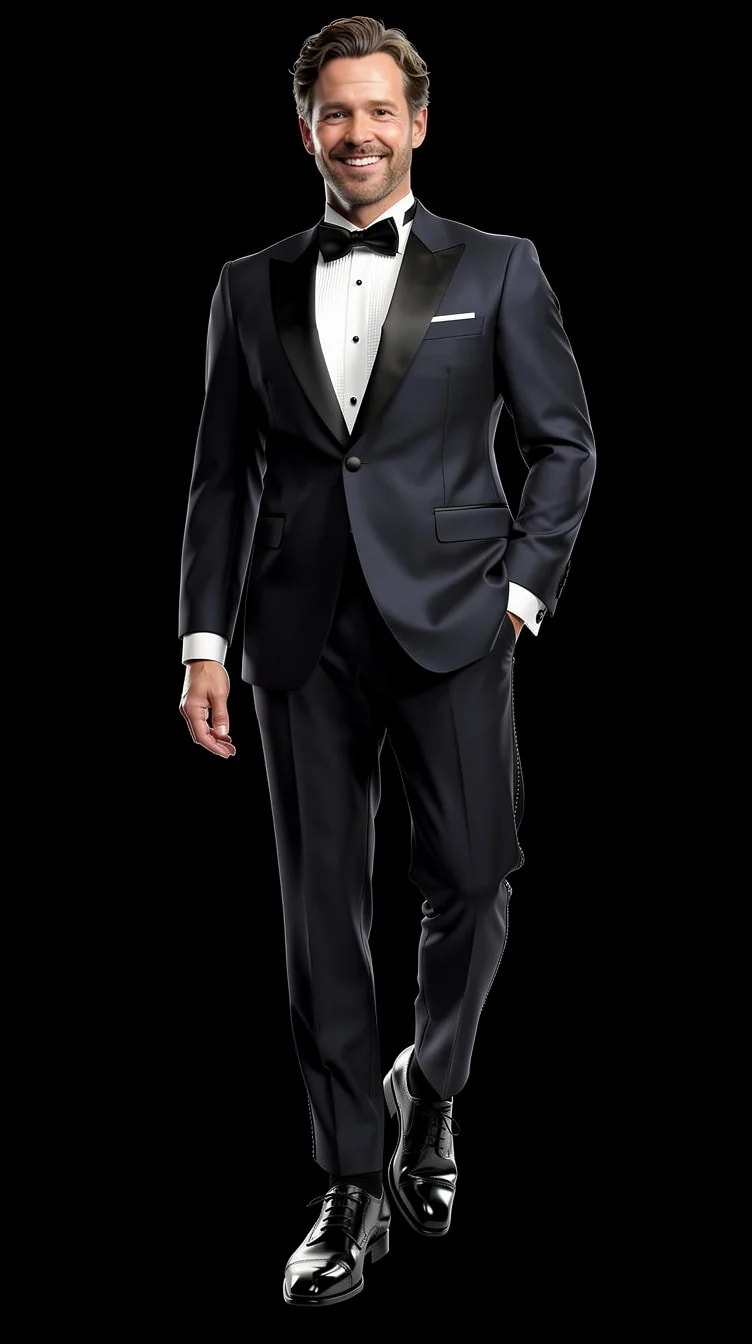
The second avatar, same angle set.
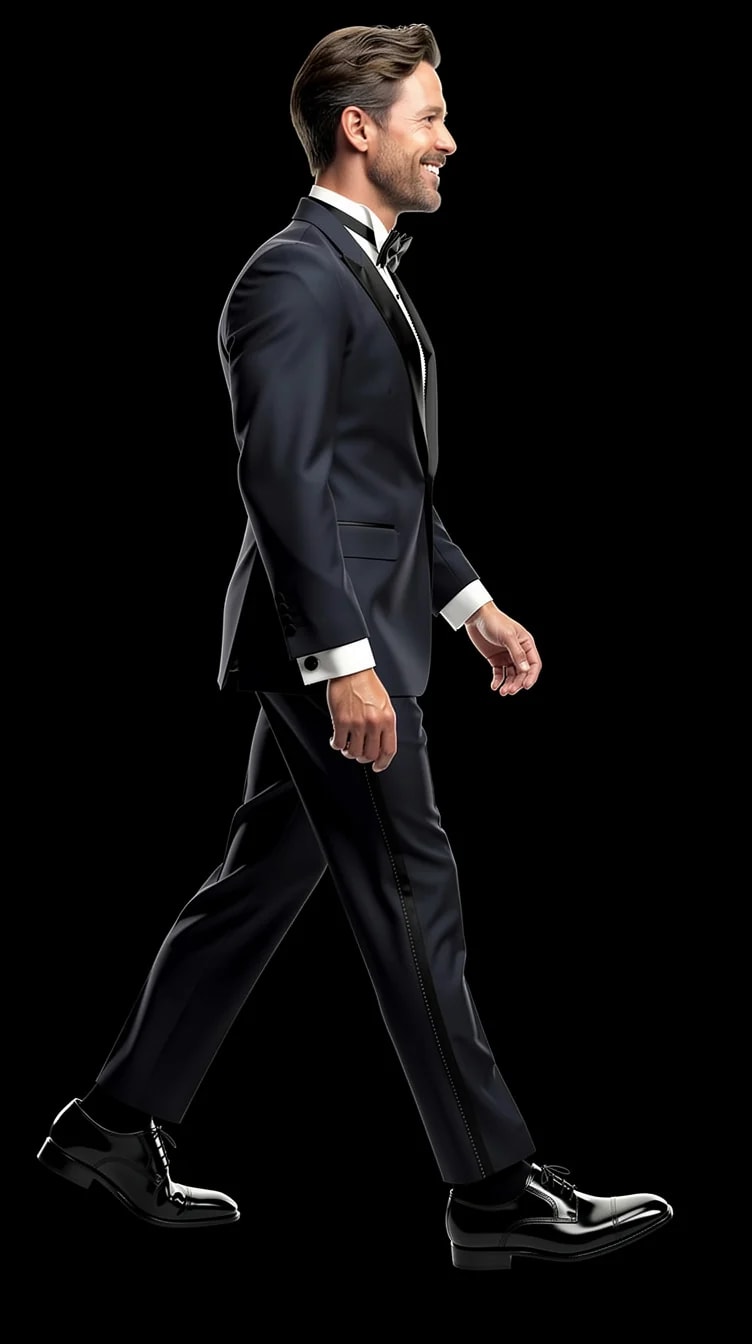
The second avatar in profile.
What you can change with it
The camera position combines with everything else the studio lets you set.
Front, three-quarter, profile, from below, from above.
Head and shoulders, half body, or full length.
Black, white, gray, blue, light studio or concrete, or a scene.
Standing, seated, walking, turning, from the pose library.
Soft studio, window light, golden hour, direct flash.
Neutral, a small smile, a laugh, serious.
For most faces, three-quarter at eye level. It gives the face depth without distorting it. Use front for anything official, a slightly low angle for presence, a slightly high angle to soften. The studio lets you generate all of them and compare.
Not of the original file. PublicSelf generates new pictures of you from your reference photos, so you choose the angle before you shoot rather than rotating a finished image.
That is what the identity is for: a few reference photos, including a face close-up, keep your features consistent across angles. A profile is the hardest angle for any image model, so add a side-on reference photo if you want many profiles.
A picture costs 2 credits; the premium engine costs 9. New accounts start with 10 free credits. The studio shows the total before you generate.
Yes. Angle, pose, background, light, framing and expression are separate settings in the same shoot.
10 free credits to start. A picture costs 2 credits and the premium engine 9. Review the total before generating a Shot or Set.
Compare the face, hair and details with your reference photos at full size and at the intended crop. Use a result only if it remains recognizable and fits its purpose. Likeness can vary; no usable-result count is guaranteed.
Try it on your own photos
Upload a few photos, pick a Look, choose the camera position. 10 free credits, no card needed.