The portrait workshop
Portrait lighting: decide what the light should do
PublicSelf editorial · Published
Light changes which parts of a face and outfit stay readable. Begin by deciding whether you want a clear everyday portrait, a more sculptural face or a pronounced editorial edge.
The interactive drawing below is a lighting diagram, not a retouched portrait. Use it to describe the source position and the shadow you expect, then judge the actual studio output.
Read the guide ↓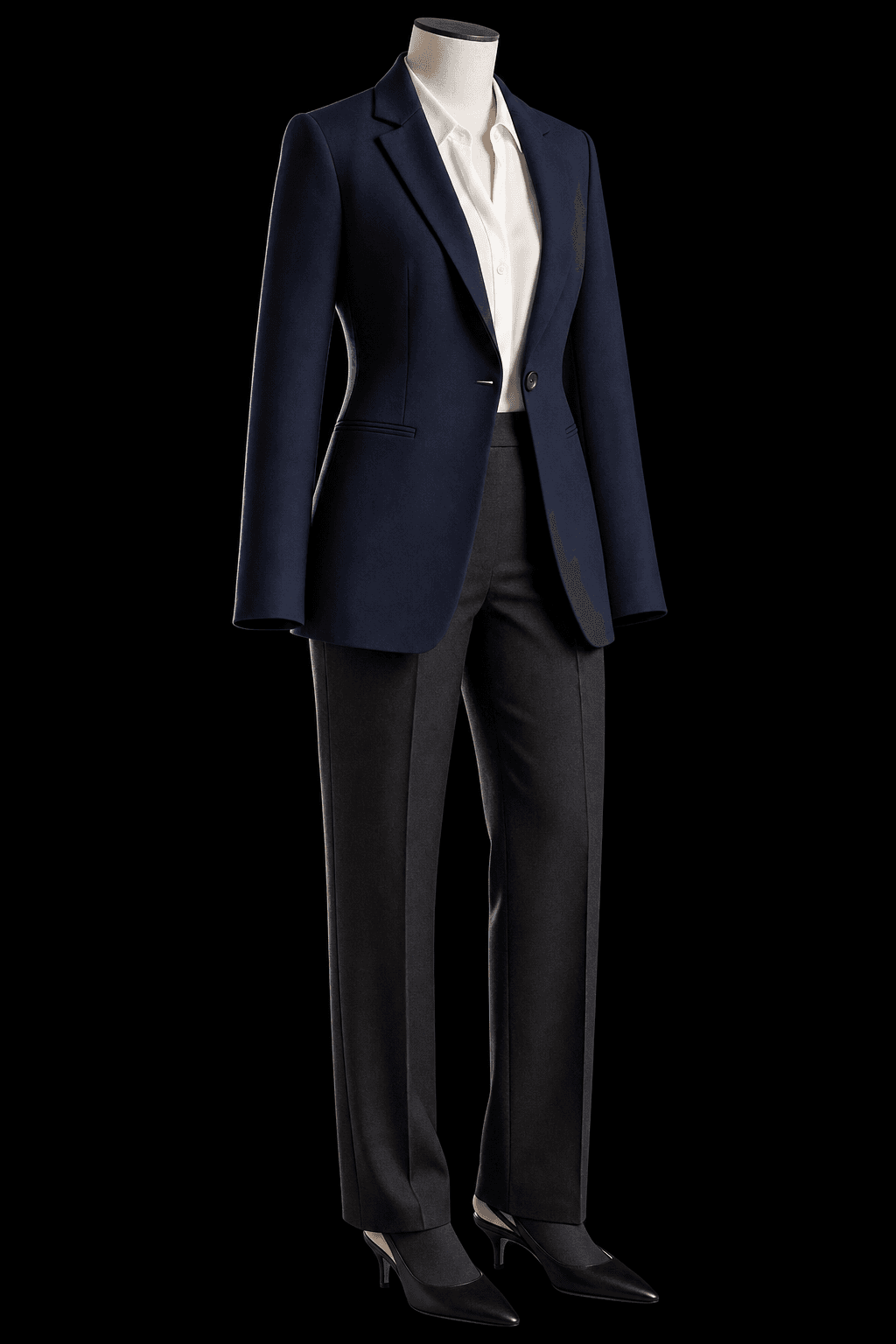
Read the direction before choosing the mood
A light close to the camera direction tends to keep both sides of the face readable. Move the source to the side and the difference between light and shadow becomes more obvious. A source behind the subject can separate an edge of hair or clothing from a dark background.
Softness and direction are different choices. A large diffuse source can still come from one side. A small direct source can create a harder shadow even when it sits near the camera. Describe both ideas when they matter rather than combining several incompatible lighting moods.
Light direction
Choose a readable starting point
For a reusable professional portrait, start with soft light that leaves the eyes visible. Compare a stronger side direction only after the baseline works. For fashion, a hard or direct-flash look may be intentional, but inspect shiny fabric, skin highlights and shadows behind the person.
Rim light can help separate dark hair or a dark jacket from the backdrop. It cannot replace a readable face when the image is meant to introduce you. Keep the lighting choice tied to the task instead of asking every source to dominate.
| Direction | What it can emphasize | Review |
|---|---|---|
| Soft front or near-front | An open, readable face | Eyes and natural skin texture |
| Side light | Shape and a more dramatic shadow | The shadow-side eye and nose |
| Rim light | Hair, shoulder or garment edges | Edge separation without a glowing halo |
| Direct flash | A deliberate editorial surface | Harsh highlights and background shadows |
Check the face and the fabric together
A lighting change can make the same garment appear darker, warmer or glossier. Hold the outfit and background steady when exploring the source direction. Check whether an apparent colour change is a lighting effect before changing the clothing brief as well.
Review skin, eyes and fabric at full size. Look for blown highlights, implausible shine, excessive smoothing and outlines that no longer match the scene. Keep the frame only when the effect suits its use and you still recognize the person.
- Keep eyes readable for a profile or professional introduction.
- Inspect the jacket shoulders and hair against the background.
- Compare the full image and the intended final crop.
Try this direction in PublicSelf
Begin with a saved identity and a Look you are happy to use. Make a baseline Shot with a simple background and readable light, then change one photographic choice. Keep the baseline beside the new output so that you can see the effect of your instruction.
The studio exposes camera view, height and framing separately from pose, expression, background and lighting. These are directions for a generated image, not measurements from a physical camera. A lens label describes a photographic feeling; it does not establish how a real lens was used.
Before you keep the photograph
- Compare the face and hair with your reference photos.
- Inspect the eyes, hands, clothing edges and background at full size.
- Check the crop at its intended profile, website or post size.
- Download useful files or heart them before unsaved images are cleared.
Questions about choosing your photos
Does the diagram generate a photo?
No. It is an interactive explanation of a photographic choice. Open the studio to apply your direction to your own identity and Look. Generating an image uses the credits shown there.
How much does a first image cost?
A free account starts with 10 credits. A picture costs 2 credits and the premium engine 9. Review the selected tier and the total for a Shot or Set before generating. A credit allowance is not a promise of a particular number of usable results.
Can I keep my identity and outfit while changing the photograph?
Your saved identity and Look provide a reusable starting point. Change one shoot choice at a time and inspect the whole result. Likeness, fabric details and composition can vary between generated images.
Sources and further reading
- Nikon — Strong Portrait Lighting
Background reading about real photography. The PublicSelf workflow and diagrams are our own editorial material.