AI photoshoot

AI photoshoot generator

Create a whole photo shoot of yourself from a couple of personal pictures. Pick a curated shoot idea, then direct the clothes, the pose, the scene, the lighting and the framing — no photographer, no studio booking, no prompts.

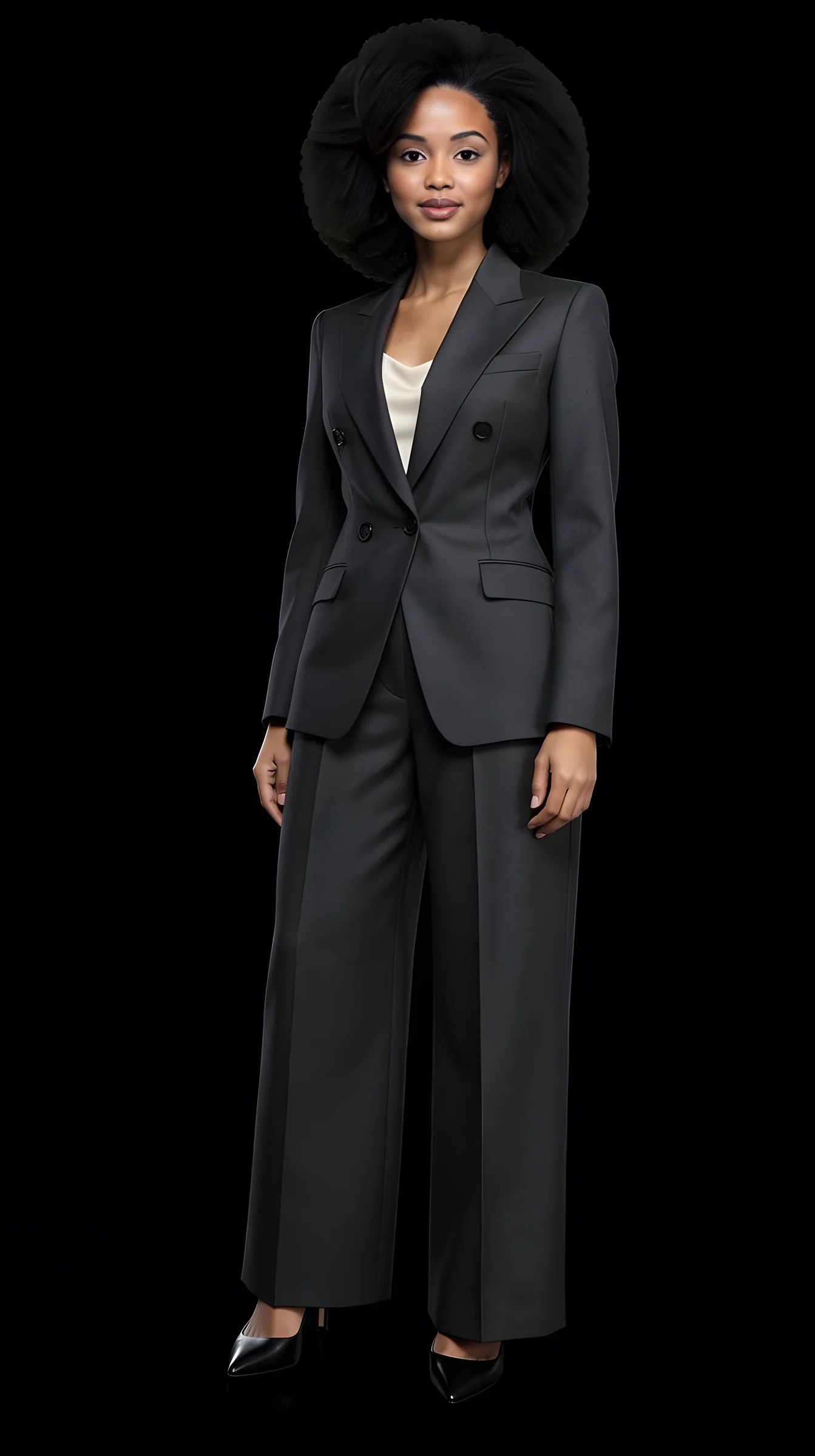
An AI-generated photoshoot portrait created with PublicSelf

What you can create

Complete shoots, not one lucky image.

A photoshoot is more than a single picture. PublicSelf generates individual Shots or connected Sets — several images that read as one session rather than six unrelated renders.

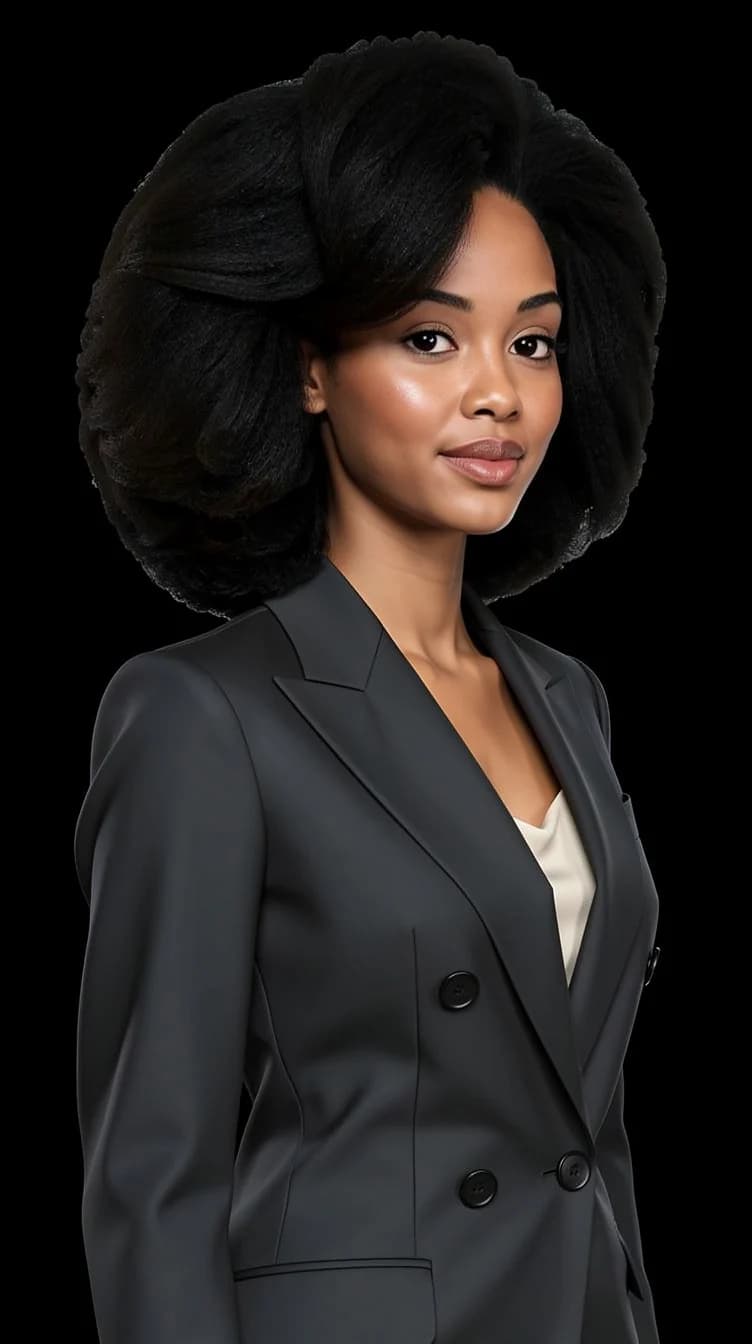
Studio portraits

Clean studio setups with soft or dramatic lighting — the classic photoshoot look without booking a studio.

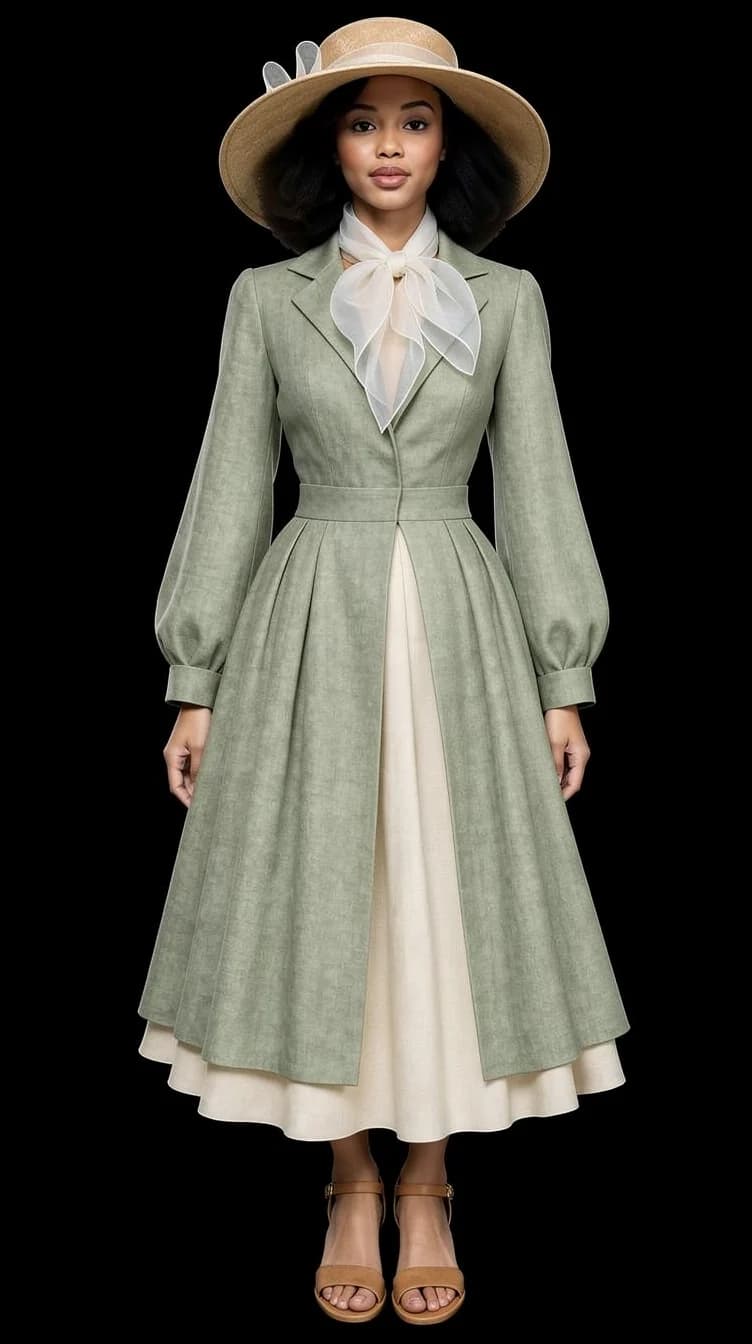
Editorial and fashion shoots

Magazine-style images: styled outfits, deliberate scenes, crisp editorial lighting.

Lifestyle and location shoots

Street style, golden-hour outdoor scenes, city nights — you in places a real shoot would take a day to reach.

One person across the whole shoot

The identity is the fixed point. Outfit, scene and light change from frame to frame while the face stays yours — the thing a generic image generator cannot hold.

Chosen off a rail, not typed

Complete curated outfits and shoot concepts, browsed and picked the way you would pick clothes in a shop. No prompt engineering, no wording tricks.

Shoots you can run again

A look you built is saved and reusable. Bring it back next week for a different scene instead of reassembling it from memory.

How it works

From a few photos to a finished shoot.

Five steps. No prompt writing at any point.

  1. 01

    Choose an idea

    Start from a curated outfit or photoshoot concept — each comes with a scene and lighting that fit it.

  2. 02

    Apply your identity

    One full-length photo and one face close-up are enough. Every generated image keeps your face and identity consistent.

  3. 03

    Customize the shot

    Change the outfit, pose, expression, lighting, background, framing or camera angle before you generate.

  4. 04

    Generate a Shot or a Set

    One image, or a connected series with varied poses and framing from the same concept.

  5. 05

    Keep the results

    Download what you like and use it anywhere — profiles, content, or just for yourself.

Examples

Six shoot concepts, straight from the tool.

Real PublicSelf output — studio, editorial, street, golden hour, direct flash and black-and-white. Every image started as a curated idea, not a prompt.

Studio portrait

Studio portrait

Soft studio lighting, minimal backdrop.

Editorial shoot

Editorial shoot

Magazine-style styling with crisp editorial light.

Street style

Street style

Candid framing on location.

Golden hour

Golden hour

Warm outdoor light just before sunset.

Direct flash

Direct flash

Sharp, high-contrast fashion flash.

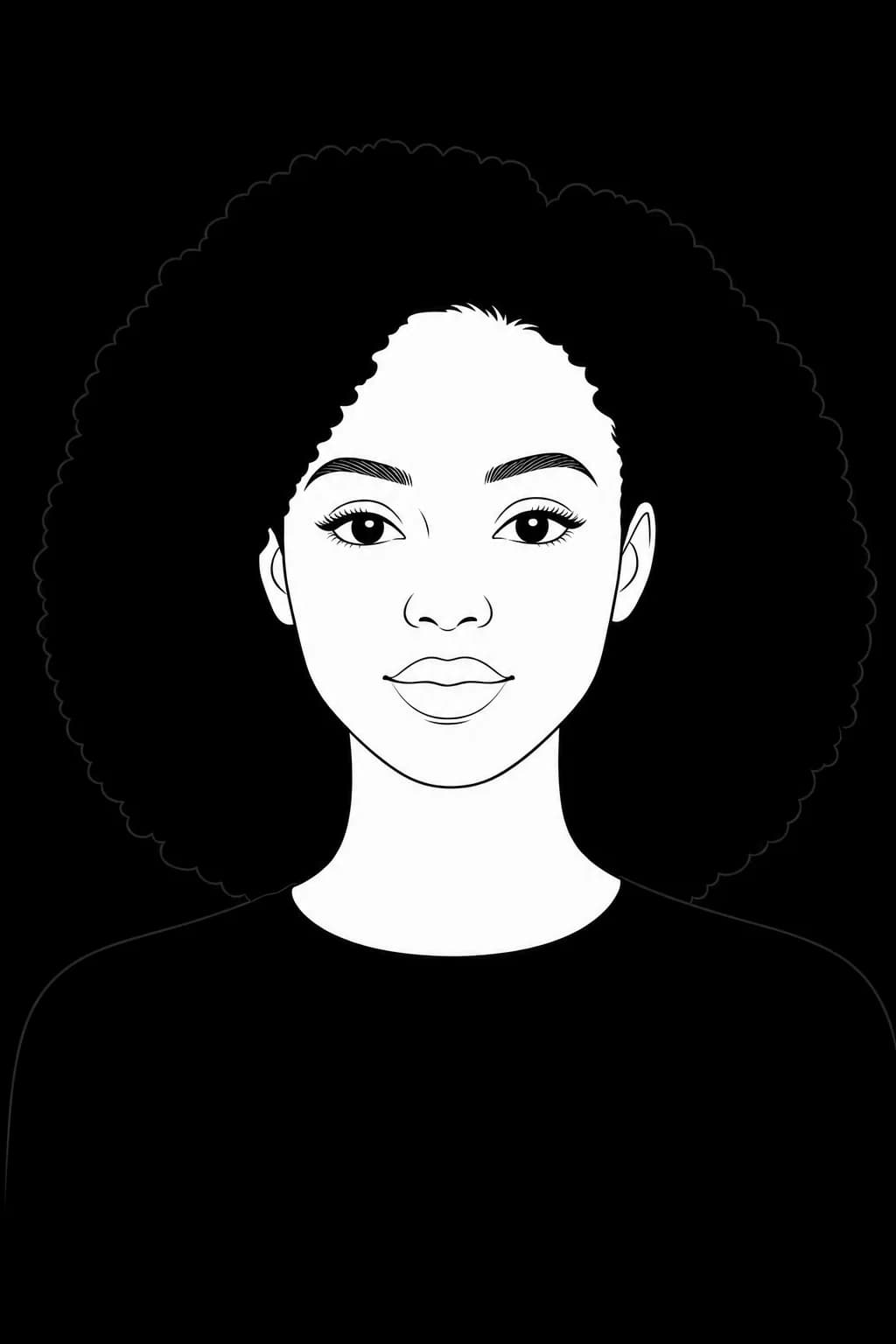
Black and white

Black and white

Classic monochrome portrait.

An AI-generated photoshoot portrait created with PublicSelf

What you can change

It behaves like a shoot, because you direct it.

Every element that a photographer would set on location is a control you can change before generating.

Outfit

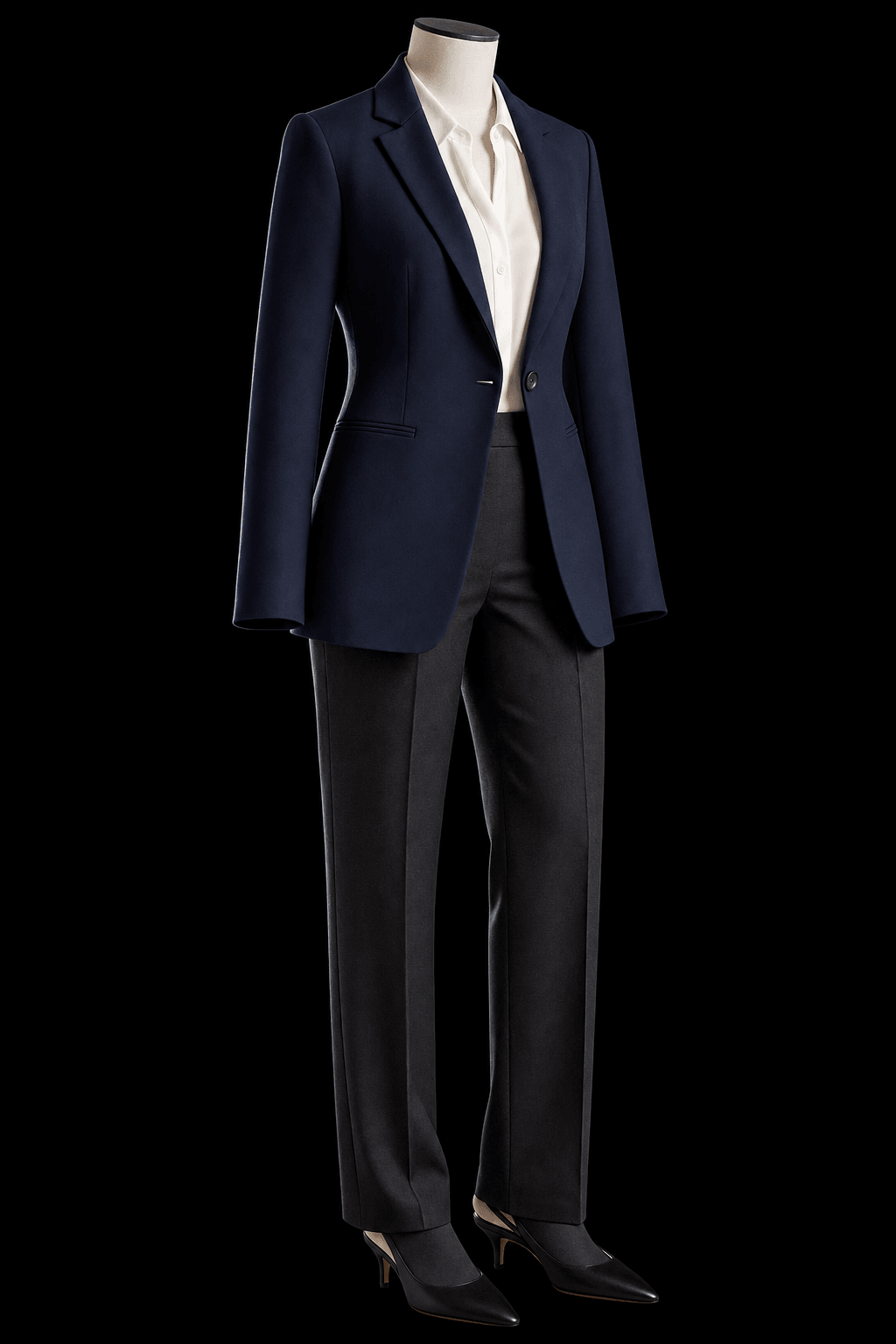
Swap the whole set of clothes, change colors, or add a single item.

Pose & expression

Generate several poses; try another expression.

Lighting

Soft studio, window daylight, golden hour, direct flash, rim light, dramatic silhouette.

Scene & background

Put yourself in another scene entirely.

Framing & camera

Choose the camera angle, framing and crop.

Reference photos

Use a photo as inspiration instead of describing anything.

AI photoshoot questions

How do I generate a photoshoot of myself?

Upload your reference photos, pick a curated shoot idea, adjust whatever you want to adjust — outfit, pose, scene, light — and generate. A single frame or a connected set, both from the same screen.

What photos do I need to upload?

Two: one full-length photo, head to toe, and one clear face close-up without a heavy filter. A third from another angle sometimes helps. Ordinary phone pictures are fine — good light matters far more than a good camera.

Can I generate several images from one idea?

Yes. Sets generate multiple connected images from a single concept — varied poses, framing and crops that read as one photoshoot.

How many photos can I generate?

As many as your credits cover. Each generated picture costs credits and you get free ones at signup, so you can run a few shoots before deciding whether to buy more.

Can I choose the clothes for the shoot?

Yes. Every shoot idea comes with a complete curated outfit, and you can recolor it, swap individual garments, or add a photo of a piece you already own before generating.

Can I control the pose and lighting?

Yes. Pose, expression, lighting style, background, scene, framing, camera angle and crop are all adjustable per shot — over a hundred poses and a long list of backgrounds, from studio seamless to a city at night.

Does PublicSelf preserve my identity?

Keeping one recognisable person across every image is the core of the product. It is not a deterministic face lock, though: clearer reference photos give steadier results, and when a frame drifts, generating it again usually fixes it.

How realistic are the results?

The gallery on this page is unretouched output, and most of it reads as photography. Hands, jewellery, thin straps and fine fabric detail are where any current image model is weakest, and simpler setups land more reliably than crowded ones.

Can I use a reference photo instead of choosing a style?

Yes. You can use a photo as inspiration and PublicSelf builds the shoot around it.

Can I edit a picture after it is generated?

Yes. Run the same look again for another frame, or open Tune on a result you like and change the clothing layer with a short instruction while the rest of the shot stays put. Tune costs credits like any other generation.

What happens to my photos?

Reference photos and uploaded items stay in your account until you delete them, or delete the account. Generated pictures clear after a couple of days unless you keep them — tap the heart to leave one in the studio, or download it. Anything downloaded is yours regardless.

Do I need to write a prompt?

No. You start from curated outfits and photoshoot ideas and adjust them with visual controls. There is no prompt box to fight with.

Try it

Your next photoshoot is an idea, not an appointment.

Browse the curated shoot concepts, pick one that feels like you — or like someone you would enjoy being for an afternoon — and see it as a finished image.