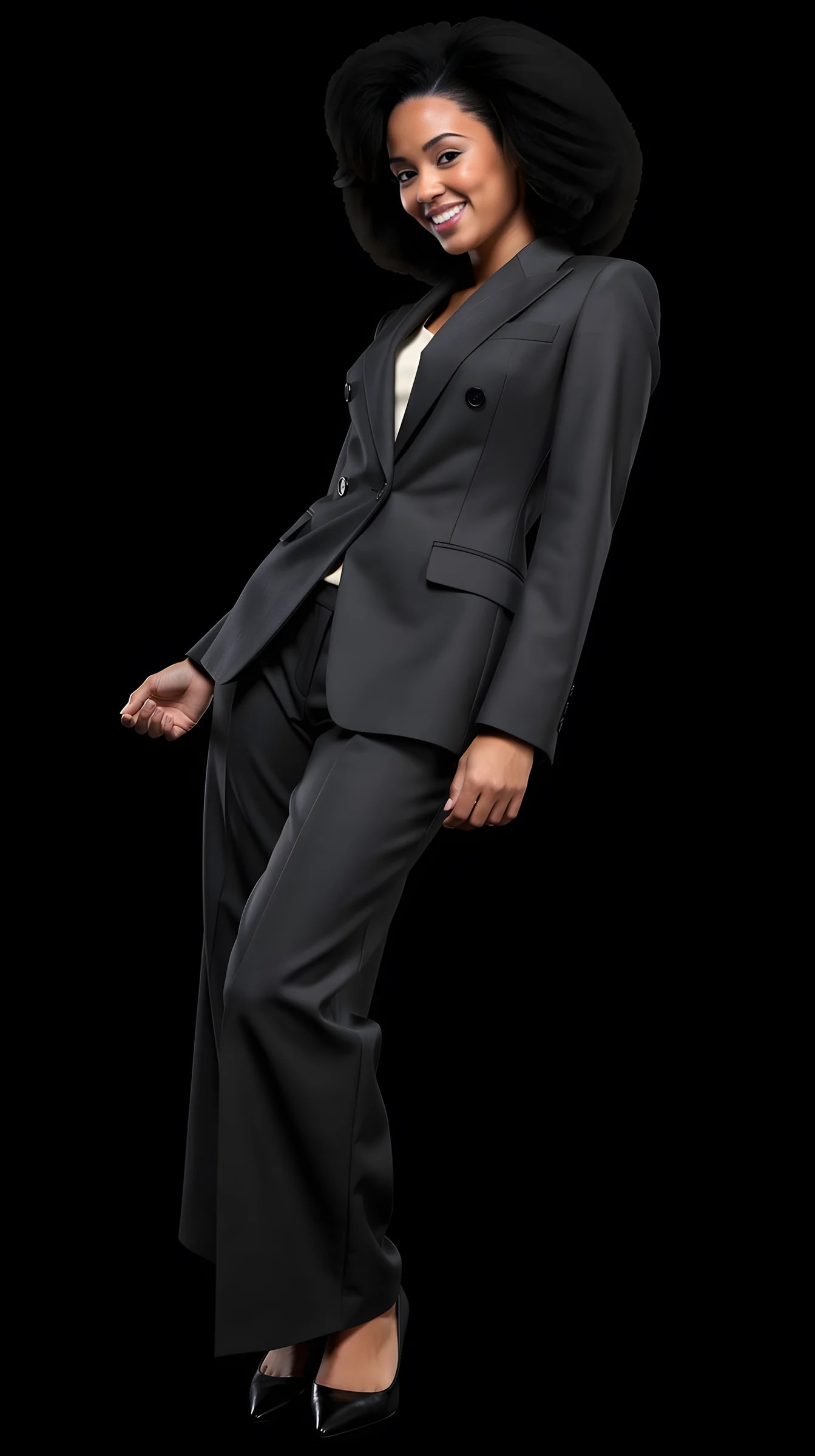
Standing, relaxed
Weight on one leg, hands easy. The team-page portrait.
Pose
Nobody knows what to do with their hands. The pose library does. Pick a pose for the shot, standing or seated, walking or turning, hands in pockets or arms crossed, and the studio generates you in it. The face and the outfit stay; the body moves.
10 free credits to start. A picture costs 2 credits and the premium engine 9. Review the total before generating a Shot or Set.
What you can create
A pose library beats a description. You choose a picture of a pose, not a paragraph about one.
Weight on one leg, hands easy. The team-page portrait.
On a stool, on a step, at a desk. The interview picture.
Mid-step, caught on the move. The street-style frame.
Looking back over a shoulder. The editorial one.
The founder pose and the casual one, both without a photographer counting to three.
Several poses in one Look and one background, consistent in every frame.
How it works
Pose is a picture you pick in the studio, not an instruction you type.
01
A head-to-toe photo and a clear face close-up carry your identity.
02
From the collection, from your own pieces, or from a photo you liked.
03
Open the pose library in the studio, choose one, and generate. Change the pose and go again, or run a set.
Examples
The demo avatar in four library poses, in the same Look and background. Made in the studio with the real pipeline.
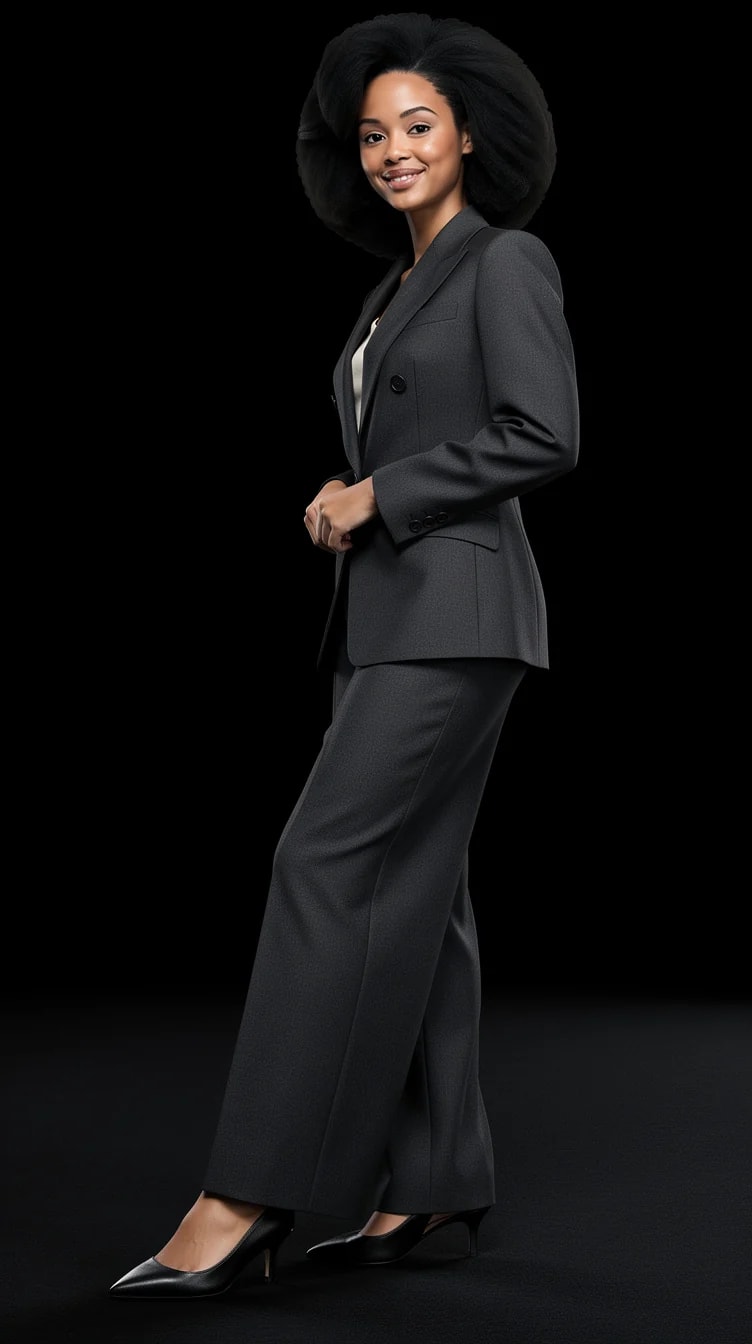
Mid-turn, as at the end of a runway.
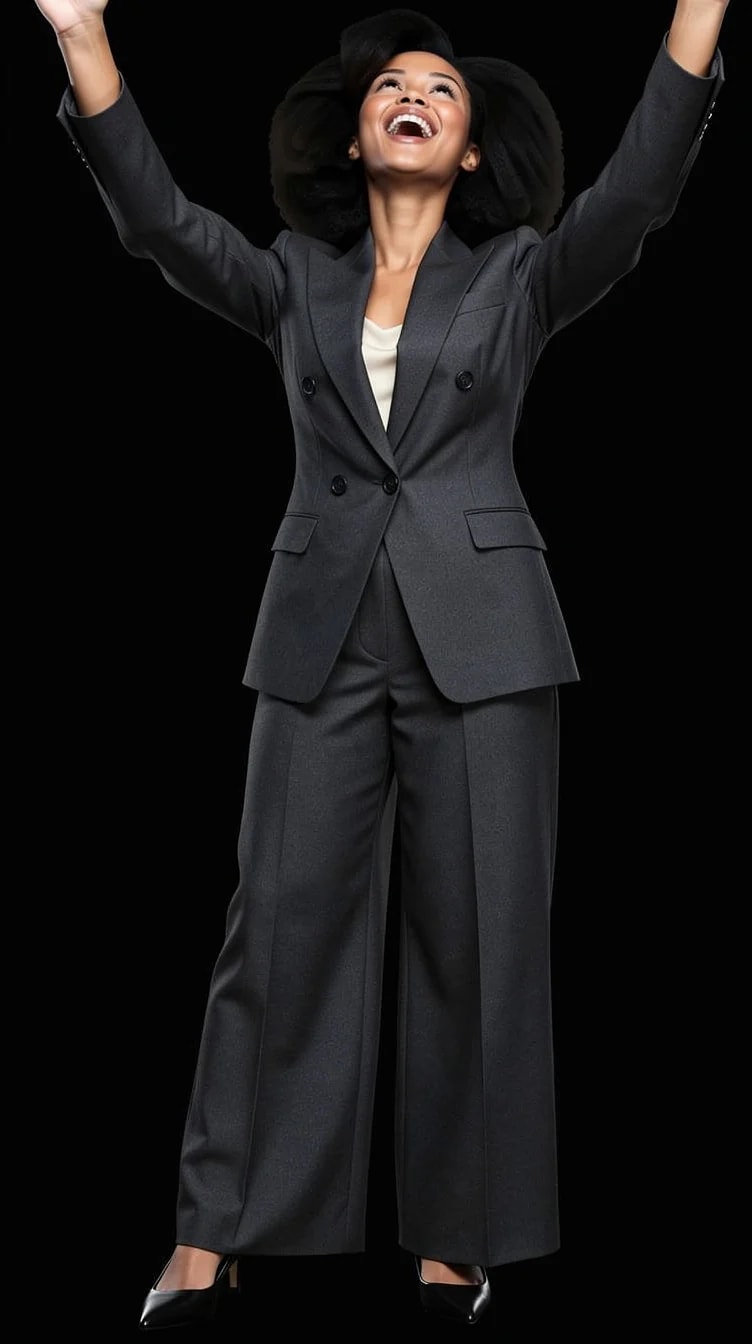
Laughing, both arms in the air.
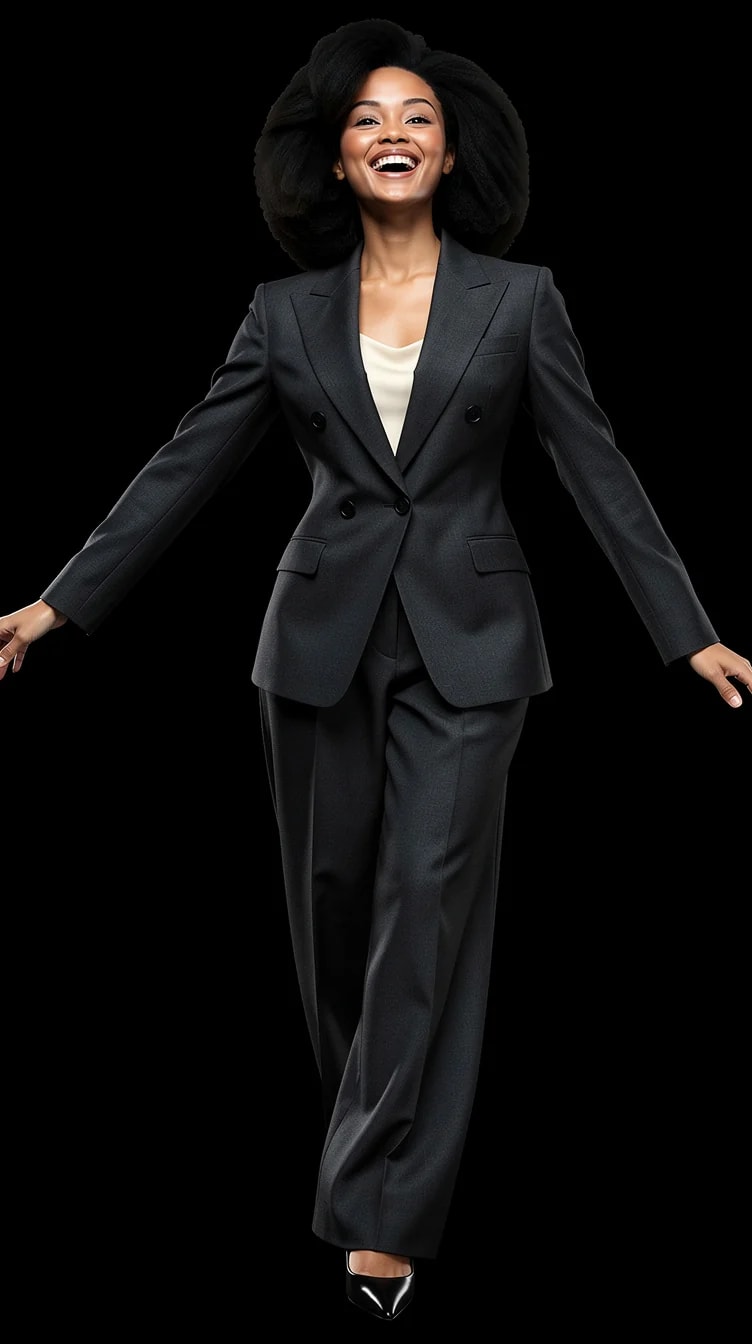
Caught at the end of a spin.
What you can change with it
The pose combines with angle, background, light and framing in the same shoot.
From the pose library: standing, seated, walking, turning, and more.
How much the pose is pushed, from quiet to theatrical.
Front, three-quarter, profile, low, high.
Head and shoulders to full length.
Papers, walls, or a scene.
Neutral to laughing.
PublicSelf generates new pictures of you in the pose you pick rather than bending the original file. Upload your photos once, then every picture you generate can have a different pose.
No. The pose library is a set of pictures; you pick one. There is a Performance control for how far the pose is pushed.
Hands are the hardest thing for any image model. Library poses are chosen so hands sit naturally, which is why a library beats a free-text description. Check hands and jewellery at full size before you keep a picture.
A picture costs 2 credits; the premium engine costs 9. New accounts start with 10 free credits.
Yes. A set keeps the Look and the background and changes the pose and framing across the frames.
10 free credits to start. A picture costs 2 credits and the premium engine 9. Review the total before generating a Shot or Set.
Compare the face, hair and details with your reference photos at full size and at the intended crop. Use a result only if it remains recognizable and fits its purpose. Likeness can vary; no usable-result count is guaranteed.
Try it on your own photos
Upload a few photos, pick a Look, choose a pose. 10 free credits, no card needed.