Black seamless
The studio default: dramatic, clean, the outfit does the talking.
Background
Put yourself in front of a different background without a studio. Black, white, gray or blue seamless paper, a light studio wall or raw concrete, or a real scene: an office, a street, a rooftop. The identity and the outfit stay; the backdrop changes.
10 free credits to start. A picture costs 2 credits and the premium engine 9. Review the total before generating a Shot or Set.
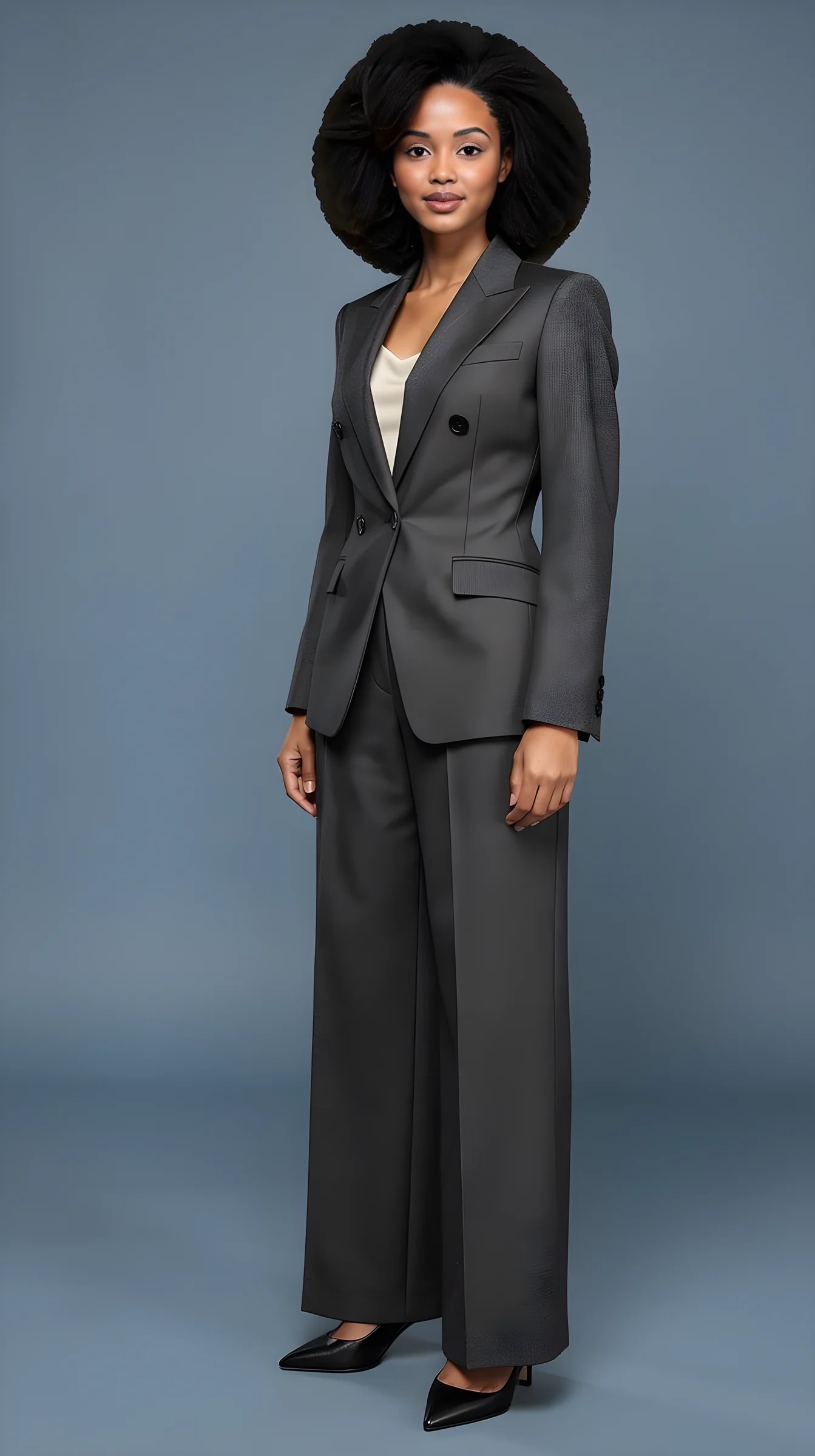
What you can create
The standard studio papers, plus two walls, plus any scene the shoot presets offer.
The studio default: dramatic, clean, the outfit does the talking.
For a CV, a team page or a product listing. Reads as a professional headshot.
Neutral papers that sit well on a LinkedIn profile or a press kit.
A soft, bright studio wall with a hint of depth.
Raw and architectural, for an editorial direction.
Office, street, café, rooftop, beach: the shoot presets carry the scene with the light to match.
How it works
This is not a mask pasted over a photo. The picture is generated with the background, so the light on your face matches the room.
01
A head-to-toe photo and a clear face close-up carry your identity.
02
From the collection, from your own pieces, or from a photo you liked.
03
Open Scene & light in the studio, choose a paper, a wall or a scene, and generate.
Examples
Both demo avatars on black, white, gray, blue, light studio and concrete, each in one Look. Made in the studio with the real pipeline.
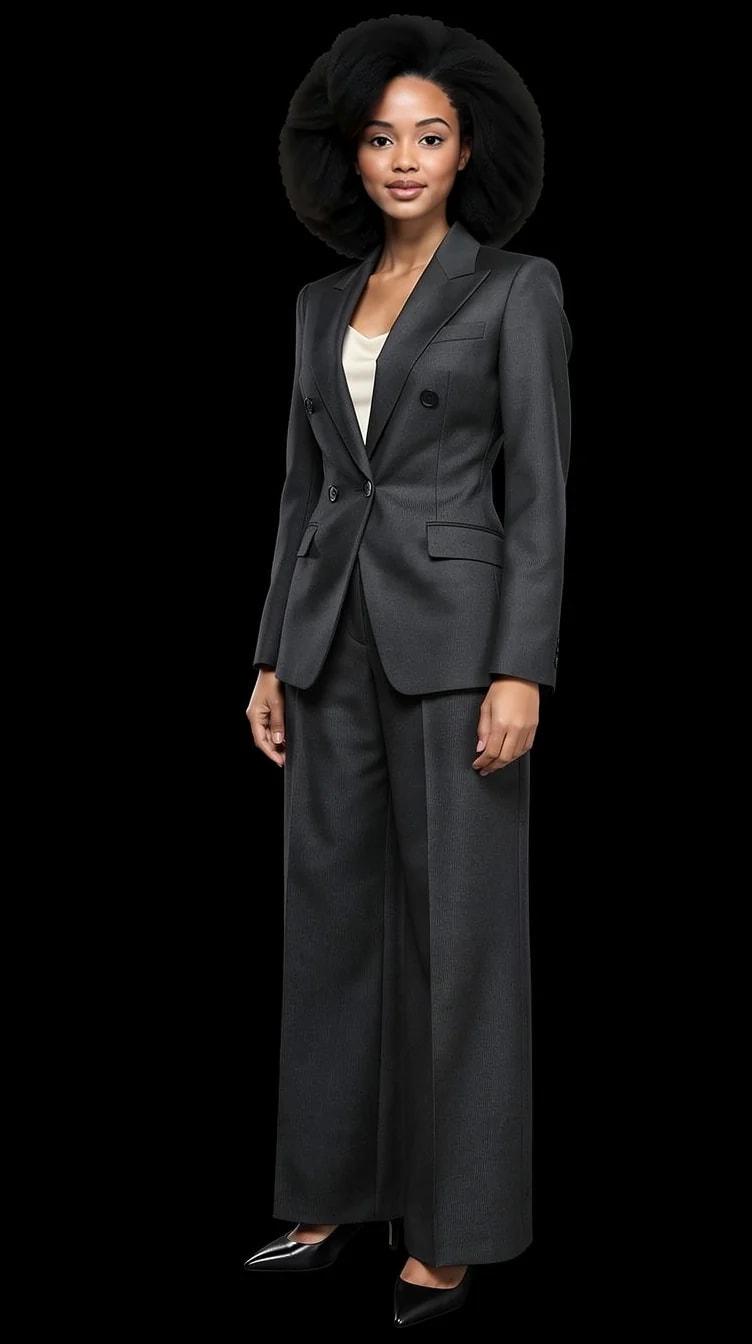
Seamless black paper.
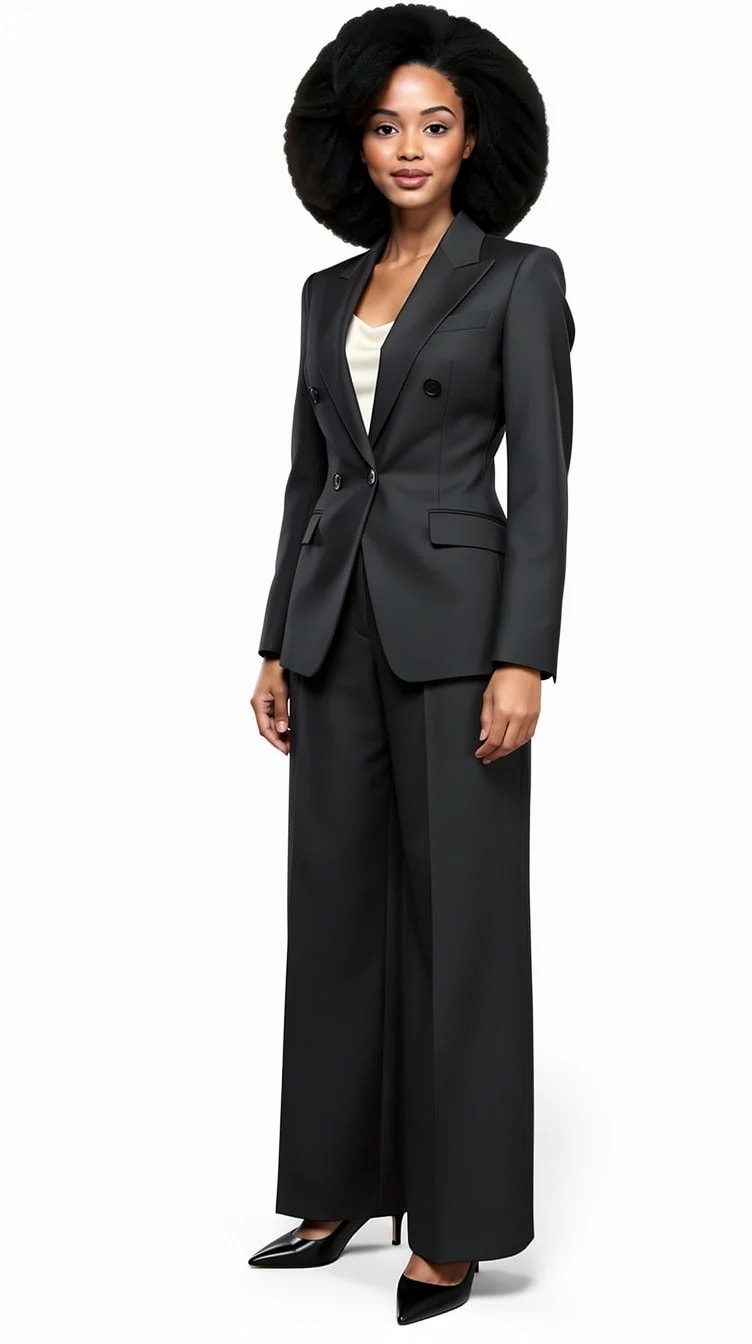
Seamless white paper.
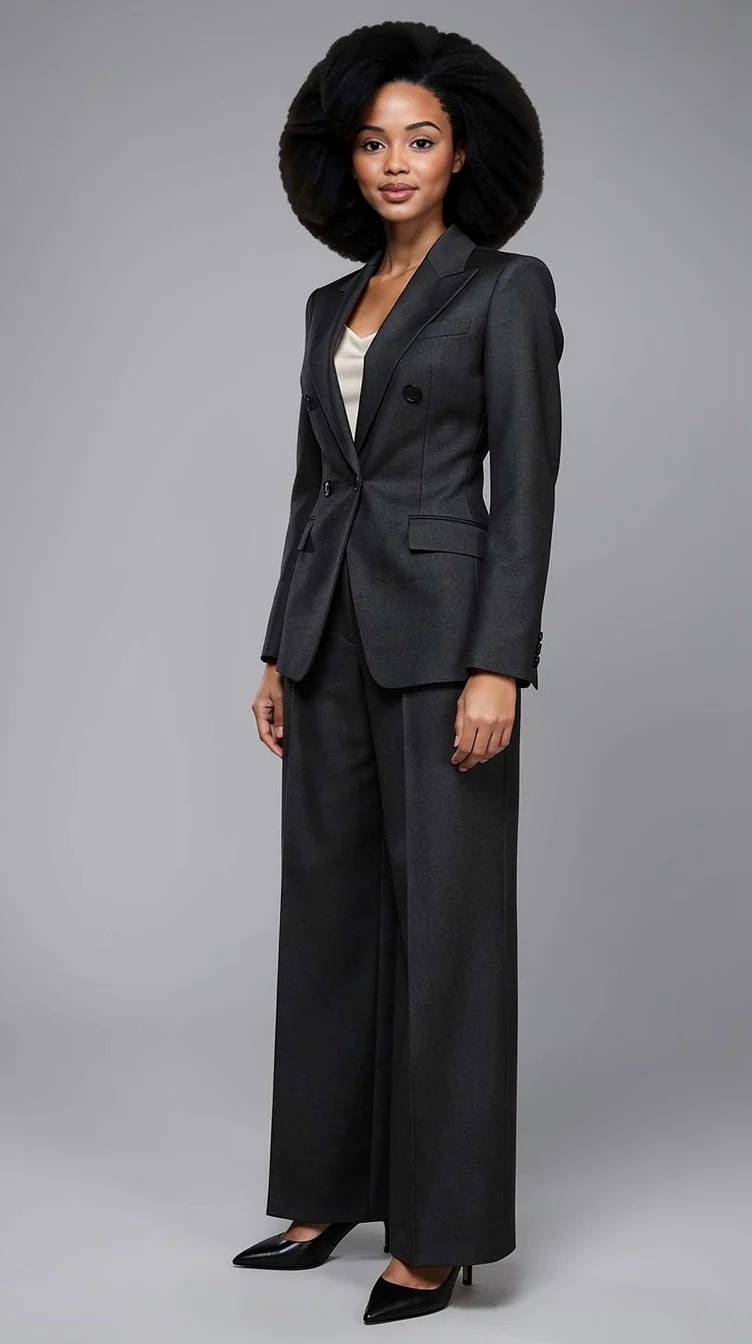
Seamless gray paper.
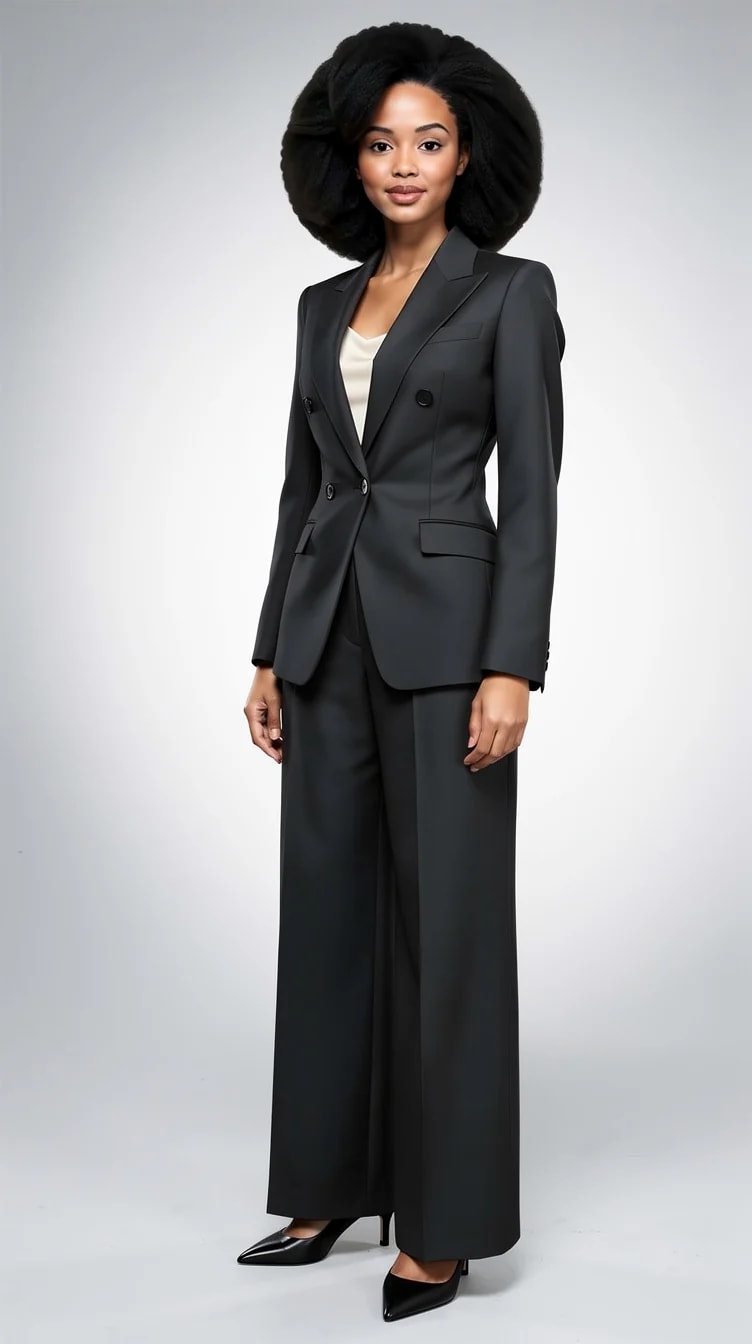
A bright studio wall.
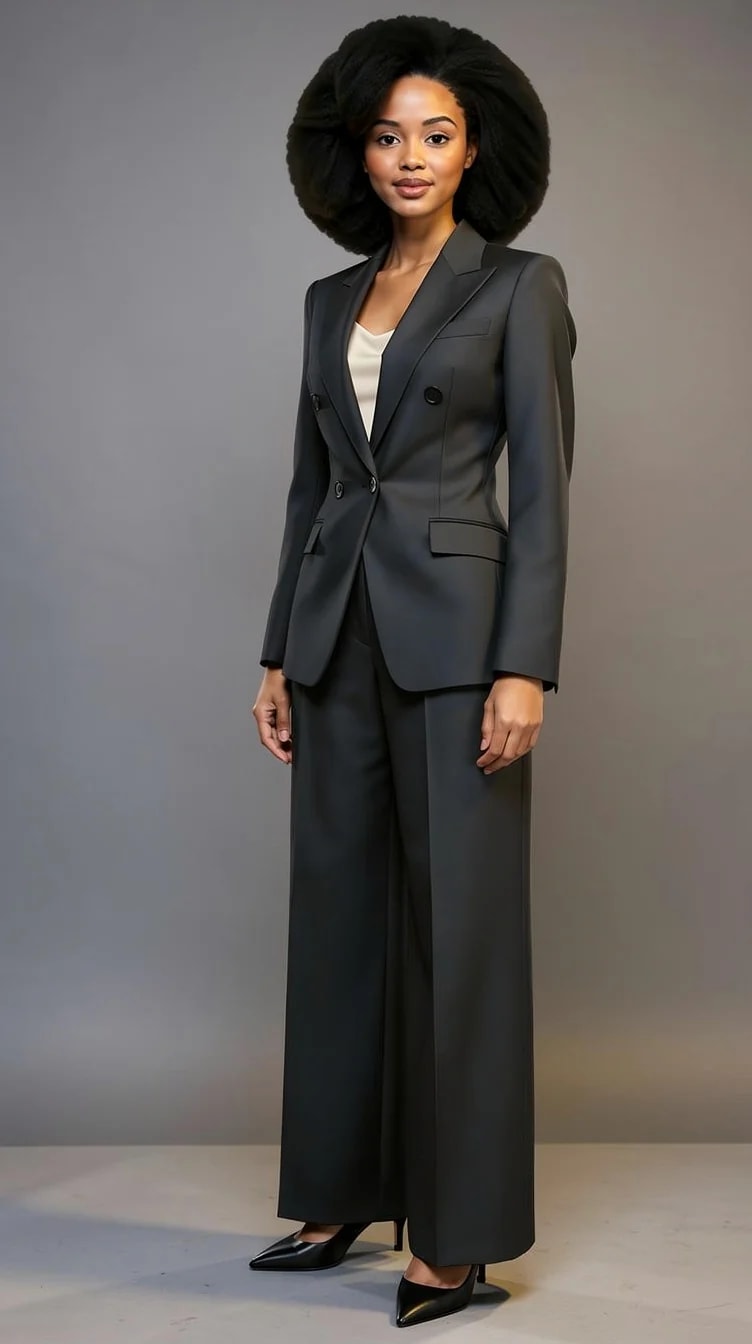
Raw concrete.
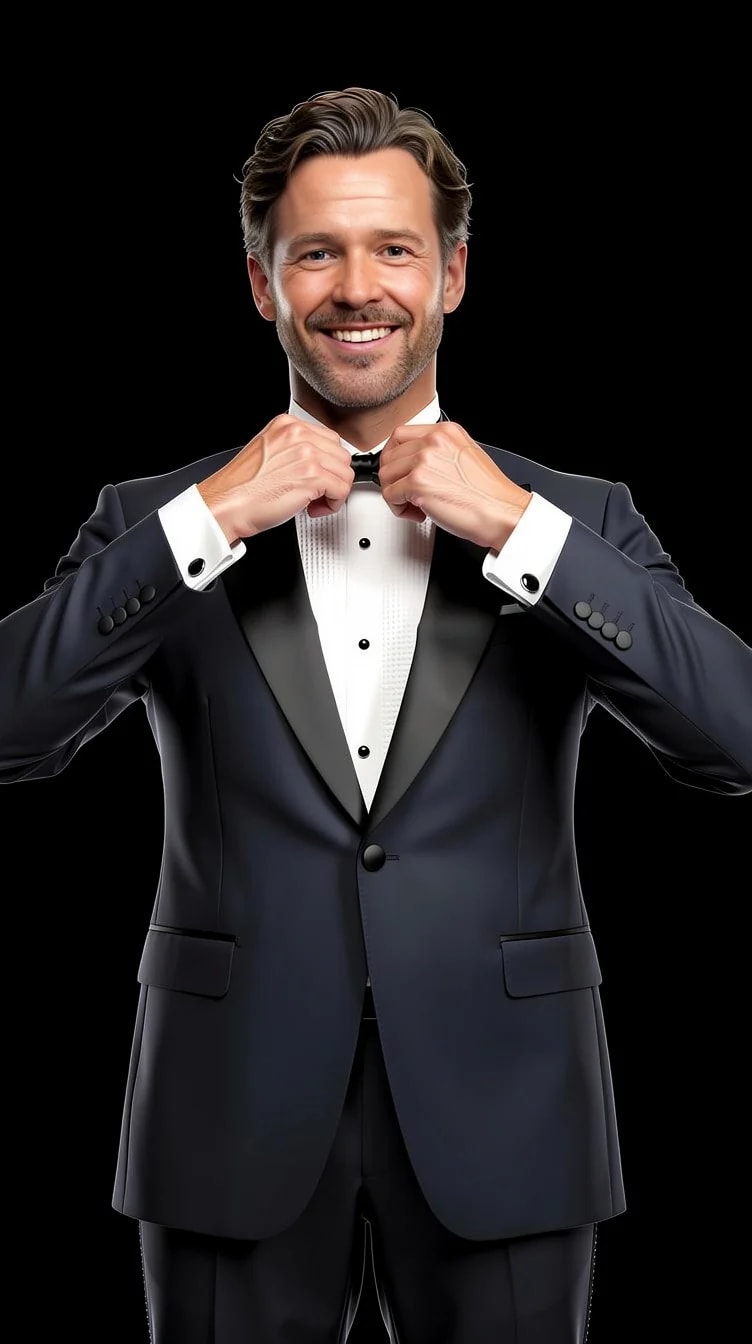
The second avatar, same paper.
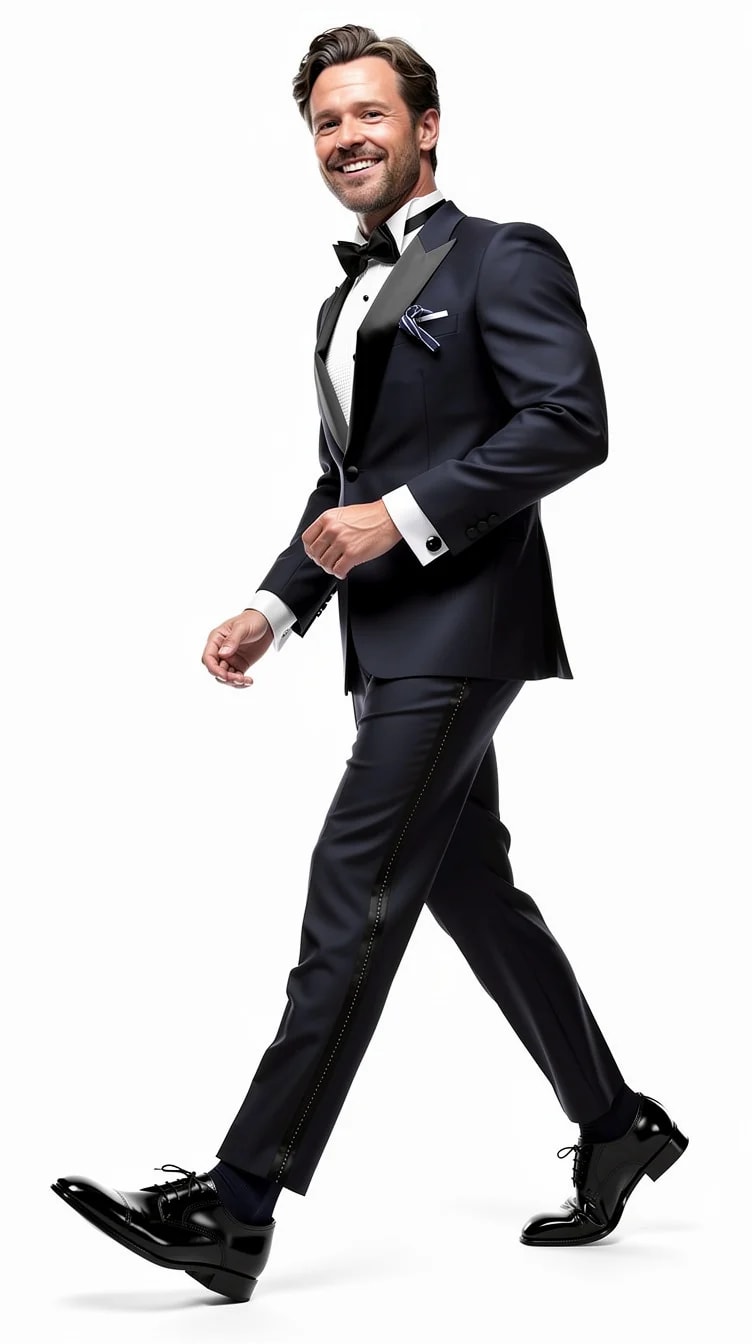
Seamless white.
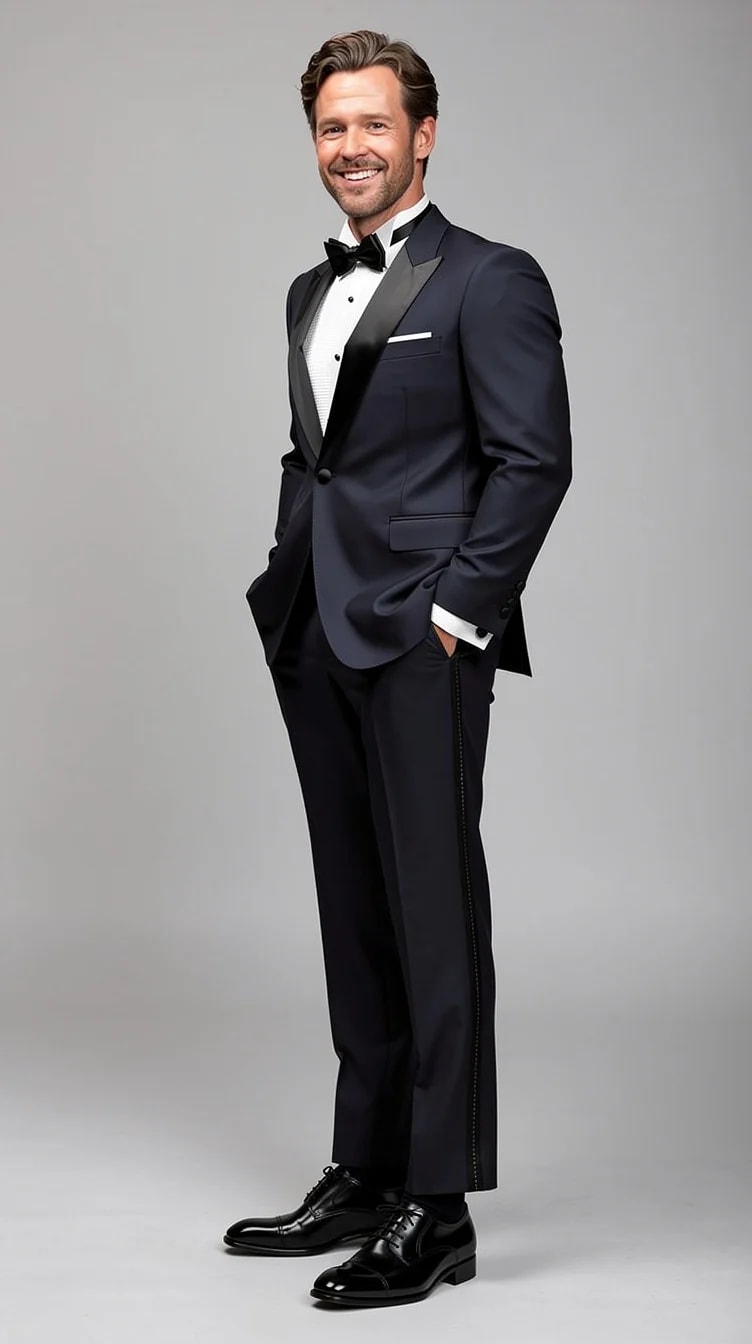
Seamless gray.
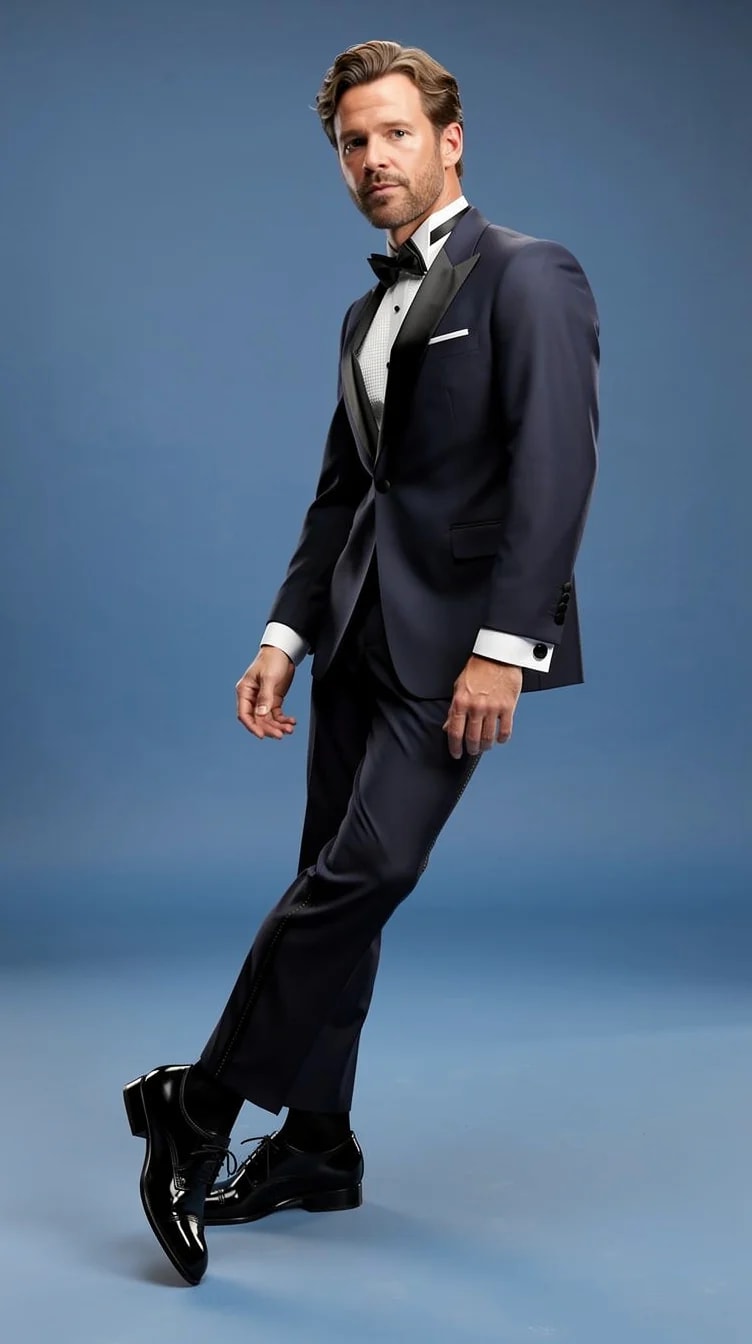
Seamless blue.
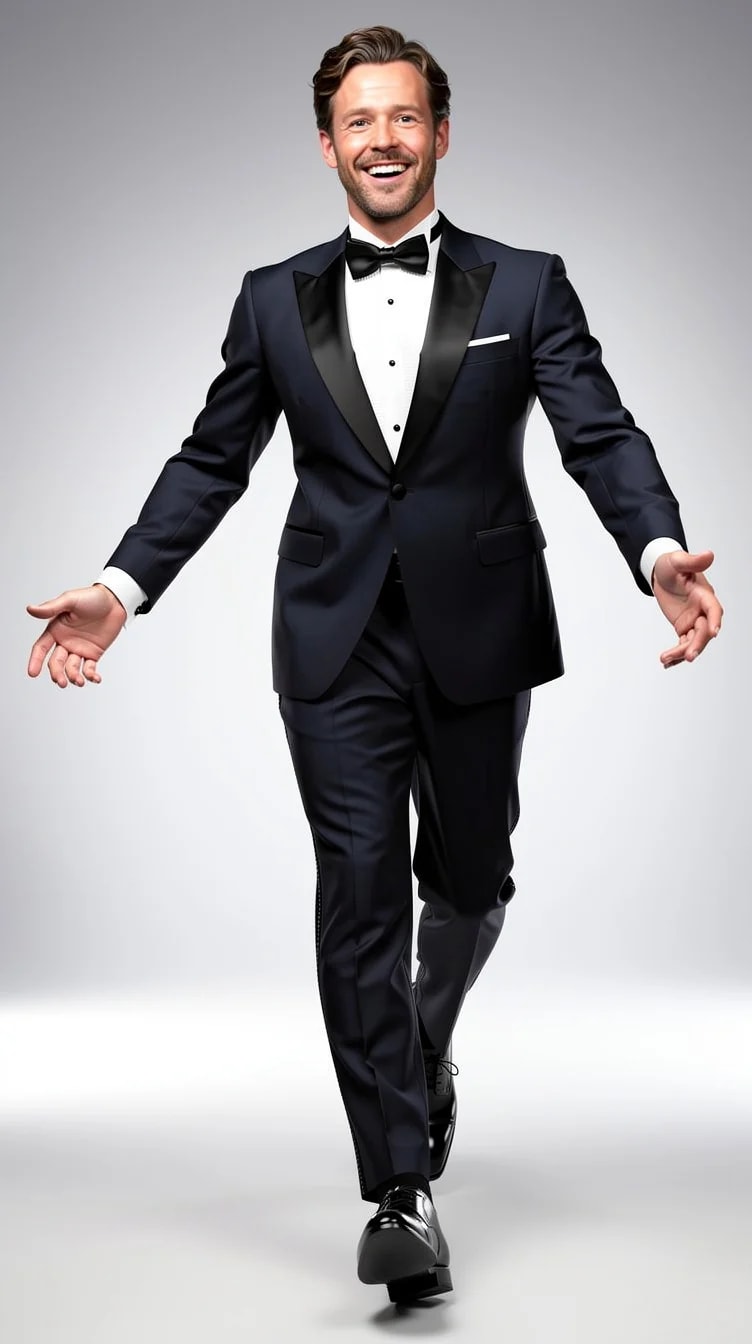
A bright studio wall.
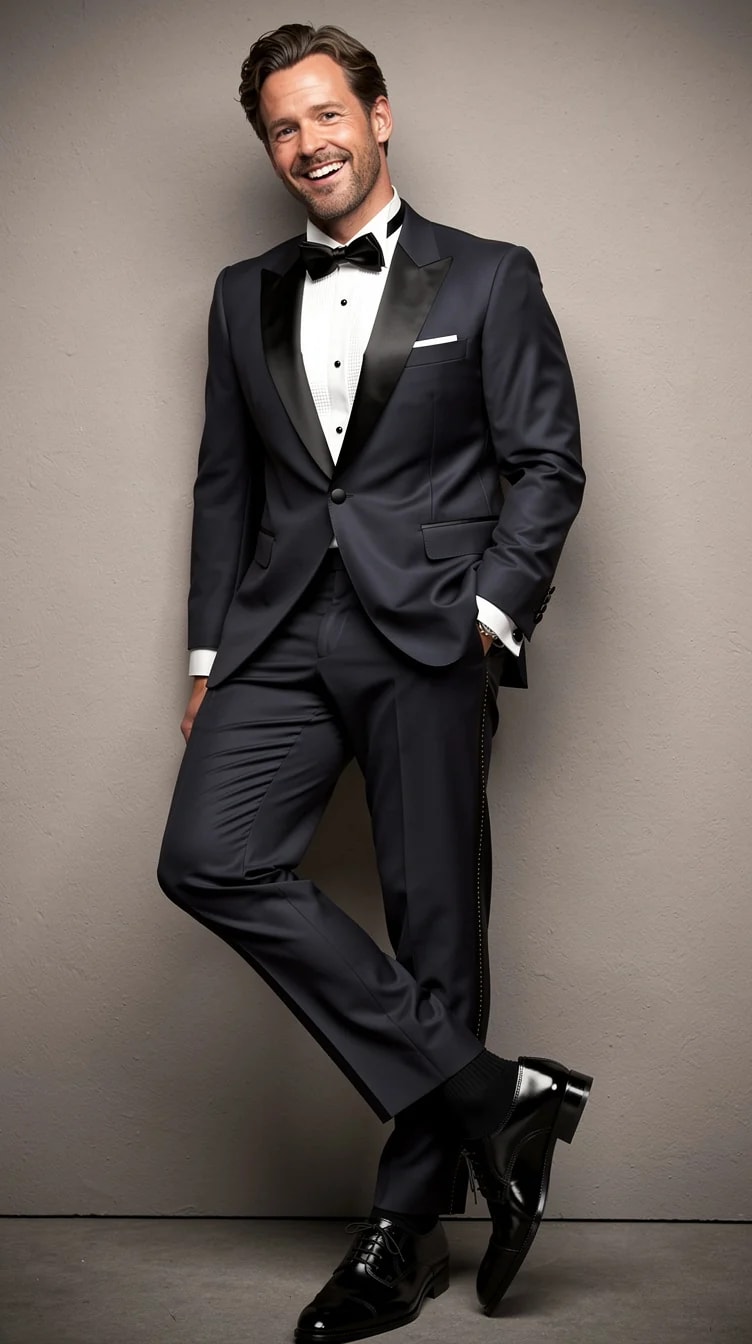
Raw concrete.
What you can change with it
The backdrop is chosen with the light that belongs to it, which is why the result reads as a photo and not a composite.
Black, white, gray, blue, light studio, concrete.
Office, street, studio, evening city, outdoors.
Soft studio, window light, golden hour, direct flash.
Front, three-quarter, profile, from below, from above.
From the pose library.
Remove the background entirely afterwards and place the cutout on your own layout.
PublicSelf generates new pictures of you with the background you choose, rather than editing the original file. Upload your photos once, then every picture you generate can have a different backdrop. To take a finished picture onto your own layout, remove its background to a transparent PNG.
White, light gray or the light studio wall. They keep the attention on the face and print well. Blue is the classic corporate paper. Black is for a more editorial profile.
Yes, because the picture is generated with the backdrop rather than cut out and pasted. A concrete wall comes with harder light than a white studio wall.
A picture costs 2 credits; the premium engine costs 9. Removing a background afterwards costs 1 credit. New accounts start with 10 free credits.
Yes. Any finished picture can have its background removed to a PNG with real alpha transparency, which you can check on the page about background removal and 4K upscaling.
10 free credits to start. A picture costs 2 credits and the premium engine 9. Review the total before generating a Shot or Set.
Compare the face, hair and details with your reference photos at full size and at the intended crop. Use a result only if it remains recognizable and fits its purpose. Likeness can vary; no usable-result count is guaranteed.
Try it on your own photos
Upload a few photos, pick a Look, choose the backdrop. 10 free credits, no card needed.