
Dating profile photos
AI dating profile pictures
Create dating profile photos that show more than one side of you. Generate a varied set across relaxed, social, dressed-up and everyday contexts, while the face in every picture stays the same person.
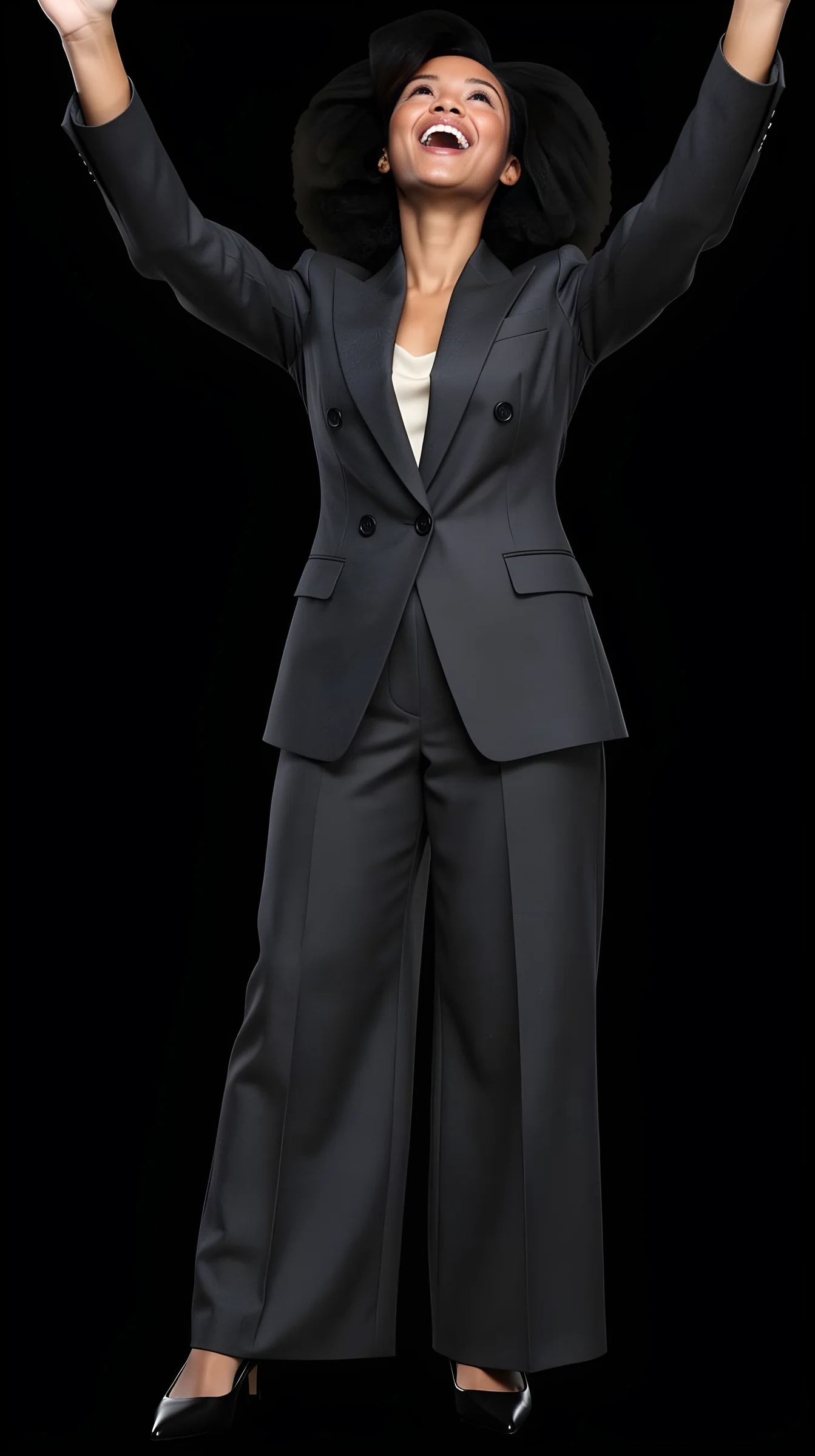
Examples
Explore photographic directions
Style examples show photographic directions, not a before/after test of one person's likeness. Compare a source and result only where both are labelled.

Smart casual

Evening profile

Playful editorial
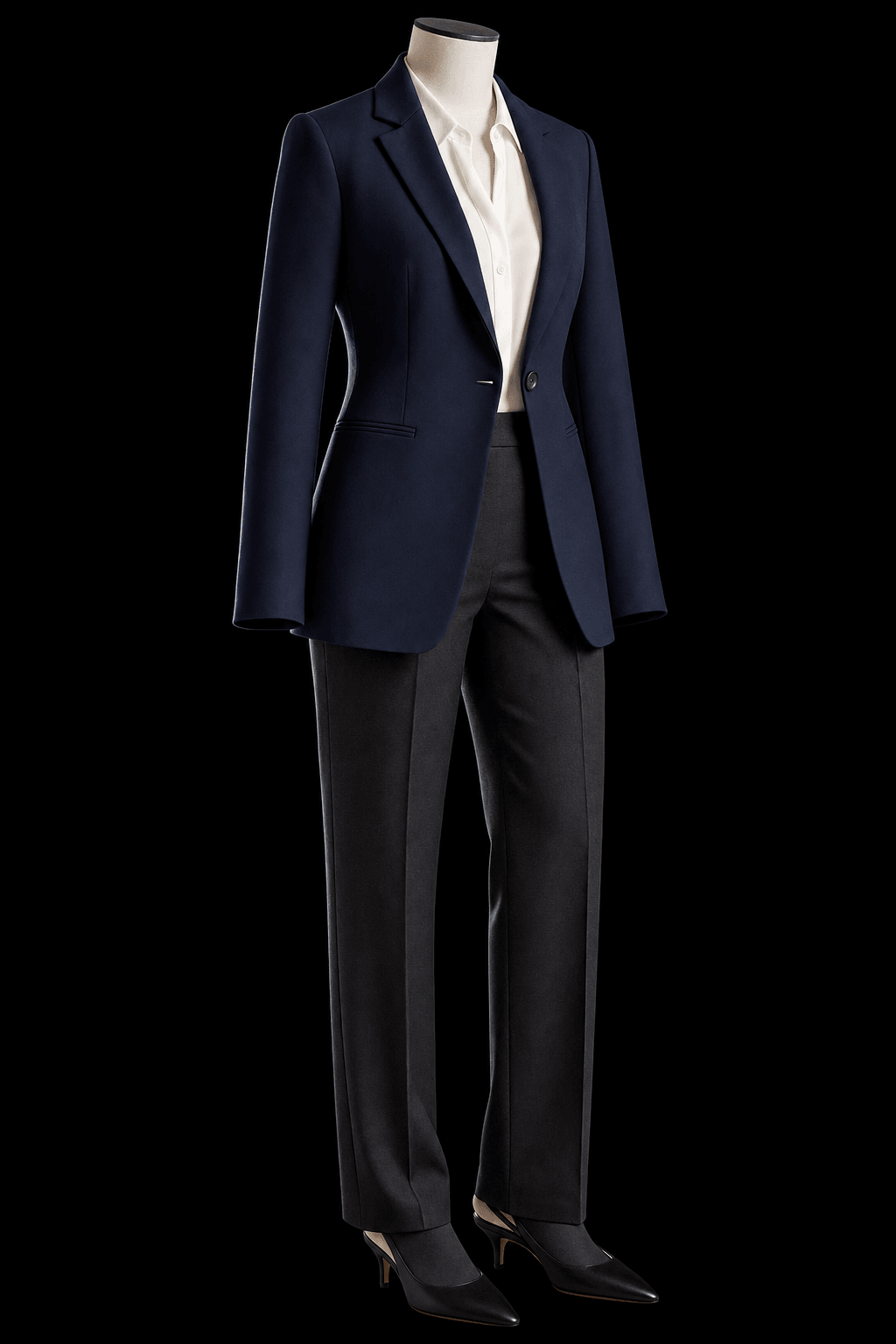


What you can create
A profile is a sequence, not one perfect headshot.
Use several distinct images to communicate personality, style and context without pretending they all came from the same afternoon.
Strong first image
A clear portrait with a natural expression and enough visual contrast to read immediately.
Different sides of you
Mix relaxed daytime, dressed-up evening and more creative directions.
A coherent profile
Keep identity consistent while varying outfit, location, framing and energy across the set.
Chosen, not prompted
Pick a curated Look and a scene off a rail instead of describing an outfit to an image generator. Nothing to phrase correctly.
One person across the whole set
Every picture starts from the same identity photos, so six images do not read as six different people. That is the hard part, and it is the point.
Looks you can rerun
Save the outfit that worked and generate it again in a new scene the next time you refresh the profile.
How it works
Direct the photo instead of writing a prompt.
Start with your own photos, pick a scene and an outfit you would actually wear, then adjust the visible controls before you generate.
01
Add two photos of yourself
One full-length, head to toe, and one clear face close-up. Ordinary phone pictures are fine.
02
Pick a Look and a scene
Choose a curated outfit and setting rather than starting from an empty prompt box.
03
Adjust the direction
Change expression, pose, lighting, scene, camera and crop.
04
Generate a set and choose
Make several connected pictures, then keep the ones that still look like you.
Your direction
Interesting, without becoming somebody else.
Vary the context far more than you vary the face — that is what keeps a profile both varied and believable.
Outfit
Everyday, smart casual, evening or a Look you would never buy — picked from a library, not typed out.
Expression and pose
Relaxed, amused, direct or thoughtful, without changing who you are.
Lighting and scene
Daylight, a real-feeling room, a café-lit evening or a studio backdrop.
Framing and camera
Close portrait for the first image, wider frames further down the sequence.
Dating profile picture questions
How do I make AI dating profile pictures?
Upload two photos of yourself, pick a Look and a scene, then generate. There is no prompt to write — you choose curated outfits and setups and adjust visible controls like expression, light and crop.
How many photos do I need to upload?
Two. One full-length photo, head to toe, and one clear face close-up with your eyes visible and no heavy filter. A third from another angle sometimes helps. If you cannot get a clean face shot, the studio can crop one out of the full-length picture.
Can I create several different dating profile pictures?
Yes. Make individual Shots or connected Sets, then vary the outfit, scene, crop and expression across the profile.
Does this work for Tinder, Hinge and Bumble?
The images are not tied to one platform — export the ones you like and choose the sequence that fits your profile. Each app sets its own rules about AI-generated pictures, so check the current ones before you upload.
Should I use AI photos on a dating profile?
Only ones that still look like you. The whole point of a dating photo is the moment you actually meet, so a picture that flatters a stranger is a bad trade. Treat these the way you would treat a good photographer's shots — real versions of you in better light — and drop any frame you would not want to be recognised from.
Will the pictures look like me?
Keeping you recognisable is the core of the product, but it is not a deterministic face lock. Clearer reference photos give steadier results, some frames land closer than others, and when one drifts you generate it again.
Can I keep the results natural?
Yes. Choose restrained lighting, everyday Looks and familiar scenes rather than pushing every image toward a glossy campaign. Simpler combinations also tend to render more cleanly.
Should every photo use the same outfit and background?
No. A useful dating profile benefits from variety. Keep the identity coherent while changing context and styling.
Can I use a jacket I actually own?
Yes. Upload a clear photo of a jacket, a pair of shoes or an accessory, keep it on a shelf and mix it into a Look. A single clear piece works best today.
Is it free?
You get free credits when you sign up, no payment required — enough to generate several pictures and see whether the results are your kind of fun. After that each generation costs credits.
What are the honest limits?
Results vary. Hands, jewellery, thin straps and fine fabric detail are where every current image generator is weakest, and not every generation lands. Making a few and keeping the best is the normal way to use this.
What happens to the pictures afterwards?
Your reference photos and uploaded items stay in your account until you delete them, or delete the account. Generated pictures are cleared after a couple of days unless you keep them: tap the heart to leave one in the studio, or download it. Anything you have downloaded is yours regardless.
Create yours
Show a few real-feeling versions of you.
Generate a profile sequence with enough variety to feel interesting and enough consistency to feel credible.