How do I make AI pictures or images of myself?▼
Create an account, upload two photos of yourself (one full-length, one face close-up), pick an outfit, and generate. Then put that look into a photo shoot to get pictures of you in real scenes. It is the same process whether you call them AI photos, AI pictures or AI images of yourself.
Can I create AI photos of myself for free?▼
Yes, to start: every new account gets 10 free credits, enough for a few outfits or a first photo shoot. After that you buy credit packs; there is no subscription.
How many photos of myself do I need to upload?▼
Two: one full-length photo, head to toe, and one clear face close-up. A third from a different angle sometimes helps. Ordinary phone pictures are fine — good light matters far more than a good camera.
Can I generate AI pictures of myself from one photo?▼
Usually yes. If you only have one good full-length shot, the studio can crop the face close-up out of it. Two separate references still give steadier results, so add the second one when you have it.
How realistic are AI photos of yourself?▼
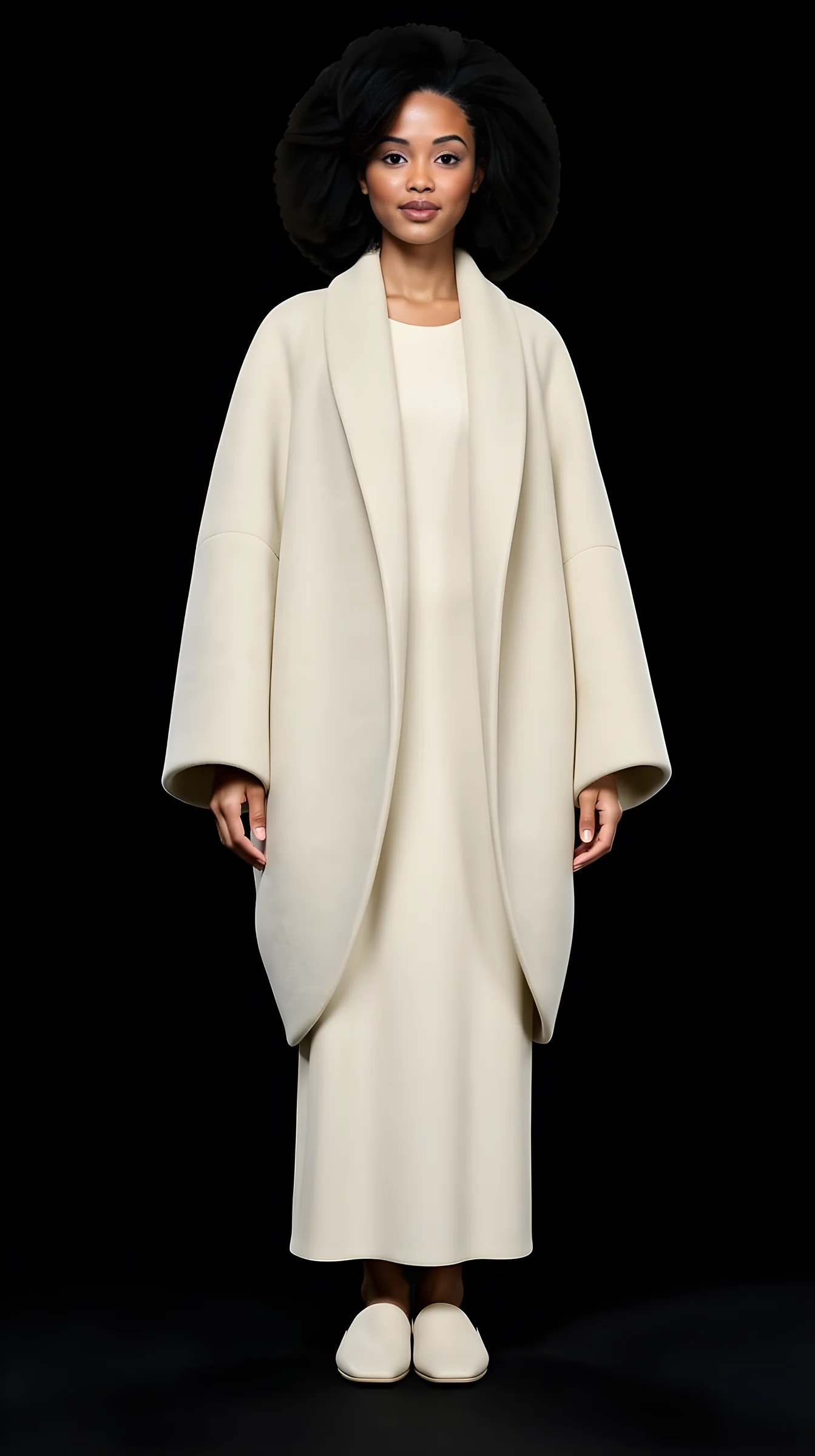
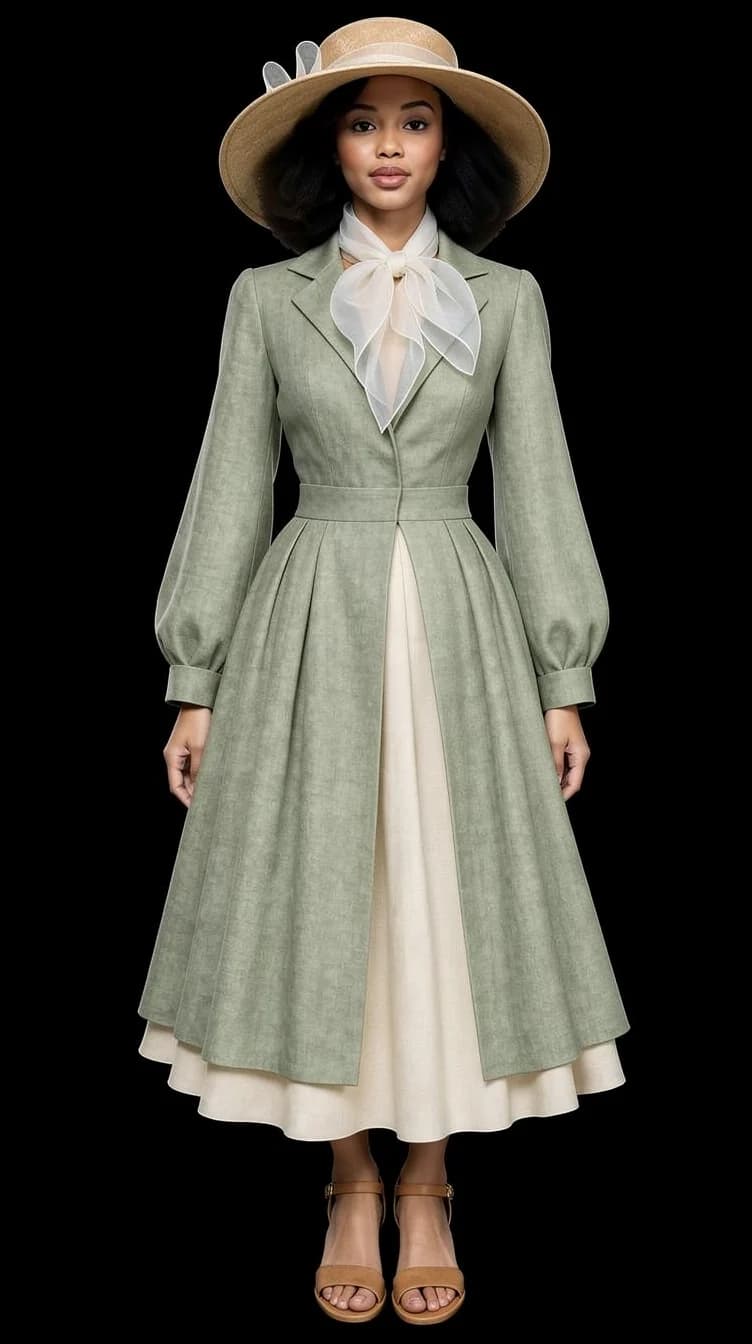
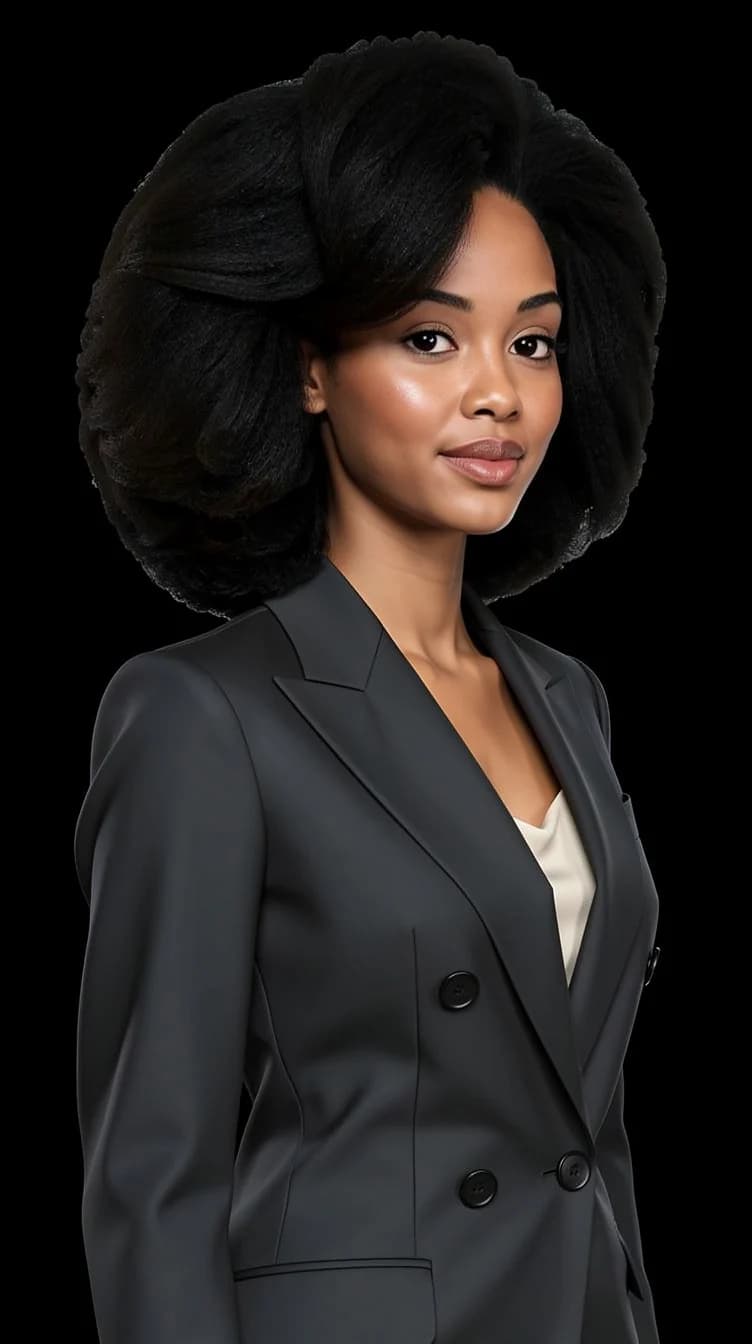
Realistic enough to use as profile and website photos — the gallery on this page is unretouched PublicSelf output. They are not guaranteed photoreal: hands, jewellery, thin straps and fine fabric detail are where any current picture generator is weakest, and some frames land better than others.
How do I make realistic AI photos of yourself?▼
Four things do most of the work. Upload sharp, well-lit references with no heavy filters. Keep the scene simple — a plain studio backdrop renders convincingly far more often than a crowded street. Let the lighting match the setting instead of stacking effects on top of it. And generate a few variations rather than betting everything on one: with AI images the second or third attempt is usually the keeper.
Do the AI images actually look like me?▼
Keeping your identity consistent is the core of PublicSelf — your face stays yours across every outfit, scene and lighting change. It is not a deterministic face lock, though. Clearer reference photos give more consistent results, and the occasional generation drifts; when it does, run it again.
Do I need to write prompts?▼
No. You pick from curated outfits and shoot ideas, then adjust visual controls. No prompt engineering, no wording tricks to memorise.
Can I create images of myself in different outfits?▼
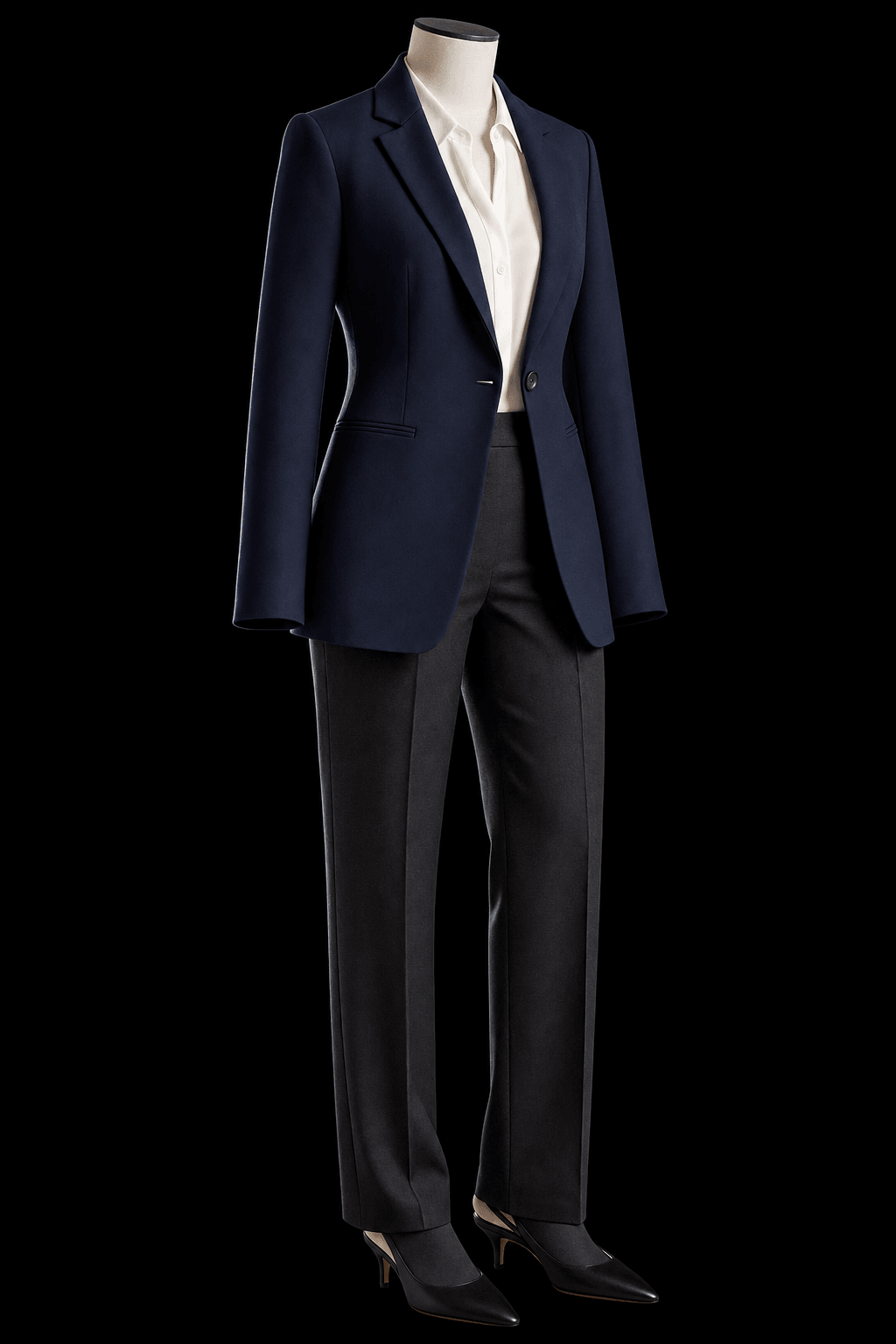
That is most of what people do here. Pick a curated Look or build one piece by piece, then put the same face in it. You can also upload a photo of a jacket or a pair of shoes you own and generate yourself wearing it.
Can I generate more than one picture at a time?▼
Yes. Sets generate several connected images of the same concept with varied poses and framing — closer to a shoot than to a single render.
Can I regenerate or adjust a picture afterwards?▼
Yes. Run the same Look again for a different frame, or open Tune on a result you like and change the clothing layer with a short instruction while the rest of the shot stays put. Each generation and each Tune costs credits.
Is it safe — what happens to my photos?▼
Your reference photos and uploaded items stay in your account until you delete them, or delete the account. Generated pictures are cleared after a couple of days unless you keep them: tap the heart to leave one in the studio, or download it. Anything you have downloaded is yours regardless.
Can I use AI pictures of myself on LinkedIn or a dating profile?▼
You keep and use your results wherever you like — profiles, content, anywhere. Two caveats worth saying out loud: some platforms have their own rules about AI-generated imagery, and a picture that looks nothing like the person who turns up does you no favours. Pick the ones that read as you.
What does it cost?▼
Credits, charged per generation, with Tune edits counted the same way. You get free credits at signup, so you can see several results before deciding whether to buy more.
What do the 10 free credits buy?▼
10 free credits to start. A picture costs 2 credits and the premium engine 9. Review the total before generating a Shot or Set.
How should I judge a generated portrait?▼
Compare the face, hair and details with your reference photos at full size and at the intended crop. Use a result only if it remains recognizable and fits its purpose. Likeness can vary; no usable-result count is guaranteed.