Is this an outfit visualizer for my own photos?▼
Yes. Most outfit or clothes visualizers put a garment on a model or a mannequin; this one puts complete outfits on you, from two ordinary photos. Your first credits are free, so you can see a few looks on yourself before deciding anything.
Can I see myself in different clothes?▼
Yes — that is what this is for. You upload a couple of photos of yourself, pick an outfit from the catalog, and get back a picture of you wearing it. The clothes change from look to look; the person in the frame does not.
How do I see myself in a different outfit?▼
Browse the looks, tap one, and generate. If you want to adjust it first you can — colors, individual garments, the scene, the light — but picking one and generating is a perfectly good first move.
What photos do I need to upload?▼
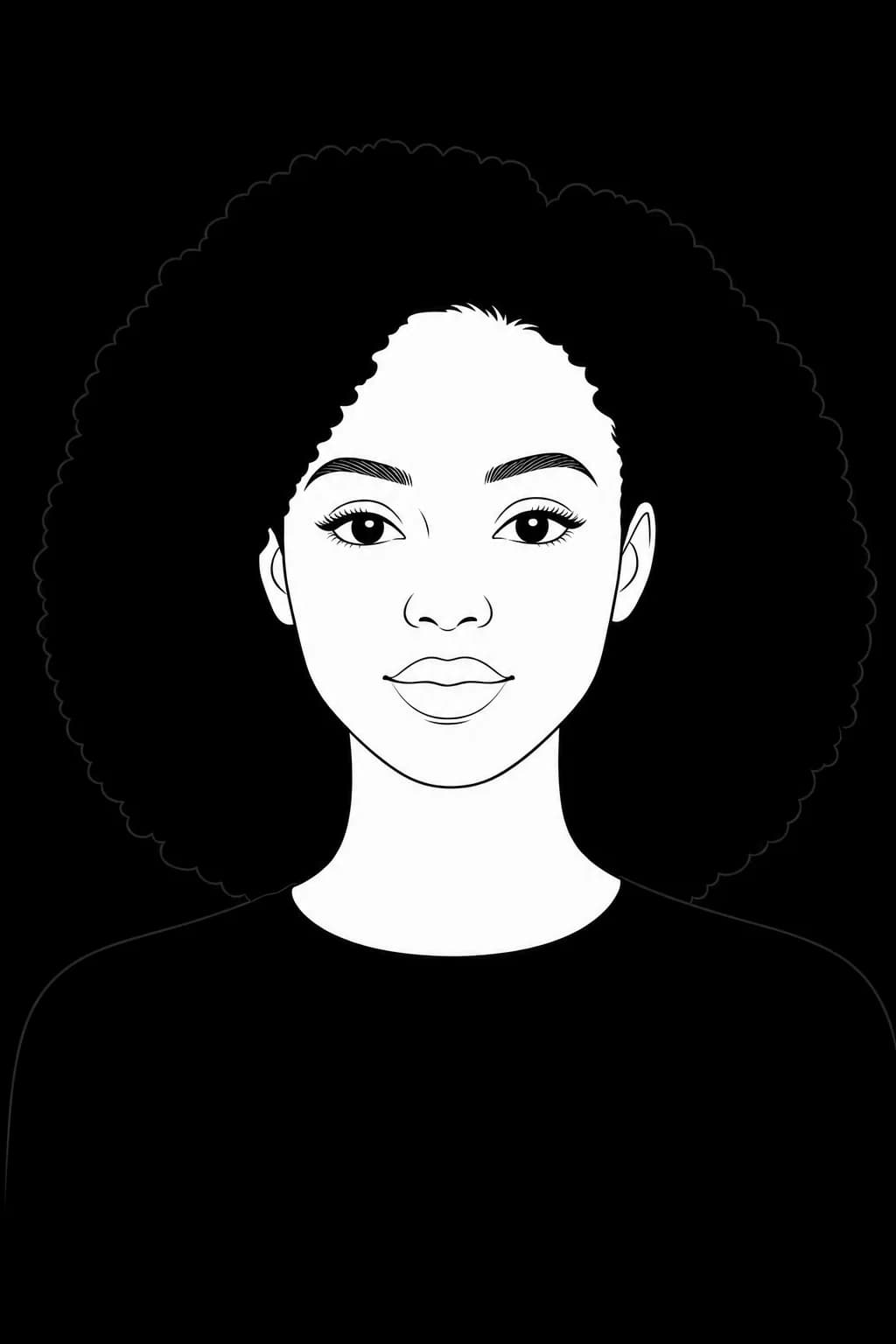
Two. One full-length photo, head to toe, and one clear face close-up without a heavy filter. A third from a different angle sometimes helps. Good light matters far more than a good camera, and if you only have the full-length shot the studio can crop a face reference from it.
Can I change the outfit after picking one?▼
Yes. Colors, individual items, scene and lighting are all adjustable per look before you generate.
How many different outfits can I try?▼
Browsing the catalog is unlimited. Each picture you actually generate costs credits, and you get free ones at signup — enough to see yourself in several outfits before deciding whether this is your kind of fun.
Can I see myself in my own clothes?▼
Yes, one piece at a time. Upload a clear photo of a jacket, a pair of shoes or a bag, keep it on a shelf, and mix it into any look. Splitting a whole outfit photo into separate pieces is still rolling out, so a single well-lit garment is the reliable path today.
Is this like virtual try-on for shopping?▼
No — it is broader and more honest. PublicSelf shows you complete styles on yourself. It does not simulate fit or sizing of specific products.
How realistic do the outfits look?▼
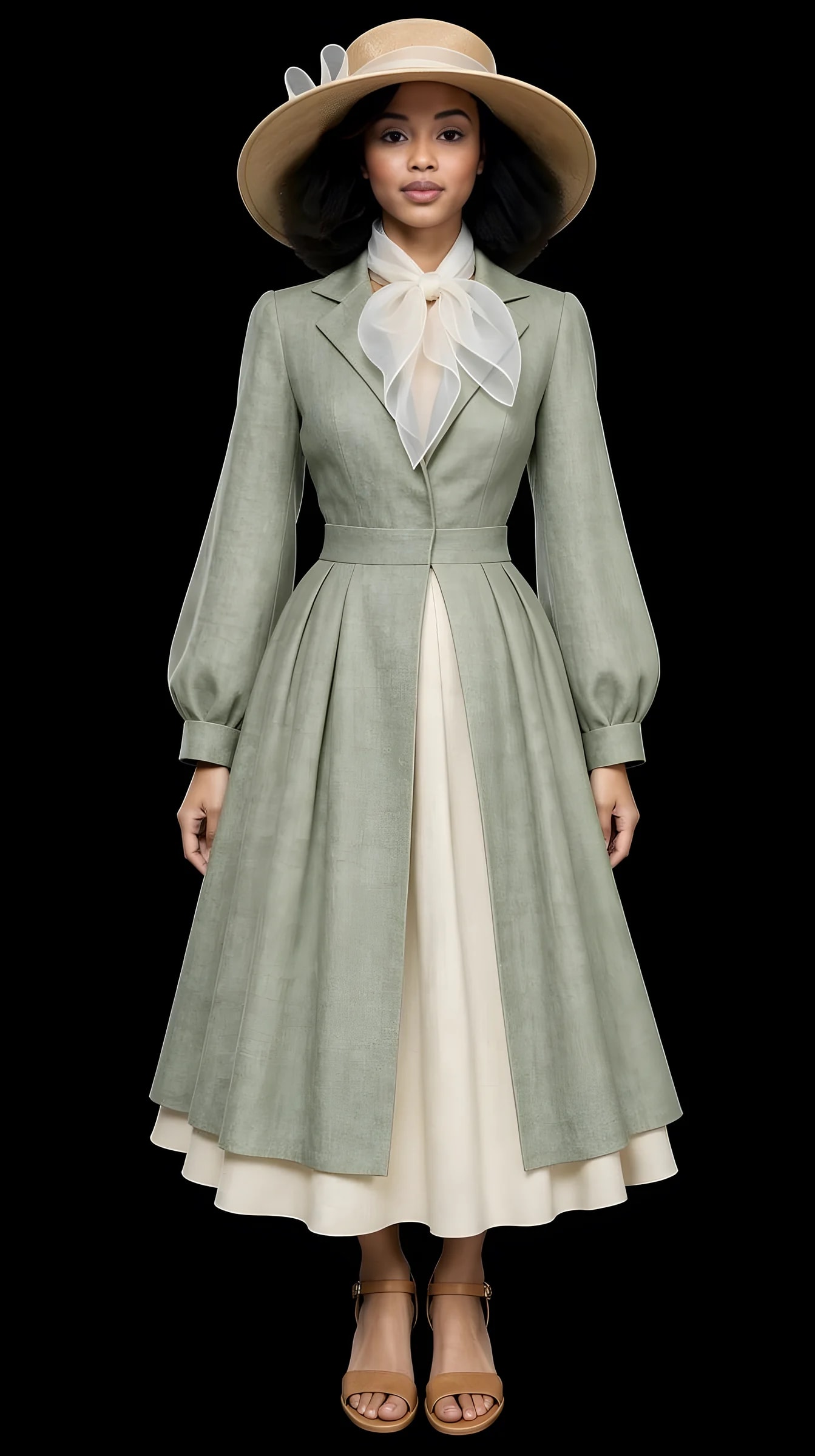
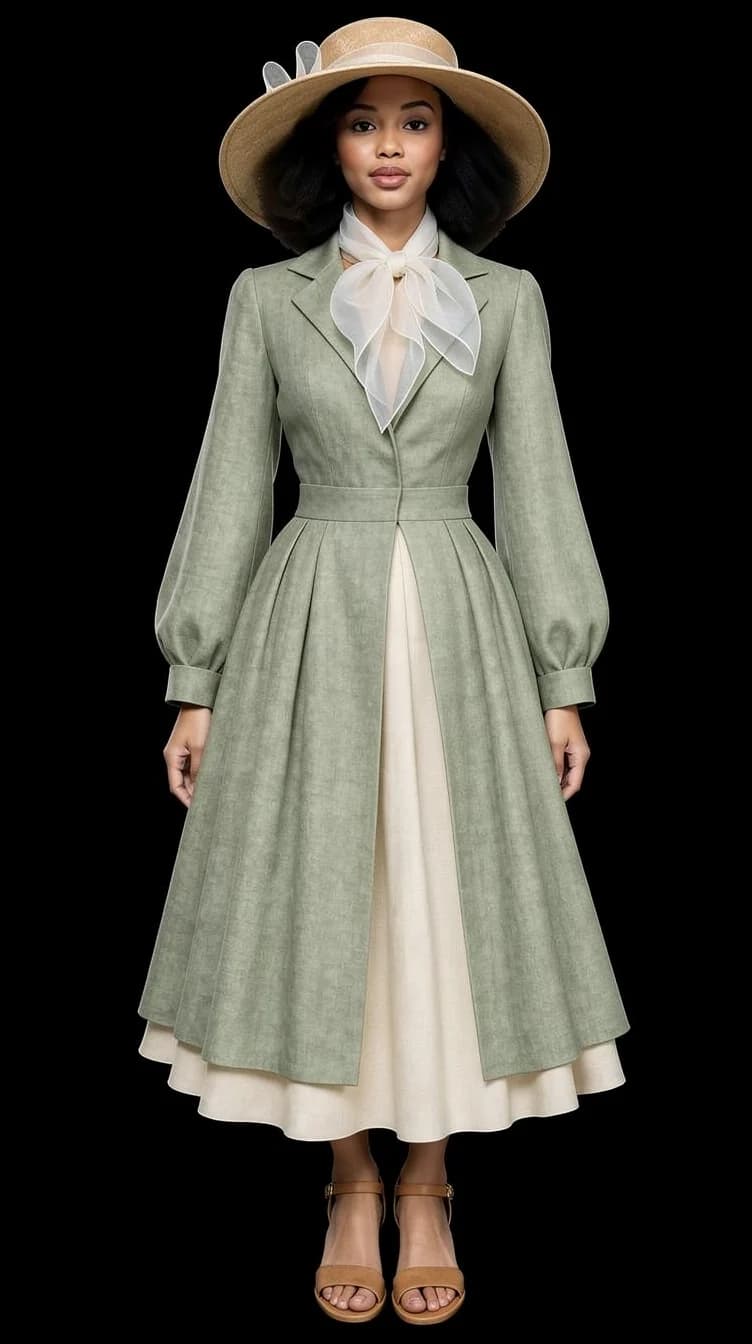
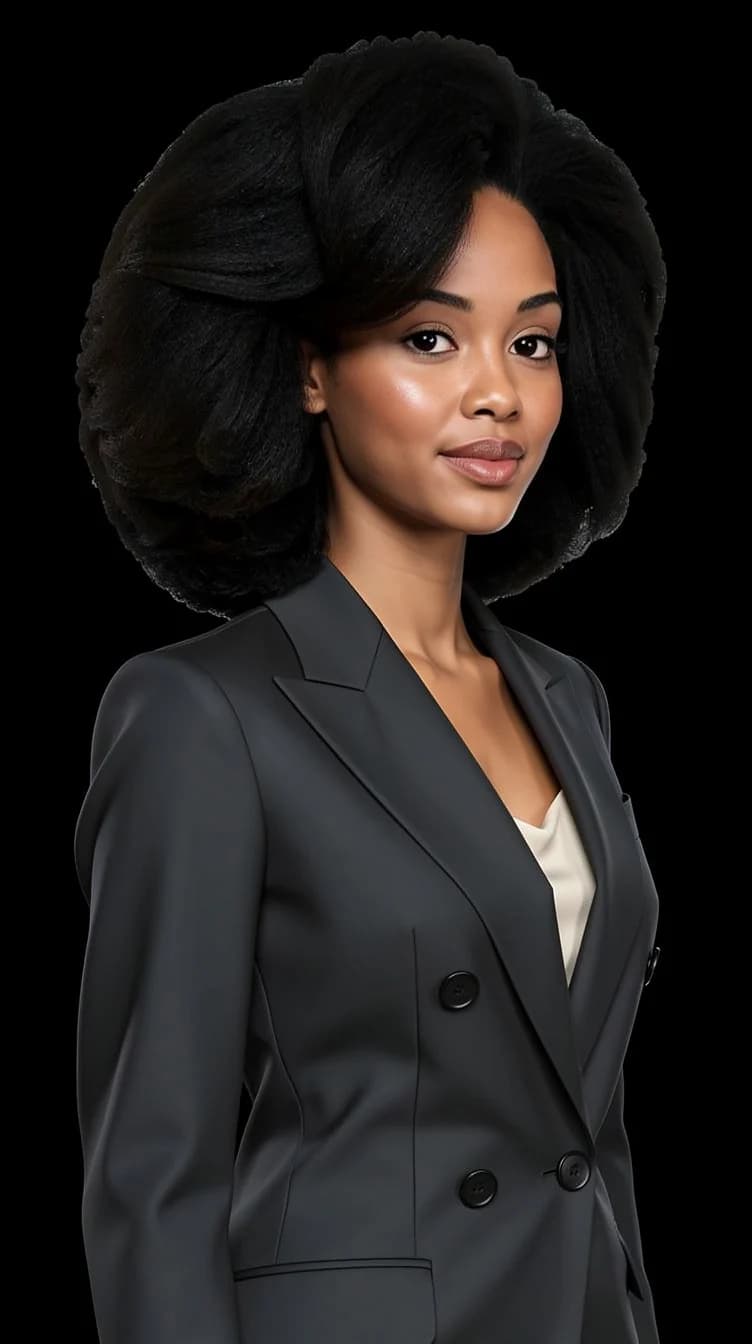
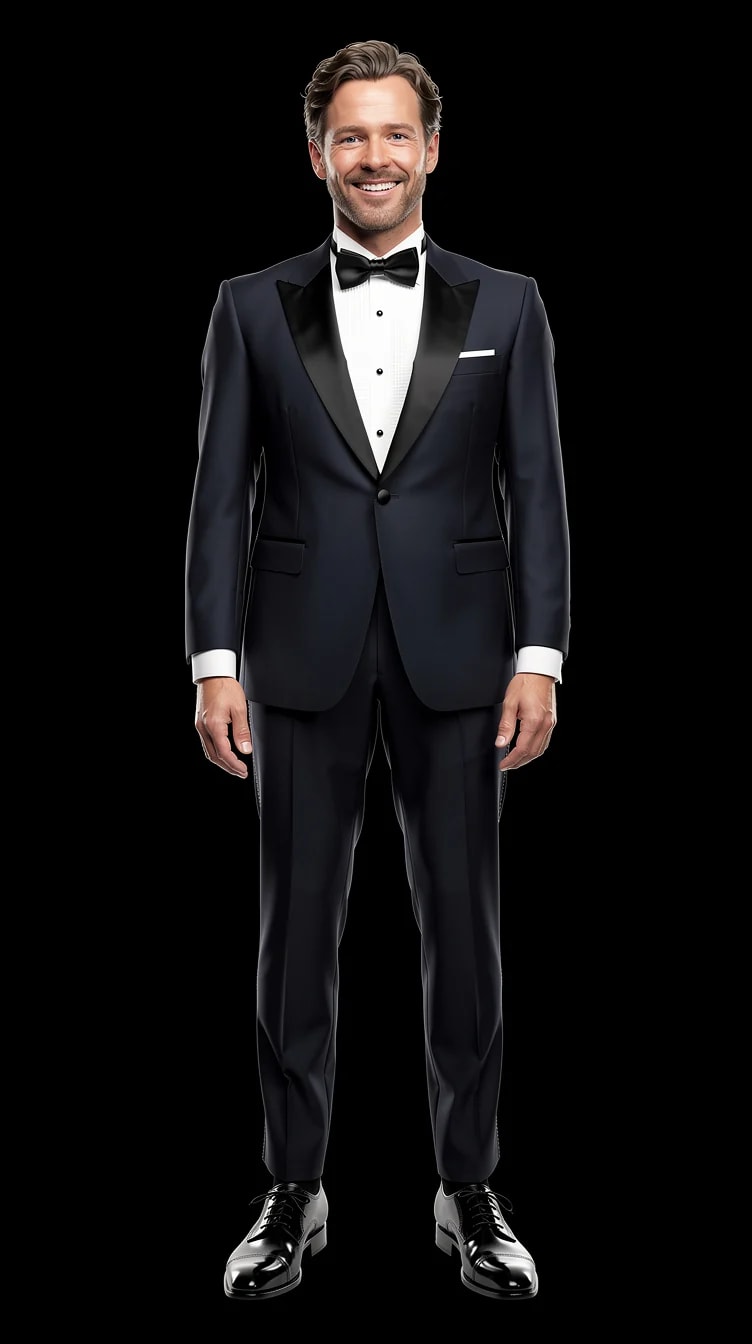
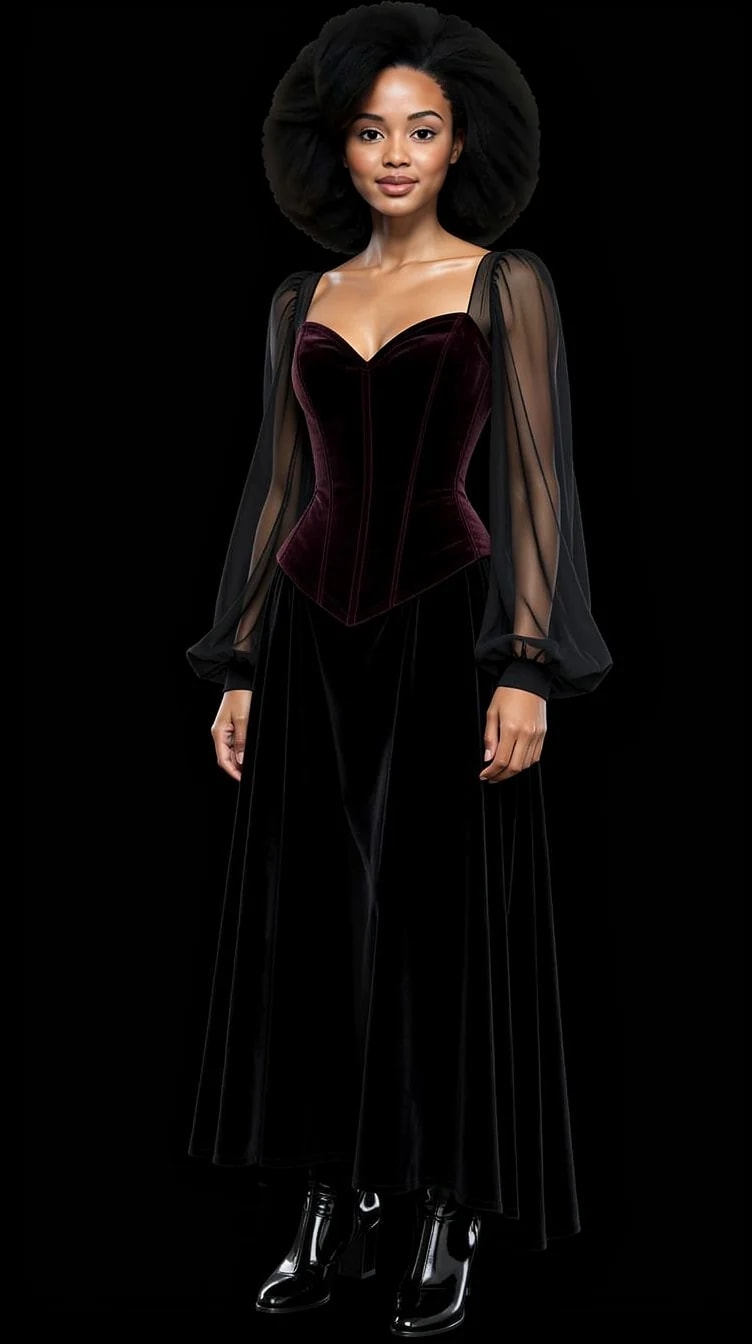
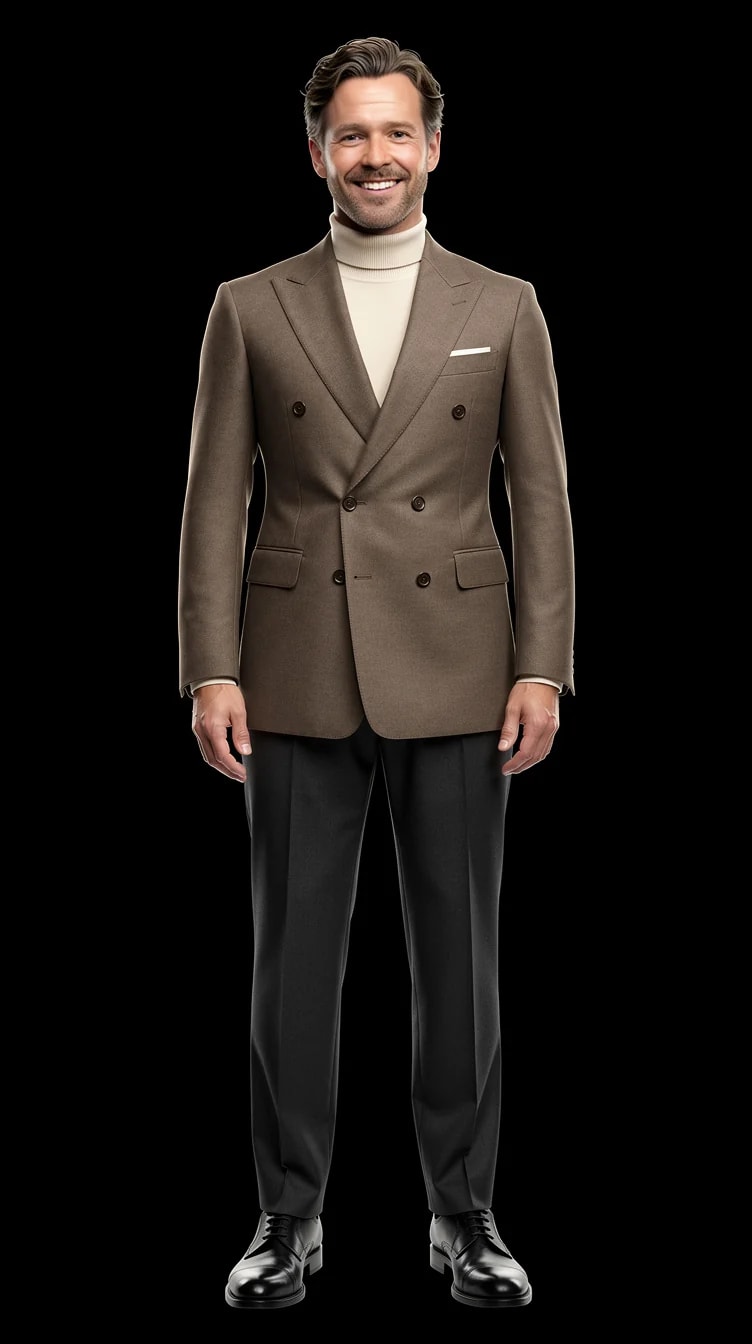
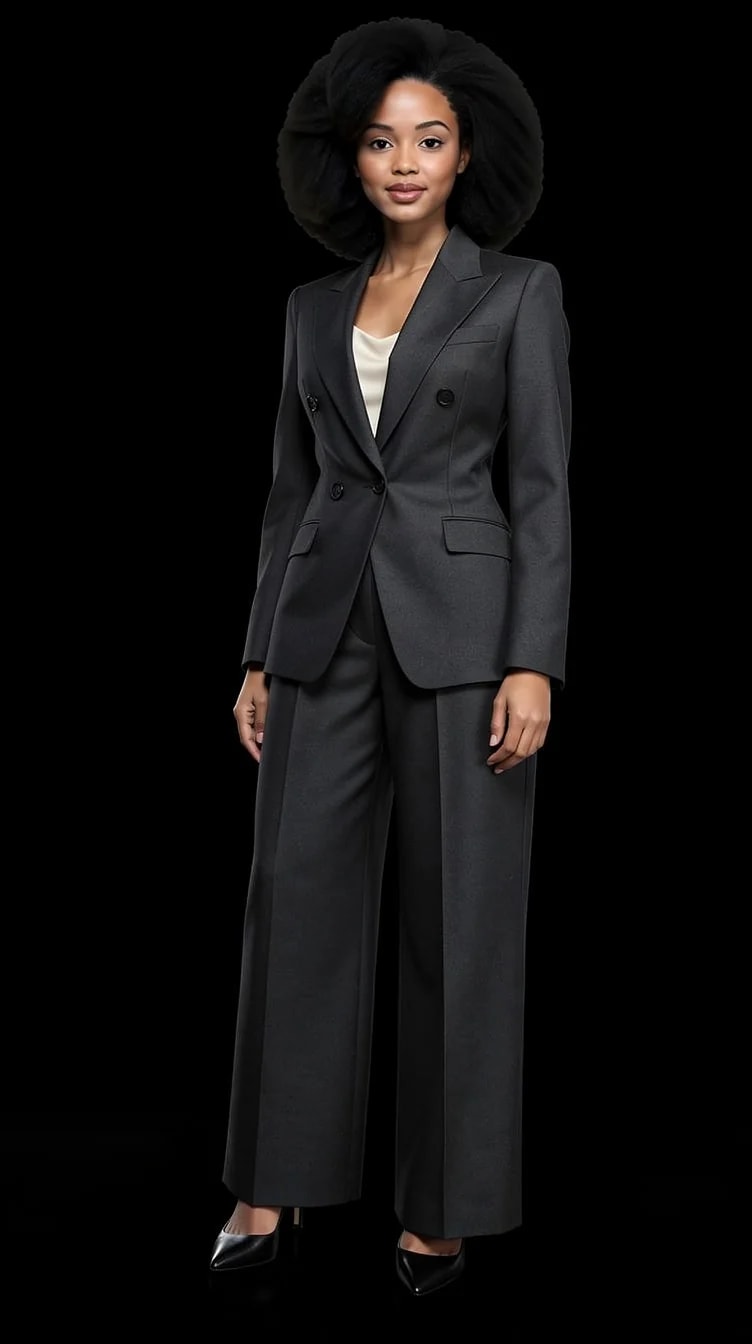
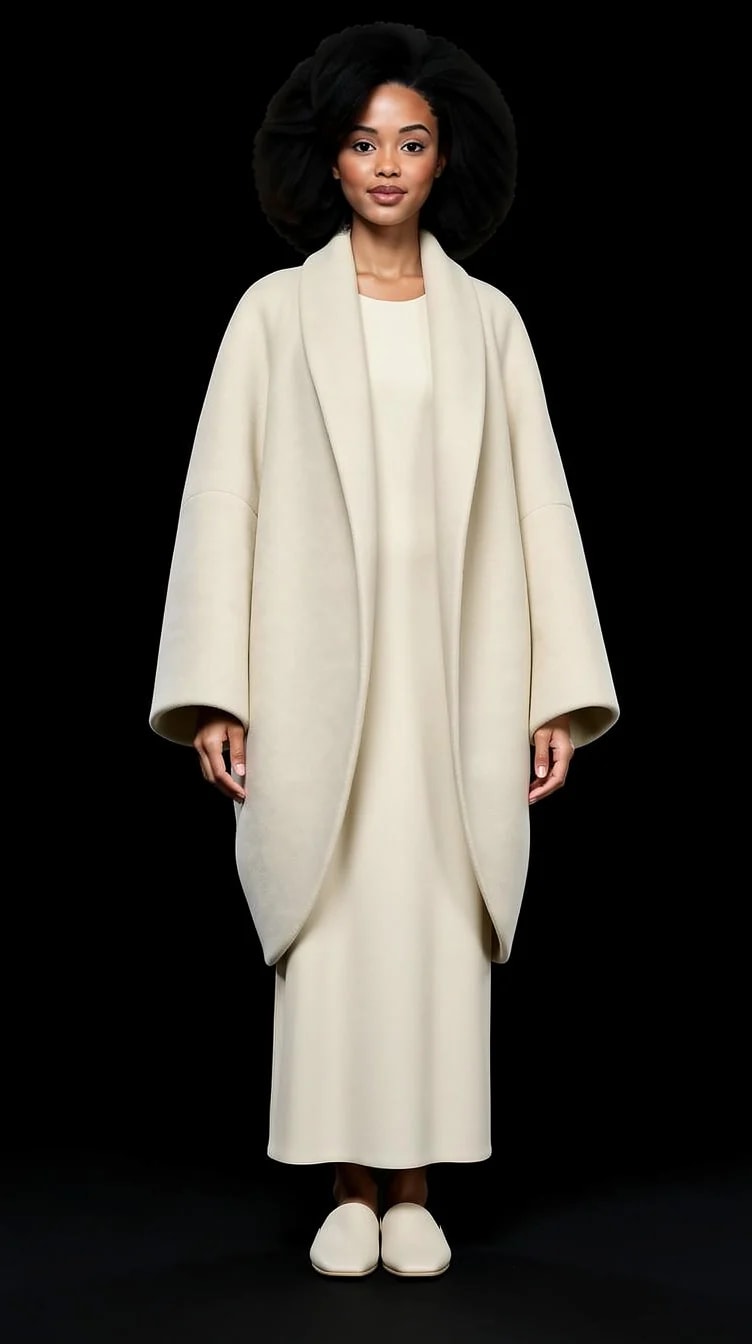
Realistic enough to judge whether a style suits you, and the gallery above is unretouched output. Fine detail is the honest limit: hands, jewellery, thin straps and delicate fabric are where any current image model gets shaky, and some frames land better than others.
Are there men's and women's outfits?▼
Yes, independently curated collections for both — business, elegant, casual and experimental directions.
Can I use a reference photo of an outfit?▼
Yes. Use a photo as inspiration and PublicSelf builds the look around it.
Does my face stay the same across outfits?▼
That is the core of the product — the outfit changes, you do not. It is not a deterministic face lock, though. Clearer reference photos hold better, and when a generation drifts, run it again.
How is this different from the outfit visualizer page?▼
Same studio, different way in. This page is for browsing finished outfits and finding out which ones suit you. The outfit visualizer page is the tool view — start from a look, then work the controls until it is exactly what you meant.
What do the 10 free credits buy?▼
10 free credits to start. A picture costs 2 credits and the premium engine 9. Review the total before generating a Shot or Set.
How should I judge a generated portrait?▼
Compare the face, hair and details with your reference photos at full size and at the intended crop. Use a result only if it remains recognizable and fits its purpose. Likeness can vary; no usable-result count is guaranteed.