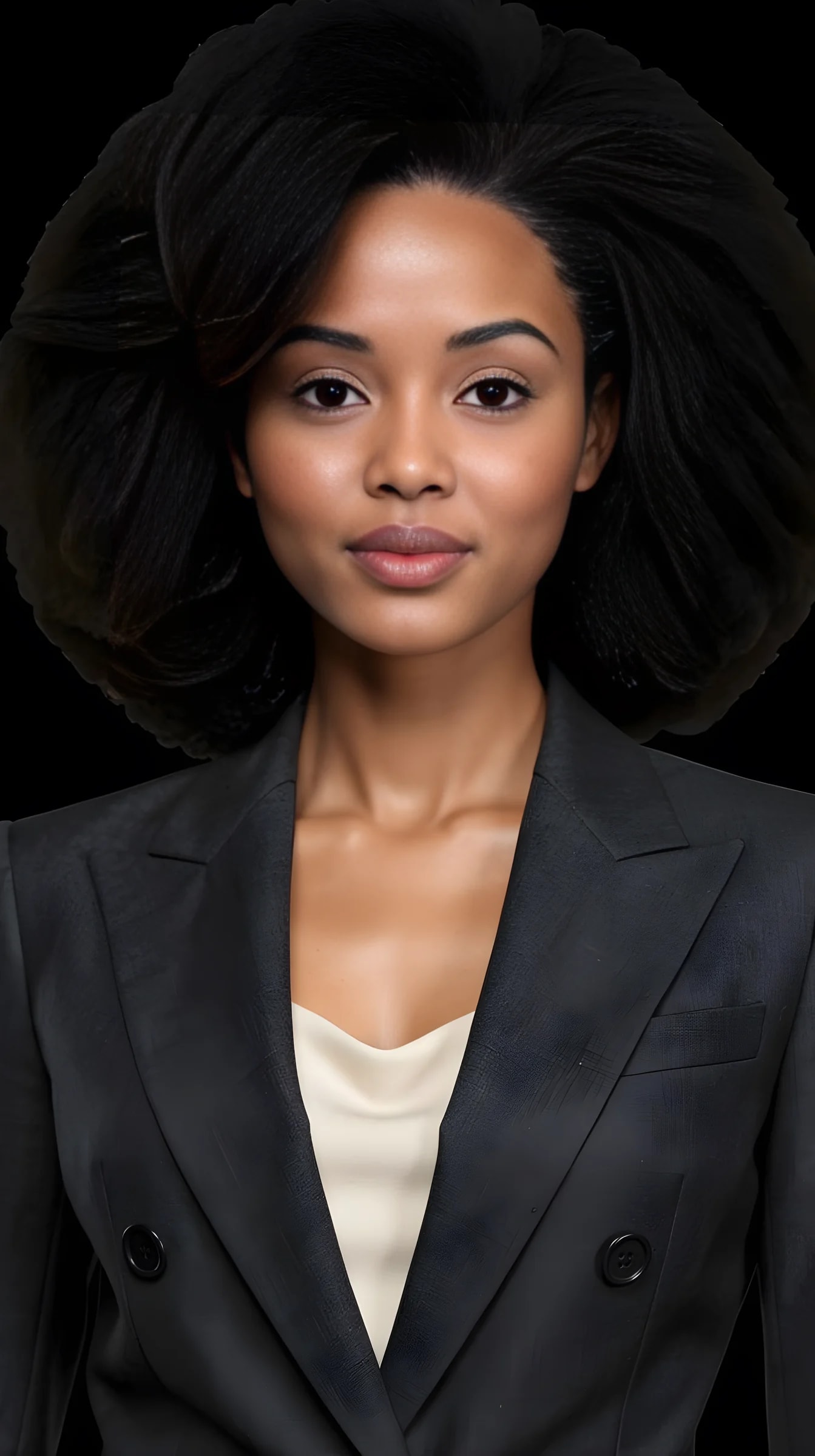
How do I make a professional headshot with AI?▼
Upload two photos of yourself, pick a Look and a shoot setup, set the crop, and generate. You direct visible controls — outfit, expression, light, background, framing — instead of writing a prompt.
How many photos of myself do I need?▼
Two: one full-length photo, head to toe, and one clear face close-up with your eyes visible and no heavy filter. A third from a different angle sometimes helps. If you cannot get a clean face shot, the studio can crop one out of the full-length picture.
Can I create a professional headshot from normal selfies?▼
Yes. Ordinary phone photos are enough — good light matters far more than a good camera. Your own pictures establish the identity, while the chosen Look and shoot setup provide the professional styling.
Will the headshot look like me?▼
Keeping you recognisable is the core of the product, but it is not a deterministic face lock. Clearer reference photos give steadier results, and the occasional frame drifts. When one does, generate it again.
Is this as good as a photographer?▼
Sometimes, and not always — worth saying plainly. This is a studio you direct, not a guarantee of a photoreal result. Hands, jewellery, thin straps and fine fabric detail are where every current image generator is weakest, and some frames land better than others. If you need a guaranteed corporate headshot, book a photographer. If you want several credible options for a bio, a profile or a CV, generate a few and keep the ones that read as you.
Can I choose what I wear?▼
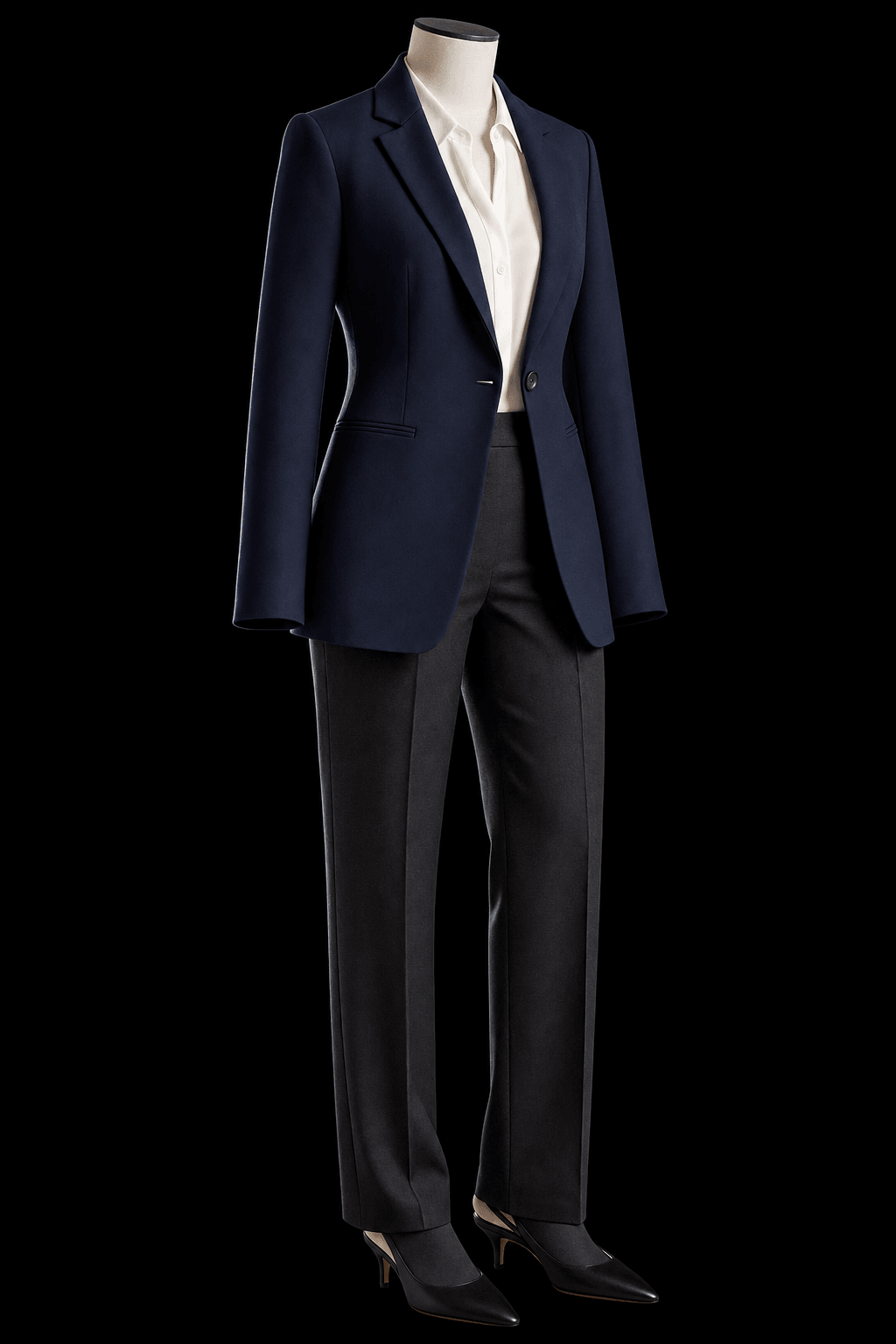
Yes. Select a complete curated Look, use a photo of an outfit as a reference, change colours, or add individual pieces — including a jacket you actually own.
Can I generate several matching headshots?▼
Yes. A Set makes connected pictures of the same concept with varied expressions, framing and poses — closer to a shoot than to a single render.
Is this limited to suits?▼
No. Professional can mean formal tailoring, smart casual, creative, editorial or another direction appropriate to the room you actually work in.
Can I edit a headshot after it is generated?▼
Yes. Open Tune on a result you like and change the clothing layer with a short instruction while the rest of the picture stays put. Each generation and each Tune costs credits.
Can I use an AI headshot on LinkedIn or a company website?▼
You keep your results and use them wherever you like. Two caveats worth saying out loud: platforms set their own rules about AI-generated imagery and those rules change, so check the current ones; and a photo that looks nothing like the person who walks into the meeting does you no favours.
Is it free?▼
You get free credits when you sign up, no payment required — enough to generate several headshots before deciding whether to buy more. After that each generation costs credits.
What happens to my photos?▼
Your reference photos and uploaded items stay in your account until you delete them, or delete the account. Generated pictures are cleared after a couple of days unless you keep them: tap the heart to leave one in the studio, or download it. Anything you have downloaded is yours regardless.