A camera in hand
The photographer portrait, the creator portrait, the behind-the-scenes picture.
Props and products
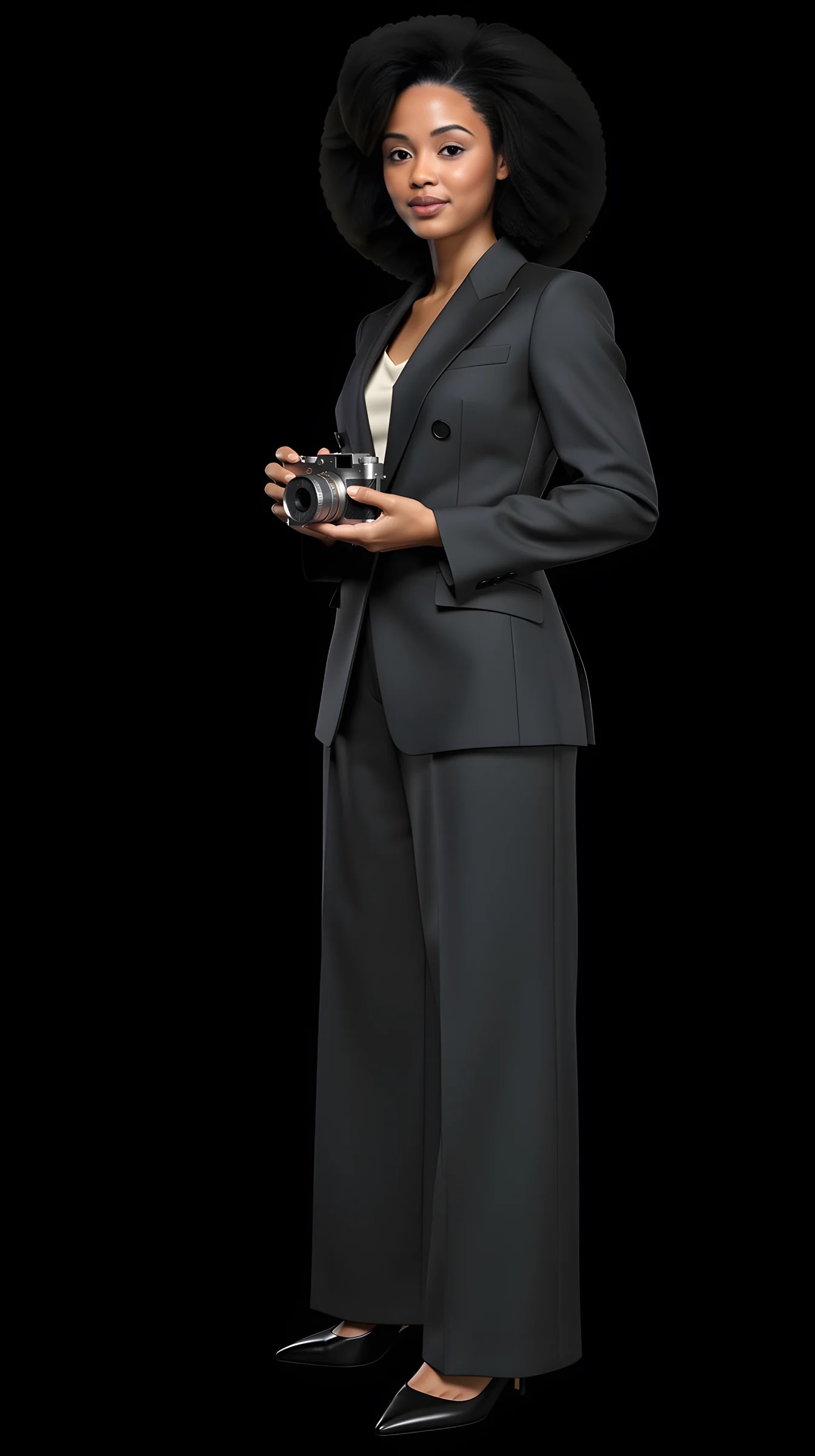
Hold a camera. Carry a leather bag. Put on a helmet. Or hold the product you sell, photographed from one clear picture of it. Items are a shelf in the studio: pick one from the list or upload your own, and it appears in the shoot with you.
10 free credits to start. A picture costs 2 credits and the premium engine 9. Review the total before generating a Shot or Set.
What you can create
A prop turns a portrait into a story. A product turns it into a listing you can use.
The photographer portrait, the creator portrait, the behind-the-scenes picture.
Carried in one hand: the accessory that finishes a business or travel portrait.
Motorcycle, bicycle, ski: the hobby portrait that is not a selfie in a parking lot.
Upload one clear photo of what you sell and hold it, wear it or present it in a studio picture of yourself.
Accessories from your wardrobe shelf, kept in your account and dropped into any Look.
One item across several poses and backgrounds, consistent in every frame.
How it works
Items work like wardrobe pieces: upload once, keep, reuse.
01
A head-to-toe photo and a face close-up carry your identity.
02
Open Items in the studio. Choose a prop from the list or upload one clear photo of your product. It stays on your shelf.
03
Pick a Look, a pose and a background, and generate. The item is in the picture with you.
Examples
The demo avatar with three items from the list, in the same Look. Made in the studio with the real pipeline.
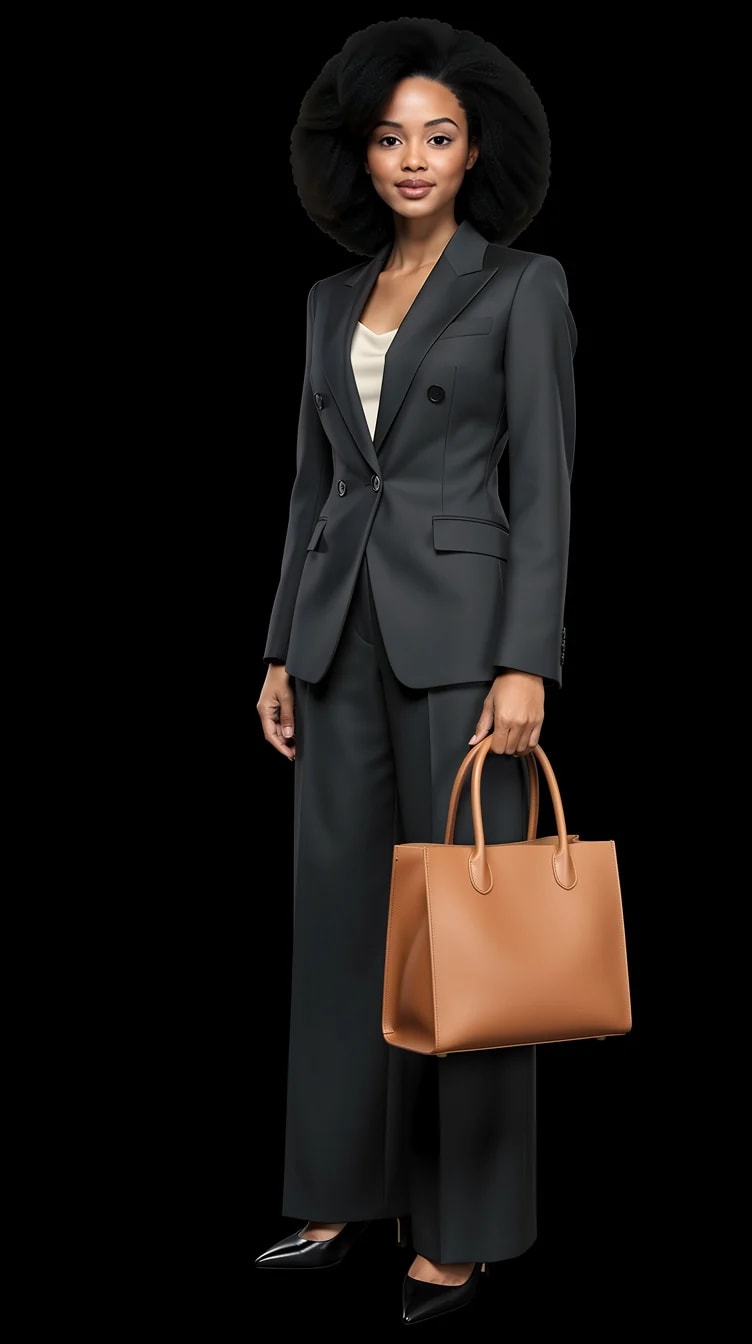
Carried in one hand.
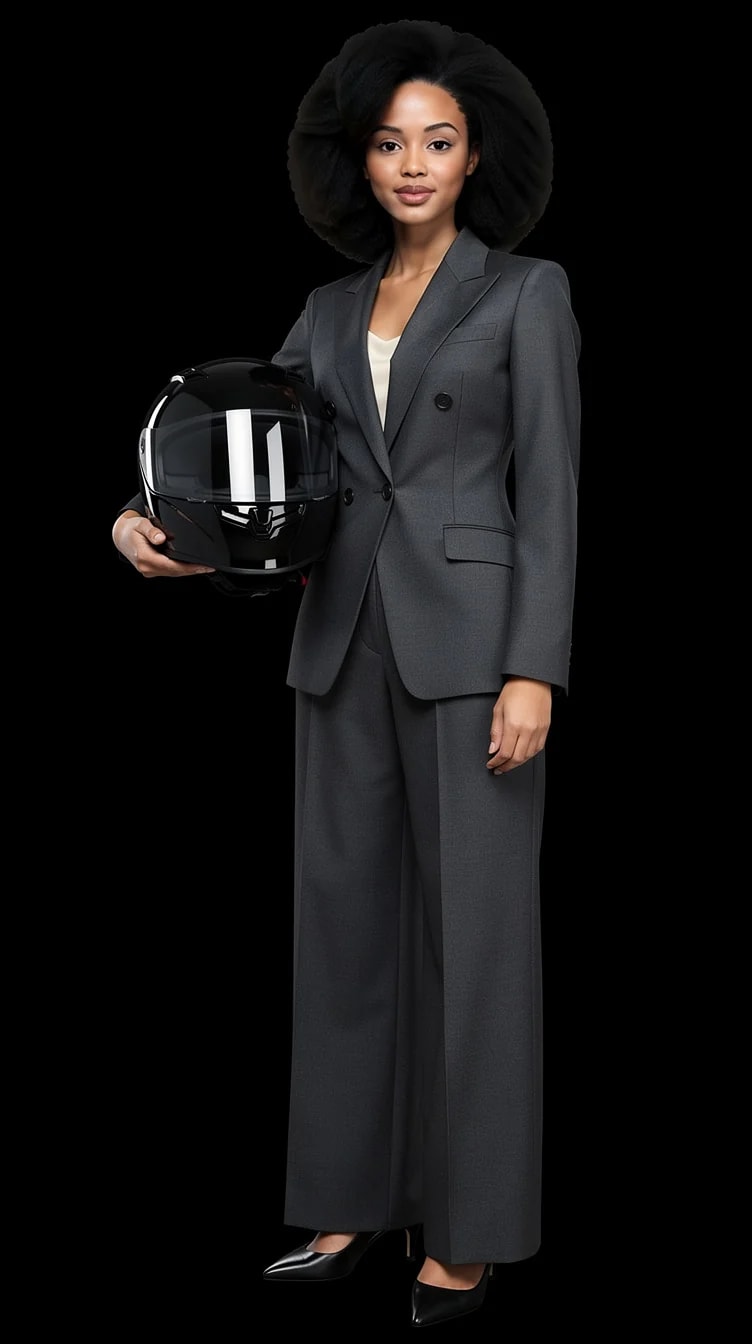
The hobby portrait.
What you can change with it
A prop is one more thing the shoot keeps consistent while you change the rest.
Camera, leather bag, helmet and the rest of the list in the studio.
One clear photo of it, kept on your shelf.
Holding, wearing, presenting.
Black, white, gray, blue, studio, concrete, or a scene.
Close enough to read the product, or full length.
Front, three-quarter, profile, low, high.
Yes. Upload one clear photo of it, ideally on a plain background, and it joins your items shelf. Then shoot yourself holding, wearing or presenting it. Fine print on labels and very small objects are where image models still struggle, so keep the product large in the frame.
A list in the studio under Items, including a camera, a leather bag and a helmet, with more being added. Anything not on the list you can upload yourself.
Uploaded items are references, like your face: the studio keeps their shape and colour across the shots in a set. Expect small variation in fine detail between frames.
A picture costs 2 credits; the premium engine costs 9. Uploading an item is free. New accounts start with 10 free credits.
Same mechanism, different shelf. Clothes go into a Look; props and products go into the shoot. Both are kept in your account until you delete them.
10 free credits to start. A picture costs 2 credits and the premium engine 9. Review the total before generating a Shot or Set.
Compare the face, hair and details with your reference photos at full size and at the intended crop. Use a result only if it remains recognizable and fits its purpose. Likeness can vary; no usable-result count is guaranteed.
Try it on your own photos
Upload a few photos and one picture of the item. 10 free credits, no card needed.